
Get any PDF form from the DocHub library of ready-made templates - Page 2125
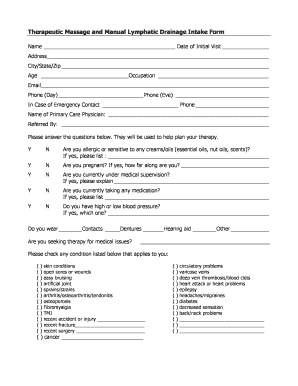
Lymphatic drainage consent form
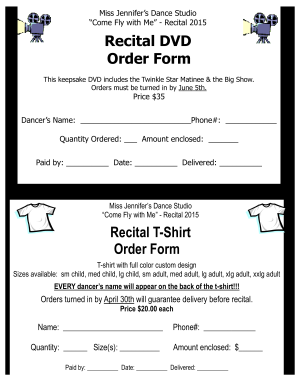
Dvd order form
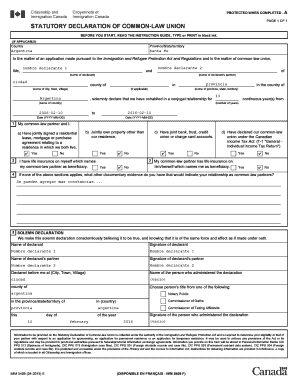
Imm5409e guide

Dow port tx drive in badge request form
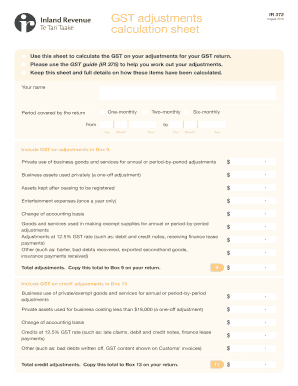
Inland revenue calculation
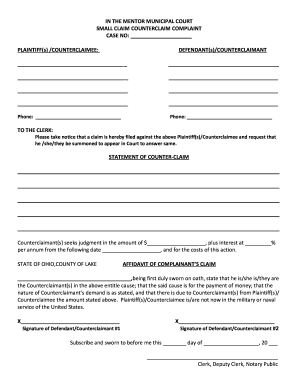
Small Claim Counterclaim Complaint Form - Mentor Municipal Court - mentormunicipalcourt
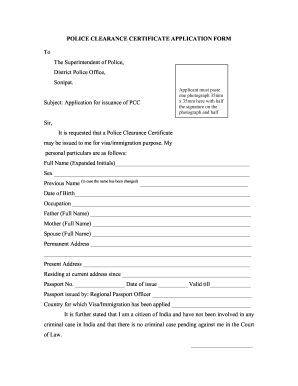
Haryana police character certificate pdf
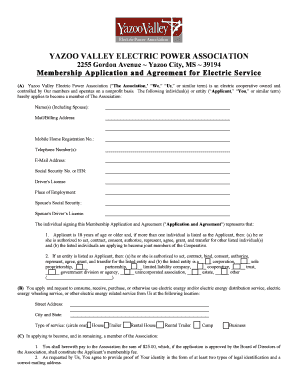
Yazoo valley electric application
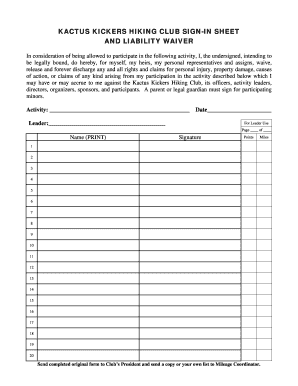
Create a signup sheet online
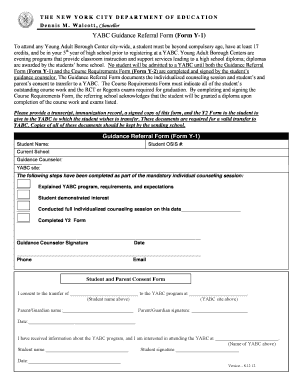
Y1 form
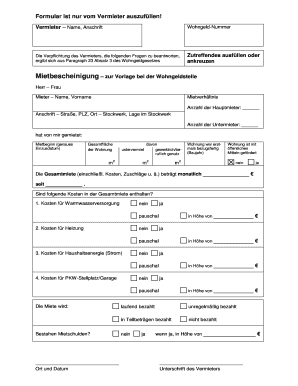
Mietbescheinigung vorlage word

Canadian county visitation schedule

Pet parade contest
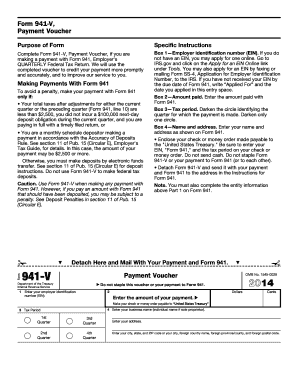
941 v

Podiatry new patient intake form
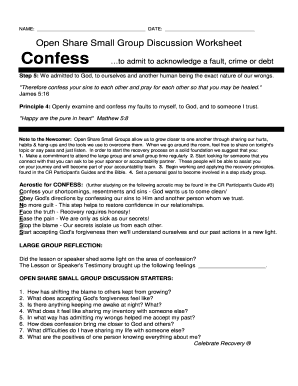
Open Share Small Group Discussion Worksheet Confess to
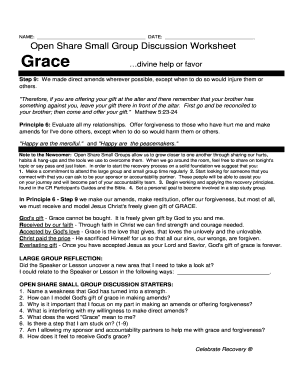
Small Group Lesson18-Grace
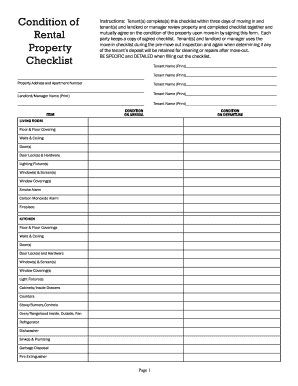
Mutually agree on the condition of the property upon move-in by signing this form
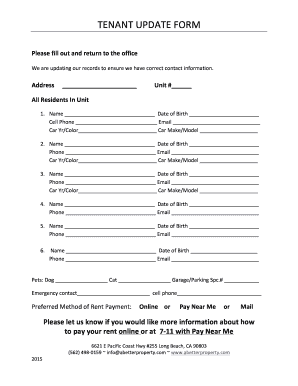
Tenant update forms
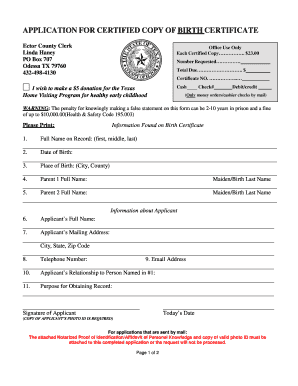
Birth certificate odessa tx
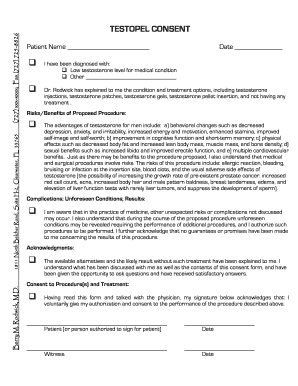
Testopel consent

Motion for continuance example
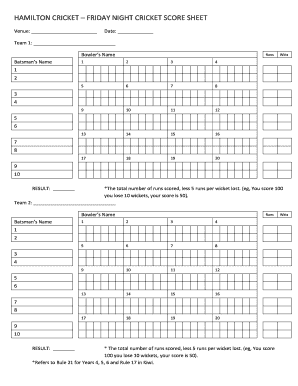
Cricket score sheet
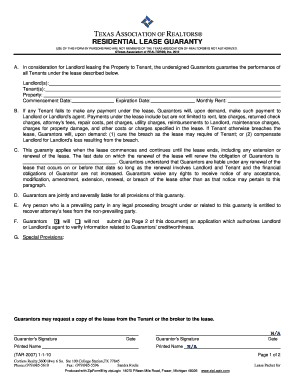
Txr 2007
Grade 6 math assessment
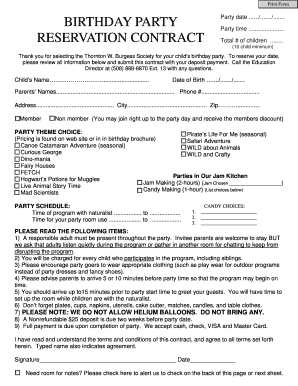
Birthday contract
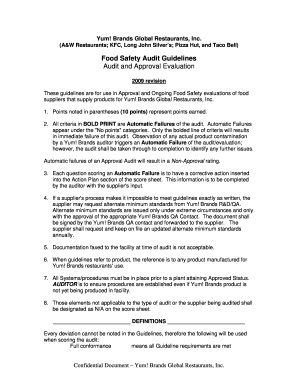
Yum audit checklist
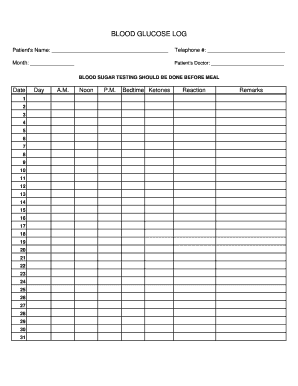
Blood sugar log sheet pdf
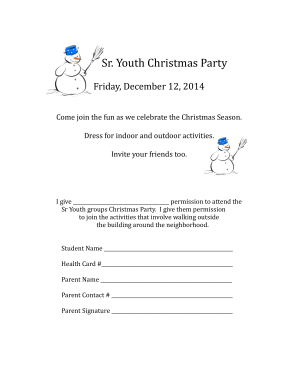
Christmas party permission
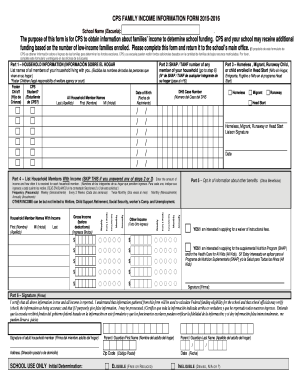
Cps family income information form 2020

Pa act 235 form

Ny nativity ucc form search
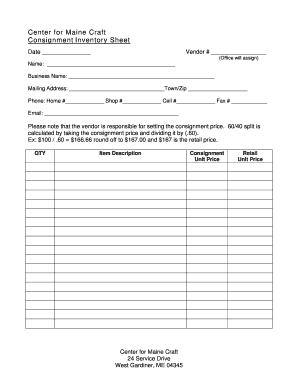
Consignment inventory form
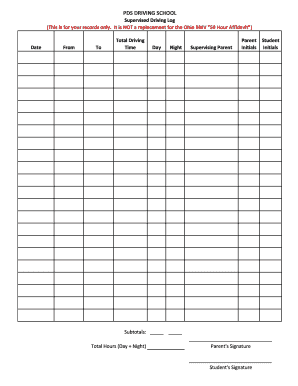
50 hour driving log sheet ohio
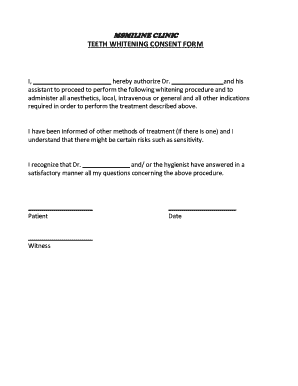
Printable teeth whitening consent form
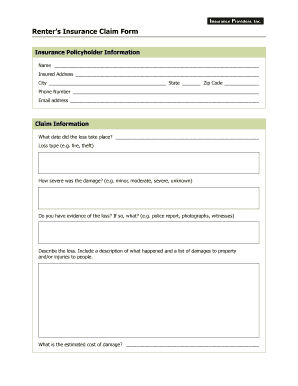
Fillable renters insurance claim form
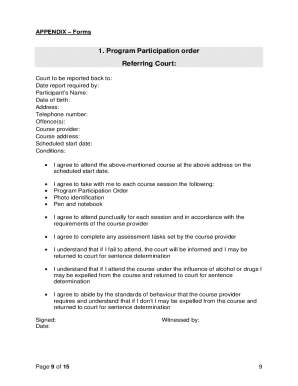
Traffic offenders program online
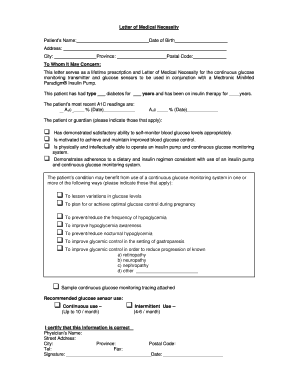
Medtronic certificate of medical necessity
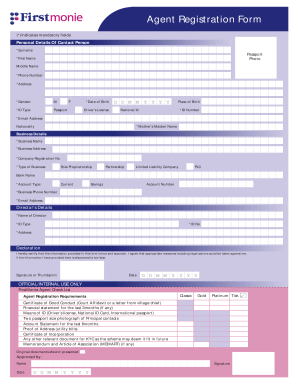
Firstmonie agent portal
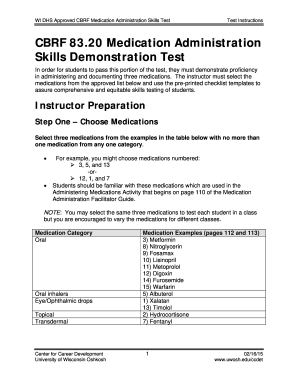
Cbrf medication administration test
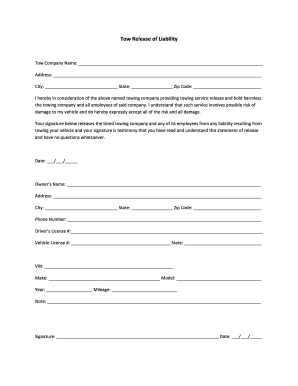
Tow Release of Liability - Free Links
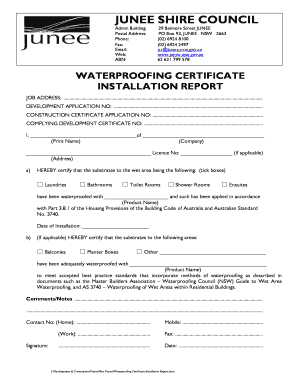
Waterproofing certificate template nsw
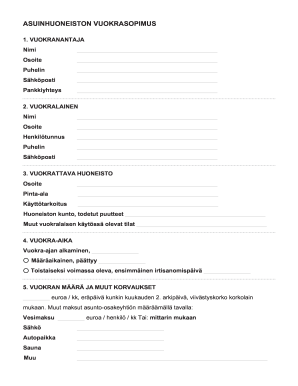
Asuinhuoneiston
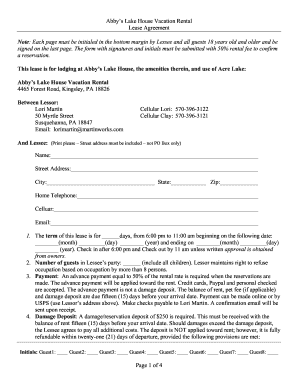
Abby39s Lake House Vacation Rental bLease Agreementb Page 1 of 4 bb
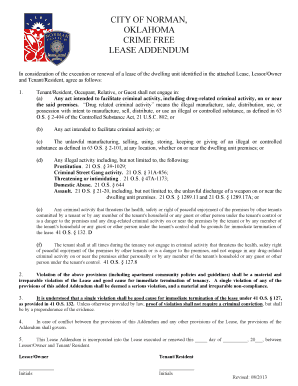
OKLAHOMA CRIME FREE LEASE ADDENDUM - Cottonwood Ridge
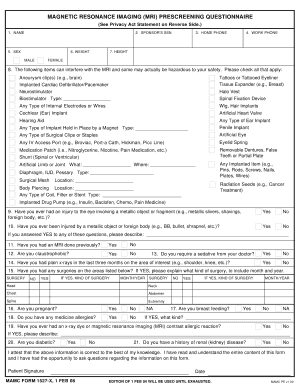
Page 1 MAMC Form 1527-X
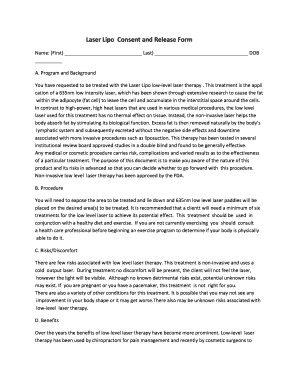
Lipo lab consent form
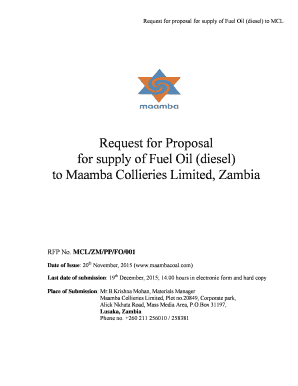
Fuel supply proposal pdf
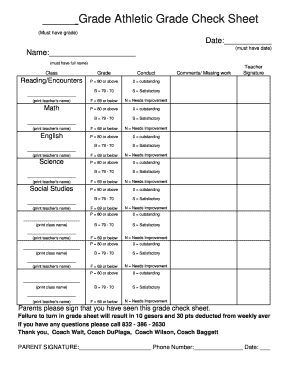
Grade check sheet
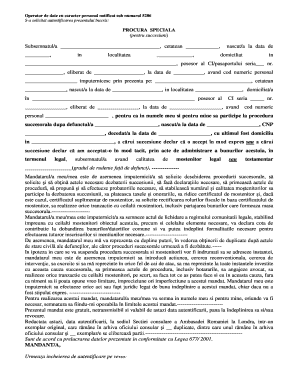
Model procura succesiune
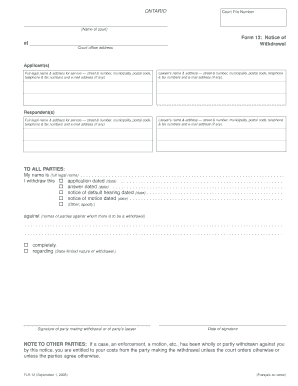
Form 12 notice of withdrawal
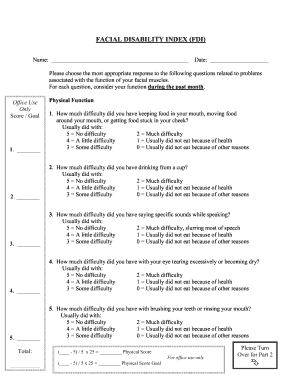
Facial disability index pdf
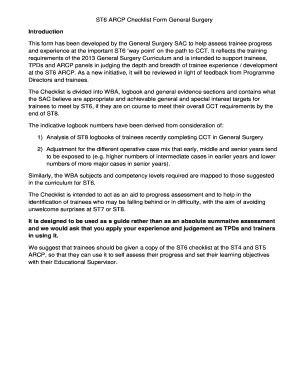
Surgery bjcstb online
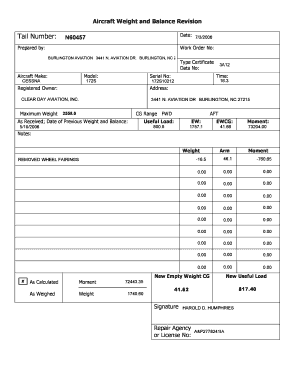
Aircraft Weight and Balance Revision
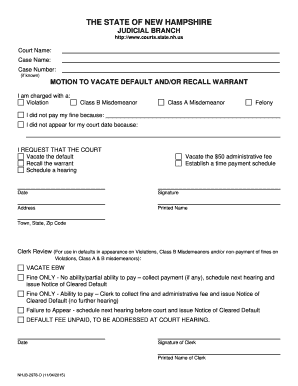
Motion to vacate warrant
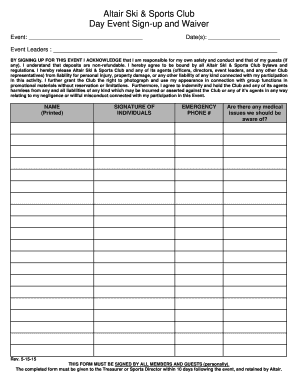
Altair Ski & Sports Club Trip & Event Sign-up Sheet - altairsports
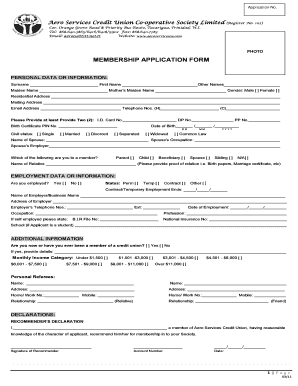
Cooperative membership form pdf
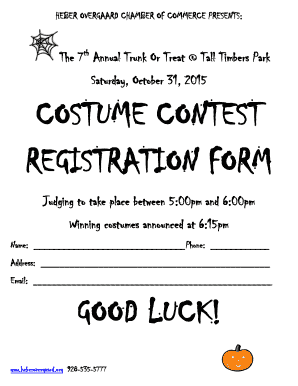
Costume contest form
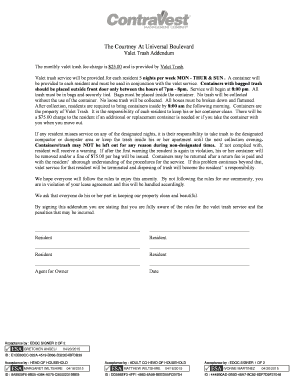
Valet trash service contract pdf

Exclusive Property Management Agreement - Landlord Tenant Group

Sunday School Registration Students Name: Parents/ Guardians: Home Phone: ( ) Preferred name: Address: City: Zip Code Date of Birth: Grade in School: School Name: Emergency Contact Name: Emergency Contact Phone: Special needs that may limit

Waxing consultation form

Reference sheet for car dealership
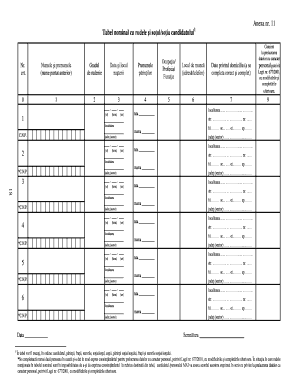
Model tabel nominal cu rudele candidatului completat
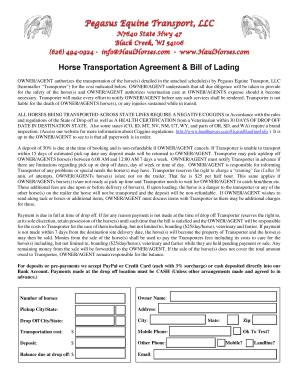
Horse hauling contract
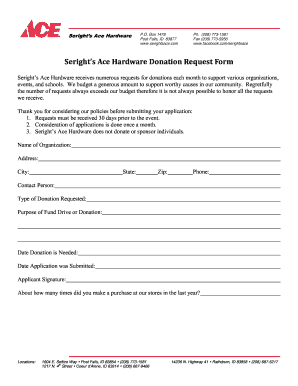
Ace hardware donation request
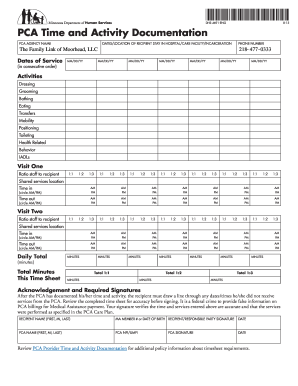
Pca timesheet
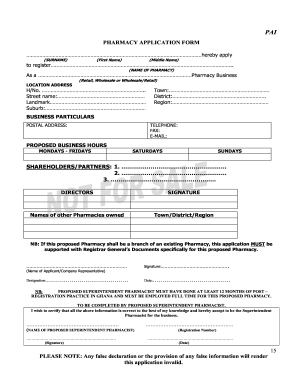
Over the counter license in ghana
Spare a dollar fundraiser spring trail pto
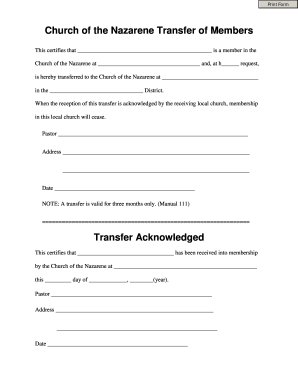
Church transfer forms
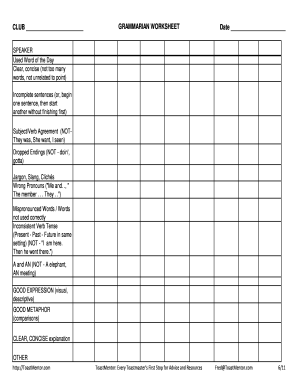
Toastmasters grammarian sheet
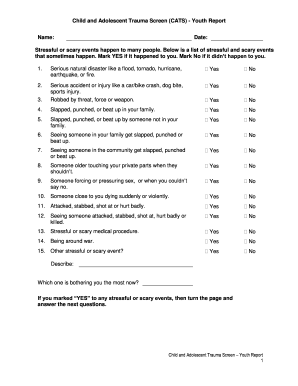
Child and trauma screen pdf
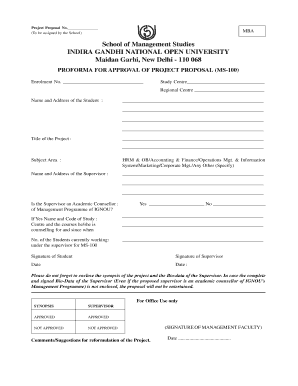
Ignou project proposal sample pdf
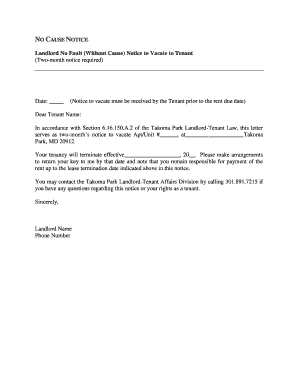
Landlord No Fault (Without Cause) Notice to Vacate to Tenant (Two ...
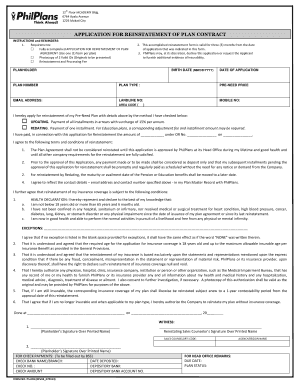
Philplans office

Maverick carrier packet
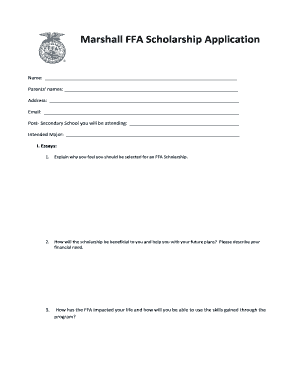
Marshall ffa scholarship form
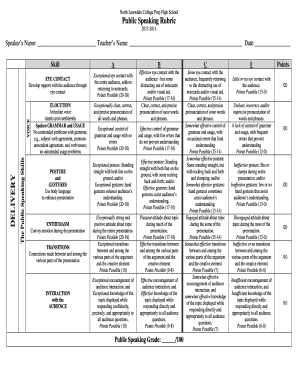
Public speaking rubric

Wodagroup com

Form 4 notice representation
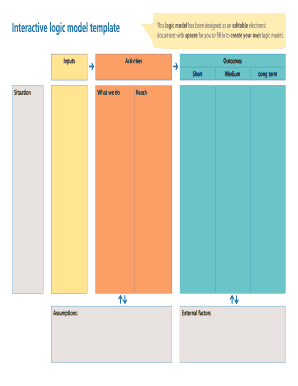
Interactive logic model template Inputs This logic model has been designed as an editable electronic document with spaces for you to fill in to create your own logic model - evaluationsupportscotland org
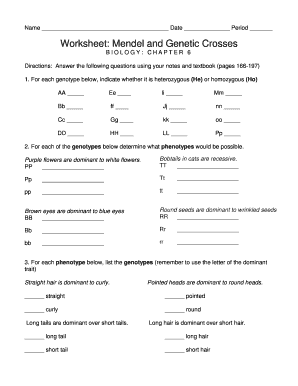
Mendelian genetics worksheet
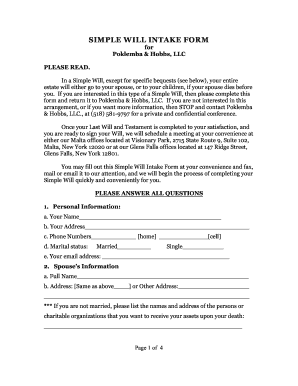
Will intake form
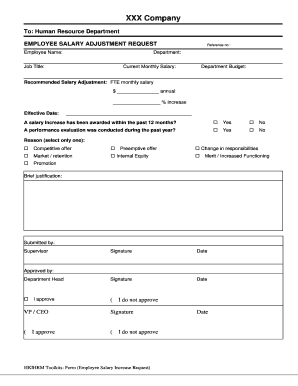
Salary adjustment request increase
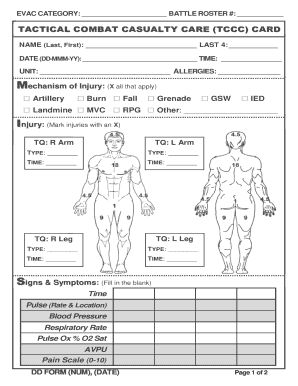
Casualty care card
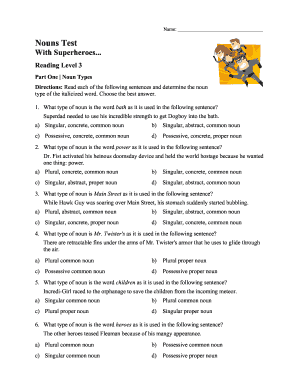
D his fleaman
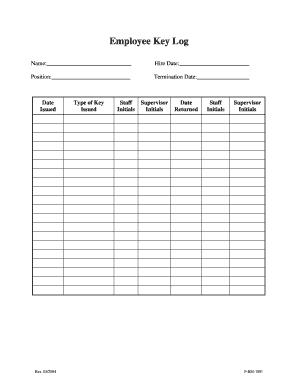
Key log
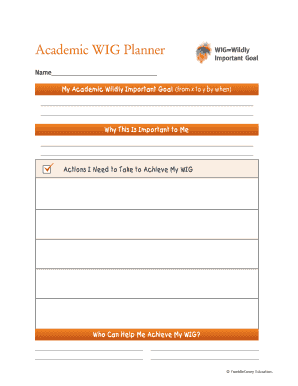
Academic wig
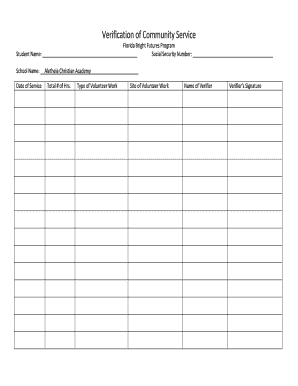
Community Service Hours Log for Bright Futures - acalions
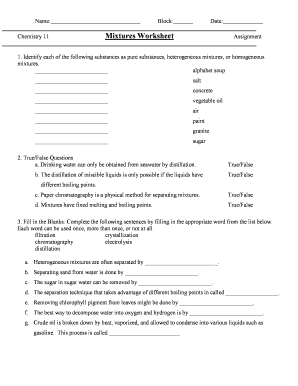
Mixtures worksheet chemistry 11
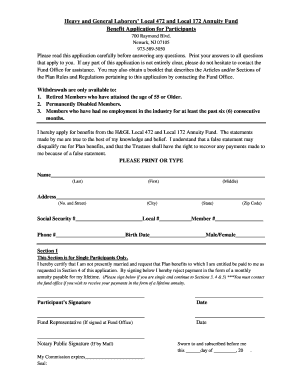
472 local annuity fund

Dunk tank waiver

ACI eManifest Fax bFormb - bBorderConnectb
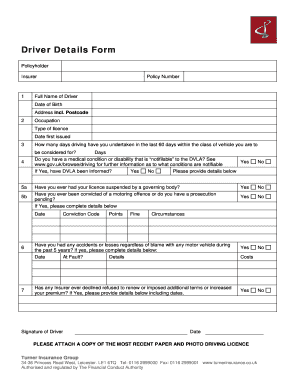
Driver details form

Form hf jsea analysis pdf
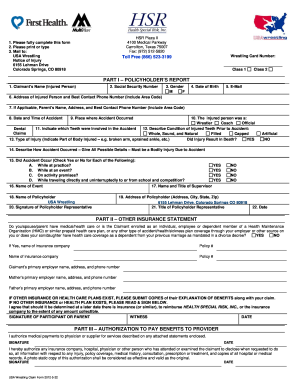
Usa wrestling claim

How to Make an Envelope for Your Groupon Gift
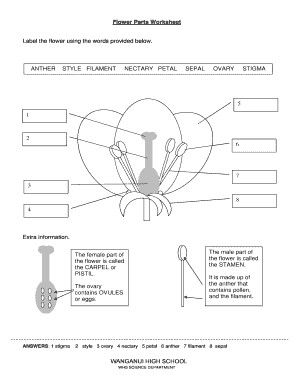
Printable parts of a flower worksheet pdf
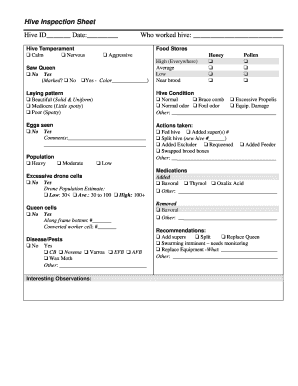
Bee hive inspection sheet
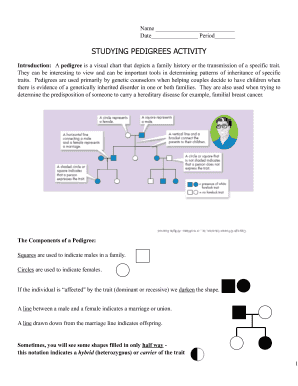
Studying pedigrees activity
Benefit from the DocHub online library of fillable PDF forms
Searching the PDF forms doesn't have to be a tedious and time-consuming process. With the DocHub online library, it has become easier to find the fillable PDF forms and modify them in your browser. The service allows you to adjust the document to your needs using powerful editing tools.
You can use online document editing features to modify almost any type of document with ease. You just need to find the template of your choice, open it in the editor, and use the toolbar to make the necessary corrections.
Follow this guide to get your document done with DocHub:
- Find the PDF template you need.
- Click the Get Form button to open the file in the editor.
- Use the toolbar to fill out and edit the document.
- Easily add and highlight text, insert images, checkmarks, and symbols.
- Drop new fillable fields, and rearrange or delete pages from your file.
- Save changes and download your record.
DocHub empowers everyone to streamline document editing, signing, and distribution, and form completion. Create an account and benefit from our well-organized PDF Forms library and comprehensive editor.