
Get any PDF form from the DocHub library of ready-made templates - Page 1978
Evicore certification request form search
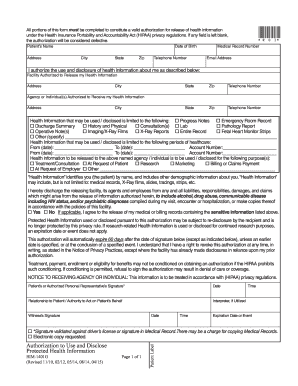
Authorization use disclose protected

Tph 204
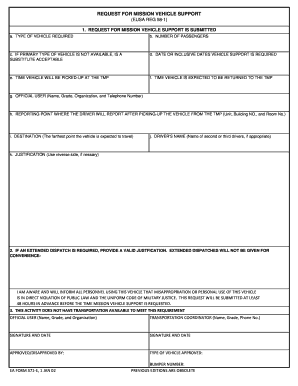
Ea form 571 e

Charter party agreement
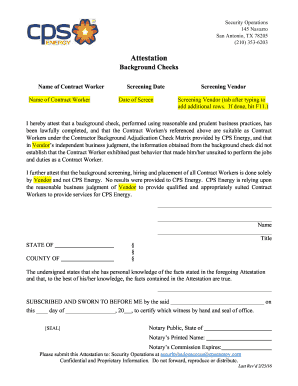
Energy attestation background
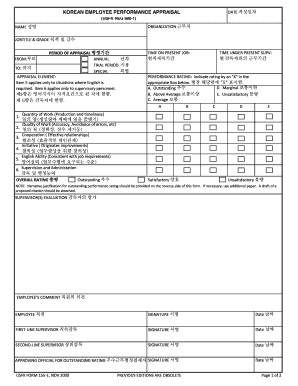
Usfk form 155 e
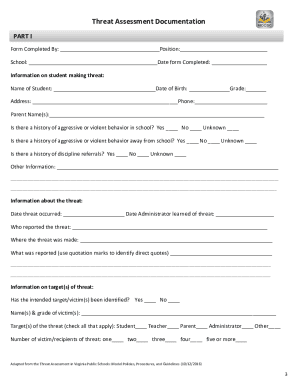
Threat assessment

To download the Appraisal form - Pac Solutions - pac-solutions co
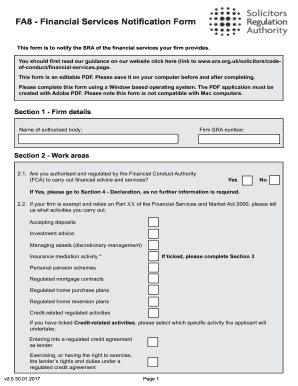
Fa8 form

Unit conversions gizmo answer key
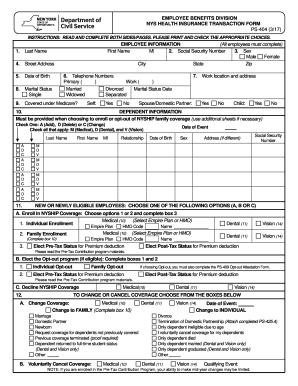
Ps 404
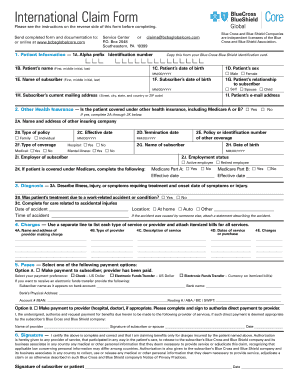
Blue cross blue shield international form
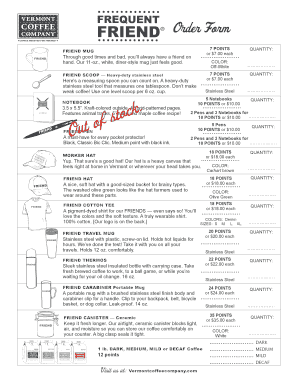
Vermont coffee company stuff
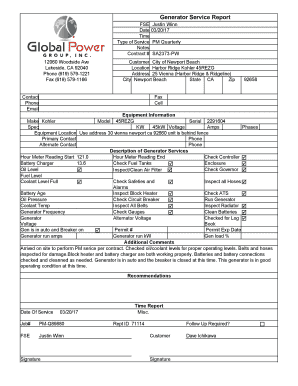
Generator service report format

Rsp soldiers monthly pre ship eligibility screening

Client Consent To Data Collection And ROI - Santa Clara County ... - scc hmis
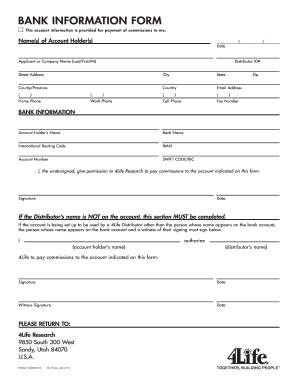
Herbalife bank information form pdf

Super 8 credit card authorization form

Overweight/Overdimensional Proposed Route Survey - Kentucky ... - transportation ky

Rf12 form
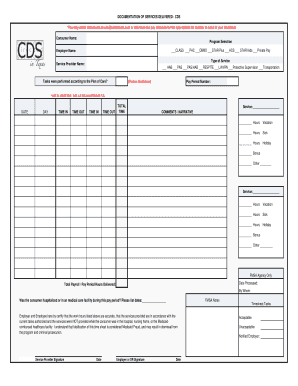
Cds in texas timesheet 2022 pdf
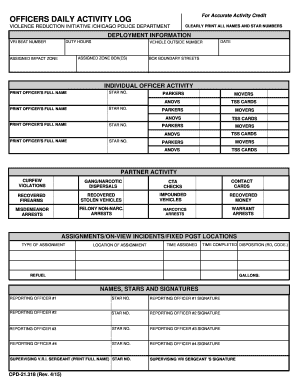
Police officers daily activity log template
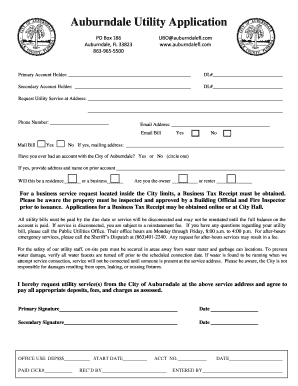
Auburndale utility
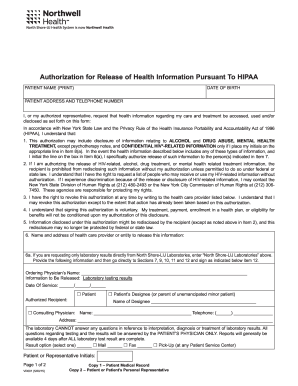
Northwell health hipaa release form
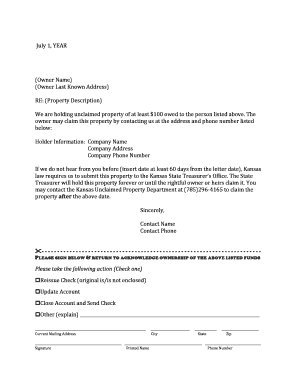
Due diligence letter

Imm5533f

PURCHASE CONTRACT FOR A USED PLEASURE CRUISER/YACHT

Jb worksheet
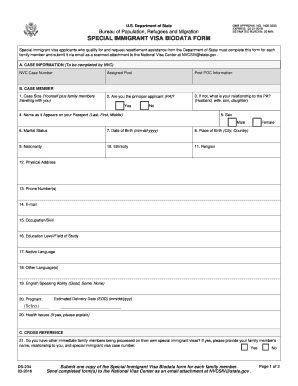
Form biodata latest

Horicon FCCLA Membership Application - FACS with Ms ...
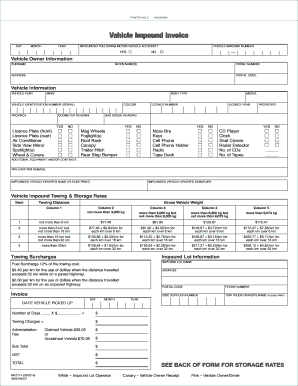
Impound paperwork
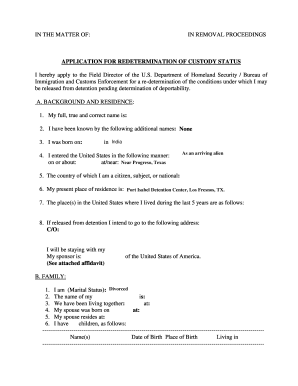
Application for redetermination of custody status

Form 2 charge mortgage land

Xl career school

Application to Attend Activity - Scouts WA
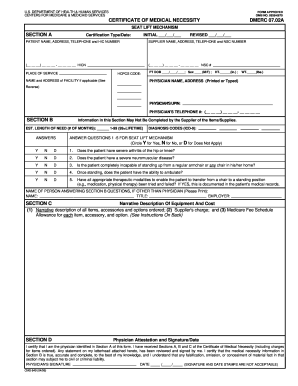
849 certificate medical necessity
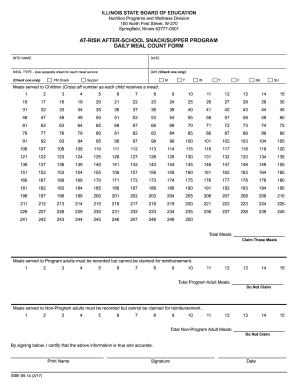
Cacfp meal count form

TAX SALE FORBEARANCE APPLICATION - otr cfo dc
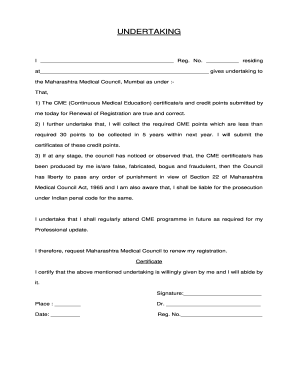
Mmc mumbai
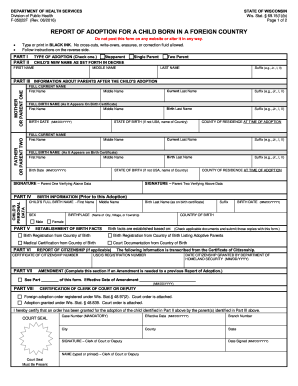
Wisconsin f foreign fill

Form master record
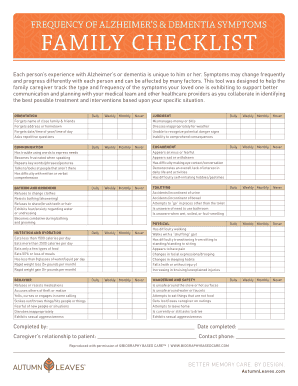
Dementia checklist printable

Hmsb
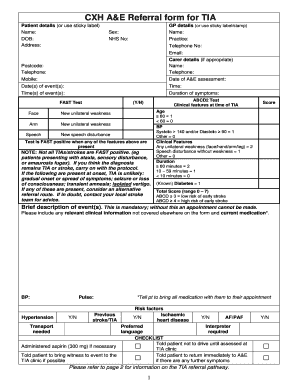
A&E Referral form for TIA - imperial.nhs.uk
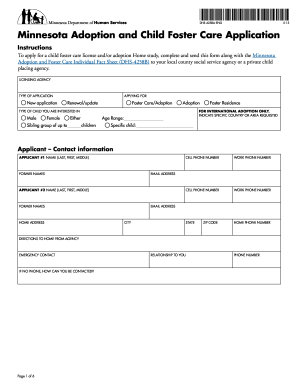
Dhs 4258a
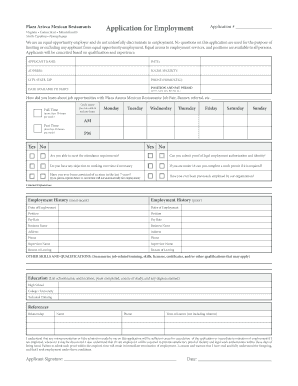
Plaza azteca application
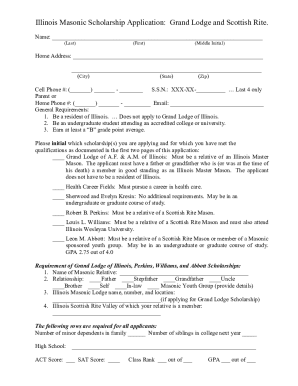
Illinois masonic scholarship application

Akron childrens my chart

Violation slip

Ama form 005

Va letterhead
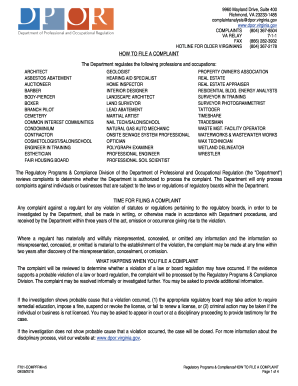
HOW TO FILE A COMPLAINT. Regulatory Programs & Compliance - dpor virginia
Photo log
Fire Watch uwaterloo.doc

Job completion sign off form
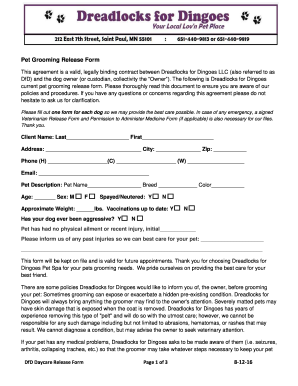
Printable dog grooming release forms
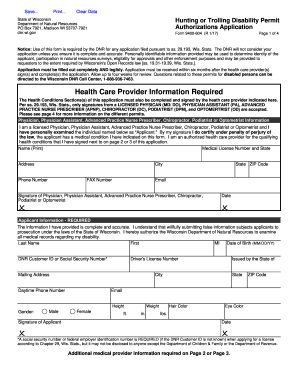
Form 9400-604. Hunting or Trolling Disability Permit Authorizations Application - dnr wi
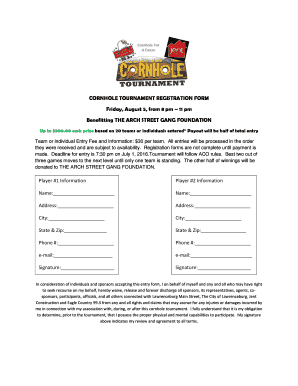
CORNHOLE TOURNAMENT REGISTRATION FORM Friday, August 5 ...

Create electronic pdf form
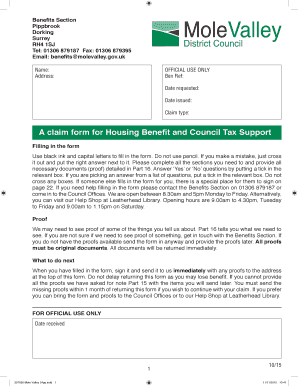
Mole valley housing benefit
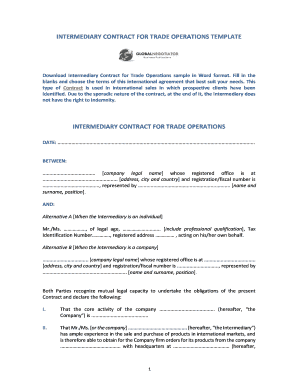
Intermediary contract for trade operations
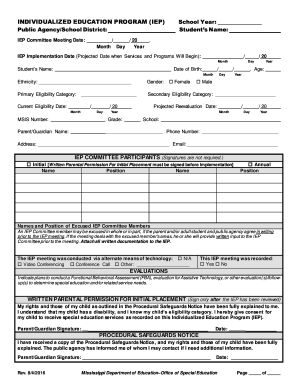
Mississippi individualized program iep
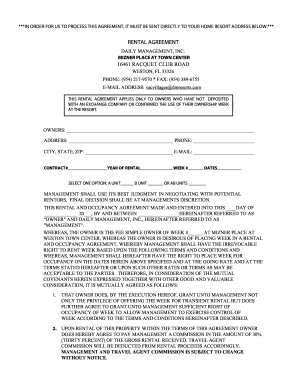
Dailymanagementresorts
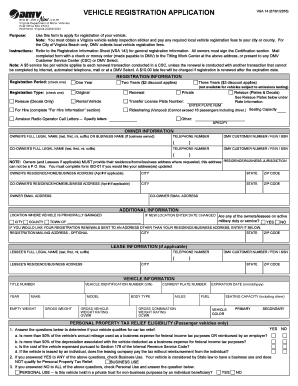
Mcs 115 form

Beer line cleaning log sheet

Informal Caregiver Invoice - ltcfeds.com - Federal Long Term Care ...
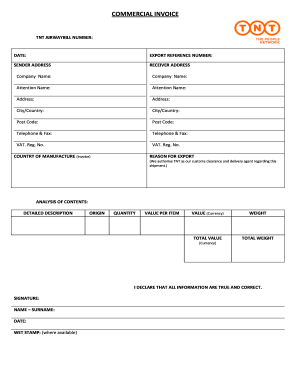
Commercial invoice tnt
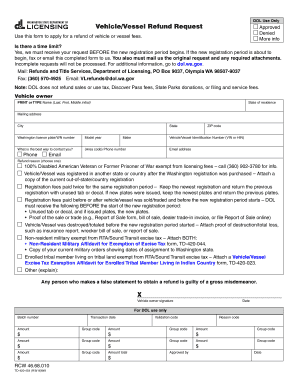
Wa dol refund request

Daycare photo consent form
Template trove

Form 50 771
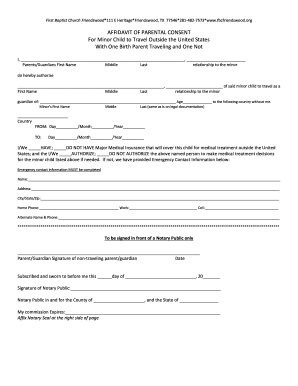
Consent of Minor to Travel wtih One Parent

CERTIFICATION OF RESIDENCE

Foster parent agreement

Form b month end trucking
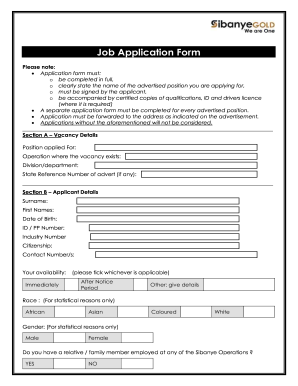
Sibanye stillwater sign up

VA Form 21P-8416 - Veterans Affairs - vba va

Hhsc form 5873
State selpa forms manual 2019
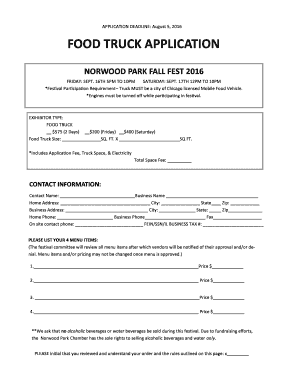
Food application form
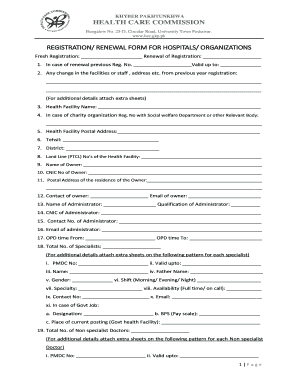
Health care commission registration form
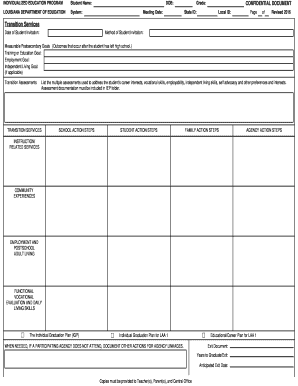
Louisiana iep form

Form b122a 2
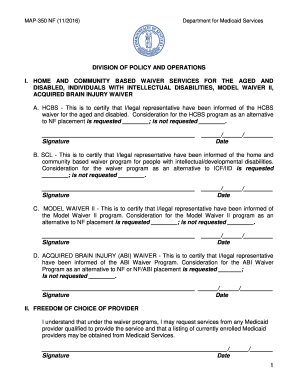
Explantion for map 350

Calculate reconcile your checkbook answer key
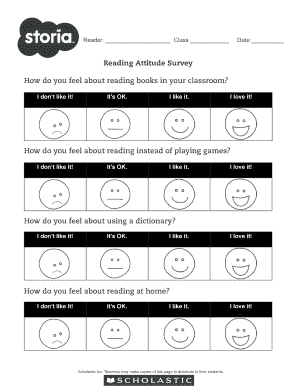
Reading attitude survey
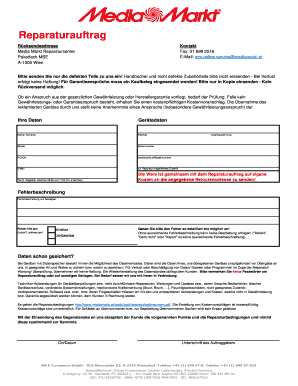
Reparaturauftrag media markt
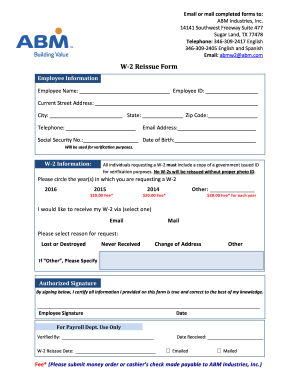
Abmw2 abm com
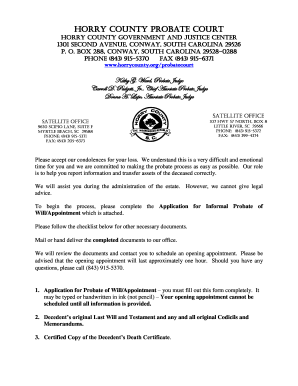
Horry county probate court forms
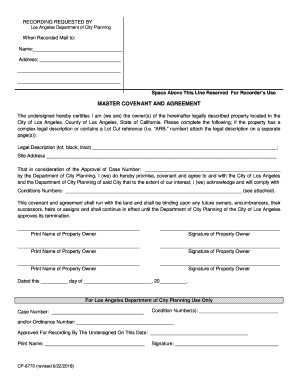
Master covenant and agreement
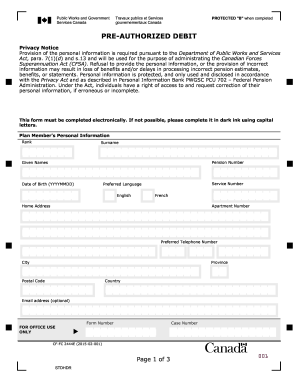
Fc 2444
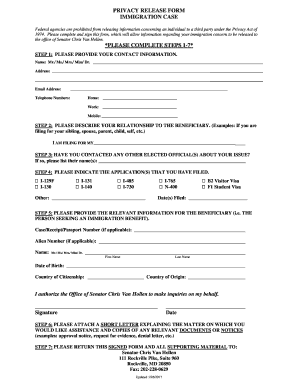
Privacy release form immigration
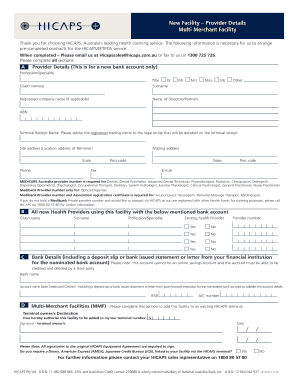
Multi Merchant New Facility Form - Hicaps

Employment Pass Application Form (For Sponsorship cases) - mom gov

Conductress eastern star

FORM *170001BN* BPT-IN 2017 - revenue.alabama.gov - revenue alabama
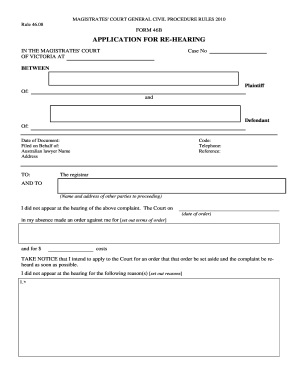
Form 46b

Background screeners of america disclosure and release form
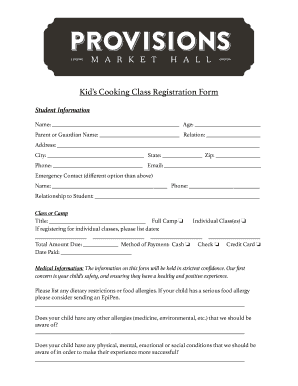
Cake training registration form
Benefit from the DocHub online library of fillable PDF forms
Searching the PDF forms doesn't have to be a tedious and time-consuming process. With the DocHub online library, it has become easier to find the fillable PDF forms and modify them in your browser. The service allows you to adjust the document to your needs using powerful editing tools.
You can use online document editing features to modify almost any type of document with ease. You just need to find the template of your choice, open it in the editor, and use the toolbar to make the necessary corrections.
Follow this guide to get your document done with DocHub:
- Find the PDF template you need.
- Click the Get Form button to open the file in the editor.
- Use the toolbar to fill out and edit the document.
- Easily add and highlight text, insert images, checkmarks, and symbols.
- Drop new fillable fields, and rearrange or delete pages from your file.
- Save changes and download your record.
DocHub empowers everyone to streamline document editing, signing, and distribution, and form completion. Create an account and benefit from our well-organized PDF Forms library and comprehensive editor.