
Get any PDF form from the DocHub library of ready-made templates - Page 1980
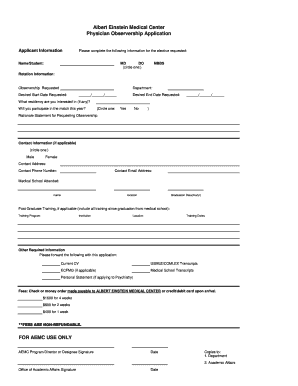
Albert einstein medical center observership
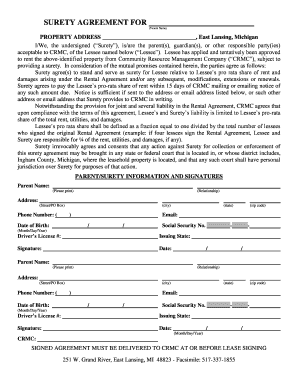
Surety agreement template
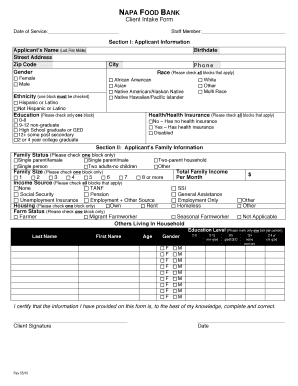
Church food pantry forms
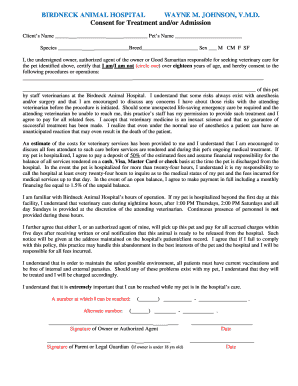
Behavioral health patient consent forms for medication treatment
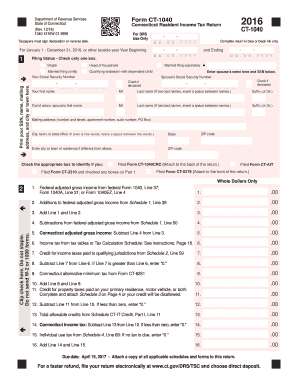
Ct 1040 2016 form

Voms

RENTAL AGREEMENT AND/OR LEASE - SAN FRANCISCO

Ics 203 sample
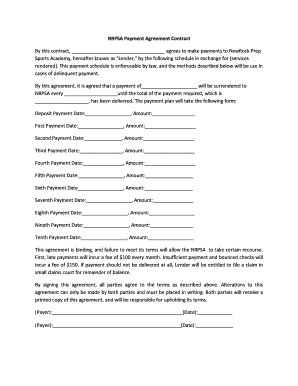
NRPSA Payment Agreement Contract - newrockeducationalcomplex

Form 1120 c 2016
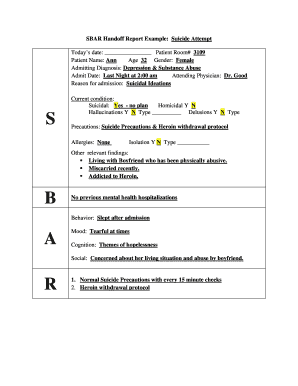
Sbar report
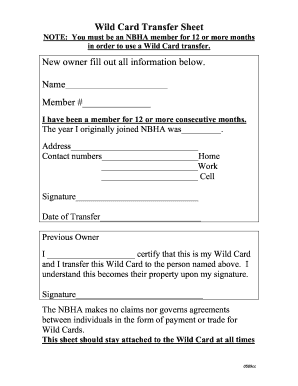
Wild card form
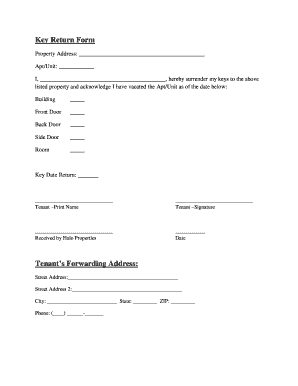
Key return form template
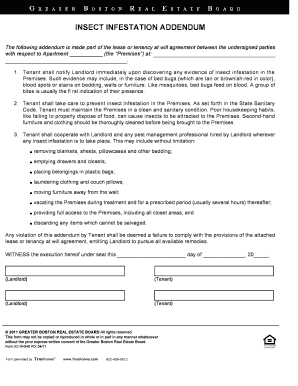
Untitled - Insect Infestation Addendum - LeadingEdgeAgents.com

Commercial load calculation pdf
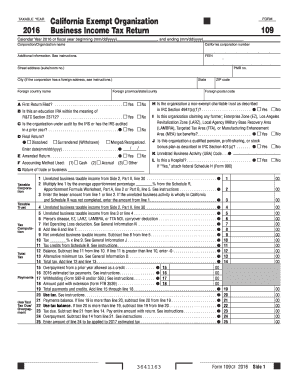
Form 109 2016
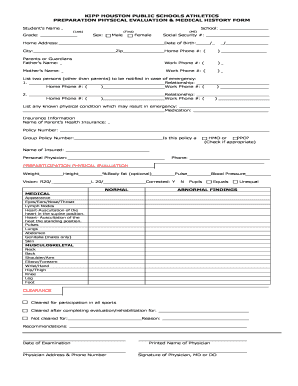
KIPP HOUSTON PUBLIC SCHOOLS ATHLETICS PREPARATION PHYSICAL ...

Oregon form wr 2017
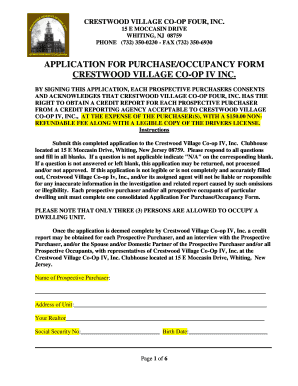
Crestwood village 4 application
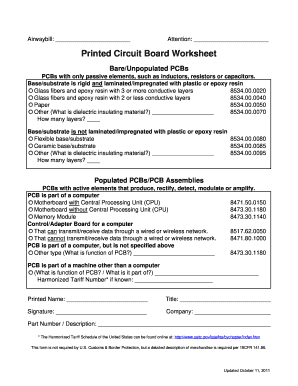
Printed circuit board worksheet

Ibm shap

Siege airsoft

Group Intake Form - Dimensions Family Therapy

Trane waiver request

Food waiver form
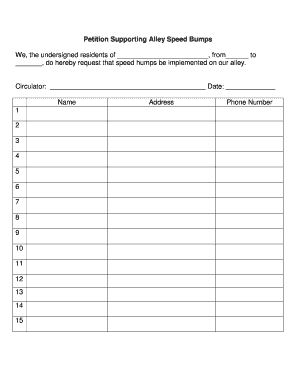
Speed bump petition template
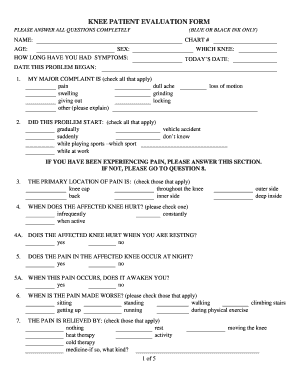
KNEE PATIENT EVALUATION FORM - memorialorthopaedic.com
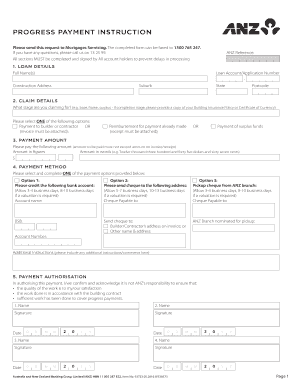
Anz progress payment form
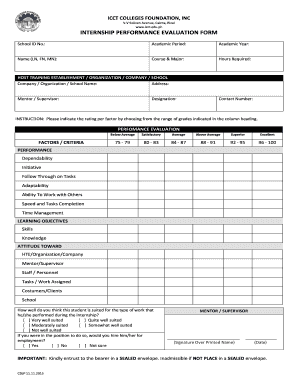
Icct internship evaluation
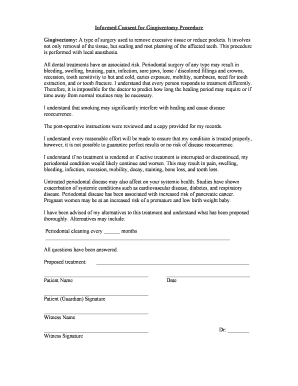
Gingivectomy consent form

Mize Fastpitch Diamonds - TRYOUT Information Sheet
Vtr 125
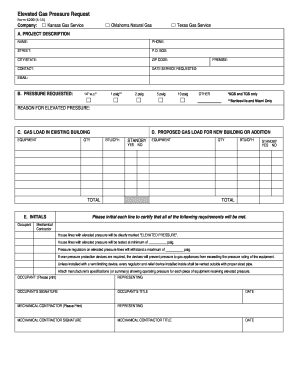
Kansas form elevated gas pressure
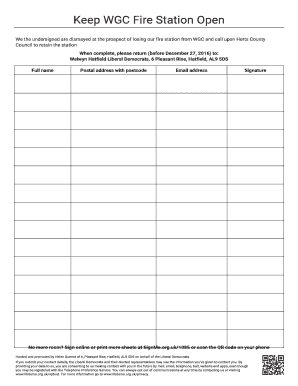
Keep WGC Fire Station Open. Petition signature sheet to print and post back to us - signme org
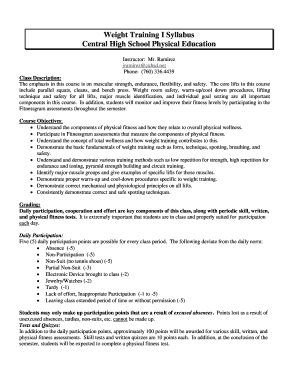
Weight syllabus
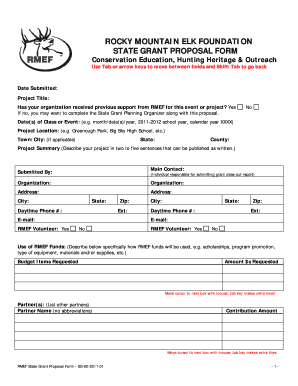
ROCKY MOUNTAIN ELK FOUNDATION STATE GRANT PROPOSAL FORM ... - rmef
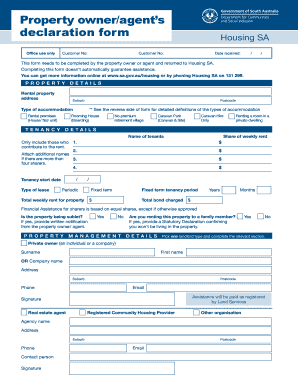
Owner declaration form
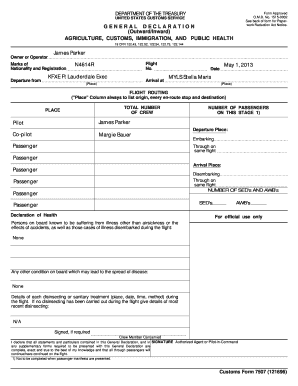
Gendec formular
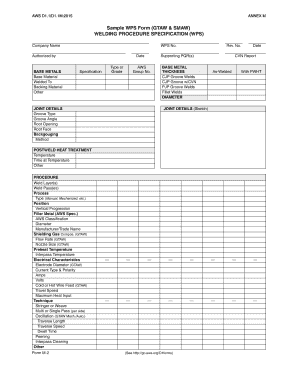
Wps smaw
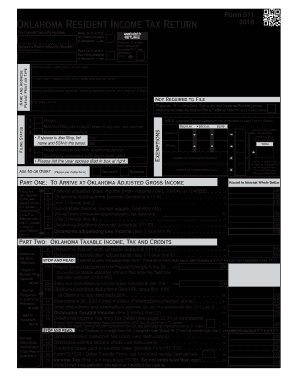
2016 income tax tables - ok
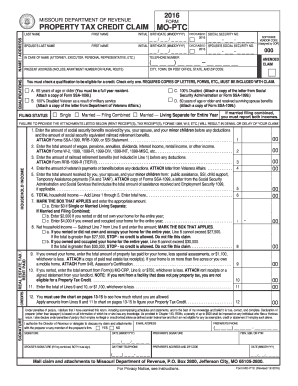
Mo ptc 2016 form

Form 2971
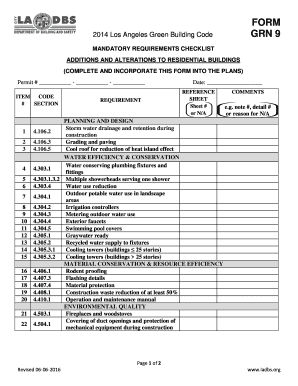
FORM GRN 9 - LADBS
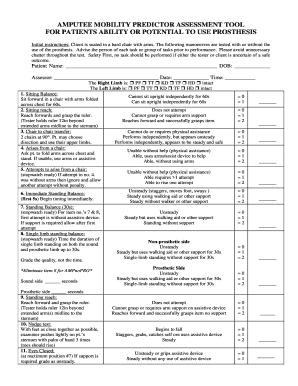
Amppro pdf
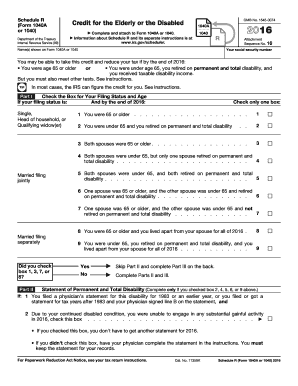
2016 1040a schedule form
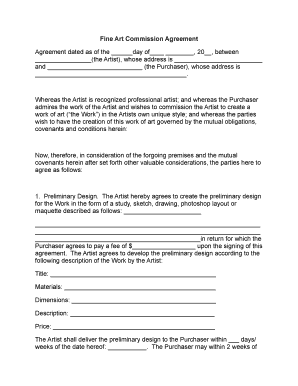
Partnership agreement art commission
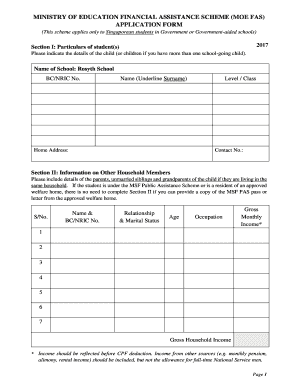
Moe fas application form 2020

Agreement between hospital and nurse staffing agency
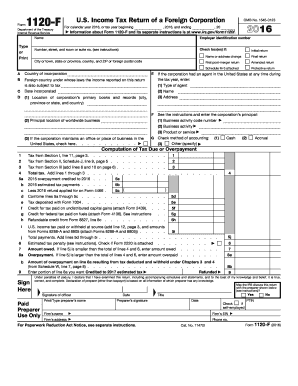
2016 Form 1120-F. U.S. Income Tax Return of a Foreign Corporation
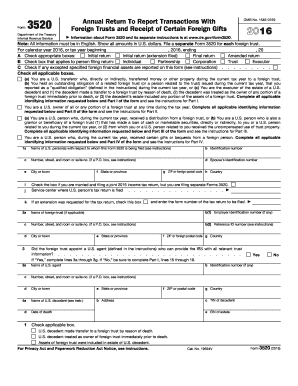
Form 3520 2016
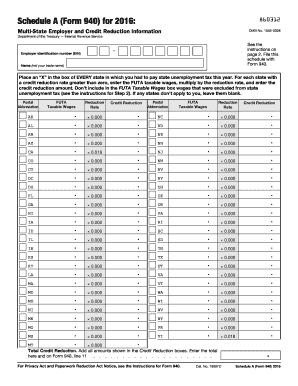
Irs form 940 schedule a 2016
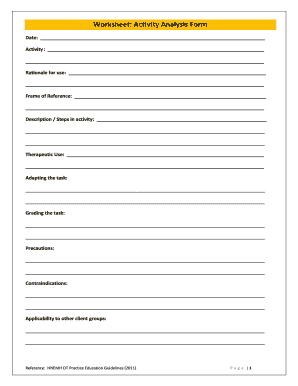
Activity analysis worksheet
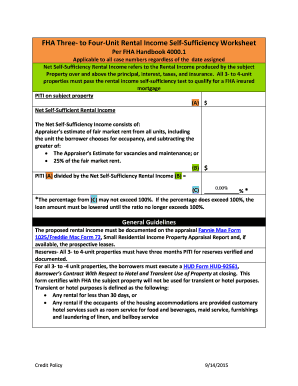
Fha self sufficiency test worksheet

D YOUVILLE COLLEGE STRONGLY RECOMMENDS ALL STUDENTS HAVE ... - dyc
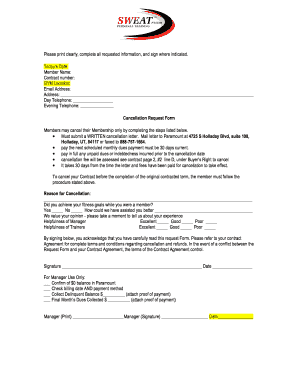
Sweat pt
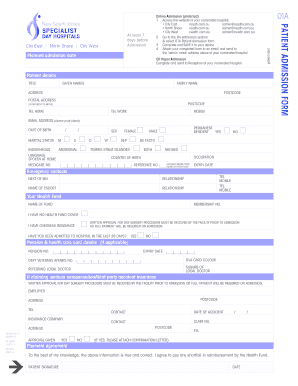
Epworth eastern patient admission form

Foschini photography

Boat slip rental agreement florida

ASRC Large Animal Surgery Anesthesia Record
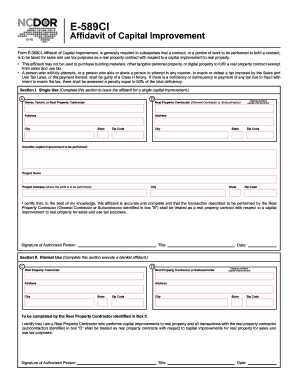
NCDOR: Form E-589CI, Affidavit of Capital Improvement
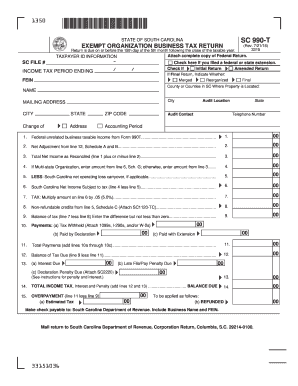
Sc 990 2016 form
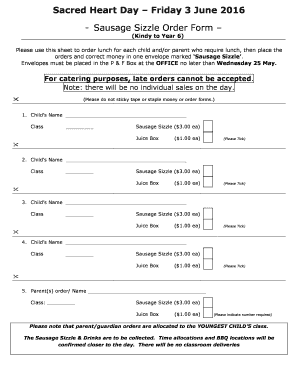
Sausage Sizzle Order Form - shthorn wa edu
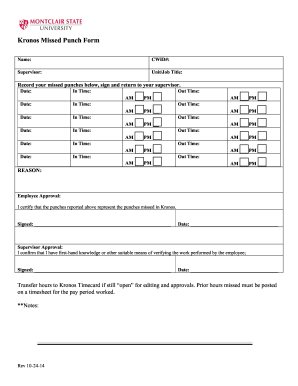
Mis punch forms
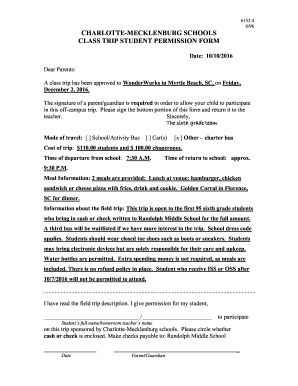
Cms field trip permission slip
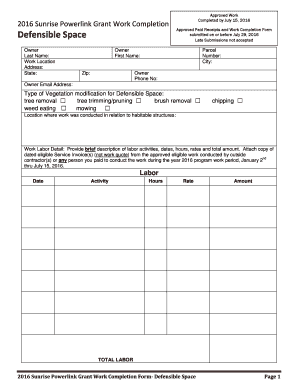
Defensible Space - Sunrise Powerlink Fire Mitigation Grant Program
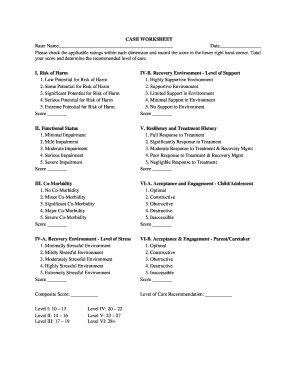
Casii worksheet
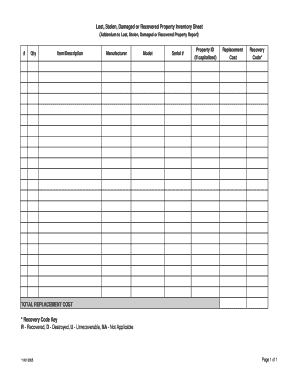
Lost, Stolen, Damaged or Recovered Property Inventory Sheet.xls - baylor

SPA012 Intern plan and agreement of supervision.doc

Form 16 waterproofing example

Below is a restriction map for the plasmid pgem 101
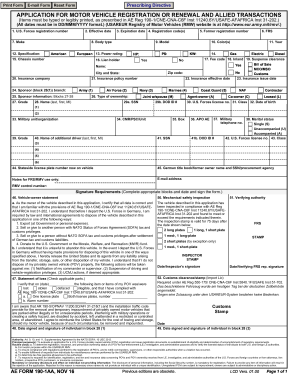
Renewal allied transactions form
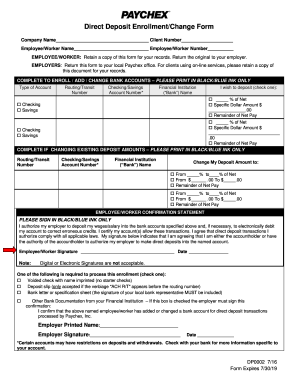
Paychex direct deposit form
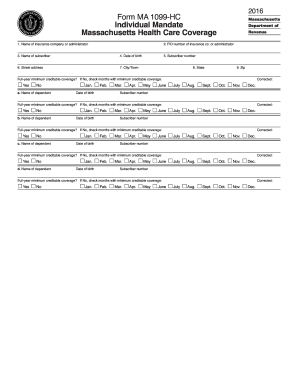
Ma 1099 hc 2016 form
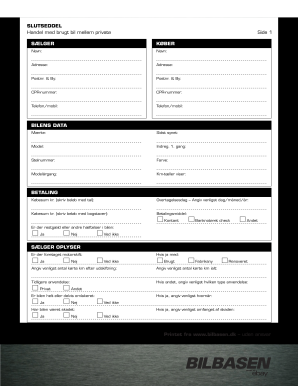
Slutseddel bil pdf
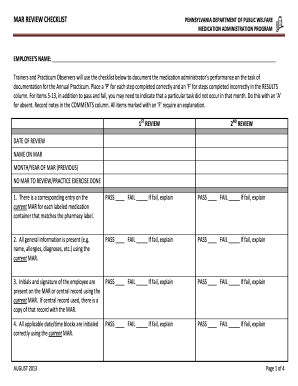
Mar checklist
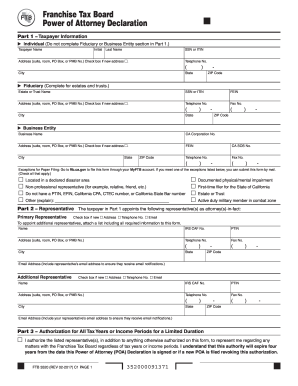
FTB 3520 Power of Attorney Declaration. FTB 3520 Power of Attorney Declaration
Nrcc lti 03 e

Dl 143cd

E911 Address Application - Putnam County
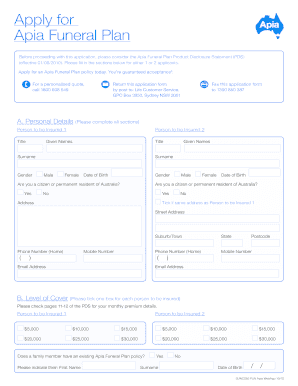
Apply funeral form
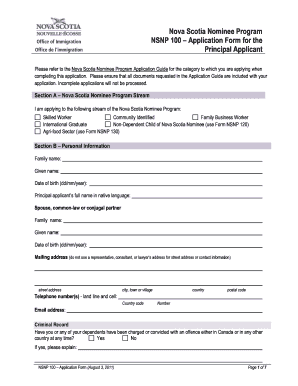
Nsnp 100 2011 form

Australian federal police check online application form
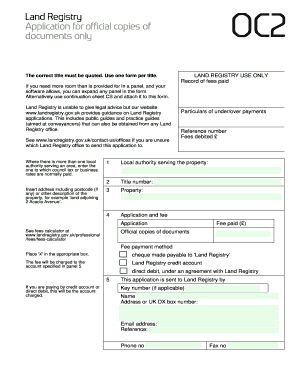
Oc2 land registry
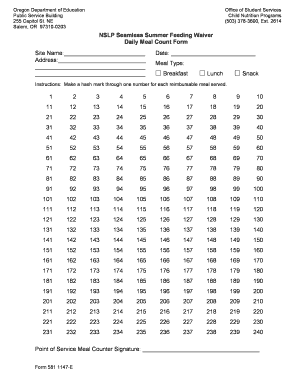
Sso meal count form
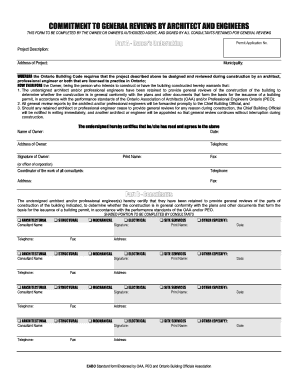
Commitment general form
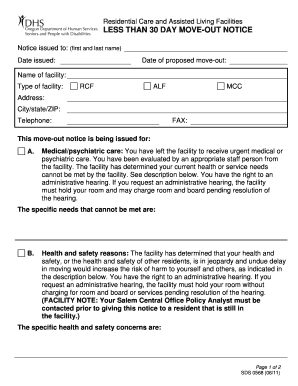
Assisted living 30 day notice letter example

Rush health care surrogate act form
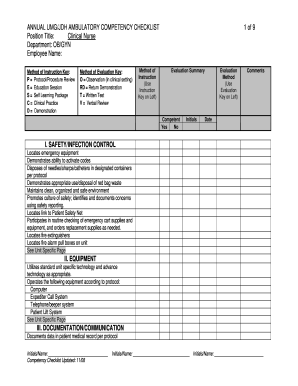
Triage checklist for nurse
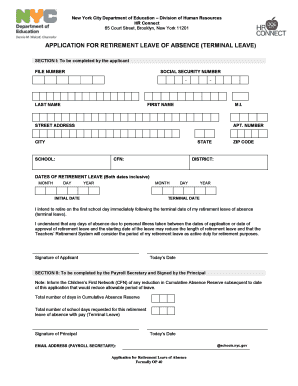
Op40 form
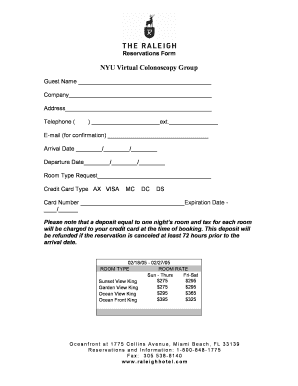
Reservation form
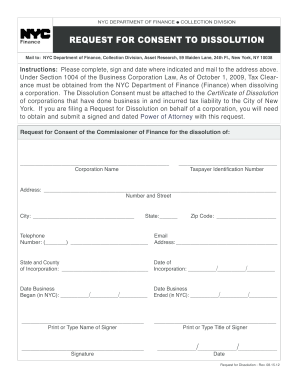
Nyc consent to dissolution 2012 form

Tax affirmation

Tdap consent form texas
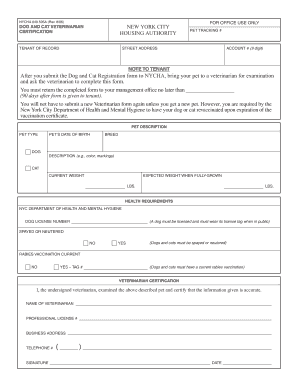
Cat license nyc
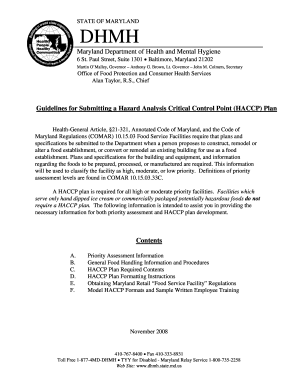
Haccp plan maryland form
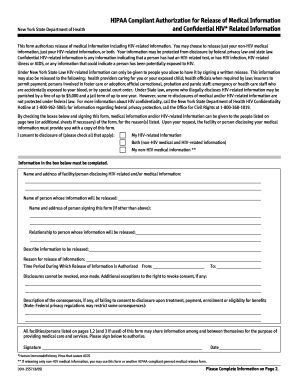
Hipaa form 2016 2005
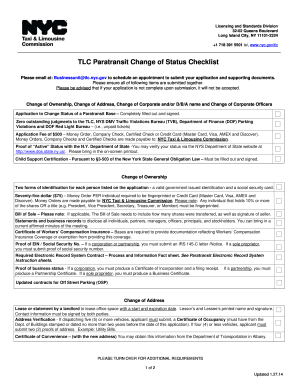
TLC Paratransit Change of Status Checklist - NYC.gov - nyc
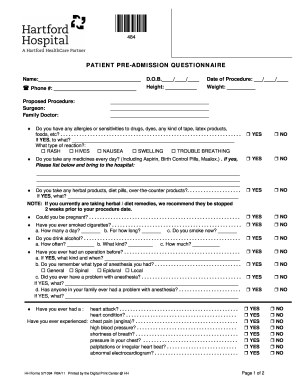
Patient pre questionnaire
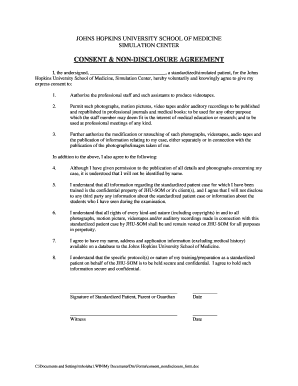
Nda application form download pdf
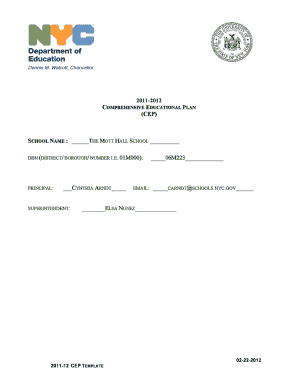
Mott hall bronx high school
Benefit from the DocHub online library of fillable PDF forms
Searching the PDF forms doesn't have to be a tedious and time-consuming process. With the DocHub online library, it has become easier to find the fillable PDF forms and modify them in your browser. The service allows you to adjust the document to your needs using powerful editing tools.
You can use online document editing features to modify almost any type of document with ease. You just need to find the template of your choice, open it in the editor, and use the toolbar to make the necessary corrections.
Follow this guide to get your document done with DocHub:
- Find the PDF template you need.
- Click the Get Form button to open the file in the editor.
- Use the toolbar to fill out and edit the document.
- Easily add and highlight text, insert images, checkmarks, and symbols.
- Drop new fillable fields, and rearrange or delete pages from your file.
- Save changes and download your record.
DocHub empowers everyone to streamline document editing, signing, and distribution, and form completion. Create an account and benefit from our well-organized PDF Forms library and comprehensive editor.