
Get any PDF form from the DocHub library of ready-made templates - Page 1977

Kaiser permanente flu shot form signed

Mv 6
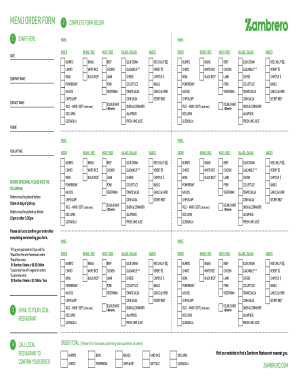
Zambrero form

MIB, Inc

Tilley hat guarantee claim
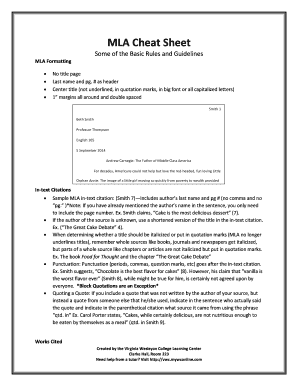
Mla sheet

Mits application

Online w9
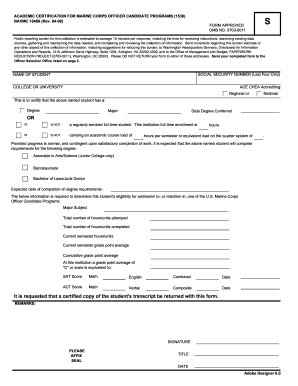
Navmc 10469
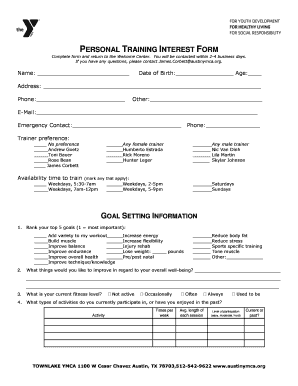
Medical history form for personal training

Wrli com

Bank transfer authorization form

Request cctv footage letter template uk
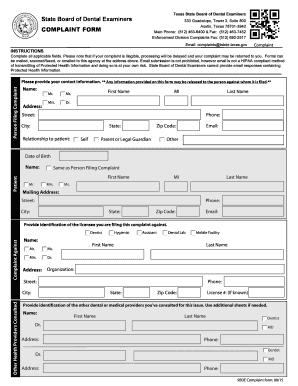
How to file a complaint against a dentist in texas
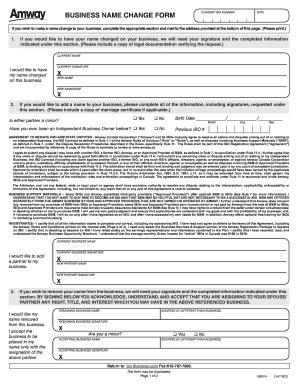
Last name change ontario form

Price quotation form - ITMS PNP - Philippine National Police

Account application - Investment account
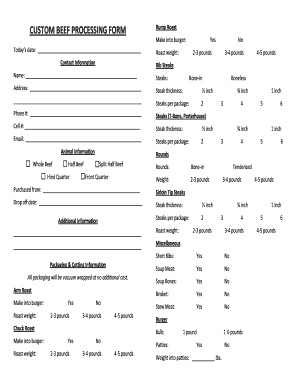
Custom beef processing

Beef cut sheet pdf
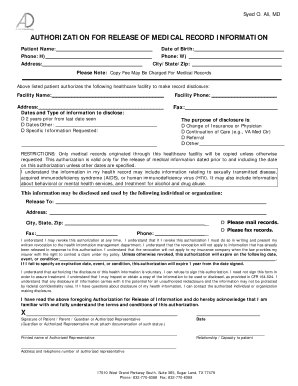
Release medical record information
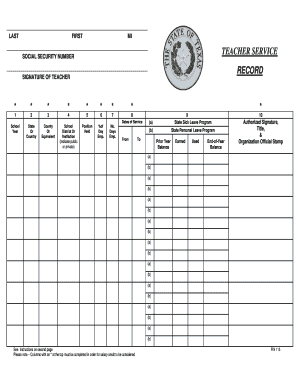
Tea service record form
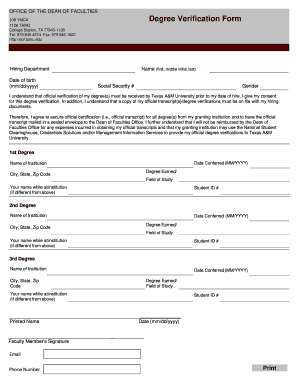
Tamu degree verification
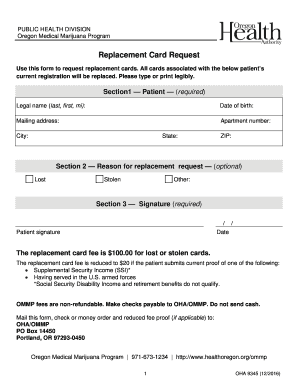
Ommp replacement card
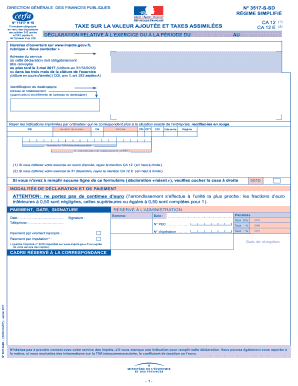
Ca12 remplissable
2759 sd remplissable
Cerfa 5000
Remplissable remplissable remplissable remplissable remplissable remplissable remplissable remplissable remplissable remplissable remplissable remplissable remplissable remplissable remplissable remplissable remplissable
Event Request Form - Fellowship Bible Church
Narfe f 100
Iehp authorized form
Hazardous register form
TIME CLOCK EDIT REQUEST FORM
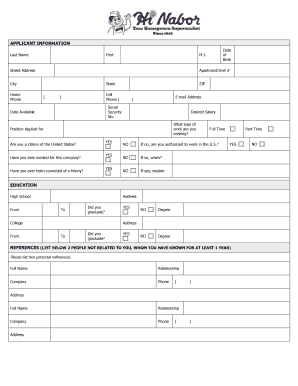
Hi nabor application
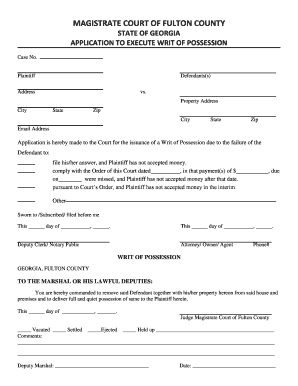
Possession fulton county
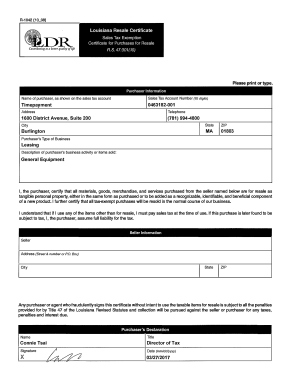
Louisiana Resale Certificate Timepayment 0463182-001 1600 ...
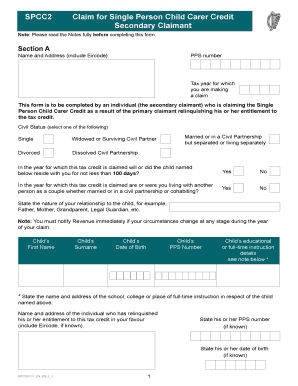
Spcc2 form

I 130 questionnaire
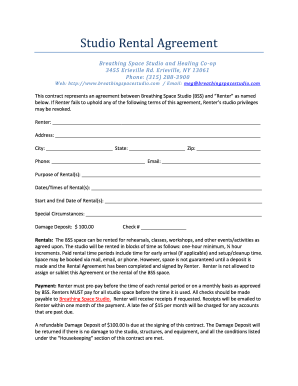
Studio rental space

Boe 263
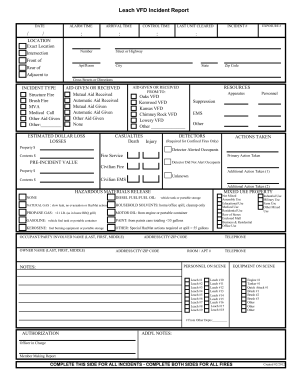
Fire department run sheet template

Appendix b form pdf
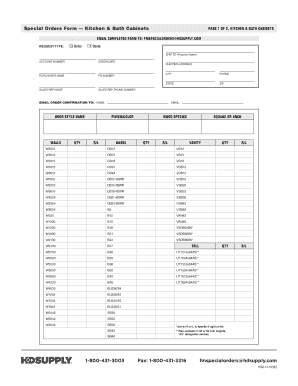
Kitchen & Bath Cabinets Form (PDF) - HD Supply Solutions
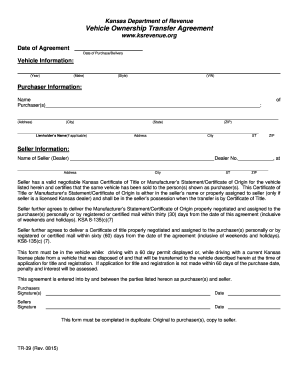
Kansas ownership transfer form
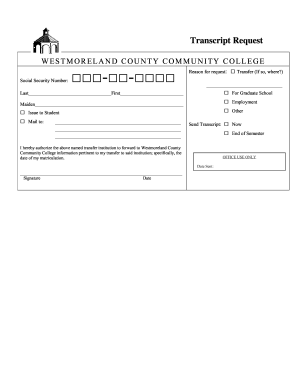
Westmoreland community college transcripts
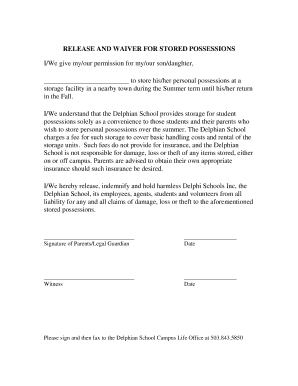
Release and Waiver for Stored Possessions.doc.docx
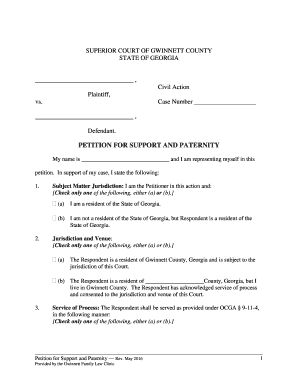
Gwinnett family law clinic
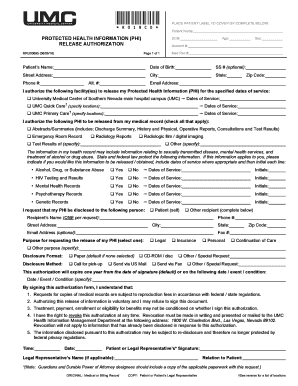
Authorization for Release of Medical Records - UMC
Sol a 6 lesson 4 5 answer key

Hot work permit form pdf
Grade Change Authorization - pgcps
Sd502 word document
DEPARTMENT OF EDUCATION & TRAINING

Ftb 3900a

Miranda waiver

Echo ansi 835 enrollment form
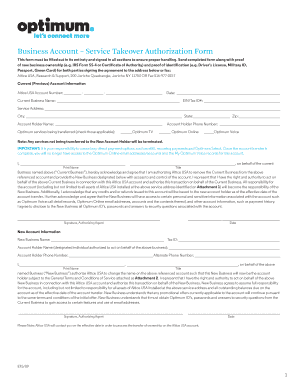
Optimum business name change form
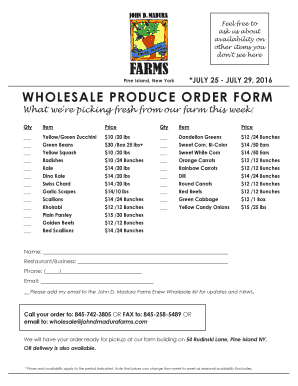
Produce order form
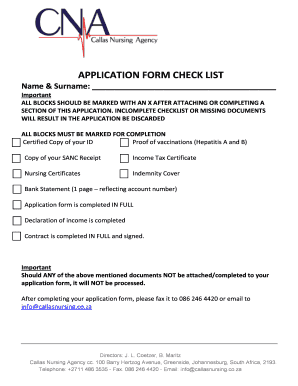
Seanda nursing agency
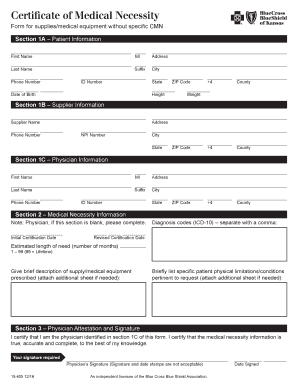
Letter of medical necessity template bcbs
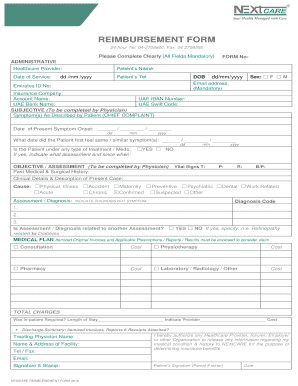
Nextcare reimbursement form
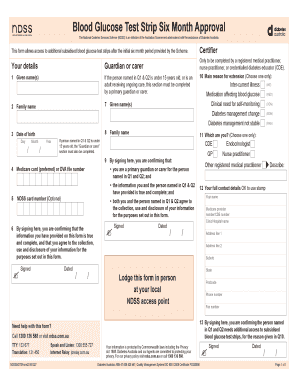
Blood glucose test strip six month
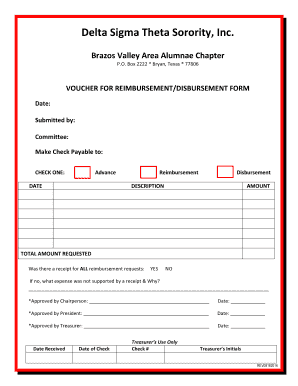
Blank voucher - Brazos Valley Area Alumnae Chapter of Delta ...
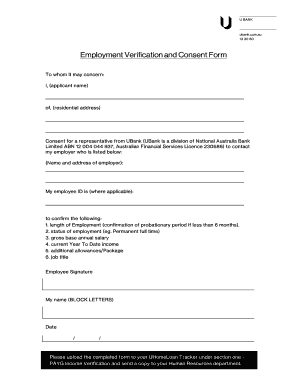
Employment verification consent form

Danske bank statement

Application for special permission transfer baltimore county

480 Hours of Work Experience - CDA Documentation Form
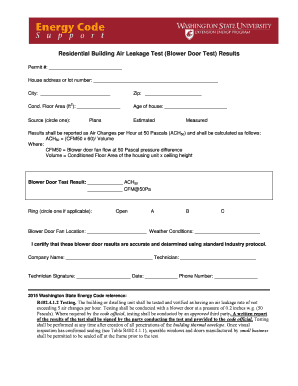
Test blower door form

Sydney water sewer choke claim form
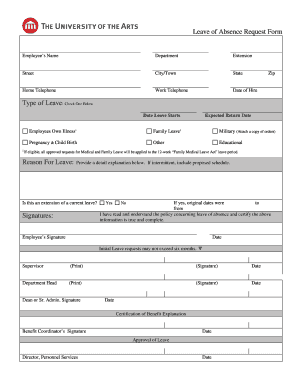
Leave of absence form template
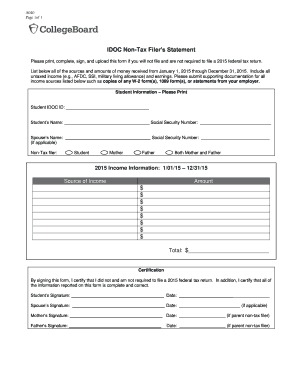
Non filers form irs 2020
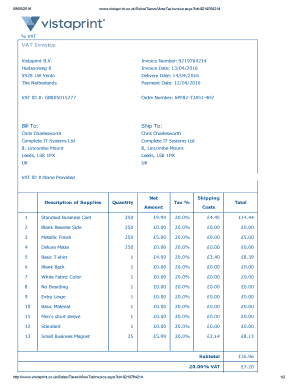
United kingdom value added tax
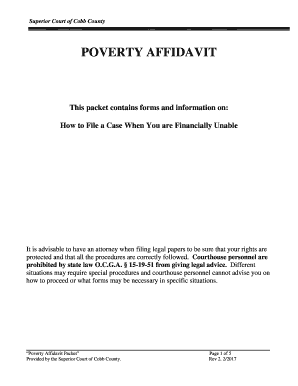
Poverty Affidavit Packet - Cobb County Government

Printable homework sheets
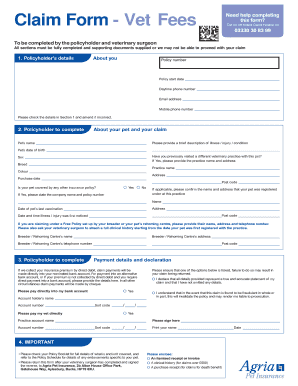
Agria pet insurance claim form
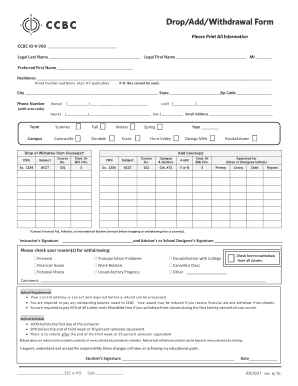
Ccbc withdrawal form
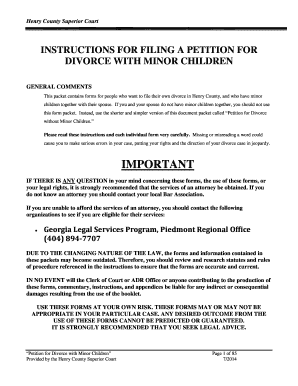
Georgia divorce henry county
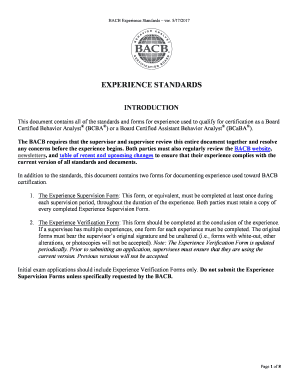
170501 experience standards english in revision

Bnsf application crossing
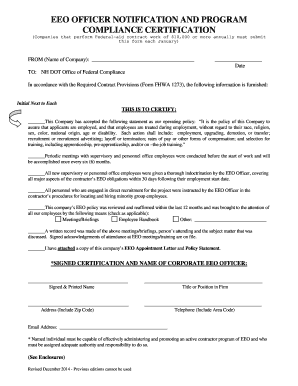
Ofc form

Minnesota change address ble

General financial disclosure
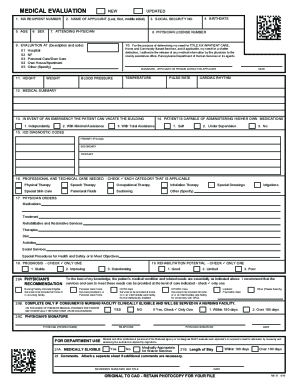
Ma 51
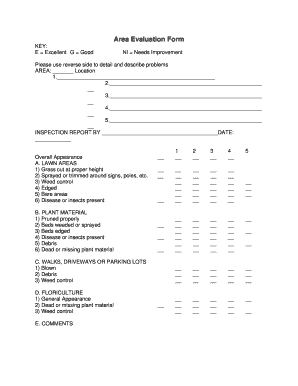
Landscape maintenance inspection form

Wa findings
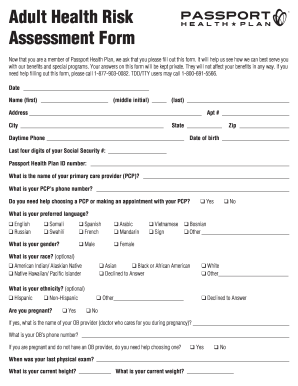
Health risk assessment
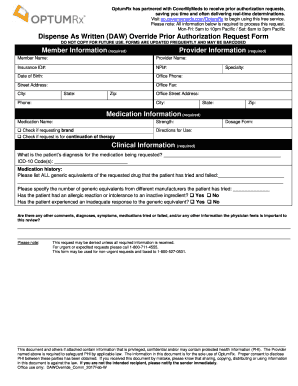
Go covermymeds optumrx
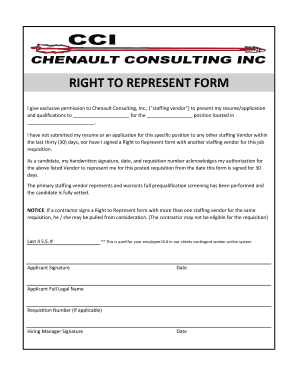
Right to represent form

Plant review worksheet part 1
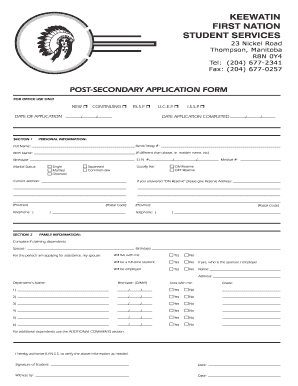
Ktc thompson

Cpcs renewal form
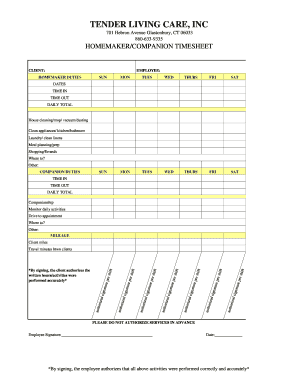
Homemaker/Companion Time-Sheet - Tender Living Care

Tqsa includes claim online

Defib1
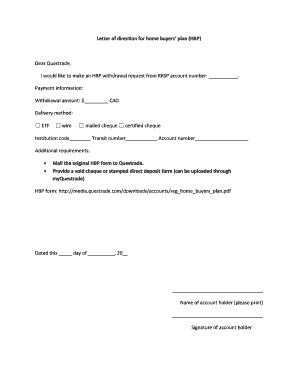
Questrade letter of direction

Rga form
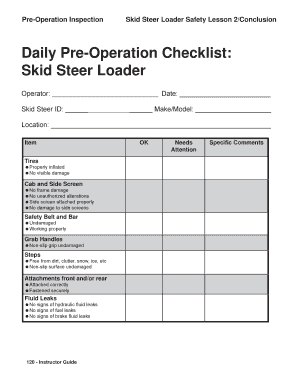
Skid steer inspection sheet
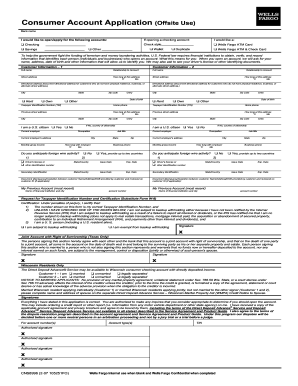
Wells fargo debit card
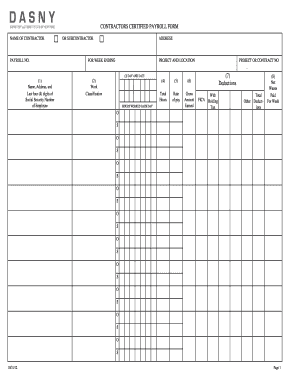
Dasny certified payroll forms
Drapery workroom price list

IMM 5556 E : Document Checklist - Immigration, Refugees and ... - cic gc
Benefit from the DocHub online library of fillable PDF forms
Searching the PDF forms doesn't have to be a tedious and time-consuming process. With the DocHub online library, it has become easier to find the fillable PDF forms and modify them in your browser. The service allows you to adjust the document to your needs using powerful editing tools.
You can use online document editing features to modify almost any type of document with ease. You just need to find the template of your choice, open it in the editor, and use the toolbar to make the necessary corrections.
Follow this guide to get your document done with DocHub:
- Find the PDF template you need.
- Click the Get Form button to open the file in the editor.
- Use the toolbar to fill out and edit the document.
- Easily add and highlight text, insert images, checkmarks, and symbols.
- Drop new fillable fields, and rearrange or delete pages from your file.
- Save changes and download your record.
DocHub empowers everyone to streamline document editing, signing, and distribution, and form completion. Create an account and benefit from our well-organized PDF Forms library and comprehensive editor.