




01. Edit your buyer contract online
Type text, add images, blackout confidential details, add comments, highlights and more.

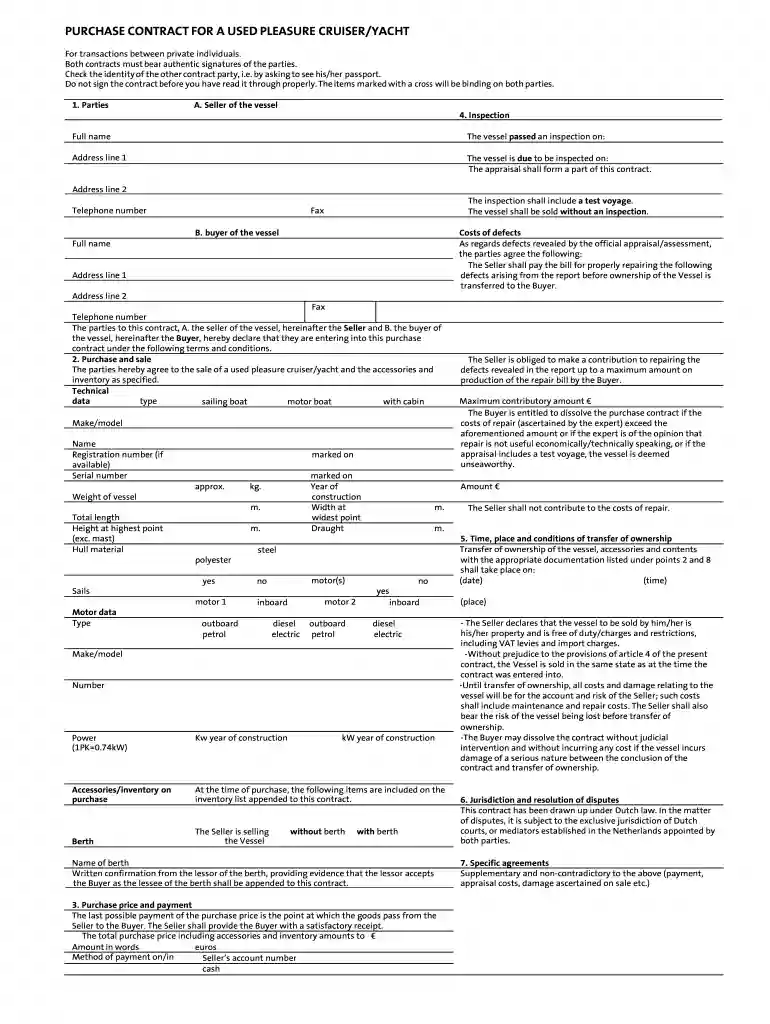
Type text, add images, blackout confidential details, add comments, highlights and more.

Draw your signature, type it, upload its image, or use your mobile device as a signature pad.

Send contract copy via email, link, or fax. You can also download it, export it or print it out.

Start using our platform today to streamline your document editing and signing process for free!
Yes, you can use DocHub for signing any business and private documentation, including your date contract. All electronic signatures you create with our tool are legally binding and court-admissible, as DocHub complies with criteria required by ESIGN and UETA. Save your completed form with a detailed Audit Trail if necessary.
When you choose analog methods of completing your format seller, you can easily download your file for printing. Search DocHub’s Forms & Templates catalog to find the exact document template you need and open it for editing or download it on your gadget in the format of your choice. It is easy to complete your form electronically and place your handwritten signature on it after printing or eSign your document with DocHub.
At DocHub, your data security is our priority. We follow HIPAA, SOC2, GDPR, and other standards, so you can work on your documents with confidence.
When any of the proceeds used by an individual to purchase a vessel have been borrowed, the lender may require that a lien be recorded on the Maryland title.Read more
by DW Tiffany 1982 Cited by 7 The act was not intended to be an offensive weapon for pleasure boat owners who would not be discouraged from buy- ing a small pleasure boat if the act did notRead more


