
Get any PDF form from the DocHub library of ready-made templates - Page 1961
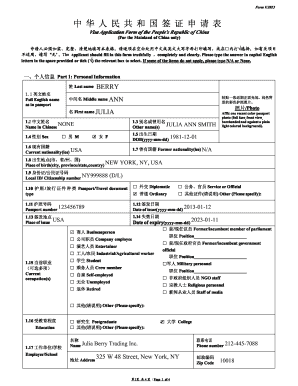
China visa application form
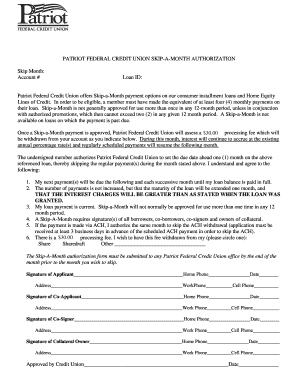
Patriot federal credit skip
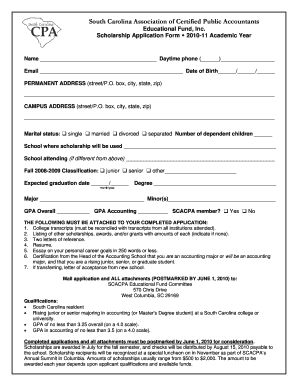
USE THIS - Scholarship Application Form revised. Default Global Template
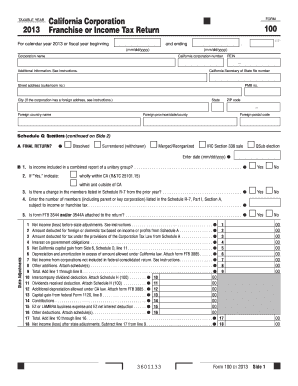
2013 Form 100 - California Franchise Tax Board
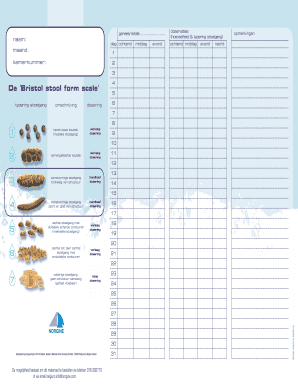
Bowel chart template
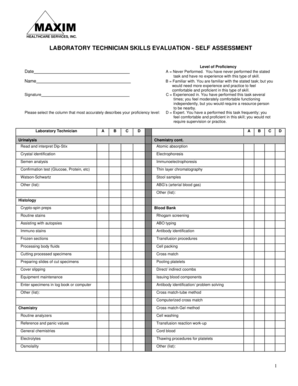
Medical technologist skills checklist
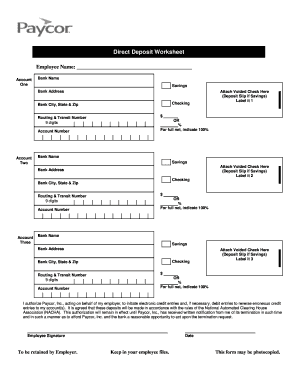
Paycor new employee information form

Services terms employment notice
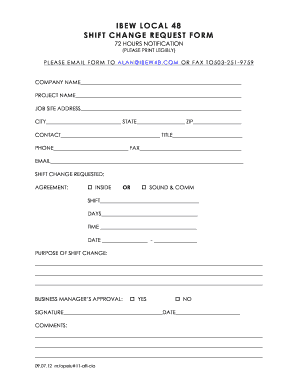
Shift change application
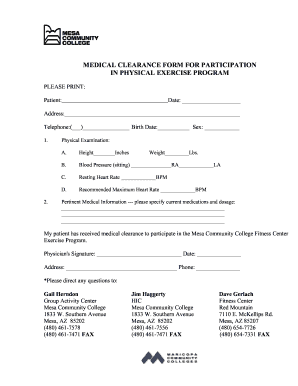
Short surgical clearance letter
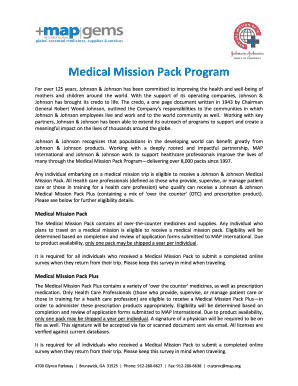
Johnson johnsononlineorders
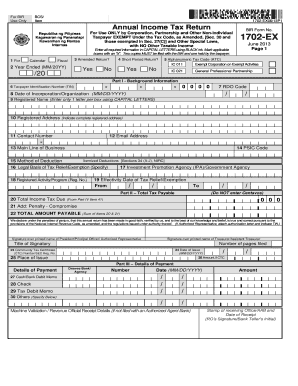
1702q excel format
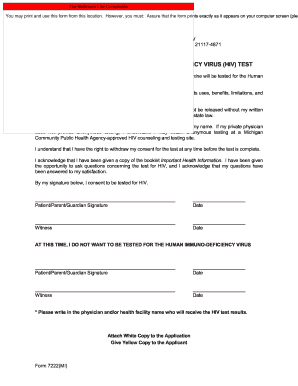
Hiv consent form
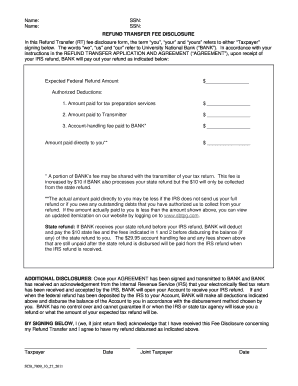
Disclosure tickets refund
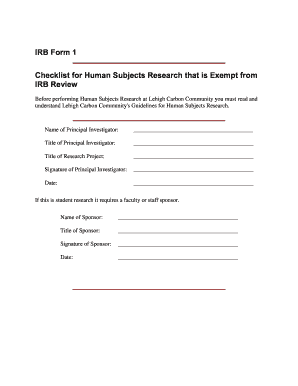
How to form 1 subjects

Change of Address - YMCA Retirement Fund - yretirement

Exhibition evaluation form
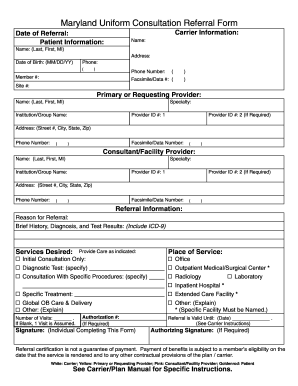
Johns hopkins referral form

Sutter health prior authorization form

PS 519 F1 Application for Request to Enroll Nonresident Student - bcps
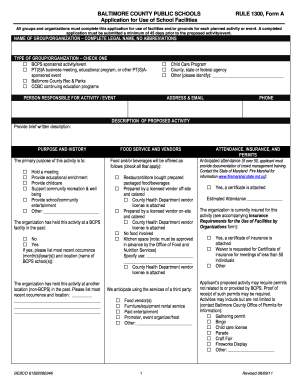
Baltimore county public schools use

Bvsd homeschool

Tax wvgov business goodstanding gsr 01
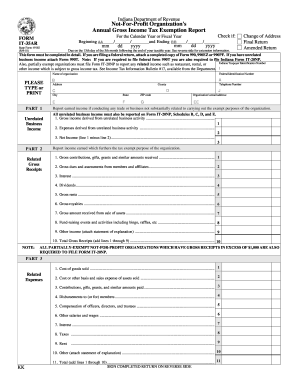
It 35ar
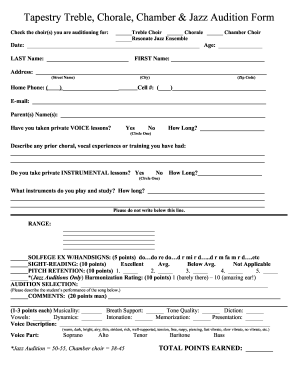
Choir audition form

Synergy supply abolishment
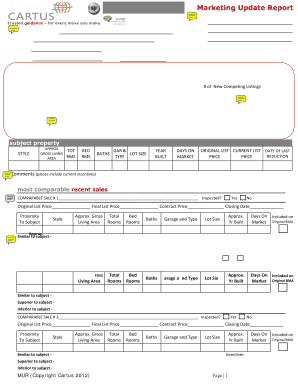
Cartus online
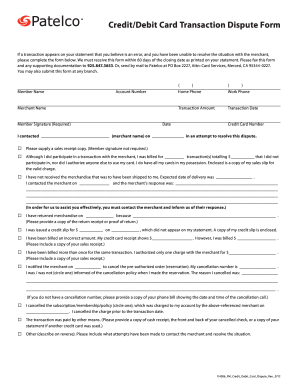
Patelco transaction dispute online
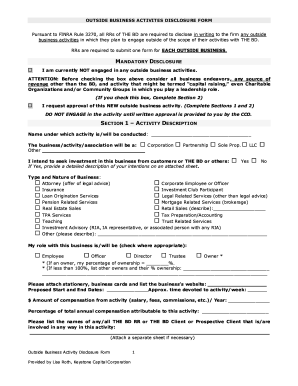
Keystone oba form

Financial planning data gathering form
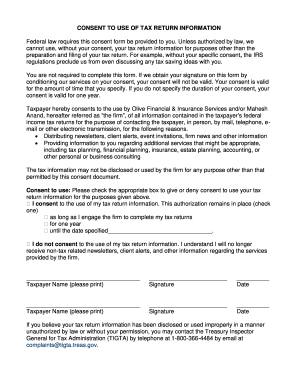
7216 form

Letter of Authorization to Transfer Funds or Securities
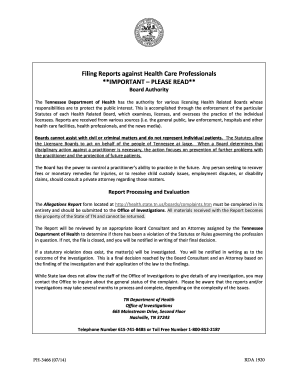
Tennessee ph 3466
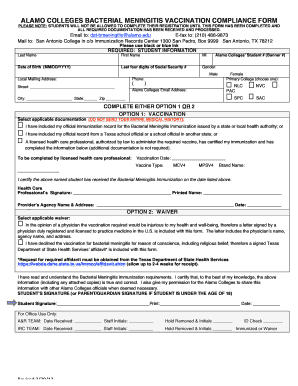
Alamo colleges bacterial meningitis vaccination compliance form - alamo

Sc pardon application
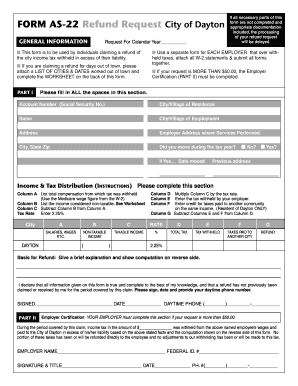
Form as 22

Pa inheritance tax waiver form

Private american banc court
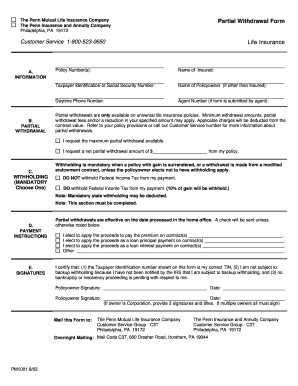
Penn mutual forms
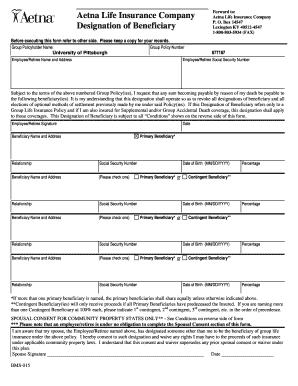
Bms designation beneficiary
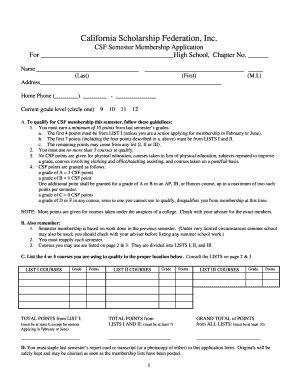
Csf 81
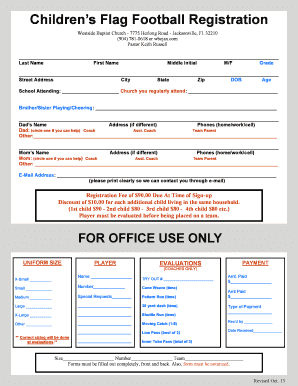
Youth football registration form template
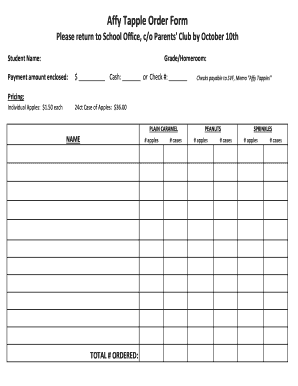
Affy tapple funndraising form
Glencoe science level red chapter tests

OMB No. 1140-0010 ( Bureau of Alcohol, Tobacco, Firearms and ...
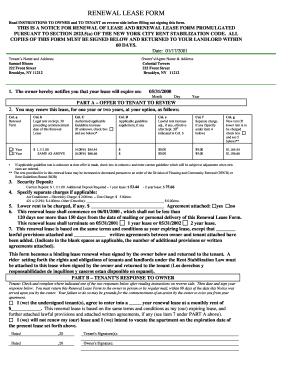
RENEWAL LEASE FORM

CARRIER PROFILE - Beaver Freight Services

Wci id validation windstream com
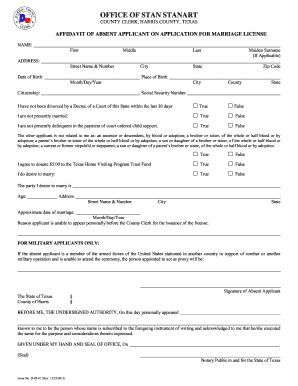
Affidavit of Absent Applicant on Application for Marriage License

Miami national information form
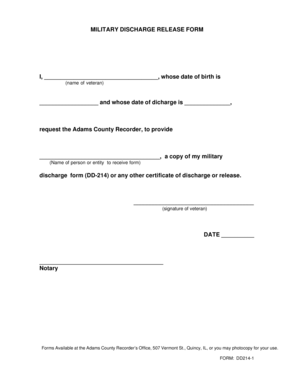
Adams county inmate search
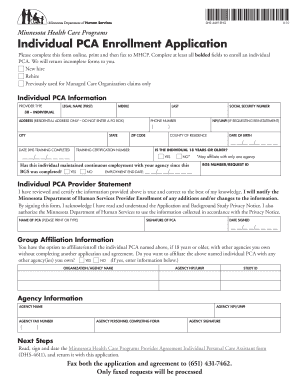
Pca form

Downloadable call sheet
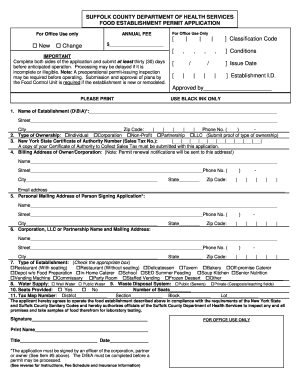
Suffolk county food truck permit application
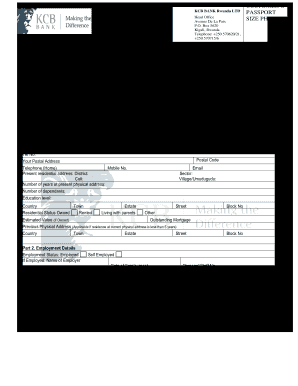
Kcb loan calculator
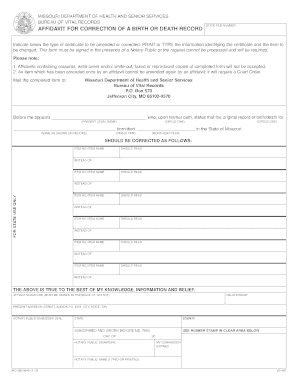
Affidavit for correction of birth certificate missouri
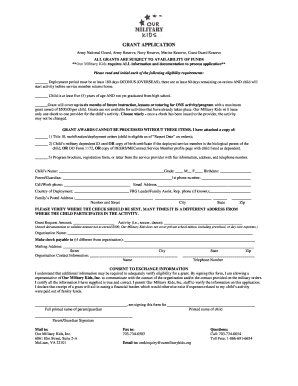
Our military kids
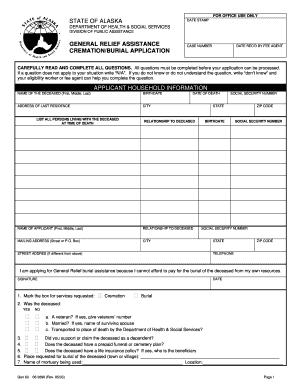
State of alaska burial assistance
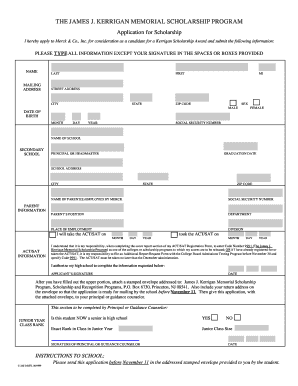
Kerrigan c220d

Ccso inmateworkcredit cookcountyil gov
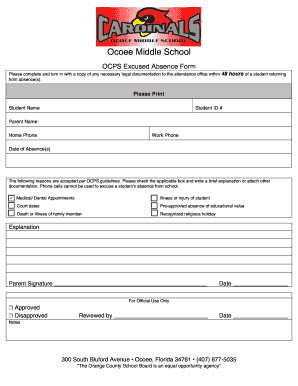
Ocps absence form

Volunteer documentation form
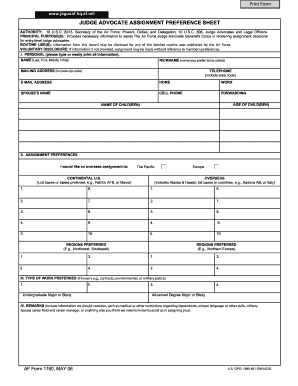
AF Form 1760 - Air Force

Motorcycle visual inventory supplement

Military high value inventory form

Personal action form
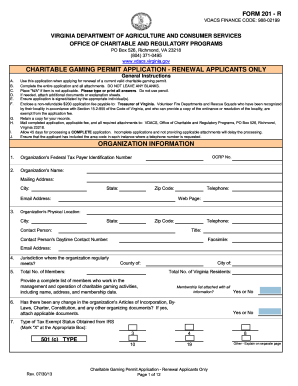
Virginia charitable gaming forms
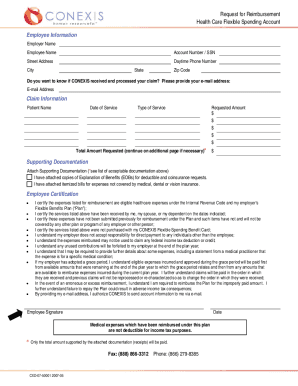
Conexis reimbursement form
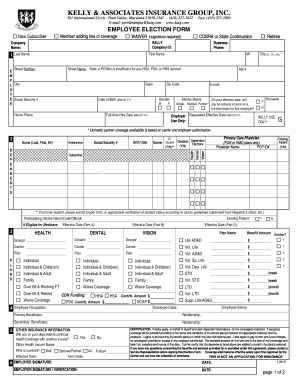
Kaig cobra
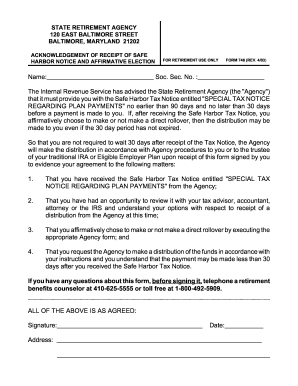
Form 746

Ccpoa gold shield

Kingore observation information

Paraprofessional evaluation comments
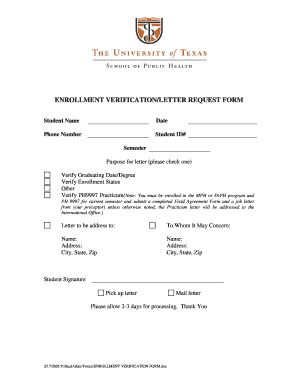
Enrollment verification letter
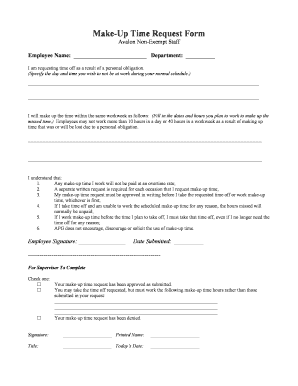
Make-Up Time Request Form - Tintin

Ucare eyeglass reimbursement form
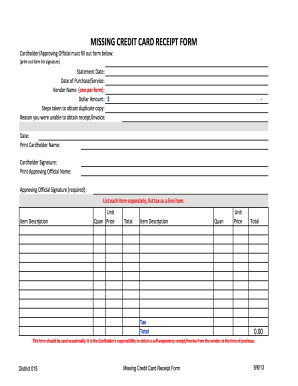
Credit receipt form
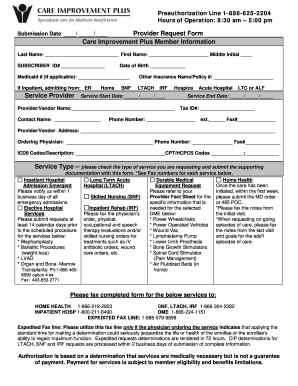
Care health preauth form
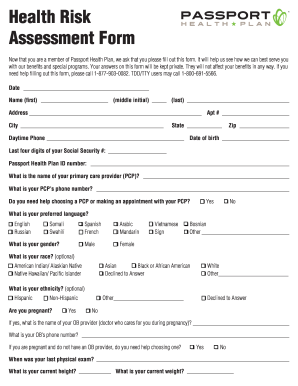
Medicare health risk assessment form 2021 pdf
Request railroad ptan search
Indmcf select fill
Installation access affidavit luke afb form 338, 20131104
Triwest reconsideration form

Kentucky laboratory certification

Form ben designation form

Instructions for ky form 71a101
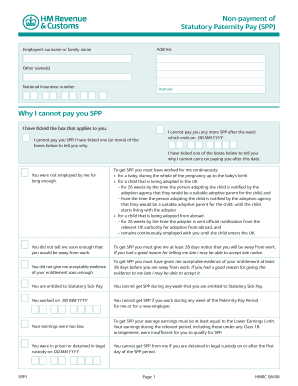
Spp1 form
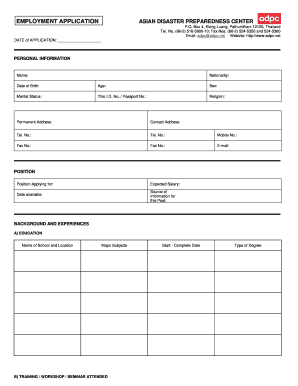
Adpc full form
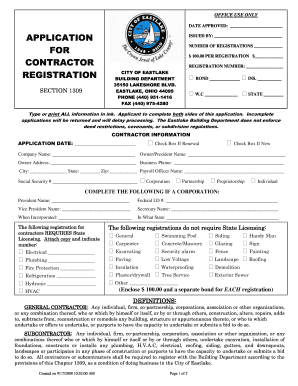
Eastlake building department
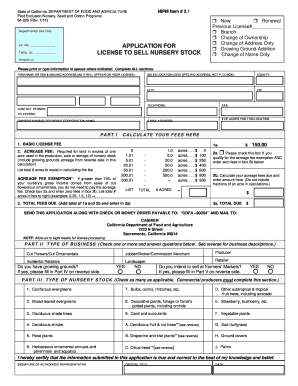
License nursery

United independent field procedures form
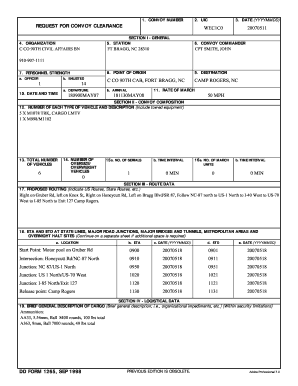
Dd form 1265
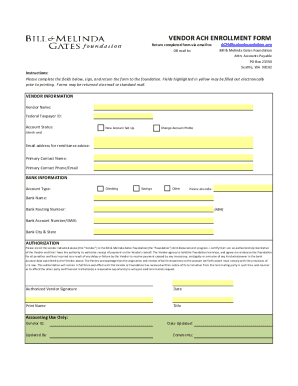
Bill and melinda gates foundation grant application form 2021
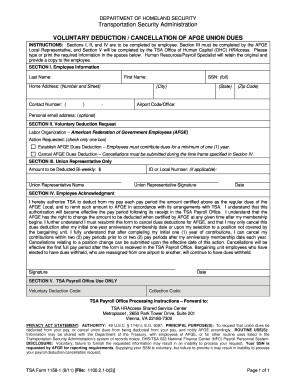
Form 1158

Move In and Move Out Checklist - Westcaorg
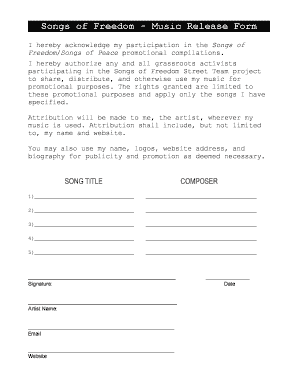
Music release form
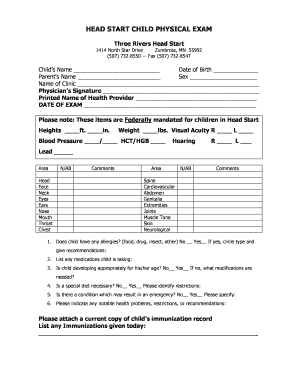
Headstart physical form
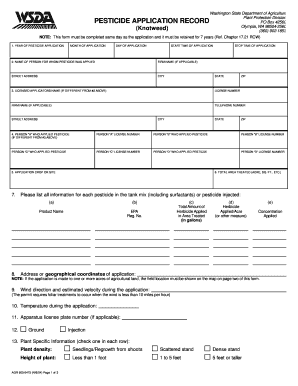
Wsda pesticide application record
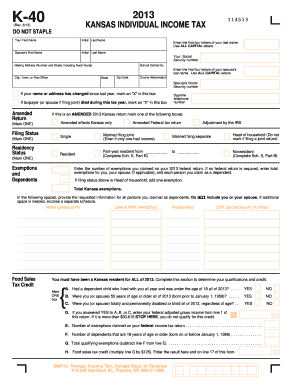
2013 kansas form

Epcc transcript request
Benefit from the DocHub online library of fillable PDF forms
Searching the PDF forms doesn't have to be a tedious and time-consuming process. With the DocHub online library, it has become easier to find the fillable PDF forms and modify them in your browser. The service allows you to adjust the document to your needs using powerful editing tools.
You can use online document editing features to modify almost any type of document with ease. You just need to find the template of your choice, open it in the editor, and use the toolbar to make the necessary corrections.
Follow this guide to get your document done with DocHub:
- Find the PDF template you need.
- Click the Get Form button to open the file in the editor.
- Use the toolbar to fill out and edit the document.
- Easily add and highlight text, insert images, checkmarks, and symbols.
- Drop new fillable fields, and rearrange or delete pages from your file.
- Save changes and download your record.
DocHub empowers everyone to streamline document editing, signing, and distribution, and form completion. Create an account and benefit from our well-organized PDF Forms library and comprehensive editor.