
Get any PDF form from the DocHub library of ready-made templates - Page 1963
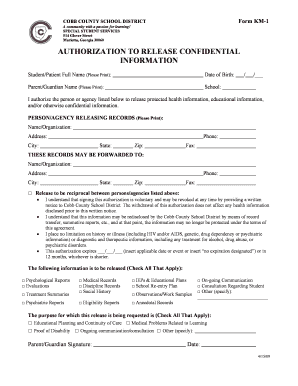
Authorization to Release Confidential Information - Cobb County ... - cobbk12
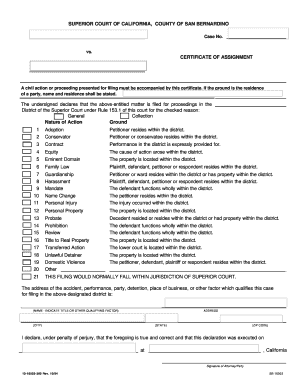
How to fill out certificate of assignment
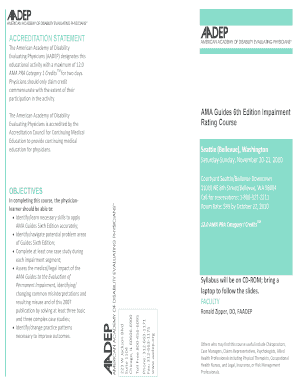
Ama guides 6th edition download
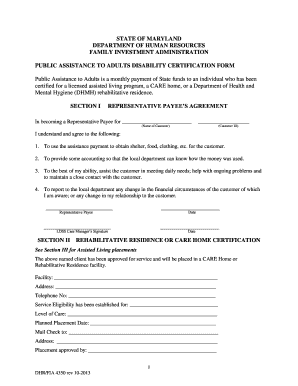
Mydhrbenefits
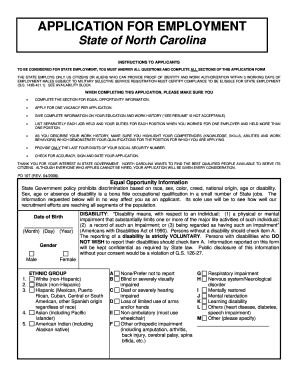
Nc application pd 107 form

Employee self evaluation form
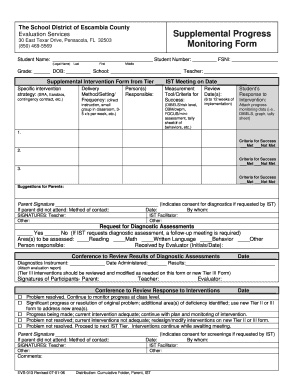
Printable progress monitoring forms
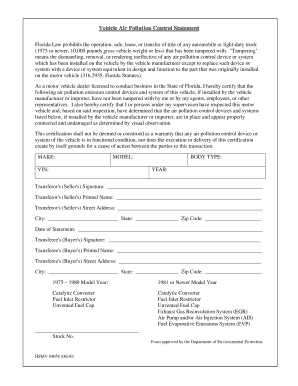
Hsmv 84058
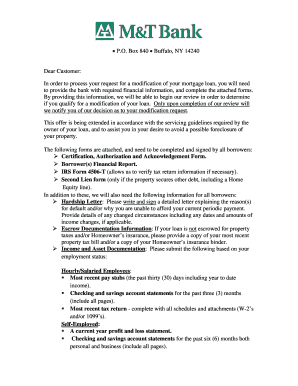
M t foreclosure form
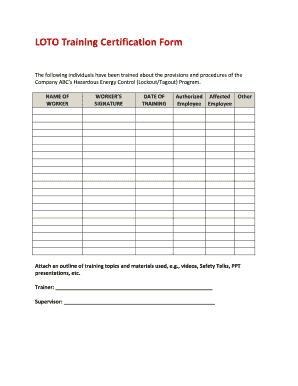
Loto forms

Ae form 190 1ag
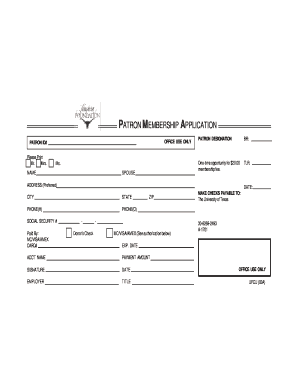
Patron membership application
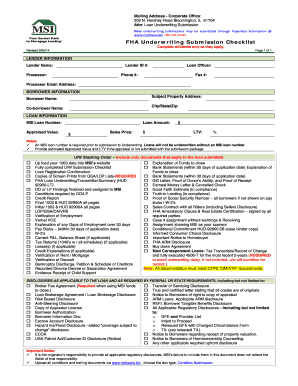
Mortgage underwriting checklist template

Trec 37 2013 form
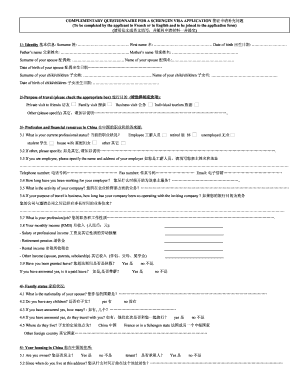
Chengen visa form maltese embassy

Dobson request transcript

Knights columbus application form

Court of queen's bench alberta forms
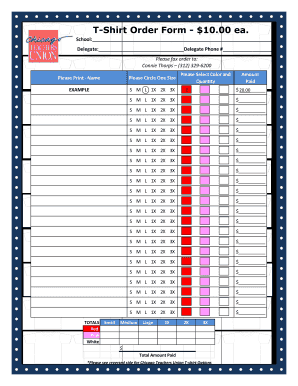
Ctu shirt order
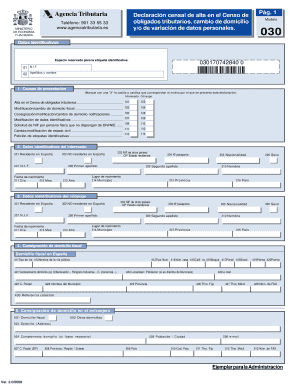
Modelo 030 pdf
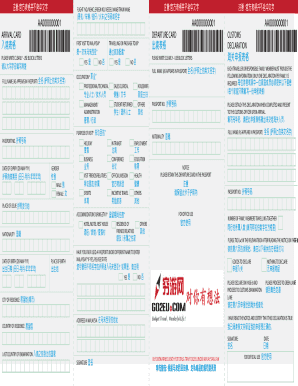
Malaysia arrival card
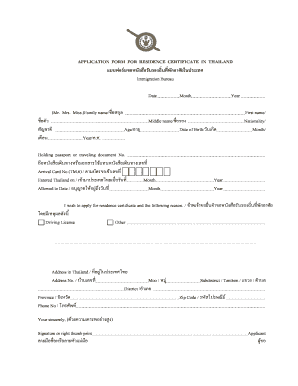
Residence certificate
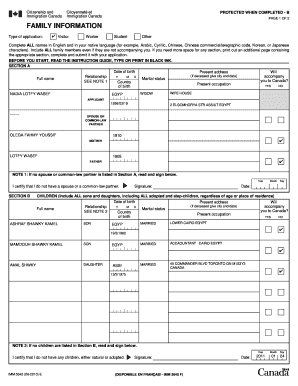
IMM 5645E : Family Information - CWT Connect
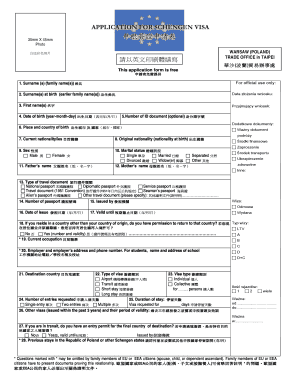
Poland work visa application form pdf
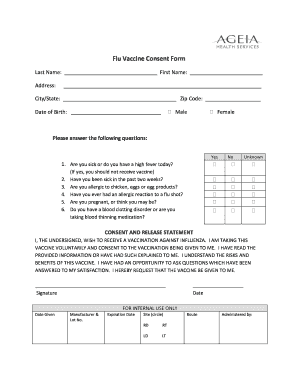
Ageia car insurance

Depaul housing forms

Pension credit entitlement
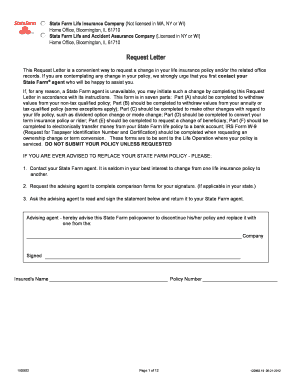
State farm letter insurance
Written and assembled by d l edwards

Homenet homeownership center

Employee shift swap form
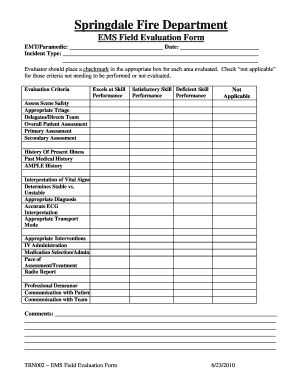
Springdale fire department

Member nomination form fdcc
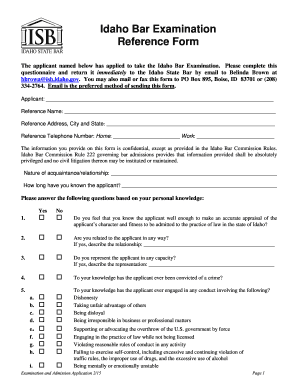
Idaho Bar Examination Reference Form - Idaho State Bar - Idaho.gov - isb idaho
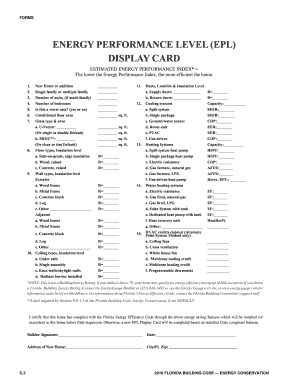
Energy performance level display card

Substitution request form pre bid
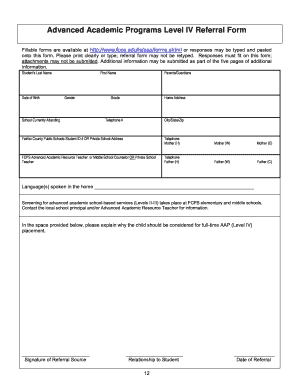
Aap referral form

Acbpromotions
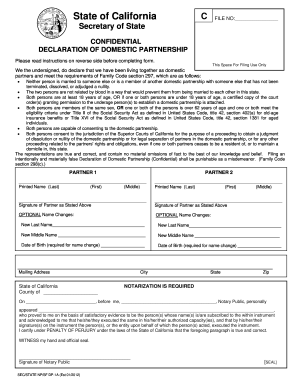
Domestic partnership california

Ca affidavit san mateo
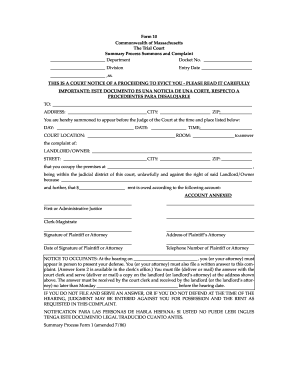
Massachusetts process summons complaint
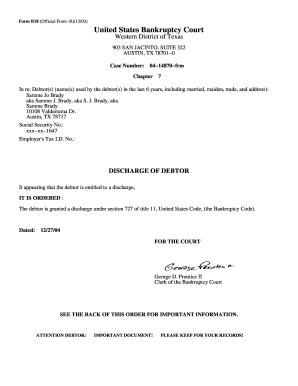
Form b18 2003

Fpl street light outage
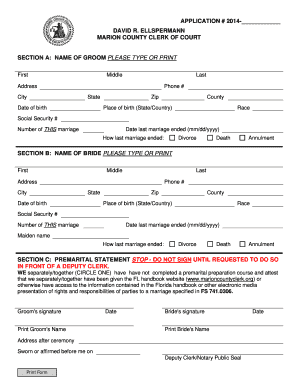
Marioncountyclerk

Colorado approved program form
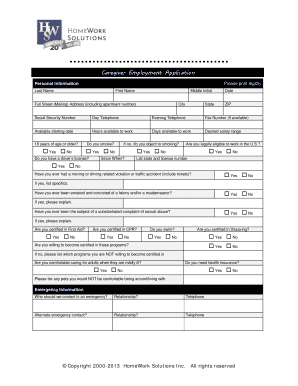
Elder Caregiver / Senior Care Job Application Form - Nanny Taxes
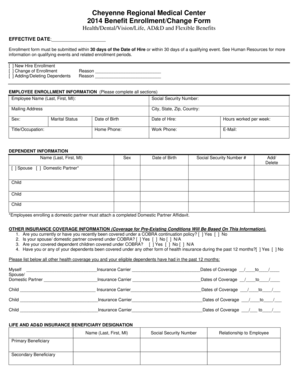
Employee Benefits Enrollment Form - Cheyenne Regional Medical ...

Application form for e age banking channels and change of address
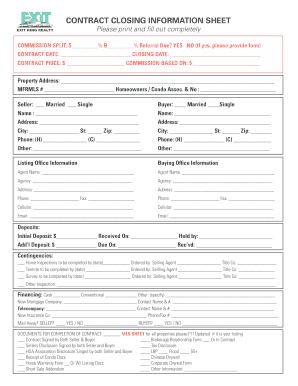
Closing information sheet

Geha provider appeal form
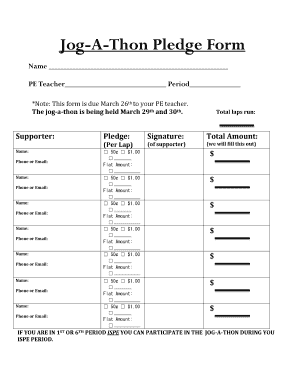
Jog a thon pledge sheet
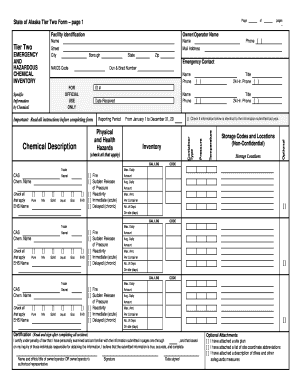
AK Tier II Form page 1 doc - State of Alaska - ready alaska
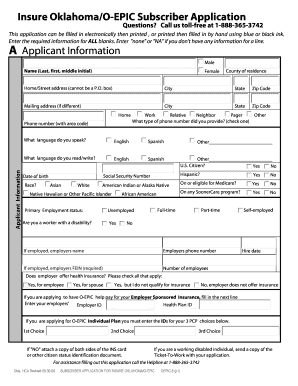
Oklahoma unemployment application
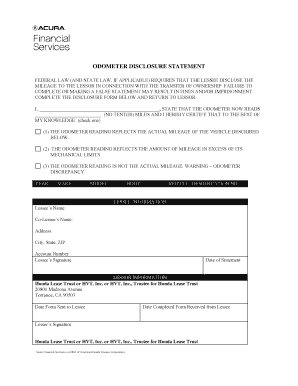
Acura financial services odometer statement
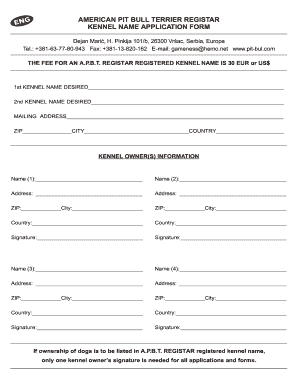
Apbt registry
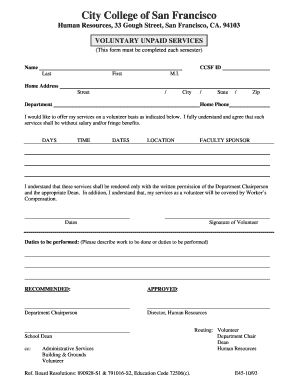
Student Volunteer Form - City College of San Francisco - ccsf
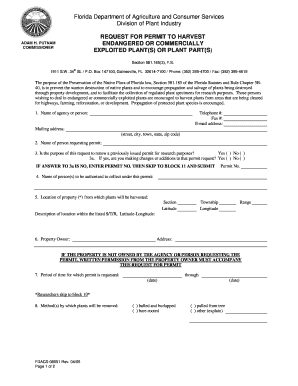
Request for Permit to Harvest Endangered or ... - forms.freshfromfl...

Solicitation of Contributions Registration Application - Source
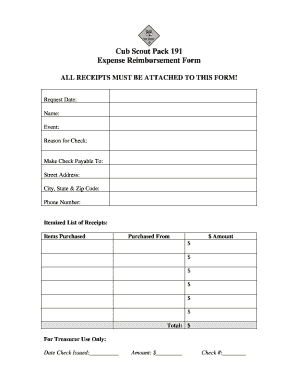
Reimbursement form

Form 651

Jb hunt carrier setup
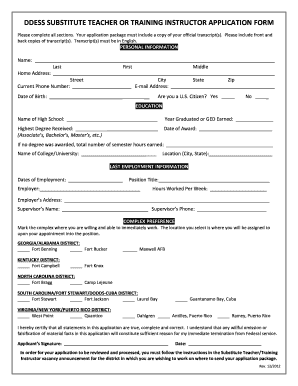
Ptt admission sitagarha 2012 form
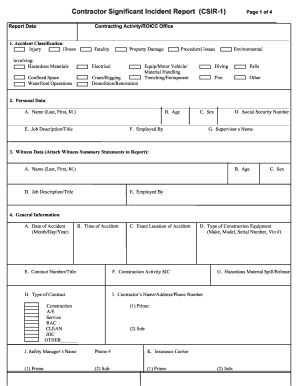
Csir incident report form

Metlife enroll form group insurance

Church incident report

Blank non hazardous waste manifest
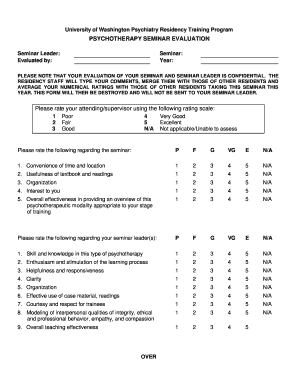
Seminar evaluation form word
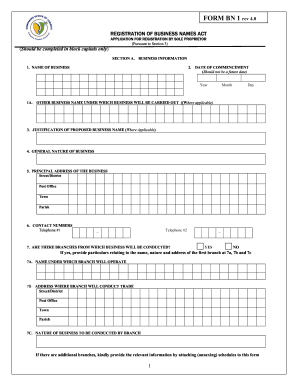
Bn1 form
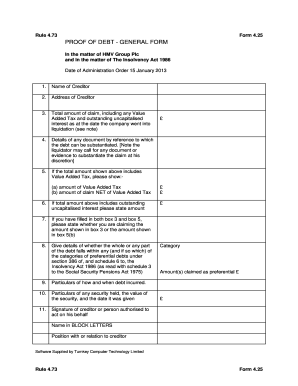
Sample proof of debt form malaysia

Form I-192. Application for Advance Permission to Enter as a Nonimmigrant
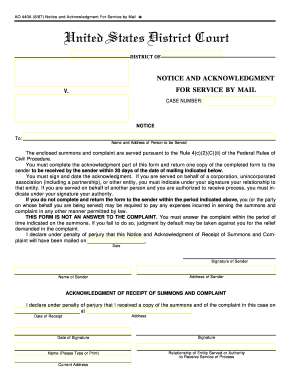
Notice acknowledgement service form

Criminal appeal information
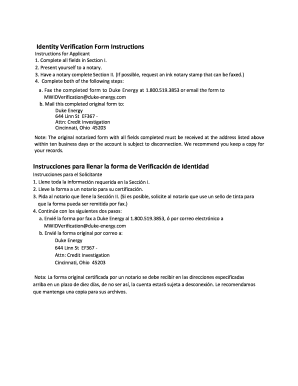
Identity verification form energy
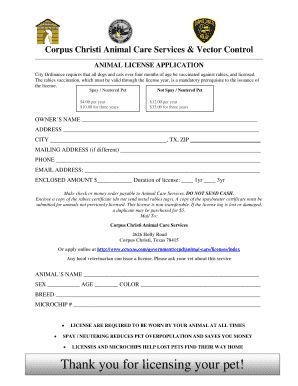
Corpus christi pet license
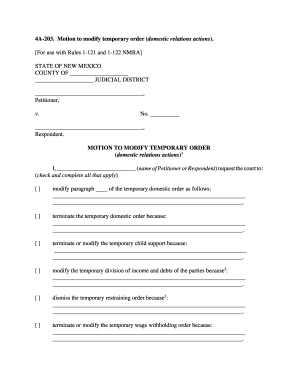
4A-203 - New Mexico Supreme Court - nmcompcomm

Company Name or Logo Here Customer Refund and Credit Request Form
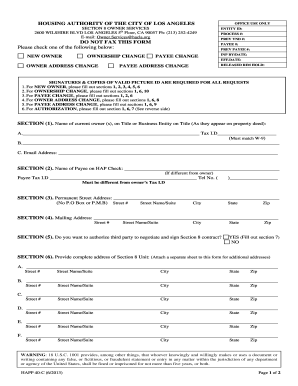
Happ authority of los angeles
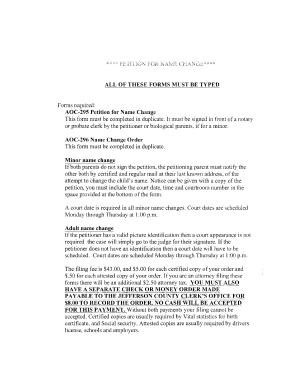
Printable petition to change minor name form kentucky 2006
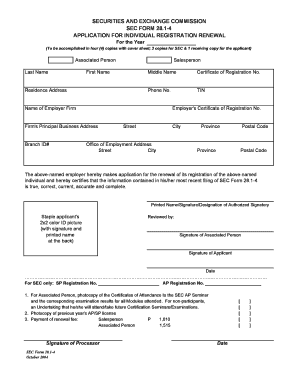
Sec registration form pdf

Navmc 11060
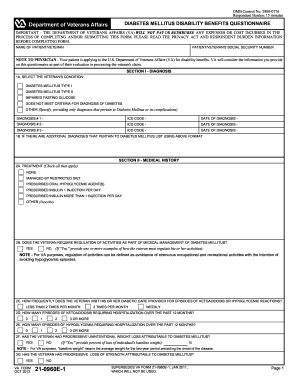
Va forms 21 0960e1 2012
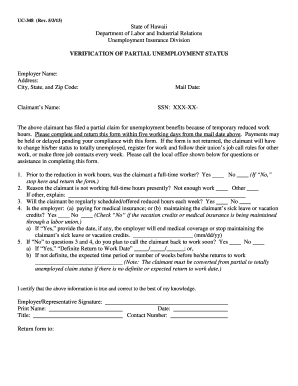
Form uc 348
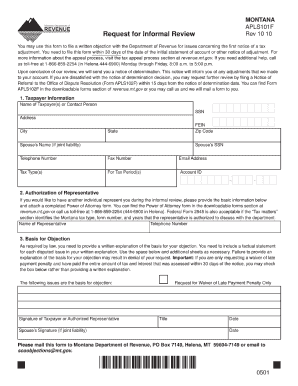
Form apls101f 2010
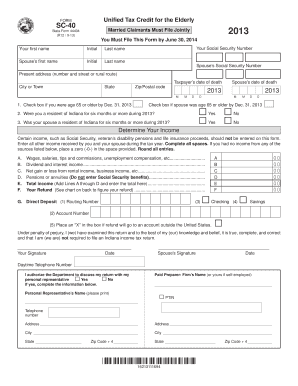
Sc 40 tax form 2021

Abl 901
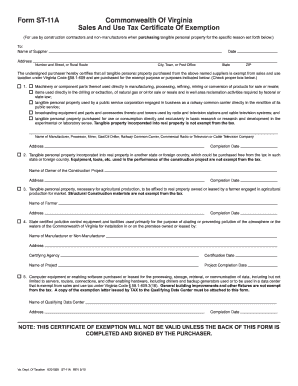
Virginia st 11a
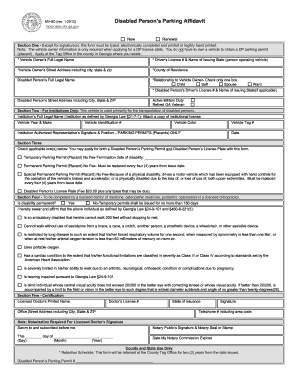
1 3 Disabled Person s Parking Affidavit
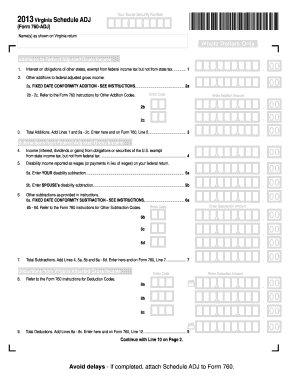
2013 schedule adj form
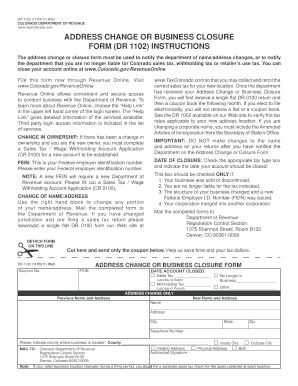
Dr 1102
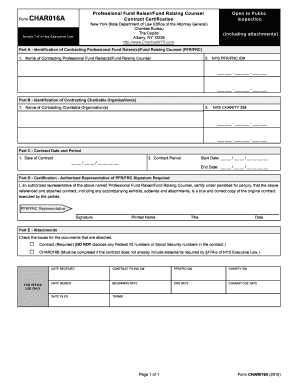
CHAR 016A/CHAR 016B - CharitiesNYS.com
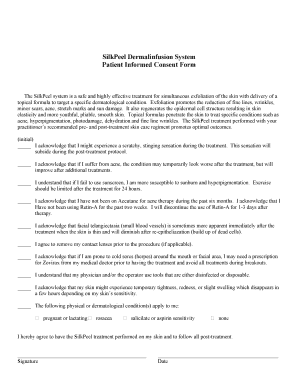
SilkPeel Dermalinfusion System Patient Informed Consent Form

Florida kidcare renewal
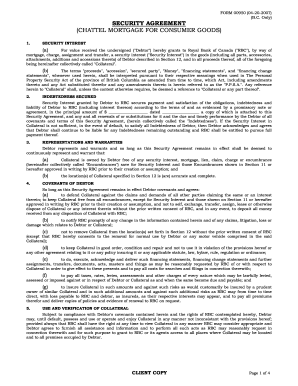
Security agreement rbc

Usaa home inventory
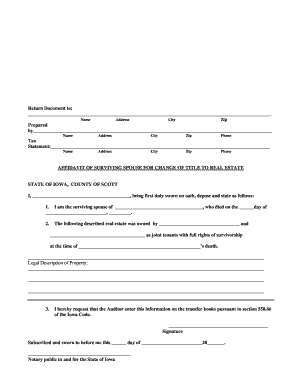
Affidavit of surviving spouse iowa
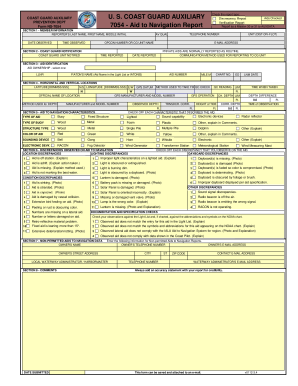
7054 form

Va form 8824e
Afrotc form 30
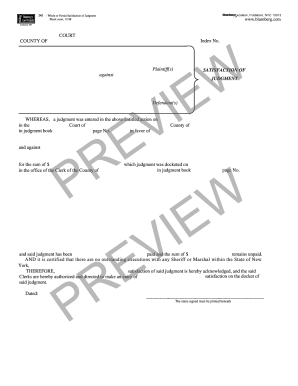
Satisfaction of Judgment - Blumberg Legal Forms Online

Form 8332 fillable
Benefit from the DocHub online library of fillable PDF forms
Searching the PDF forms doesn't have to be a tedious and time-consuming process. With the DocHub online library, it has become easier to find the fillable PDF forms and modify them in your browser. The service allows you to adjust the document to your needs using powerful editing tools.
You can use online document editing features to modify almost any type of document with ease. You just need to find the template of your choice, open it in the editor, and use the toolbar to make the necessary corrections.
Follow this guide to get your document done with DocHub:
- Find the PDF template you need.
- Click the Get Form button to open the file in the editor.
- Use the toolbar to fill out and edit the document.
- Easily add and highlight text, insert images, checkmarks, and symbols.
- Drop new fillable fields, and rearrange or delete pages from your file.
- Save changes and download your record.
DocHub empowers everyone to streamline document editing, signing, and distribution, and form completion. Create an account and benefit from our well-organized PDF Forms library and comprehensive editor.