How to form 1 subjects 2026

Get Form
application forms Preview on Page 1

Here's how it works

01. Edit your application forms online
Type text, add images, blackout confidential details, add comments, highlights and more.
02. Sign it in a few clicks
Draw your signature, type it, upload its image, or use your mobile device as a signature pad.
03. Share your form with others
Send connectyourcare usaa via email, link, or fax. You can also download it, export it or print it out.

How to use or fill out how to form 1 subjects

Form edit decoration
9.5
Ease of Setup
DocHub User Ratings on G2
9.0
Ease of Use
DocHub User Ratings on G2
  1. Click ‘Get Form’ to open it in the editor.
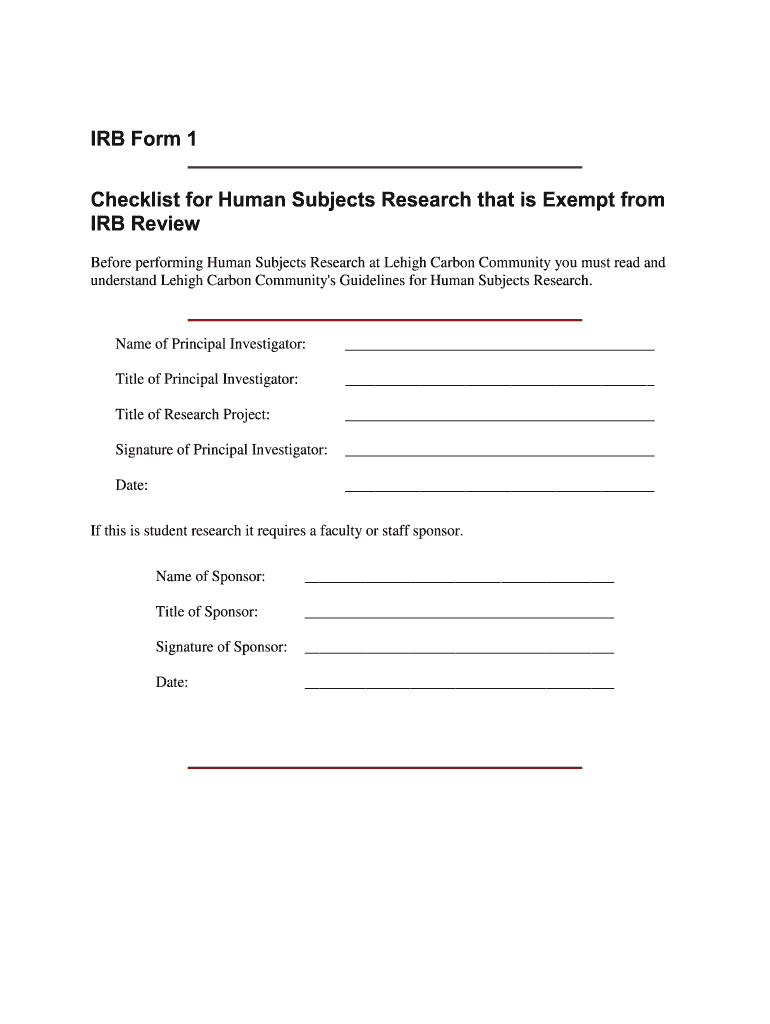
  2. Begin by entering the name of the Principal Investigator in the designated field. This is crucial for identifying who is responsible for the research.
  3. Next, fill in the Title of the Principal Investigator and Title of Research Project. These fields provide context about the research and its leadership.
  4. Sign and date where indicated to confirm your commitment to ethical research practices.
  5. If applicable, include details for a faculty or staff sponsor, ensuring their name, title, signature, and date are completed.
  6. Proceed to Part A of the checklist. Carefully review each item and check all that apply to your research. This ensures compliance with exemption criteria.
  7. Move on to Part B and check at least one item that applies. This section helps categorize your research appropriately.

Start using our platform today for free to streamline your document editing and form completion!

be ready to get more

Complete this form in 5 minutes or less

Get form

Got questions?

We have answers to the most popular questions from our customers. If you can't find an answer to your question, please contact us.
Contact us
In order to maintain Good Standing status, it is important that you file required annual reports and maintain compliance with any applicable Maryland laws. Failing to do so means your entity may be Not in Good Standing, which eventually leads to forfeiture.
The Form 1 Business Entity Annual Report and Personal Property Return must be typed using the fillable form, or submitted online at BusinessExpress.Maryland.gov (use the link, type the URL or use the QR code to the left). HANDWRITTEN FORMS WILL NOT BE ACCEPTED.
Businesses can also download the Annual Report and Business Personal Property Return form, fill it out digitally (handwritten forms will not be accepted), and mail it to the following address: Maryland Department of Assessments and Taxation. P.O. Box 17052, Baltimore, Maryland 21297-1052.
Maryland requires annual report filings from virtually all business entities operating within the state, with filing requirements applying broadly across entity types to ensure comprehensive state oversight and tax assessment.
An Annual Report must be filed by all business entities formed, qualified or registered to do business in the State of Maryland, as of January 1st. Failure to file the Annual Report may result in forfeiture of the entitys right to conduct business in the State of Maryland. The deadline to file is April 15th.

Security and compliance

At DocHub, your data security is our priority. We follow HIPAA, SOC2, GDPR, and other standards, so you can work on your documents with confidence.

Learn more
ccpa2
pci-dss
gdpr-compliance
hipaa
soc-compliance
be ready to get more

Complete this form in 5 minutes or less

Get form

People also ask

FAQs A Modern Charlotte Mason FormsTypical Public School Grades Form 1A First grade Form 1 Second and Third grades Form 2 Fourth, Fifth, and Sixth grades Form 3 Seventh, Eighth, and Ninth grades1 more row
LATE FILING PENALTIES A business which files the Form 1 after the April 15th due date (June 15 for those with approved extensions), will receive an initial penalty of 1/10 of one percent of the county assessment, or the base penalty, whichever is greater.

form 1 subjects