




01. Edit your zicta online
Type text, add images, blackout confidential details, add comments, highlights and more.

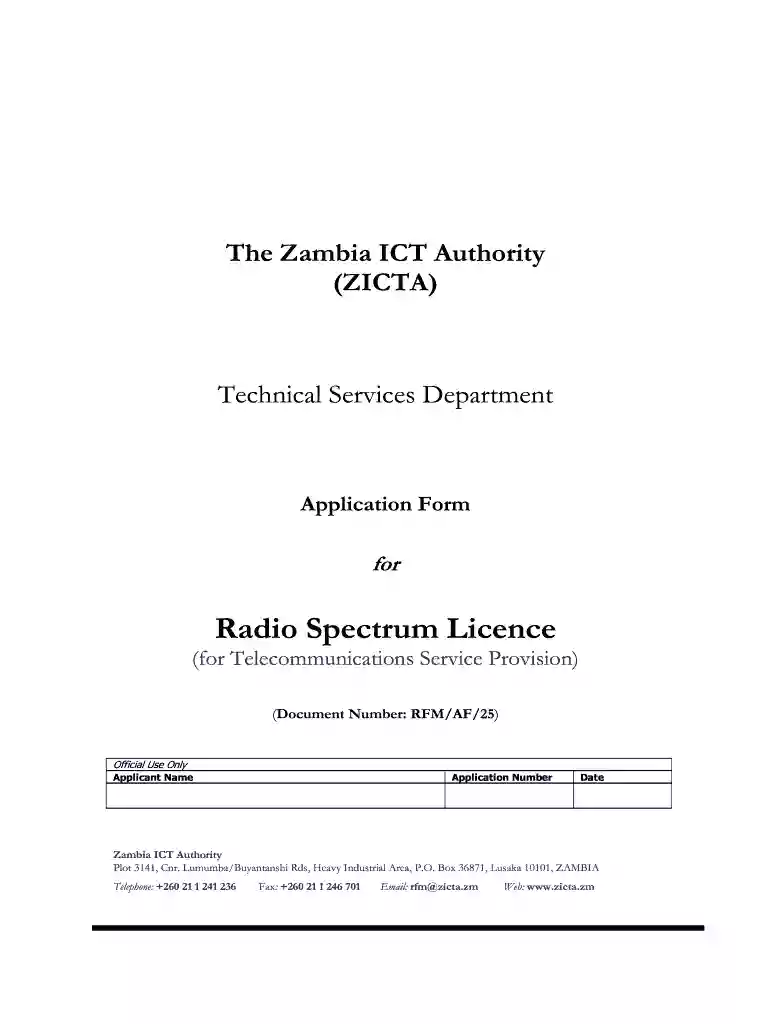
Type text, add images, blackout confidential details, add comments, highlights and more.

Draw your signature, type it, upload its image, or use your mobile device as a signature pad.

Send zicta application form via email, link, or fax. You can also download it, export it or print it out.

Start using our platform today to streamline your zicta application process for free!
At DocHub, your data security is our priority. We follow HIPAA, SOC2, GDPR, and other standards, so you can work on your documents with confidence.
by A Rajaram 2022 Identifying and targeting the factors that make firms use this form of skill upgrading would improve opportunities for younger workers. Over the longer termRead more
Aug 10, 2023 ZCTAs are generalized areal representations of the geographic extent and distribution of the point-based ZIP Codes built using 2020 Census tabulation blocks.Read more


