
Get any PDF form from the DocHub library of ready-made templates - Page 1948
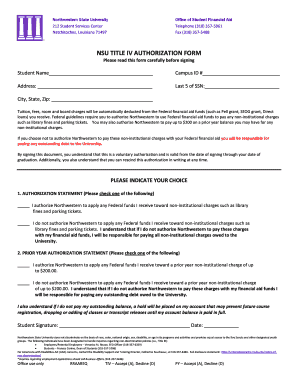
Nsu authorization form financial aid
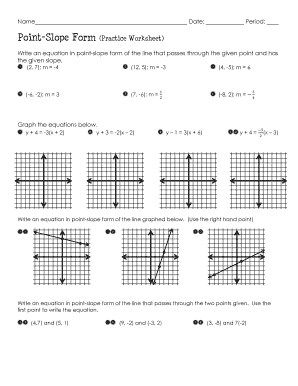
Point slope form practice worksheet answers
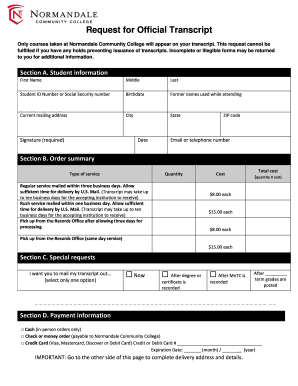
Normandale transcript

Mid year review examples
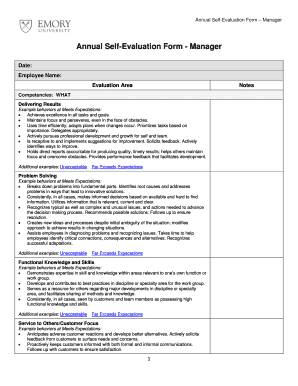
Printable manager evaluation form

Sample tn visa letter for engineer

ACPA - 405 TANGIBLE PERSONAL PROPERTY TAX RETURN - acpafl
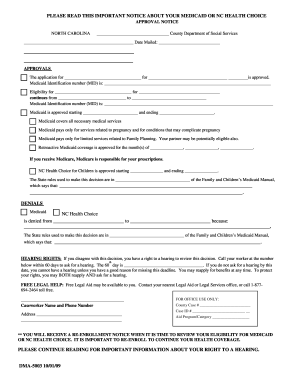
Dma 5003

Comanche nation optometry
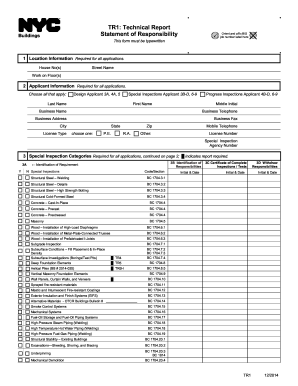
Tr 1 form
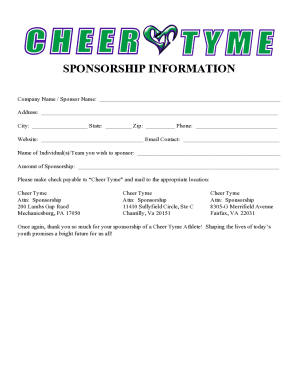
Cheer sponsorship letter
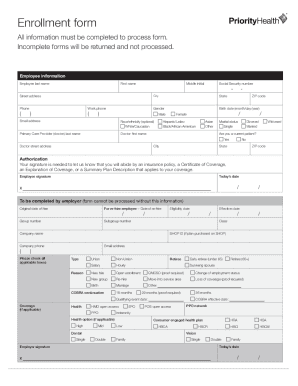
Priority health enrollment form

Ngati porou registration

Teacher assistant evaluation form

V62 form to print

30 day notice for tenant to vacate pdf
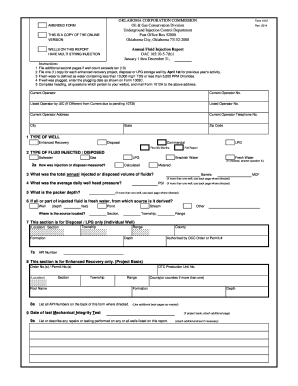
Oklahoma corporation commission forms
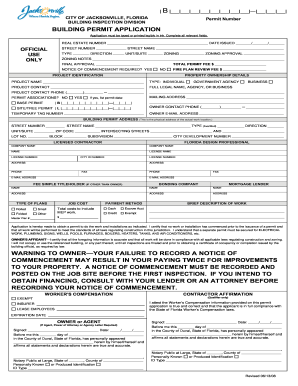
FULL LEGAL NAME, AGENCY, OR BUSINESS
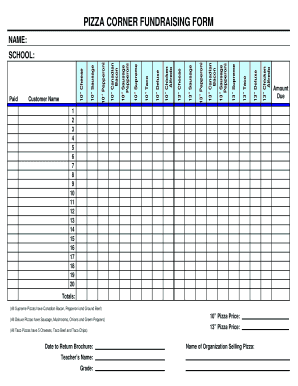
Fundraiser form

Tx accident forms cr 3 printable

Ins5242a

Form 77 proof of debt
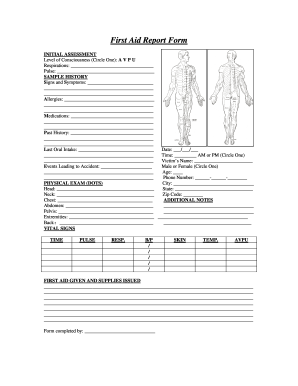
First aid kit usage log form

Get - washcoach
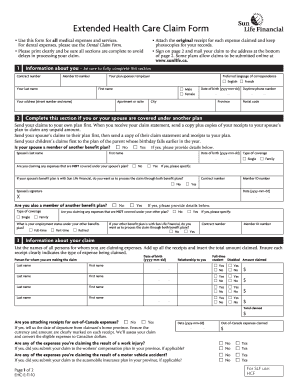
Sun life claims forms printable
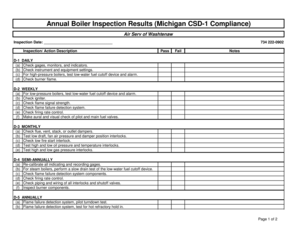
Csd 1 boiler inspection form
Michigan boiler code
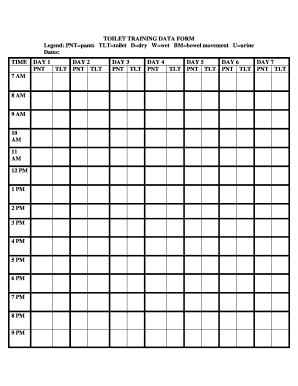
TOILET TRAINING DATA FORM - dsawm

Grand rapids tax for gr 1040x

Child Care Assistant Interview Questions
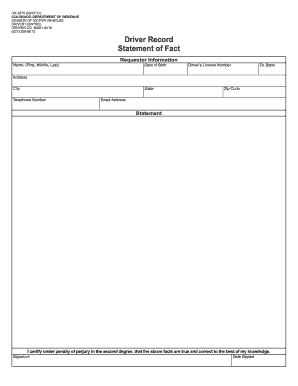
Colorado statement of fact 2022
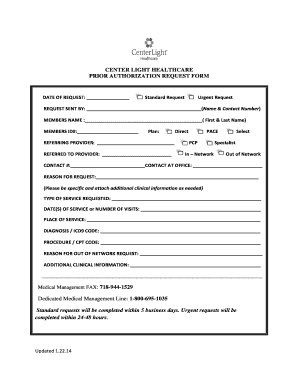
Prior Auth request bformb Community Phys 1 22 14 - CenterLight bb - centerlighthealthcare

Mike ferry daily tracking form

Home health aide form visit record
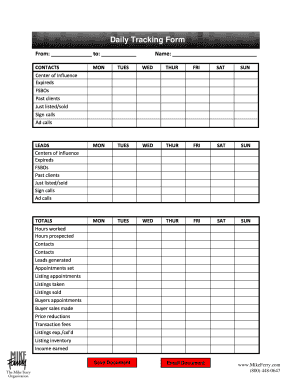
Daily tracking form
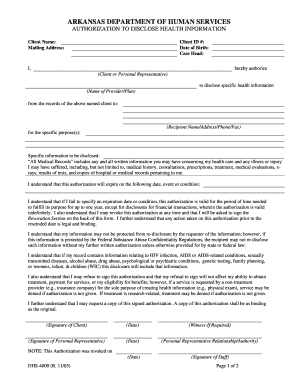
Dhs 4000

Lake county probation monthly report
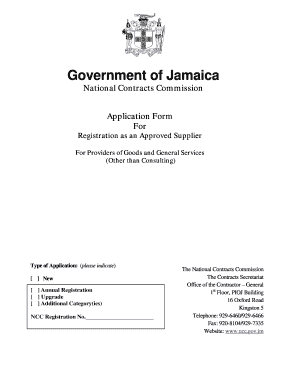
National contracts commission application form
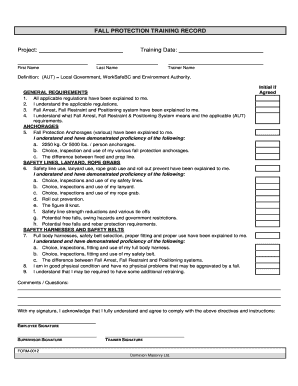
Form 0012
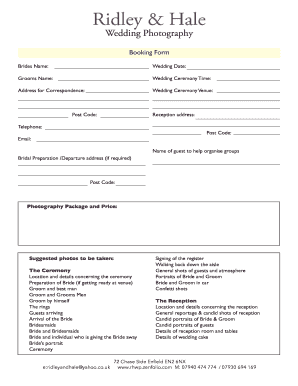
Wedding photography booking form
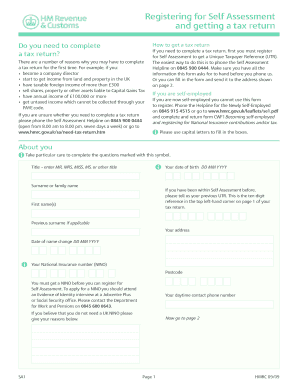
Sa1 form pdf editable

NEOHREX Status Change Form - normls
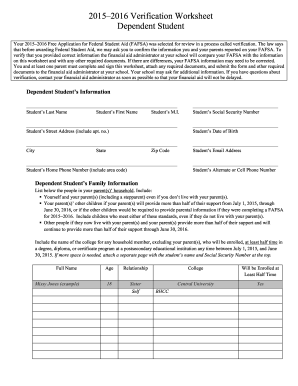
Fafsa form 2022 23
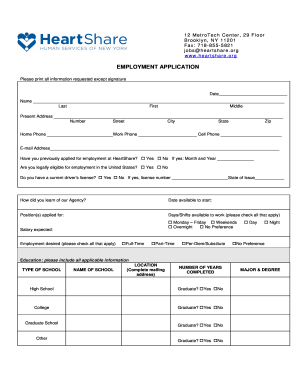
Heartshare online
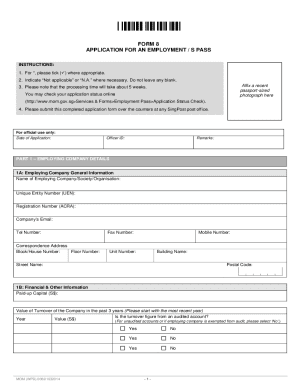
S pass application form
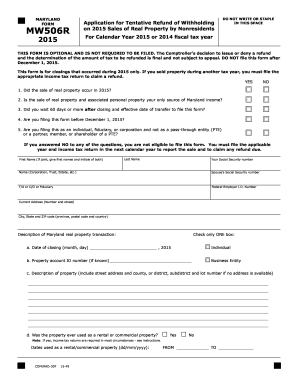
MW506R - Maryland Tax Forms and Instructions - the Comptroller of ...
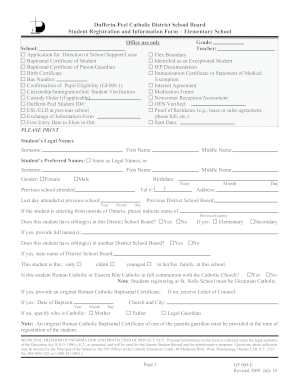
Dufferin peel flexible boundary form

Toastmasters proxy form
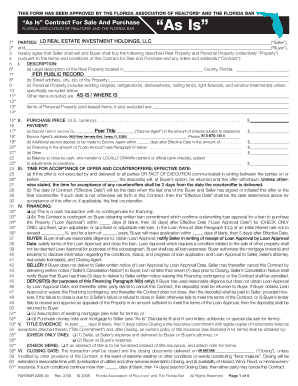
THIS FORM HAS BEEN APPROVED BY THE FLORIDA ASSOCIATION OF REALTORS AND THE FLORIDA BAR As Is Contract For Sale And Purchase FLORIDA ASSOCIATION OF REAL TORS AND THE FLORIDA BAR As Is 1* 2* 3 4 5 6* 7* 8* 9 10 11* 12* 13* 14* LD REAL ESTATE
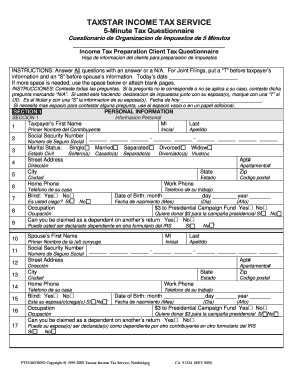
Tax preparer client questionnaire template
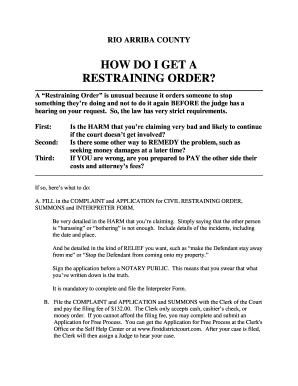
Rio arriba county how do i get a restraining order? - First Judicial ...
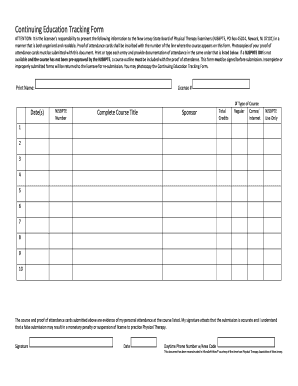
Ceu tracker template
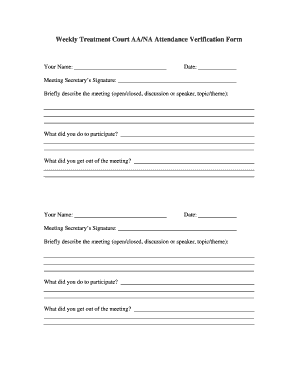
Aa signature
Index of credit card txt 2022
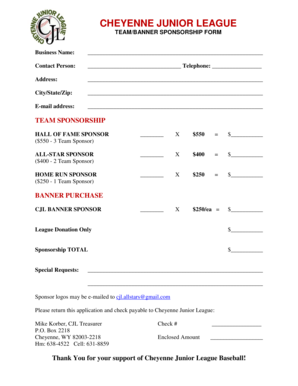
Banner sponsorship form
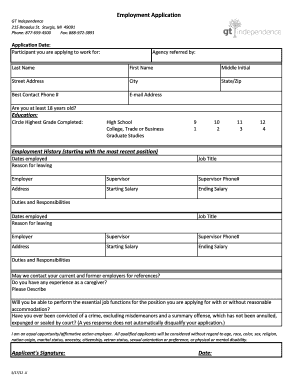
Gt independence application
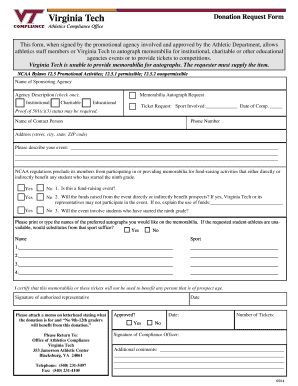
Donationa request virginia
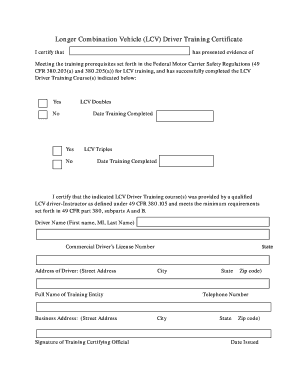
Lcv certificate

How to submit reimbursement form 2145 for child care
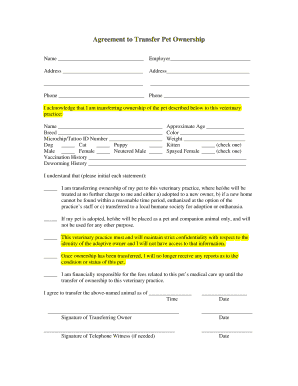
Agreement transfer pet ownership

Medicare abn form 2019 printable
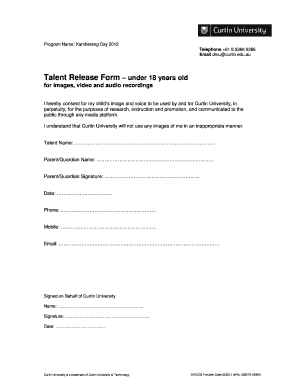
Talent release form

4 h report form
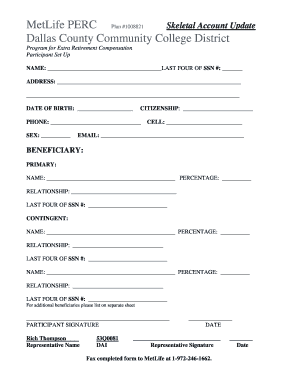
MetLife PERC Plan 1008795 - Dallas County Community College bb - dcccd

Convert to fillable form
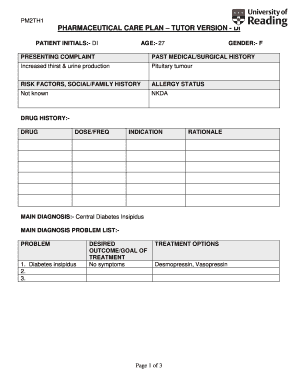
Self cert form printable
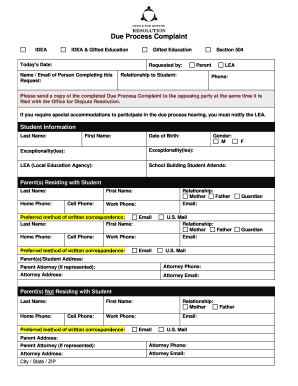
Burial request forms in pennsylvania
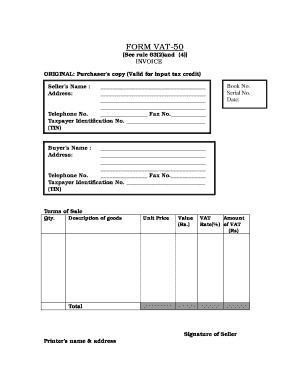
India Form VAT-50

Singapore institute surveyors valuers

Part D Safety Meeting Report Form - Gulf of Mexico Safety and ...

Mm17 form
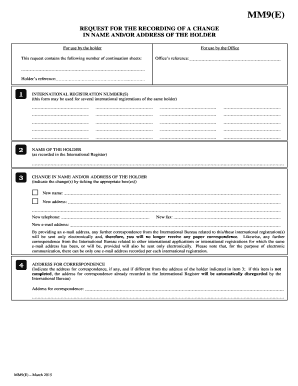
Form MM9 (Madrid Agreement Concerning the International ... - WIPO
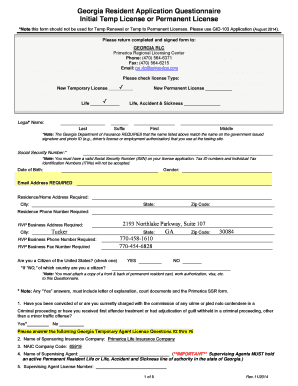
Georgia Resident Application Questionnaire Initial Temp License or ...

CRITICAL APPRAISAL WORKSHEET 1
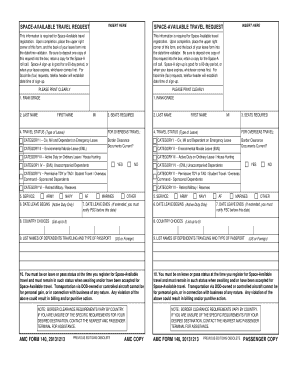
Amc form 140
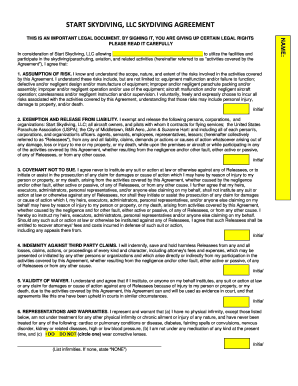
Tandem Skydiving Waiver Form
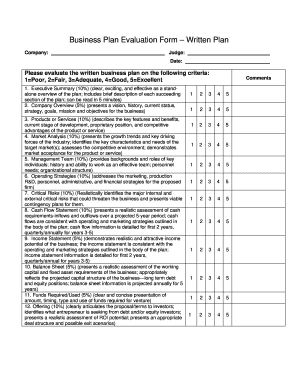
How to evaluate a business plan pdf
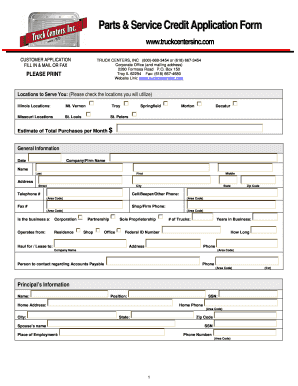
TCI Part-Service Credit Application Form.pdf - Truck Centers Inc.

Dodgeball waiver registration form

Work permit
American samoa community college transcript request
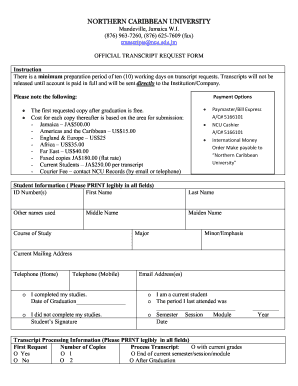
Ncu transcript request

Wv star scholarship application
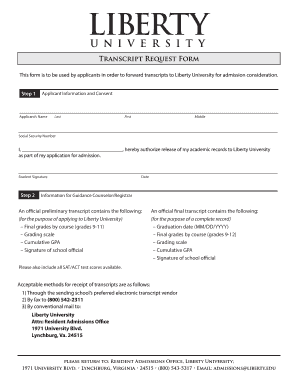
Va liberty university transcript request
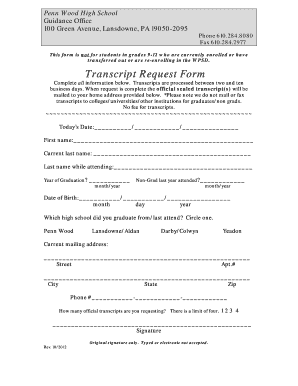
Penn wood high school transcript request
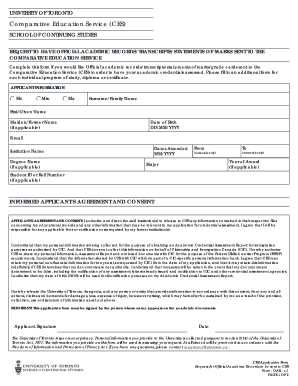
Ces academic request form
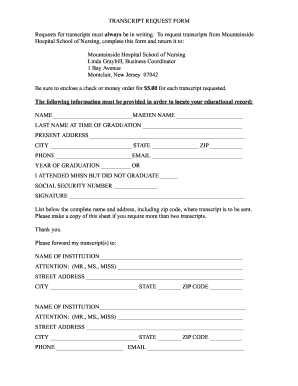
Mountainside hospital transcript

Transcript kps
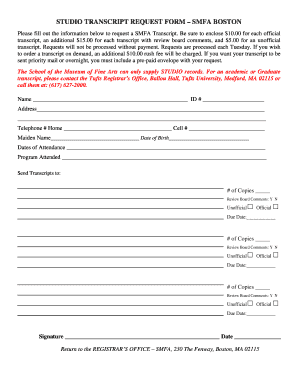
Smfa form
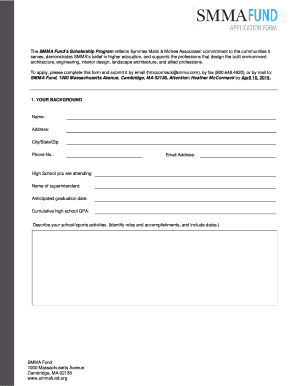
Smma application form

Ged kane county
Sauk valley community college transcript
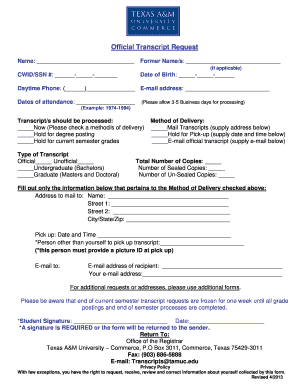
Texas a m commerce transcript

Transcript form assemblies printable
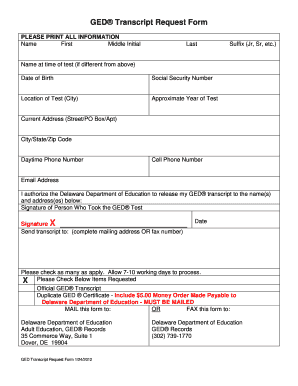
Delaware ged request form
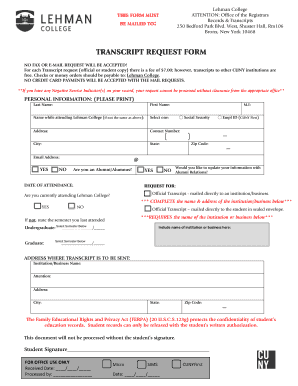
Lehman college transcript
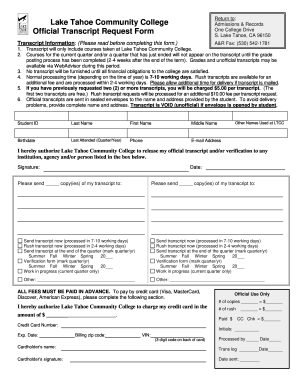
Lake tahoe community college transcript
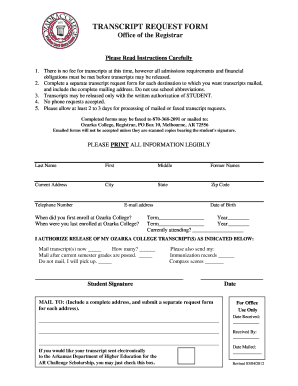
Ozarka college transcript request
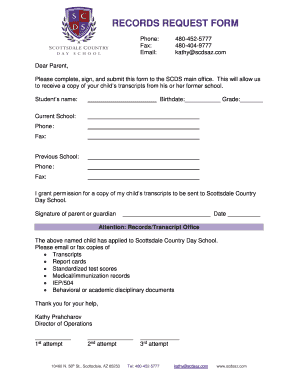
Elementary school records request form template
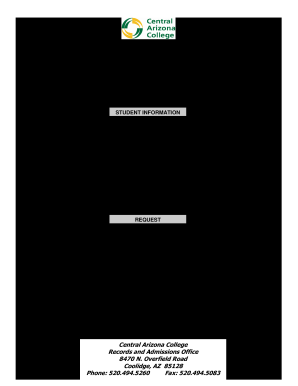
REQUEST FOR OFFICIAL TRANSCRIPTS - Central Arizona College - centralaz
Benefit from the DocHub online library of fillable PDF forms
Searching the PDF forms doesn't have to be a tedious and time-consuming process. With the DocHub online library, it has become easier to find the fillable PDF forms and modify them in your browser. The service allows you to adjust the document to your needs using powerful editing tools.
You can use online document editing features to modify almost any type of document with ease. You just need to find the template of your choice, open it in the editor, and use the toolbar to make the necessary corrections.
Follow this guide to get your document done with DocHub:
- Find the PDF template you need.
- Click the Get Form button to open the file in the editor.
- Use the toolbar to fill out and edit the document.
- Easily add and highlight text, insert images, checkmarks, and symbols.
- Drop new fillable fields, and rearrange or delete pages from your file.
- Save changes and download your record.
DocHub empowers everyone to streamline document editing, signing, and distribution, and form completion. Create an account and benefit from our well-organized PDF Forms library and comprehensive editor.