
Get any PDF form from the DocHub library of ready-made templates - Page 1737
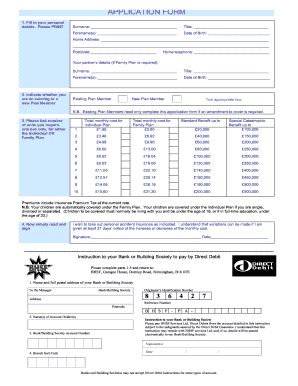
Bhsf claim form
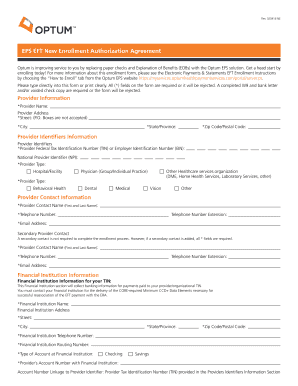
Optum eps eft user authorization agreement
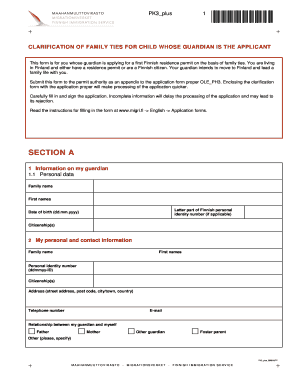
PK3 plus
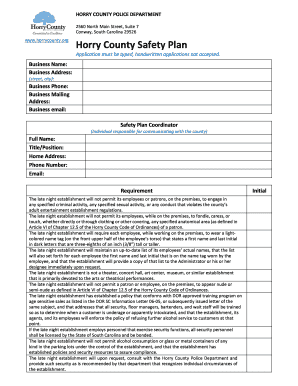
Horry County Safety Plan - Horry County Police

MEDICAL LABORATORY SCIENTIST.pdf - University Of Ilorin ...
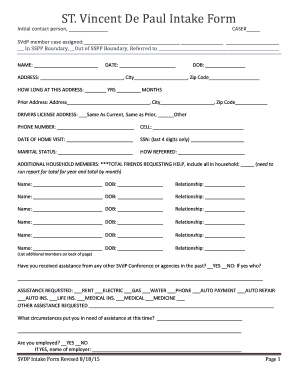
ST. Vincent De Paul Intake Form - ssppsvdpnaperville.com
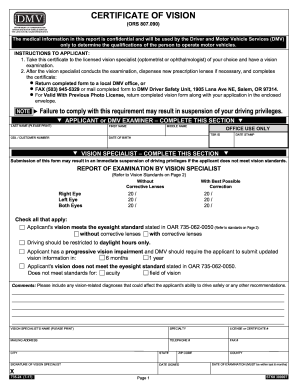
Oregon dmv 24
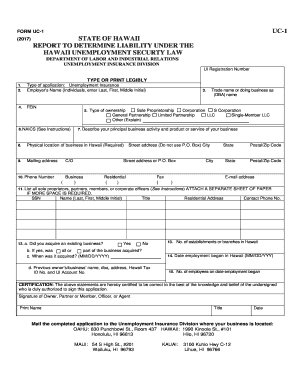
Form uc 1
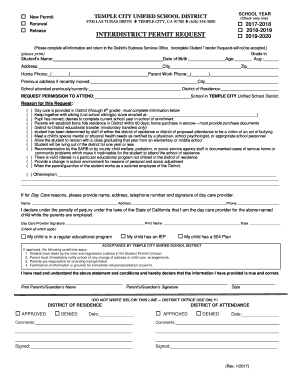
Inter-District Permit Application - Temple City Unified School District
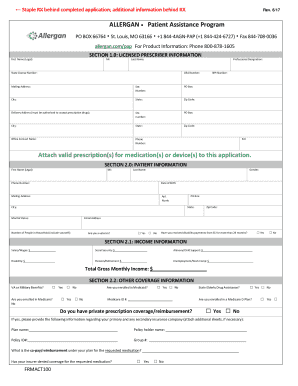
Assistance program

Doh 5139
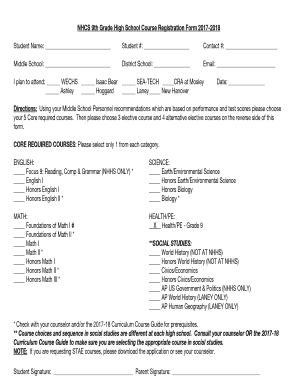
NHCS 9th Grade High School Course Registration Form 2017 ...
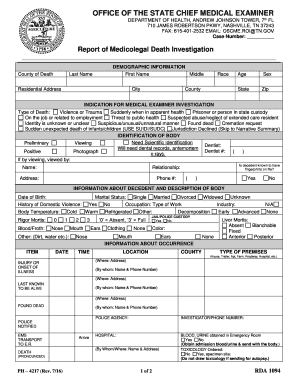
Oscme
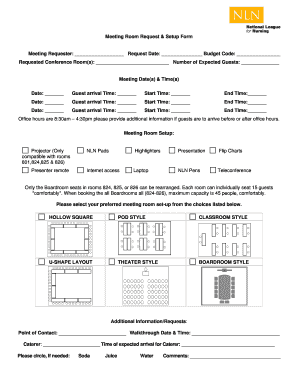
Meeting Room Request & Setup Form

Social media photo consent form
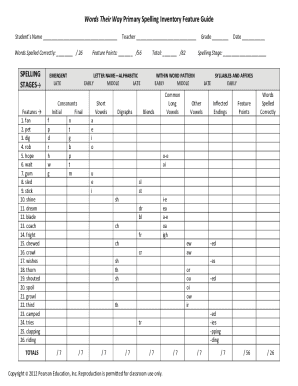
Words their way spelling inventory classroom composite
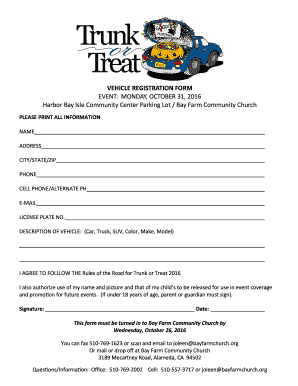
Trunk Or Treat Vehicle Registration Form - Bay Farm Community ...
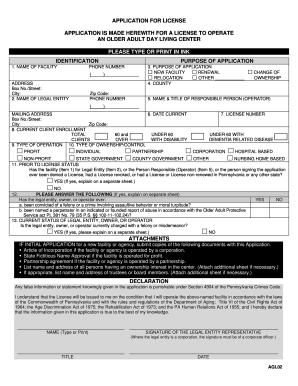
Agl02
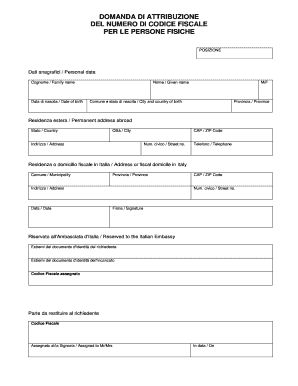
Domanda di attribuzione del numero di codice fiscale per le persone ...
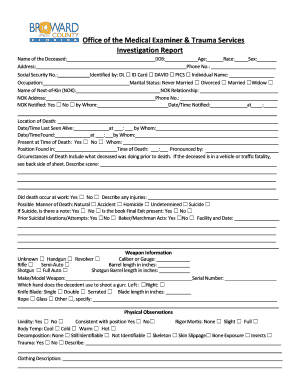
Office of the Medical Examiner Investigation Report. Office of the Medical Examiner Investigation Report

Psychology referral form

Hospital Indemnity Claim Form - Transamerica
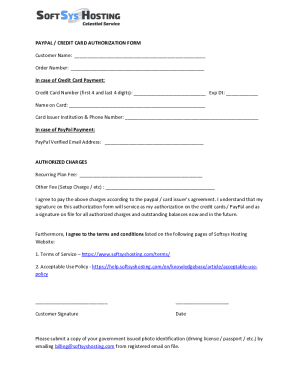
Paypal credit card authorization
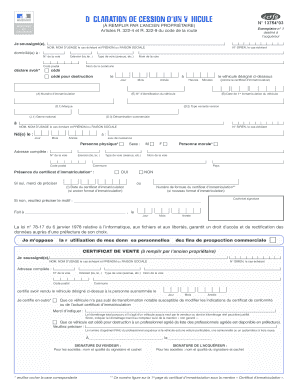
Certificat de cession

Cau cheer form
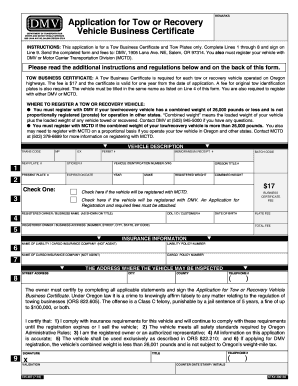
735-387. Application for Tow or Recovery Vehicle Business Certificate
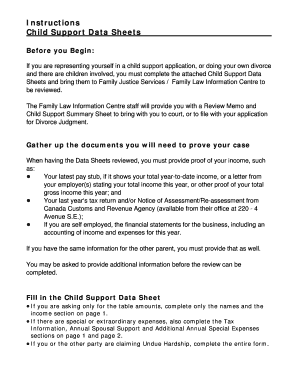
Child support data sheet
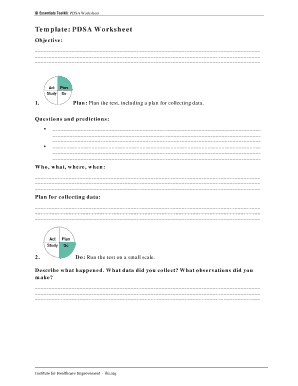
Ihi qi essentials toolkit
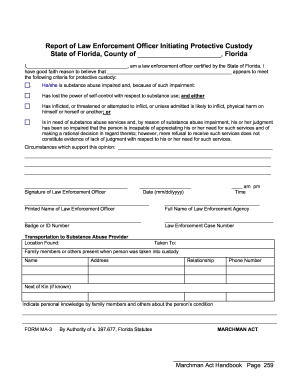
Ba52 form
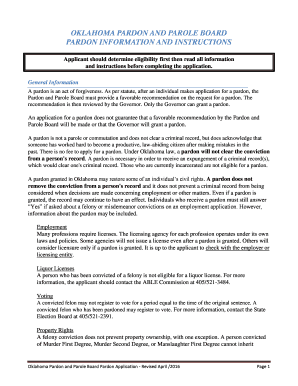
Oklahoma pardon and parole board

AGL 897 PoA Affidavit (8-16)
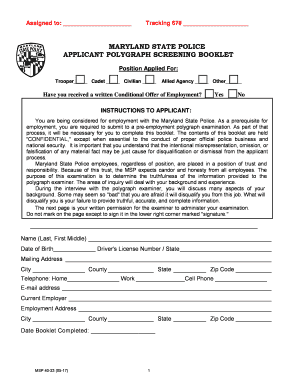
Screening state police
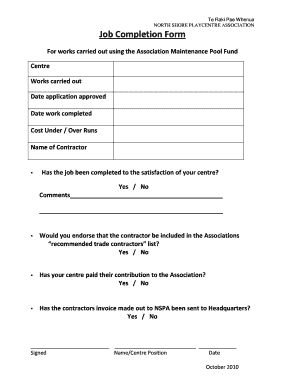
North shore playcentre

4 h craft information card
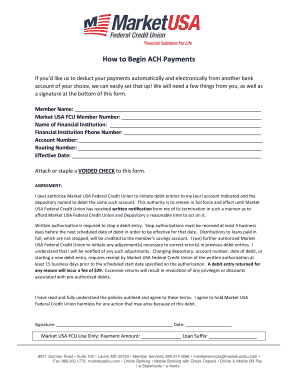
How to Begin ACH Payments - Market USA Federal Credit Union

Alsup form

Vendor payee form
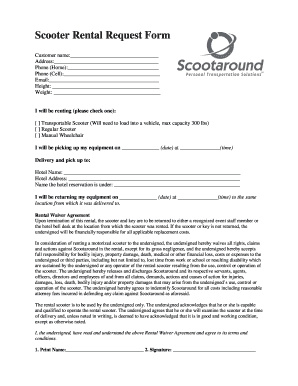
Scooter rental contract
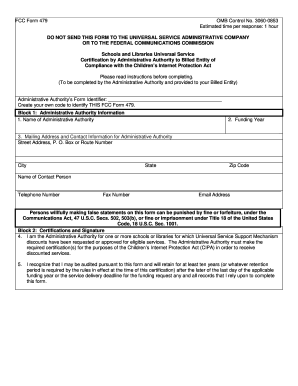
Fcc 479

Crystal kasper od
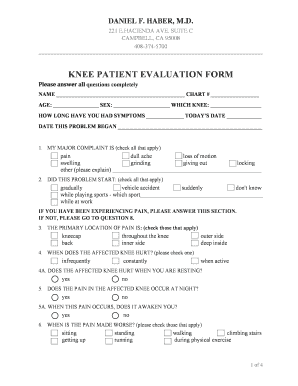
Knee patient evaluation form - Daniel Haber, MD
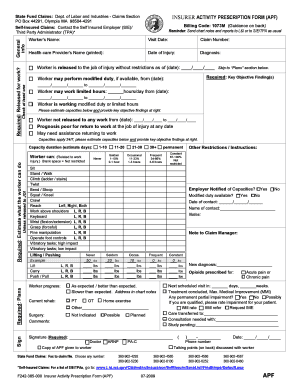
Activity prescription form

Victims compensation

Tnt 763602332
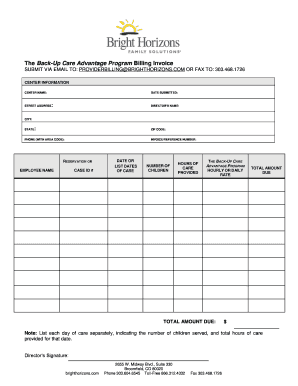
The Back-Up Care Advantage Program Billing Invoice SUBMIT ...

FUNCTION SHEET

Home health care referral assessment form

Significant figures practice
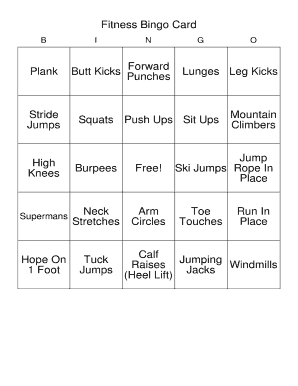
Fitness bingo cards pdf
Dd 686 bacteriological form

IHLS Contact Log - Alegria Family Services
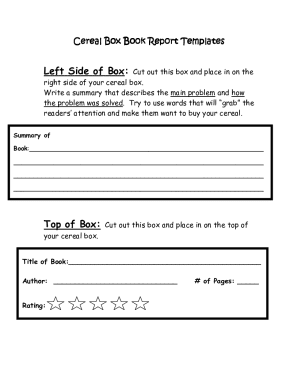
Cereal box book report pdf
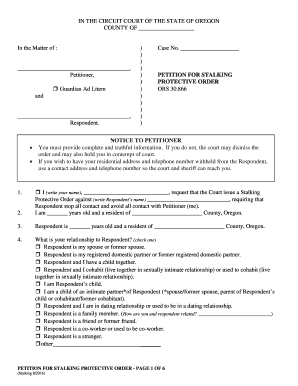
Oregon petition protective

ESL Progress Report

Preschool progress report - Planet Kids

Iicrc continuing education
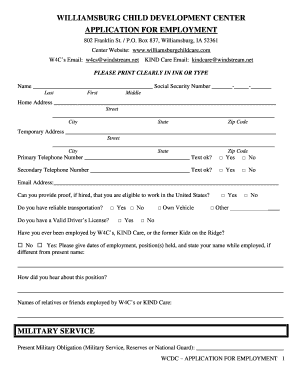
W4cs
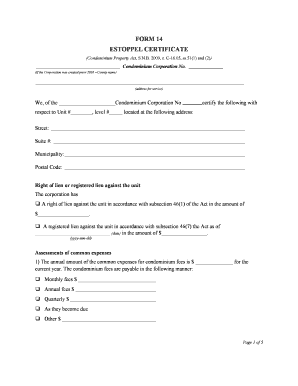
Estoppel certificate new brunswick

Accident/Incident Report - Naperville Park District
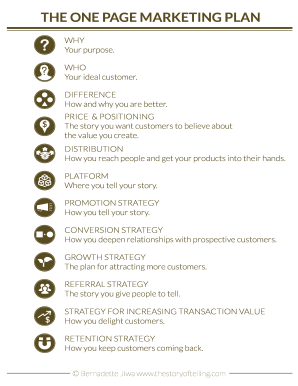
THE ONE PAGE MARKETING PLAN

Pa medical certification worksheet

Sample remediation plan for students
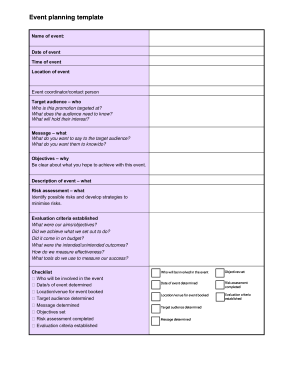
Event planning template
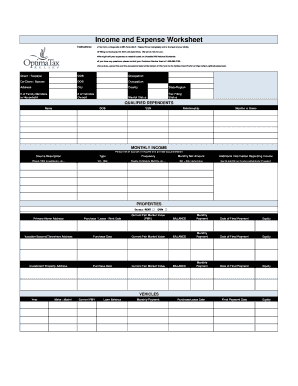
Income and Expense Worksheet - Optima Tax Relief
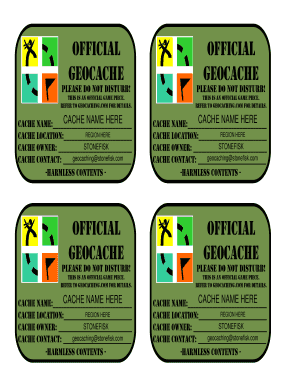
Geocaching labels to print
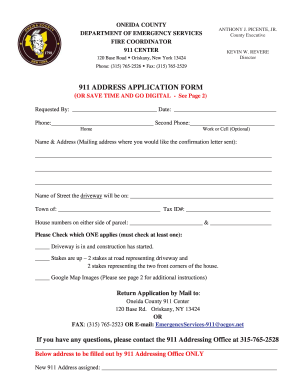
911 ADDRESS APPLICATION FORM - Oneida County
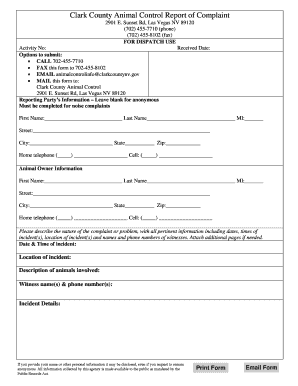
Animal complaint
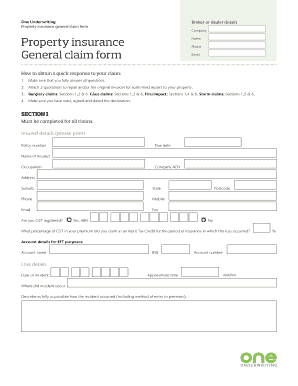
Property insurance general claim form
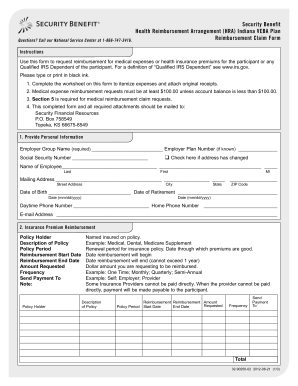
Indiana security benefit
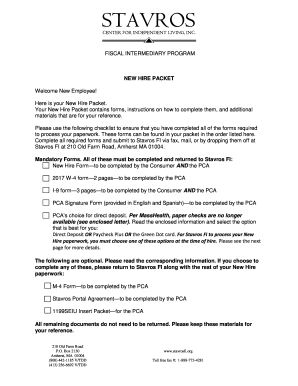
Click here to download the complete New Hire Packet - StavrosFI.org
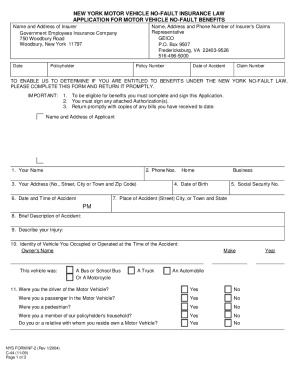
New york motor vehicle no-fault insurance law - Geico
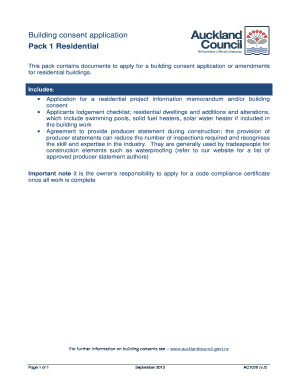
Building consent application pack 1: residential - Auckland Council
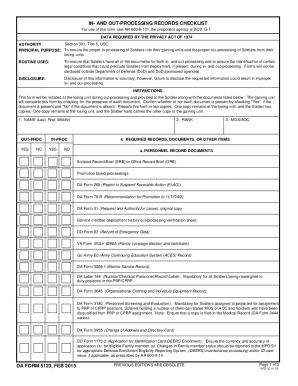
Da form 5123
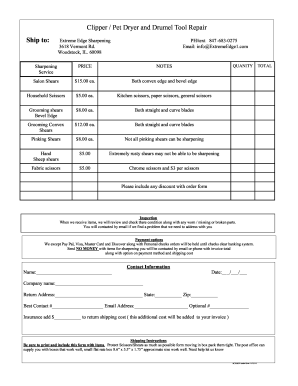
Clipper / Pet Dryer and Drumel Tool Repair
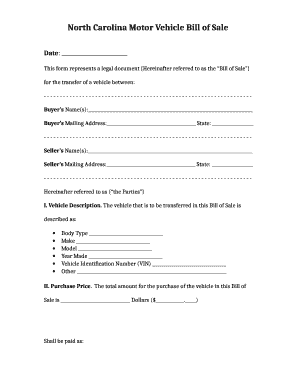
Nc bill of sale car sample
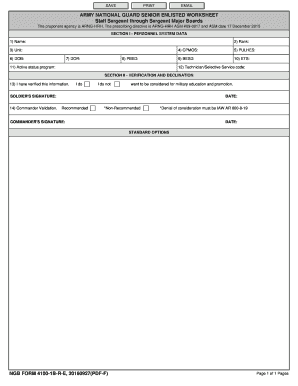
4100 1b form
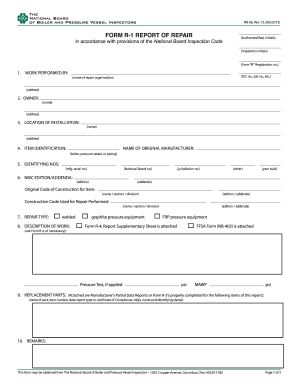
NB-66, Rev

Ncl format

Mri safety screening form
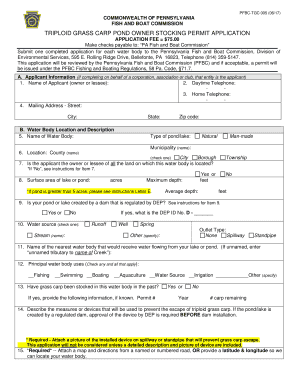
Pennsylvania common carp stocking

Graduation stole template pdf
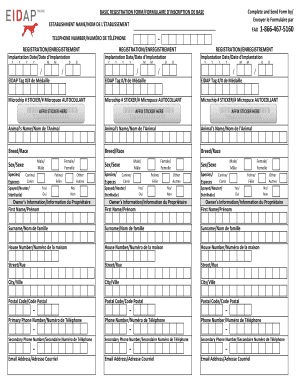
Eidap

Boy scout permission slip
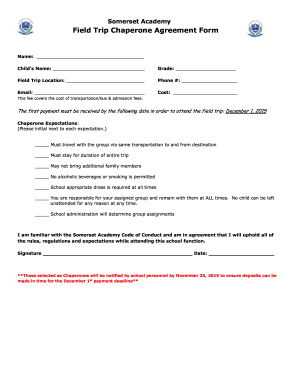
Field Trip Chaperone Agreement Form - Somerset Academy ...
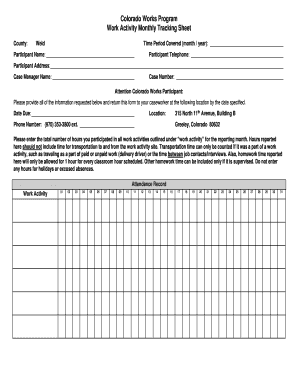
Work activity tracking sheet
Issa cleaning standards pdf

ESE Teacher Input Form
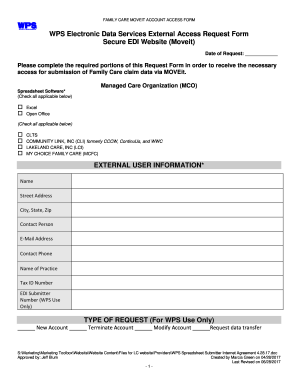
WPS Electronic Data Services External Access Request Form ...
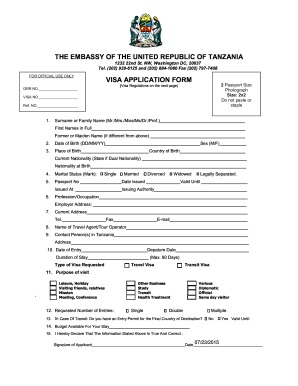
Tanzania Visa Application Requirements and Instructions - RJR ...

Nj show cause form
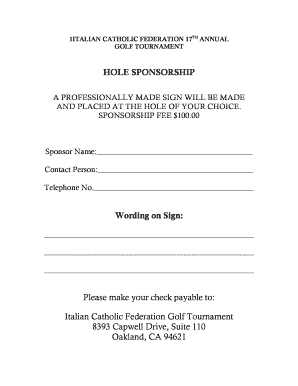
Sponser form italian visa
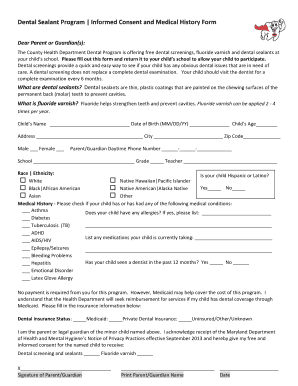
Informed Consent and Medical History Form - Maryland Mighty Tooth

FICHE D INSCRIPTION SERVICE DE GARDE EN MILIEU

Pre-Motion Conference Memorandum - Government of Prince ...

Ho chunk enrollment

Wholesale application template
Application acmpr form
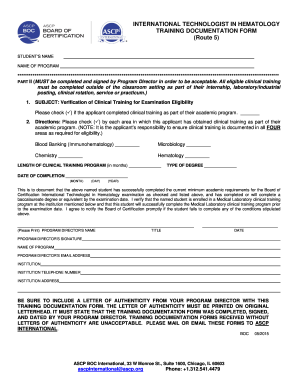
ASCP BOC US Procedures Book
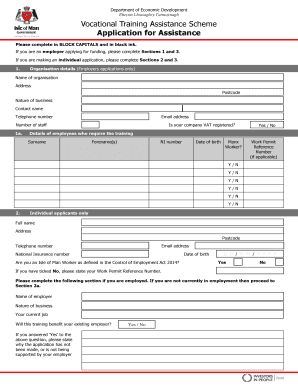
VTAS application for assistance form - Isle of Man Government
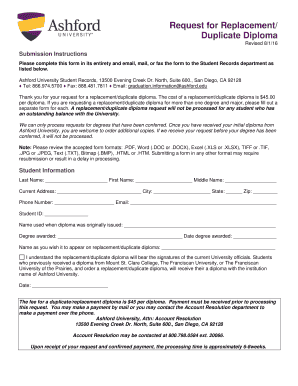
Ashford university replacement diploma
Benefit from the DocHub online library of fillable PDF forms
Searching the PDF forms doesn't have to be a tedious and time-consuming process. With the DocHub online library, it has become easier to find the fillable PDF forms and modify them in your browser. The service allows you to adjust the document to your needs using powerful editing tools.
You can use online document editing features to modify almost any type of document with ease. You just need to find the template of your choice, open it in the editor, and use the toolbar to make the necessary corrections.
Follow this guide to get your document done with DocHub:
- Find the PDF template you need.
- Click the Get Form button to open the file in the editor.
- Use the toolbar to fill out and edit the document.
- Easily add and highlight text, insert images, checkmarks, and symbols.
- Drop new fillable fields, and rearrange or delete pages from your file.
- Save changes and download your record.
DocHub empowers everyone to streamline document editing, signing, and distribution, and form completion. Create an account and benefit from our well-organized PDF Forms library and comprehensive editor.