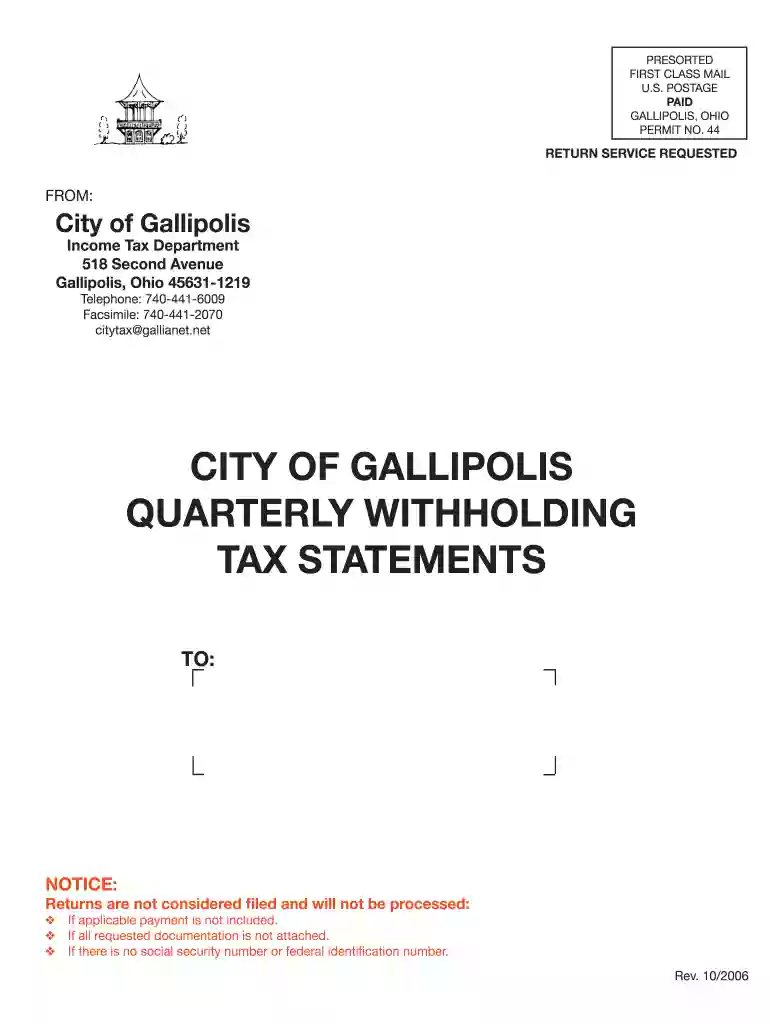
City of gallipolis tax department 2026

Get Form
city of gallipolis tax department Preview on Page 1

Here's how it works

01. Edit your form online
Type text, add images, blackout confidential details, add comments, highlights and more.

02. Sign it in a few clicks
Draw your signature, type it, upload its image, or use your mobile device as a signature pad.

03. Share your form with others
Send it via email, link, or fax. You can also download it, export it or print it out.

How to use or fill out city of gallipolis tax department with our platform

Form edit decoration
9.5
Ease of Setup
DocHub User Ratings on G2
9.0
Ease of Use
DocHub User Ratings on G2
  1. Click ‘Get Form’ to open the City of Gallipolis Tax Department form in the editor.
  2. Begin by entering your account number and federal ID number in the designated fields at the top of the form.
  3. For each quarter, input the total gross payroll subject to city tax in the first field. This is crucial for accurate tax calculation.
  4. Next, calculate and enter the actual tax withheld for city income tax at a rate of 1% in the second field.
  5. If applicable, make any adjustments for prior periods in the third field. Ensure all calculations are correct to avoid penalties.
  6. Complete your name, address, and contact information at the bottom of the form before submitting it.
  7. Finally, review all entries for accuracy and submit your completed form through our platform for processing.

Start using our platform today to simplify your tax filing process!

See more city of gallipolis tax department versions

We've got more versions of the city of gallipolis tax department form. Select the right city of gallipolis tax department version from the list and start editing it straight away!
Versions Form popularity Fillable & printable
2006 4.8 Satisfied (203 Votes)
be ready to get more

Complete this form in 5 minutes or less

Get form

Got questions?

We have answers to the most popular questions from our customers. If you can't find an answer to your question, please contact us.
Contact us
Email Us Create an OH|TAX account. Call us: 1-888-405-4039 - Business. 1-800-282-1780 - Individual/School district income tax. Schedule a Call-Back or Visit Us.
Individuals who wish to pay by online can now make these payments through Authority TaxConnect. Authority TaxConnect is available to individual taxpayers and will allow them to create a secure login, review their tax balances for each year and make payments. A 2.5% fee applies to payments made with credit card.
Online Notice Response Service. The Online Notice Response Service (ONRS) allows you to securely respond to certain notices received from the Ohio Department of Taxation. If you already have an account through OHID (e.g., Ohio Business Gateway), utilize the same Username and Password to access this service.
Call us: 1-888-405-4039 - Business. 1-800-282-1780 - Individual/School district income tax.
With a population of approximately 46,000 people, the City of Beavercreek is one of three cities in the state of Ohio that does not have an income tax. The other two are Bellbrook, Ohio (population of 7,300) and Cortland, Ohio (population of 7,100).

Security and compliance

At DocHub, your data security is our priority. We follow HIPAA, SOC2, GDPR, and other standards, so you can work on your documents with confidence.

Learn more
ccpa2
pci-dss
gdpr-compliance
hipaa
soc-compliance
be ready to get more

Complete this form in 5 minutes or less

Get form

People also ask

If you receive an email from someone claiming to represent the Department of Taxation, keep these things in mind: the department will NOT send emails with links directing you to download and software. the department will NOT request detailed personal information through email.
Did You Receive an Income Tax Non-Remittance Billing Notice? This notice means the Ohio Department of Taxation didnt receive full payment for the tax amount you reported on your individual and/or school district income tax return.

Related links