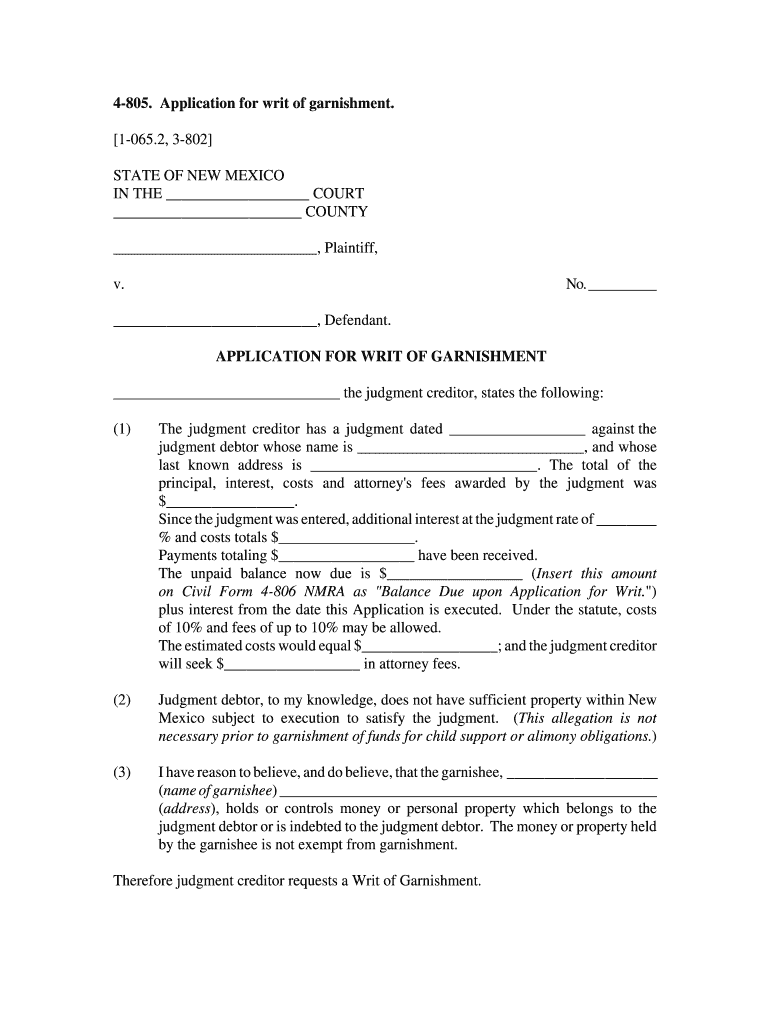
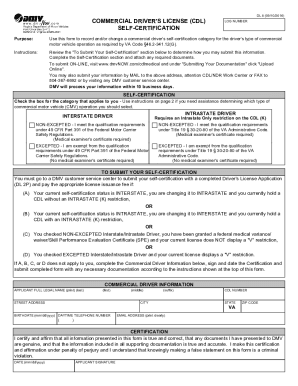
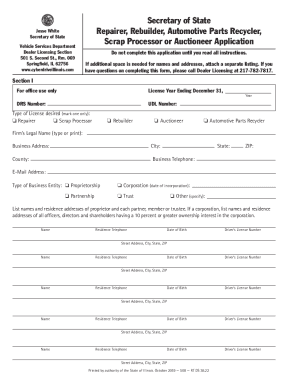
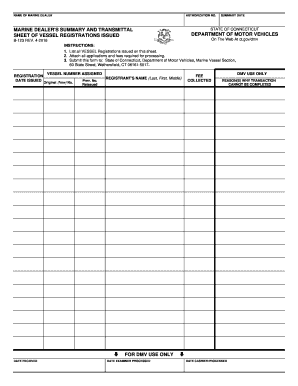
4 805 2026

Get Form
judgment garnishment Preview on Page 1

Here's how it works

01. Edit your judgment garnishment online
Type text, add images, blackout confidential details, add comments, highlights and more.
02. Sign it in a few clicks
Draw your signature, type it, upload its image, or use your mobile device as a signature pad.
03. Share your form with others
Send writ garnishment mexico via email, link, or fax. You can also download it, export it or print it out.

How to use or fill out 4 805 with our platform

Form edit decoration
9.5
Ease of Setup
DocHub User Ratings on G2
9.0
Ease of Use
DocHub User Ratings on G2
  1. Click ‘Get Form’ to open the 4 805 application in the editor.
  2. Begin by entering the court name and county at the top of the form. This sets the context for your application.
  3. Fill in the plaintiff and defendant names, along with the case number. Ensure accuracy as this information is crucial for processing.
  4. In section (1), provide details about the judgment, including dates, amounts awarded, and any payments received. This establishes your claim.
  5. Complete section (2) by confirming whether the judgment debtor has sufficient property within New Mexico. This is essential for garnishment eligibility.
  6. In section (3), identify the garnishee by providing their name and address. Clearly state your belief that they hold funds or property belonging to the debtor.
  7. Finally, sign and print your name at the bottom of the form, ensuring all required fields are completed before submission.

Start using our platform today to easily complete your 4 805 application online for free!

See more 4 805 versions

We've got more versions of the 4 805 form. Select the right 4 805 version from the list and start editing it straight away!
Versions Form popularity Fillable & printable
2009 4.9 Satisfied (54 Votes)
be ready to get more

Complete this form in 5 minutes or less

Get form

Got questions?

We have answers to the most popular questions from our customers. If you can't find an answer to your question, please contact us.
Contact us

As outlined by eSignature regulations, documents signed electronically have the same validity as traditionally approved ones. You can eSign almost any business and personal documentation. Four types of documents still demand wet signatures only - wills and testamentary trusts, court orders and other court papers, state statutes regulating divorce, adoption, or other family law, and notice of cancellation of utility services. If you follow the regulations and use a trustworthy and compliant software solution, like DocHub, you can eSign your 4 805 without printing it.

Apart from an extensive toolset for editing PDFs on mobile devices, DocHub allows you to sign your 4 805 along the way. Open our editor in your browser, make modifications using DocHub’s toolset, and finish your editing by eSigning the finished form.

A writ of garnishment is a process by which the court orders the seizure or attachment of the property of a defendant or judgment debtor in the possession or control of a third party. The garnishee is the person or corporation in possession of the property of the defendant or judgment debtor.
The most common type of garnishment is called an income withholding. In an income withholding, money from the defendants paycheck is withheld by the employer and sent to the plaintiff. Each garnishment lasts for 90 days.
Federal law limits how much judgment creditors can take. The garnishment amount is limited to 25% of your disposable earnings for that week (whats left after mandatory deductions) or the amount by which your disposable earnings for that week exceed 30 times the federal minimum hourly wage, whichever is less.

Security and compliance

At DocHub, your data security is our priority. We follow HIPAA, SOC2, GDPR, and other standards, so you can work on your documents with confidence.

Learn more
ccpa2
pci-dss
gdpr-compliance
hipaa
soc-compliance
be ready to get more

Complete this form in 5 minutes or less

Get form

People also ask

Summary: 805-637-7243 is a T-Mobile phone number used to collect outstanding debt. To stop these calls, you can stand up for your rights by sending a Debt Validation Letter. Know your rights when dealing with T-Mobile.

Related links