
Get any PDF form from the DocHub library of ready-made templates - Page 1688

Owner named attachment pdf

Boe 269

How to change a name on sunbiz form
Animalhealthservicestcigmailcom form
Omb no 1513 0007 2008 form
Barrel race waiver of liability
Application for Review of Technical Reports and Import - Ladbs . org - ladbs

Alef scholarship
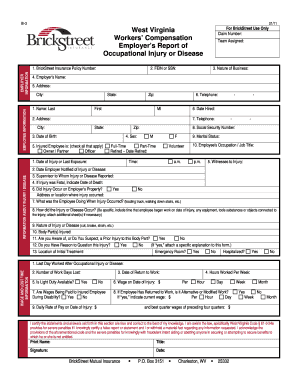
Wv claim certificate

Barnstable ltc fillable

Milliken awning
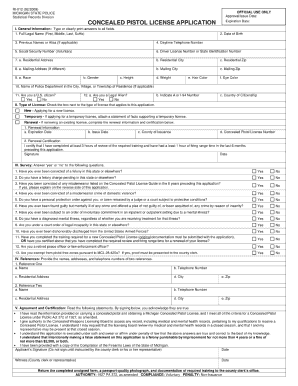
Form r1 012

PEEngineer ENNew Lic App 01-14680936.doc

I 821 instructions from 2002 form

Michigan death certificate 2007 form

New ny fingerprinting

Form abl 577

Town of amherst ny master electrician form
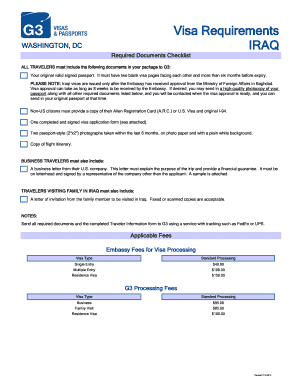
Iraq ziart visa form pdf 2011

St3 form

Wrl life insurance application form

Tdf19 form 2010

Instructions for form f 11075 prior authorization 2011

Wi pcst
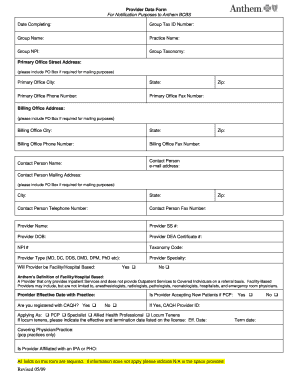
Adcirca physian forms
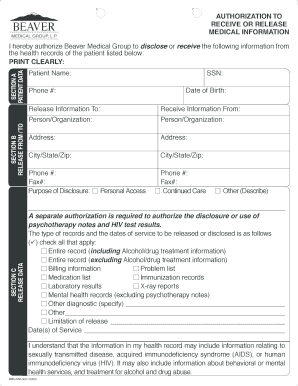
Beaver medical group medical records
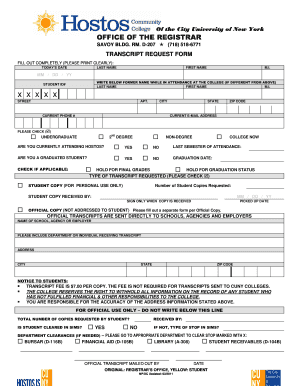
Hostos community college transcript

Cvs form 14423 1010 standard
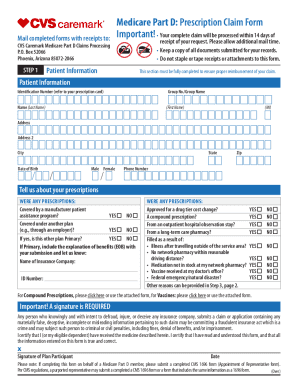
Silverscript reimbursement form
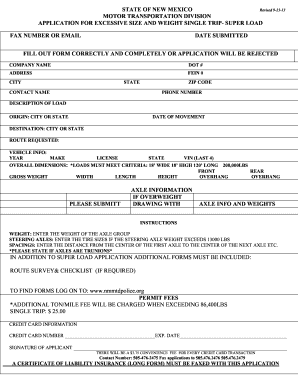
Excessive size load
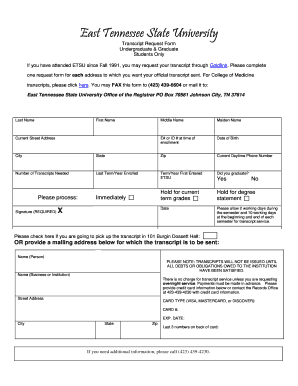
Etsu transcript request form
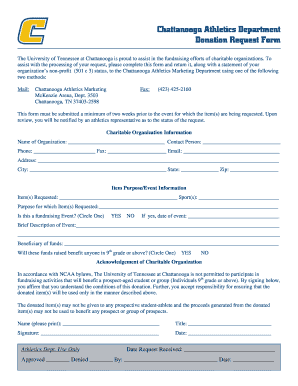
Chattanooga lookouts donation request
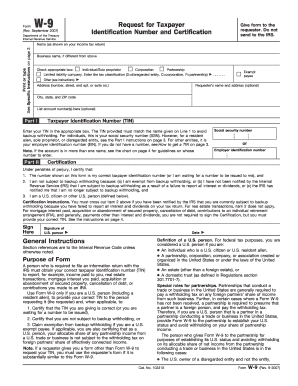
Magellan interested provider information form
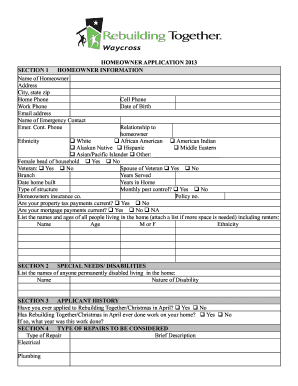
Applications for yourwarelocal form

Ohio application inactive
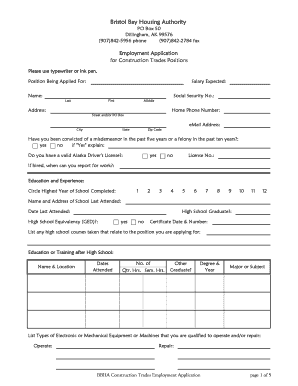
Job application - Bristol Bay Housing Authority - bbha
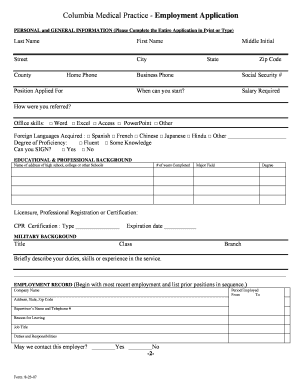
Practice job application for students
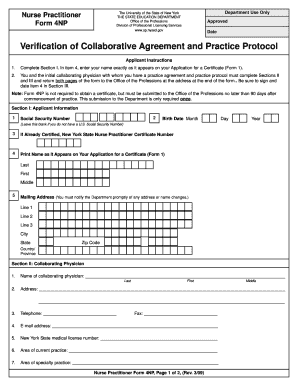
4np form
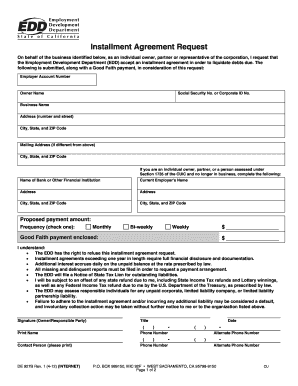
Ca form agreement
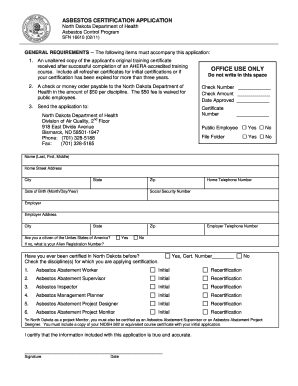
North dakota asbestos application
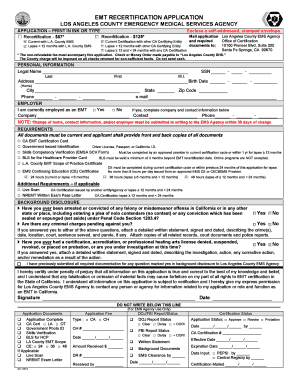
Emt recertification form la county
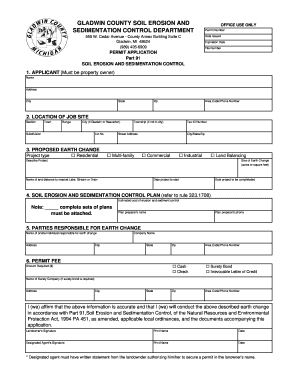
Gladwin co soil erosion form
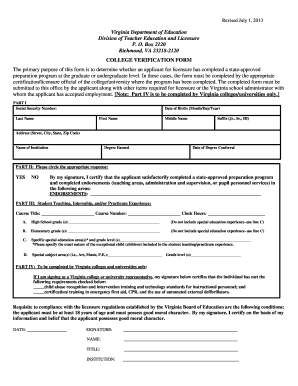
Vdoe college verification form fillable 2013
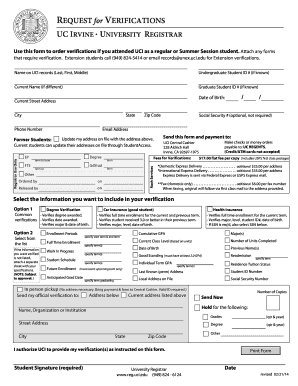
Uci reg
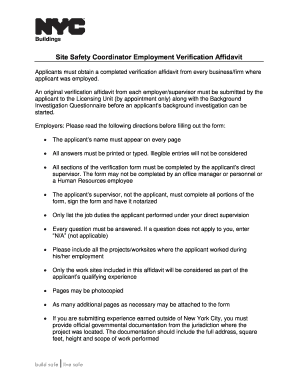
Affidavit for employment verification
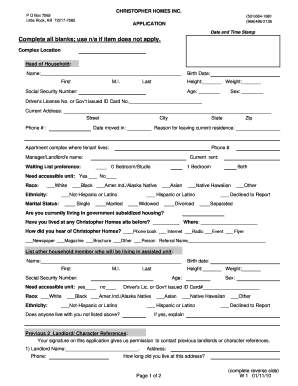
Birp notes for dummies

Form pha 0601 2011
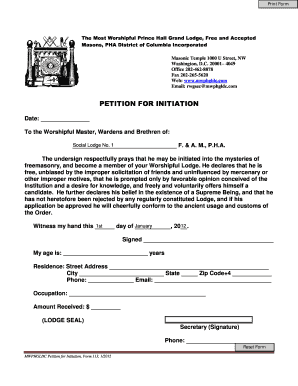
Masonic petition
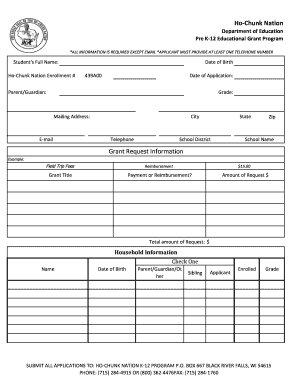
Ho chunk k nation form
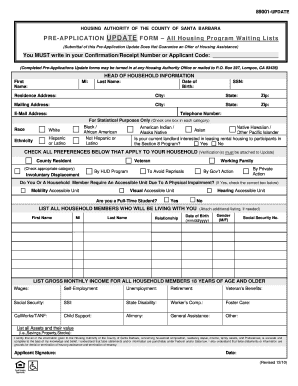
Form 89001
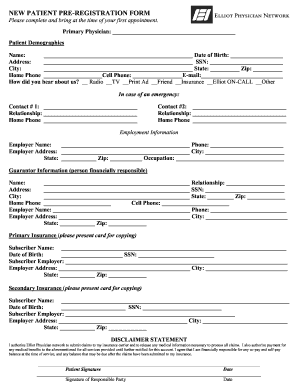
Hospital application form pdf
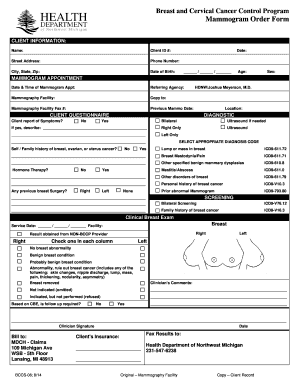
Mammogram order form
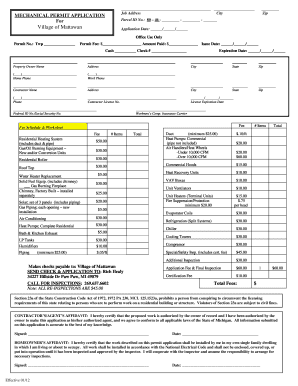
Mattawan mechanical permit
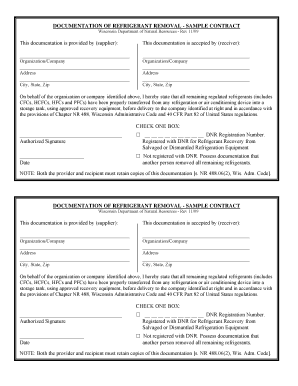
Documentation of refrigerant removal form

Refrigerant removal certification form
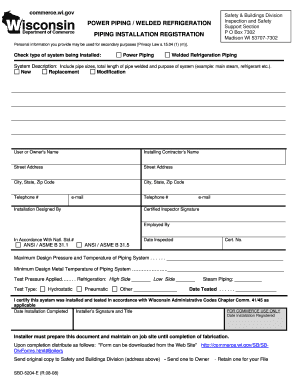
Sbd 5204 e fillable 2008 form

Individual Well Conditional Permit Application - bernco
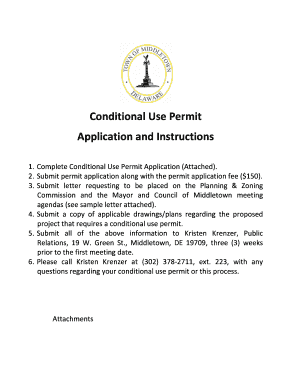
Letter requesting a conditional use permit

Michigan workforce background check consent form 2011

Title 5 Official Inspection Form
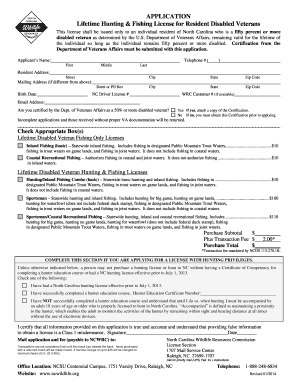
Nc fishing license disabled veterans fillable form
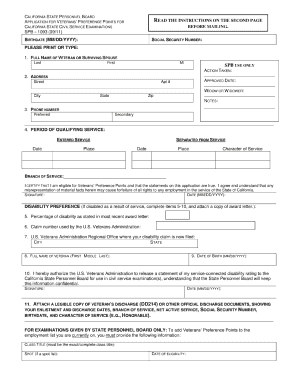
Spb 1093 2011 form
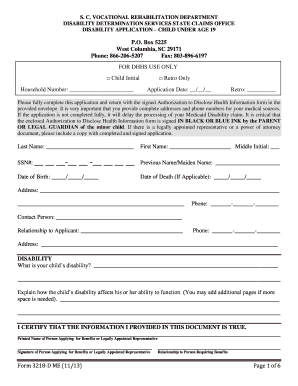
Sc dhhs 3218 me

Temp Staffing Applications ( PDF ) - University of Michigan Human ... - hr umich
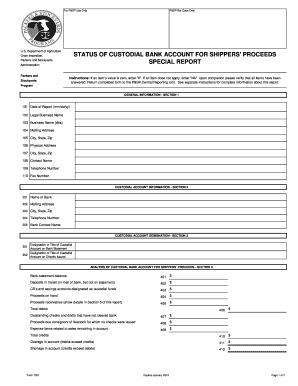
Status of custodal bank account form 7001

Ma state tax form 128 122000

Of land agricultural form
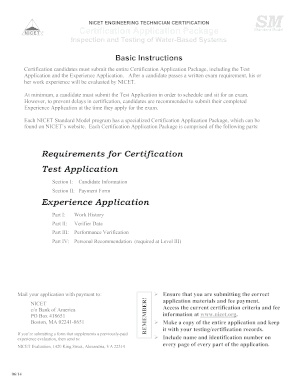
Nicet application
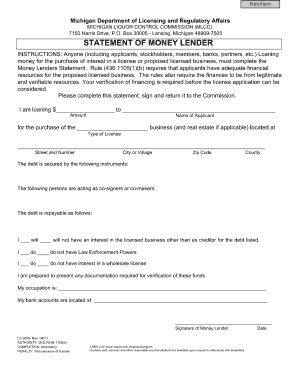
Mlcc statement of money lender form

Cd57s 2011 form
Orea form 150
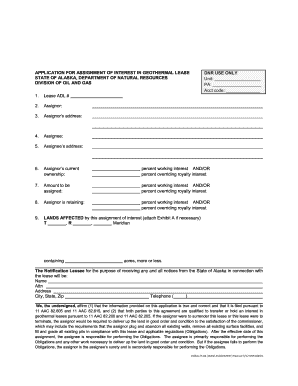
Assignment of Interest in a Geothermal Lease Packet - dog dnr alaska

List of sss employer id number in the philippines

Mo form 1545 2007
Printable positive pregnancy test soth carolina

Asdk12 1999 form

Dmv form 803

Dtf 84 form
Great form g121
Absolute assignment life insurance policy

Draper city police department alarm permit application form
Be 120 make
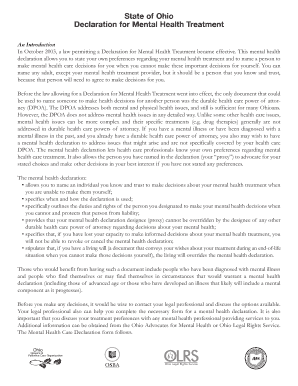
Ohio mental health treatment plans samples
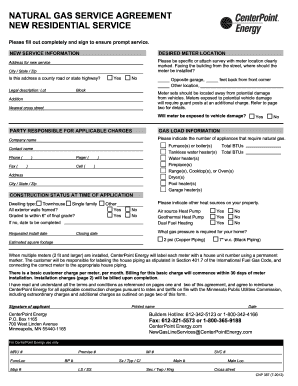
CNP 387. Natural gas service agreement
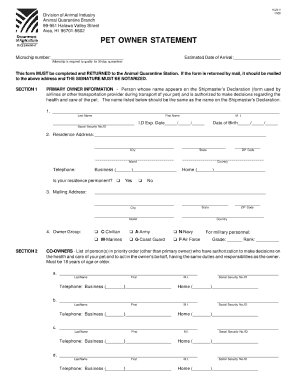
Aqs 2 pet owner statement 2000 form
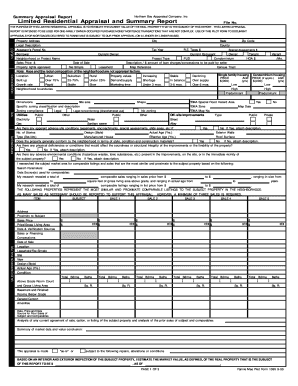
Limited residential appraisal and summary 1095 form
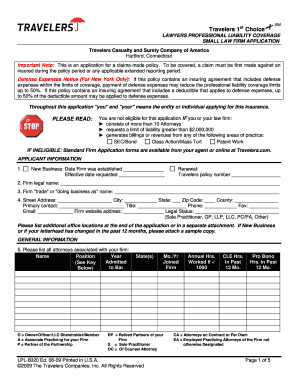
Travelers lawyers professional liability application
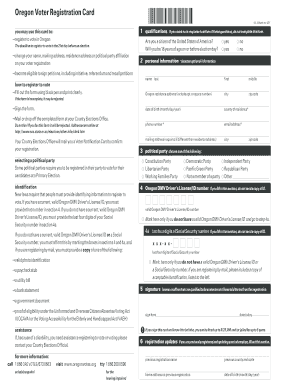
You may use this card to gregister to vote in Oregon - orara
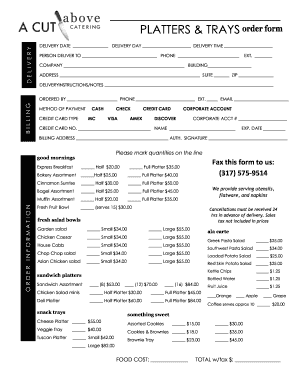
Catering order forms
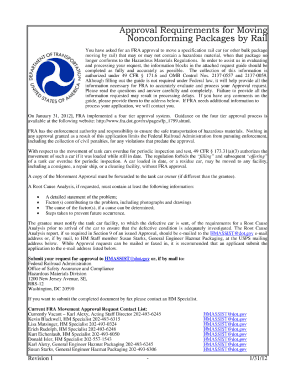
Fra application process
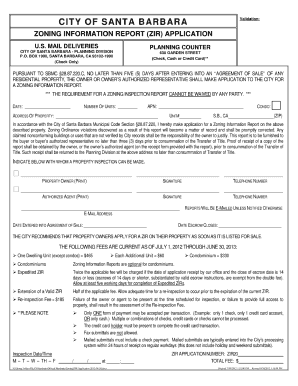
Report zir santa barbara
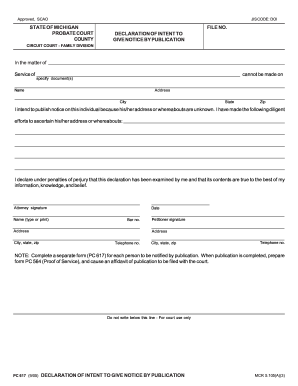
Pc 617

Pc 562 2011 form

1004c form
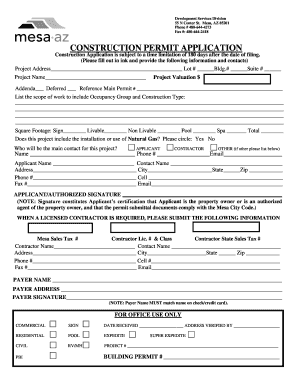
City of mesa permits
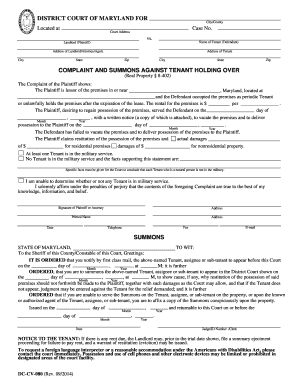
Instructions form dccv080

Blank traffic ticket pdf

Pud fillable peoples get

City of san antomio habitat compliance form

Sellers common interest and hoa disclosure form
Benefit from the DocHub online library of fillable PDF forms
Searching the PDF forms doesn't have to be a tedious and time-consuming process. With the DocHub online library, it has become easier to find the fillable PDF forms and modify them in your browser. The service allows you to adjust the document to your needs using powerful editing tools.
You can use online document editing features to modify almost any type of document with ease. You just need to find the template of your choice, open it in the editor, and use the toolbar to make the necessary corrections.
Follow this guide to get your document done with DocHub:
- Find the PDF template you need.
- Click the Get Form button to open the file in the editor.
- Use the toolbar to fill out and edit the document.
- Easily add and highlight text, insert images, checkmarks, and symbols.
- Drop new fillable fields, and rearrange or delete pages from your file.
- Save changes and download your record.
DocHub empowers everyone to streamline document editing, signing, and distribution, and form completion. Create an account and benefit from our well-organized PDF Forms library and comprehensive editor.