
Get any PDF form from the DocHub library of ready-made templates - Page 1529

2014 oregon form
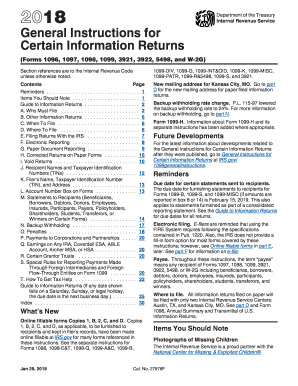
2015 general instructions information returns
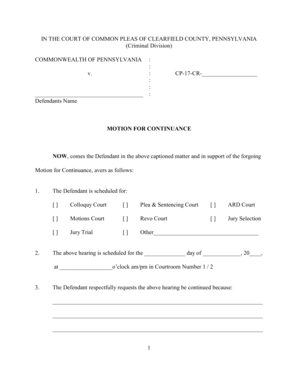
Motion for Continuance (Criminal Case) - Clearfield County - clearfieldco
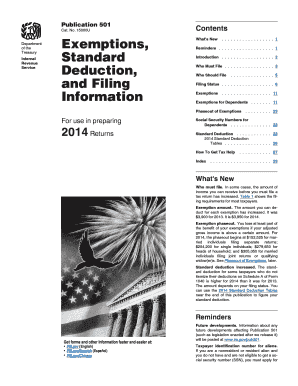
2014 irs standard form
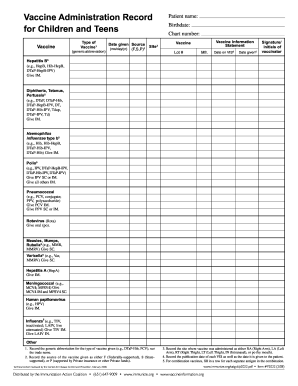
Vaccine Administration Record for Children and Teens - ok
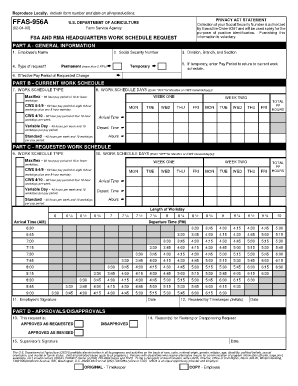
Ffas 956 form
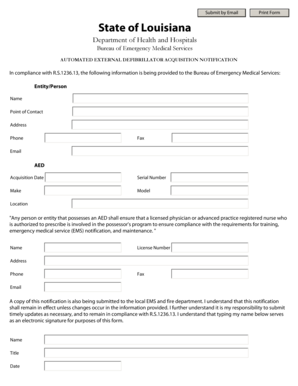
LA EMS AED Form - new dhh louisiana
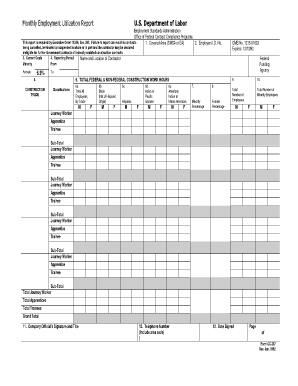
Monthly employment utilization report
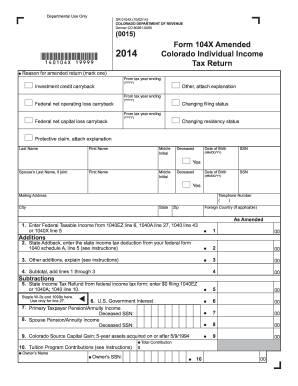
Form 104X Instructions
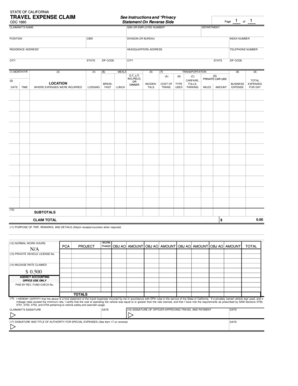
Travel Expense Claim (CDC 1880) - cdcr ca

Aoc 841 2012 form
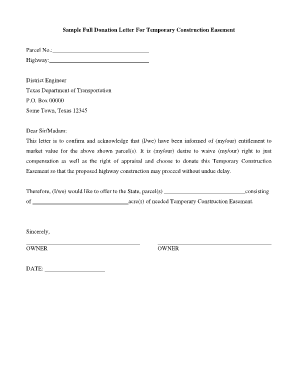
Sample easement request letter

Federation Disciplinary Inquiry - oregon

Form llc 1a
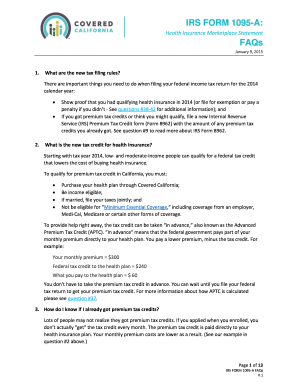
IRS FORM 1095-A FAQs
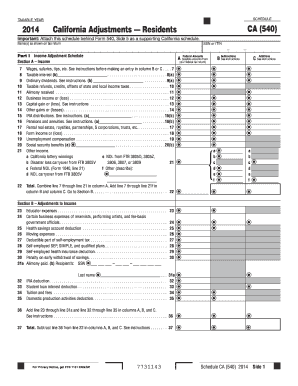
2014 schedule ca 540 form
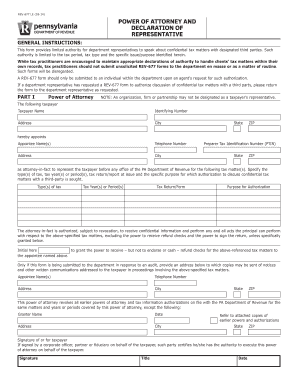
Pa power attorney form
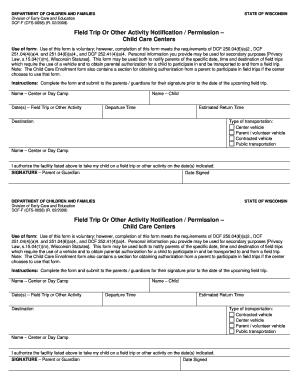
Field Trip or Other Activity Notification / Permission - Child Care ... - dcf wisconsin
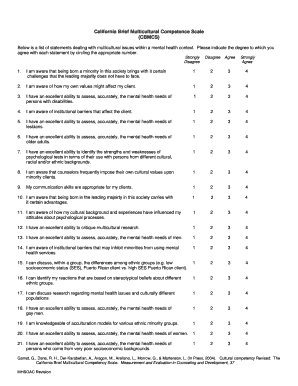
California brief multicultural competence scale
Kentucky w2 form
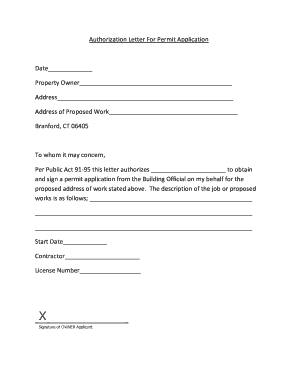
Authorization Letter For Permit Application Date ... - branford-ct
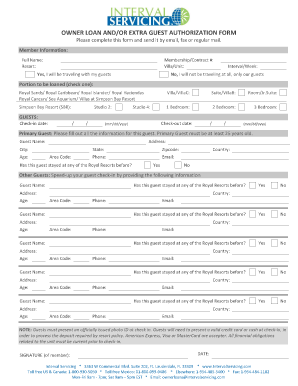
Royal resorts owner loan form
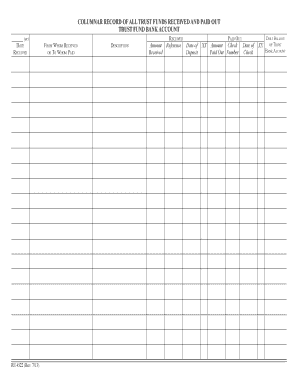
Re 4522
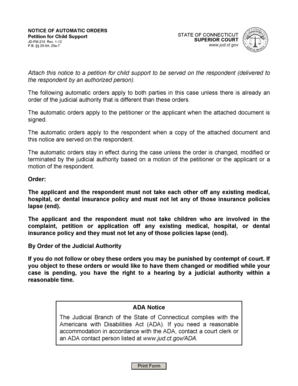
Petitioner lapse connecticut

Kentucky title application

Calpers address change
Sop standard operating

FES Personal Commitment Agreement

Cd 351 form
Certificate of Exemption Deeds to Trustees
Form route survey
Summons and complaint form washington state
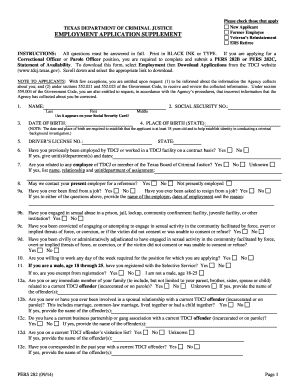
Pers 282
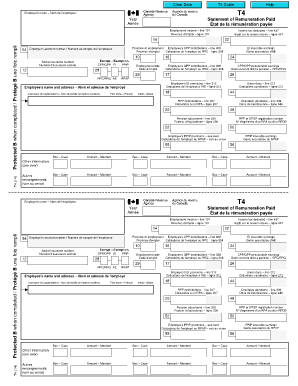
Statement of Remuneration Paid - cra-arc gc
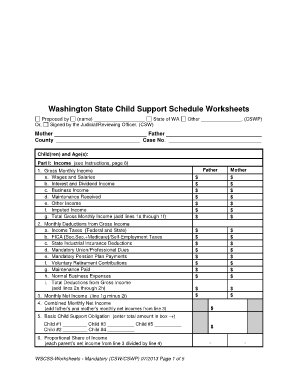
Washington state child support worksheet fillable
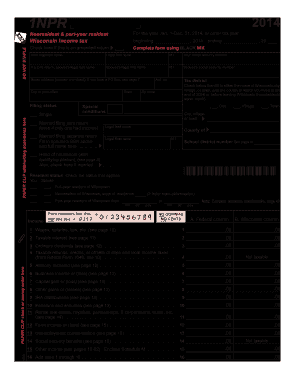
Wisconsin form 1npr 2014

Arkansas rebate
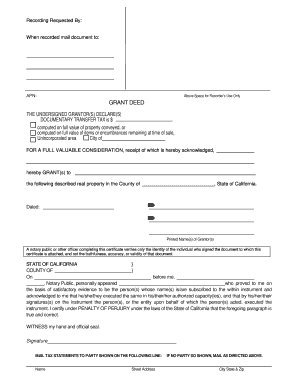
Ca deed form online

Petition resentencing
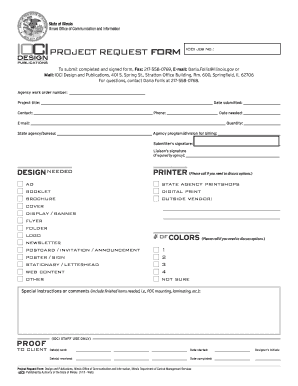
Graphic Design Project Request Form - www2 illinois
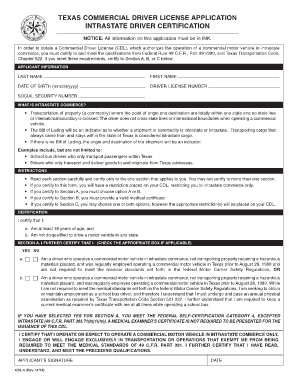
CDL-5 form - Texas Department of Public Safety - dps texas
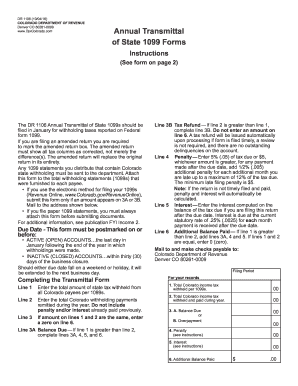
Dr 1106
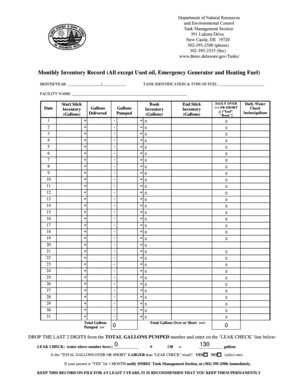
Monthly inventory record fuel

- nps
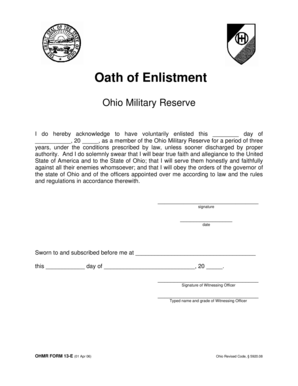
Oath of Enlistment - ohmr ohio

Idnyc application
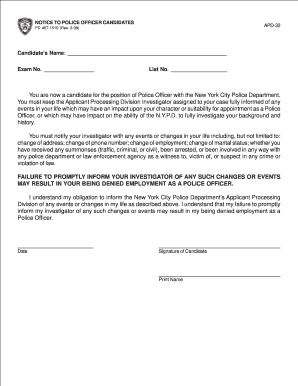
Nypd apd forms
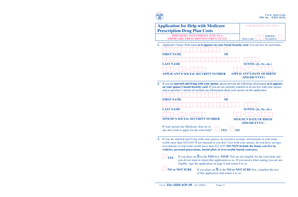
Application for Help with Medicare Prescription Drug Plan Costs - secure ssa

Dcdee 0058
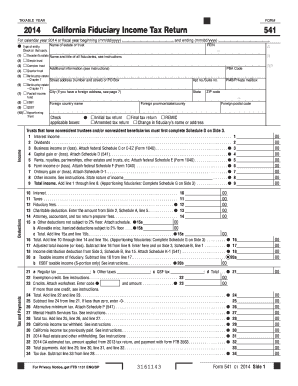
2014 541 form
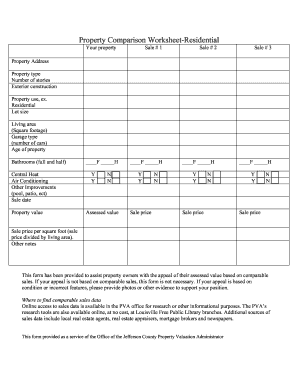
Property comparison worksheet
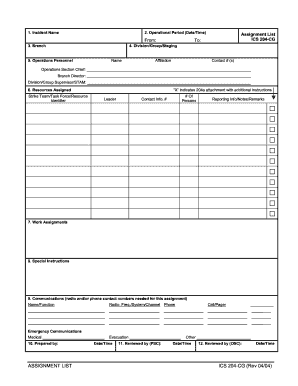
Ics 204
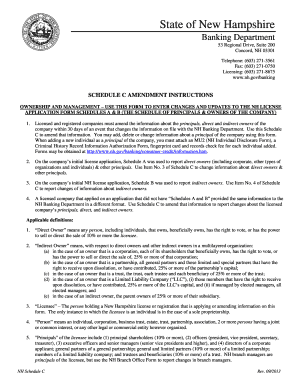
New hampshire schedule c
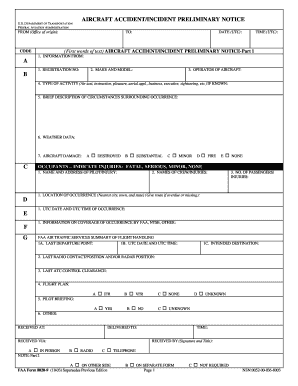
Faa form 8020 9
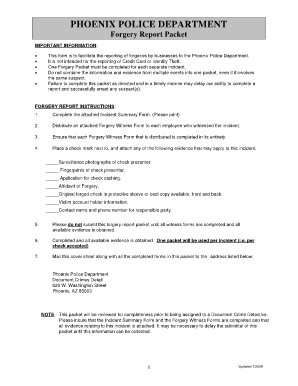
Phoenix police report online
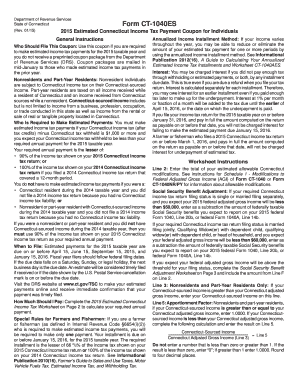
CT-1040ES (flat), 2015 Estimated Connecticut Income Tax Payment ...

Rent certificate form
SA0408. 2002. Summary of a 2001 NCHRP study on this issue, including current state DOT practices, rating models and external certifications - puco ohio
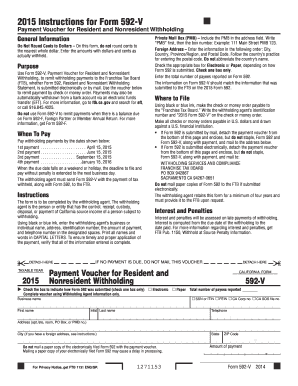
Form 592 v 2015
How to write a simple handbook
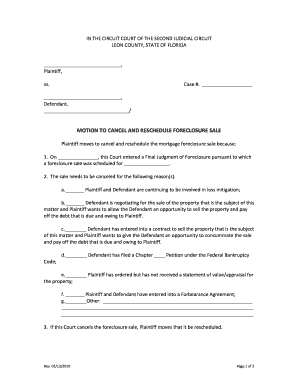
Motion to cancel foreclosure sale florida

Proof of loss of employment
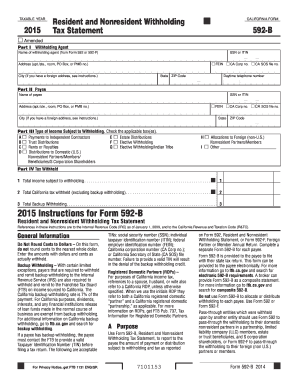
2015 592 b form
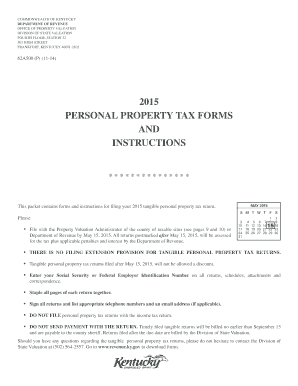
Form 62a500 2015
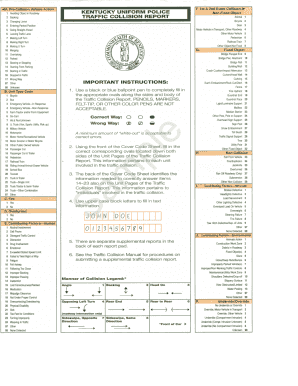
Kentucky uniform police traffic collision report
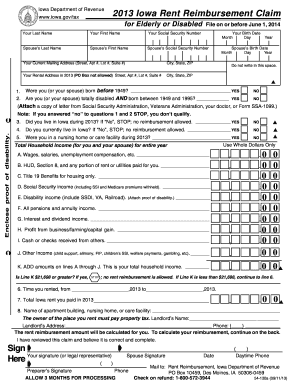
2016 iowa rent reimbursement
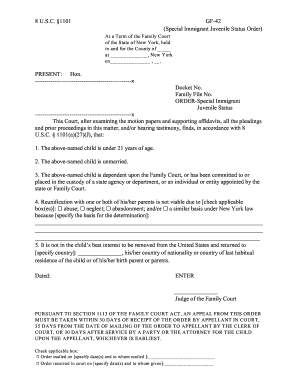
Gf 42 form
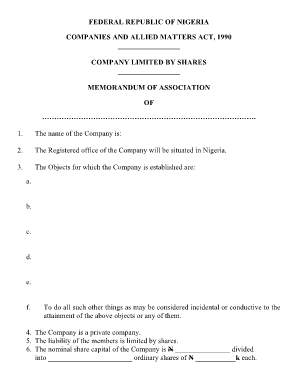
Memorandum of association nigeria format
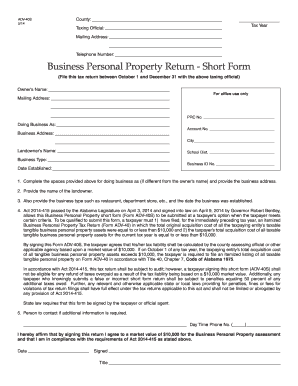
ADV-40S - revenue alabama
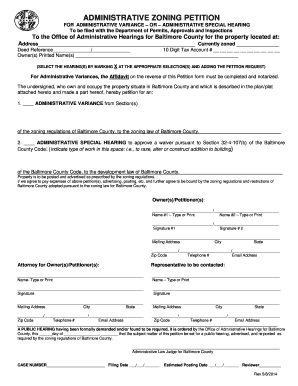
Created from a TIFF image using ClibPDF Premium - fastio c
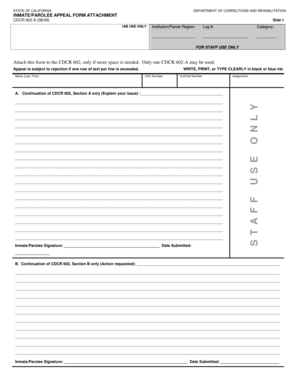
STAFF USE ONLY - cdcr ca
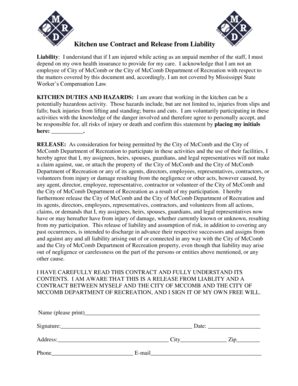
Kitchen use Contract and Release from Liability

Minnesota bus pre trip inspection
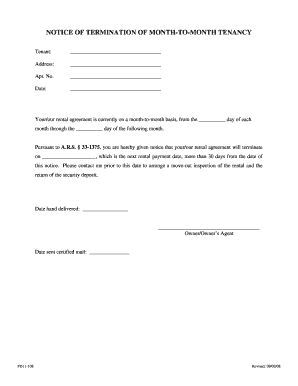
30 day notice form arizona
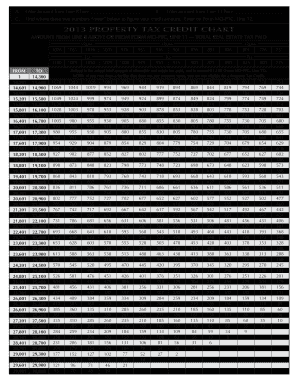
2013 Form MO-PTC Property Tax Credit Claim - dor mo
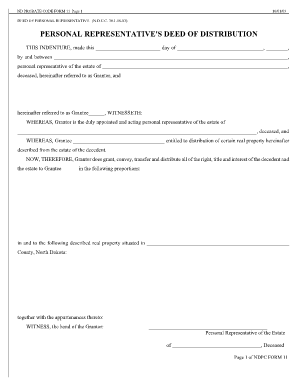
Personal representative deed form
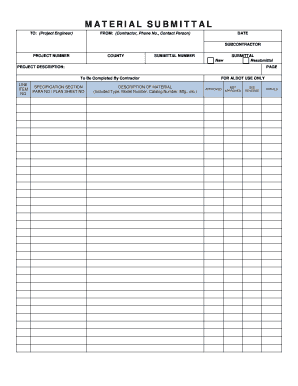
Alabama al form
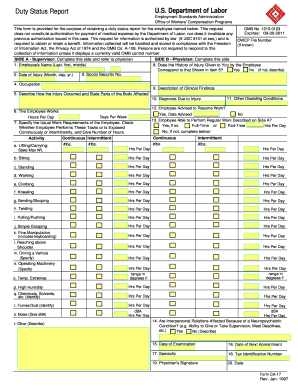
CA-17

Generational difference

Single Member LLC Operating Agreement New Jersey. New Jersey LLC Incorporation single member LLC operating agreement PDF form.
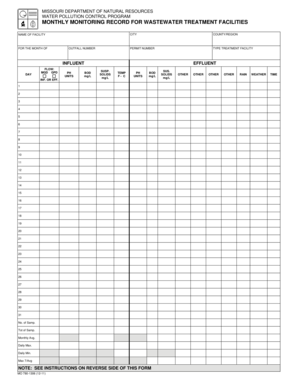
Wastewater form
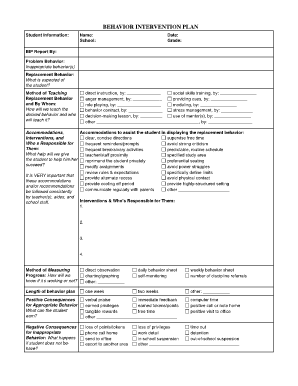
Behavior intervention plan template
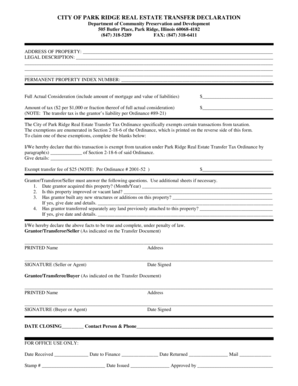
Park ridge transfer stamps
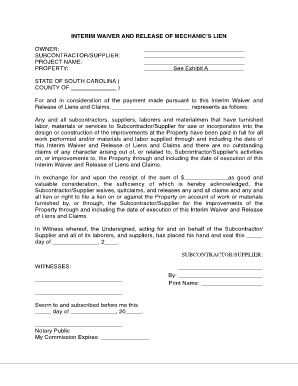
Project payment form
Download application form flro 2014

Virginia criminal complaint form dc 311 fillable

Share transfer form pdf

Visamumbaiesteriit visamumbaidocesteriit form

To fill in blank forms money transfer

Application for Employment - Overton Hotel and Conference Center
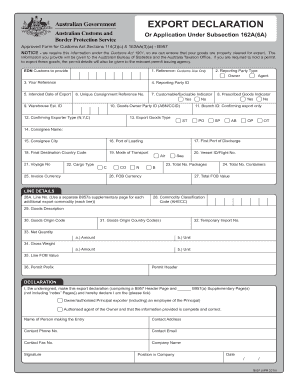
B957 etqq acres 4o75191 2010 form

Rus resolution download
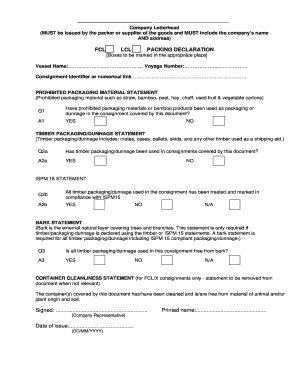
Health declaration form
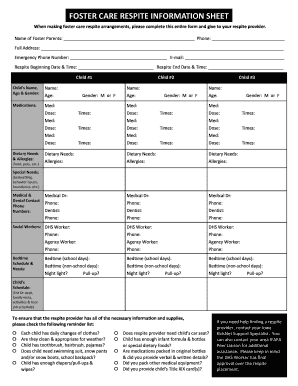
Foster Care Respite Information Sheet - ifapa
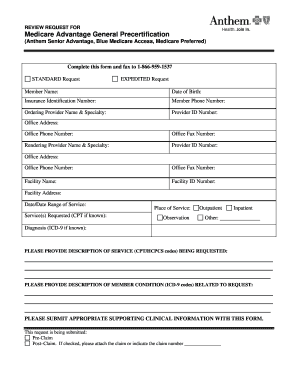
866 959 1537

Fsa 218
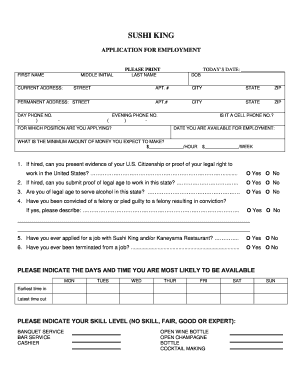
Sushi king application
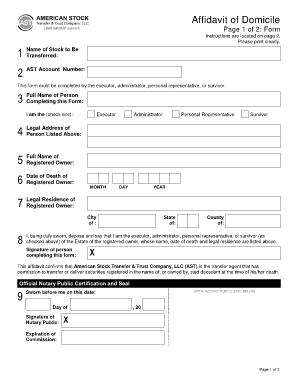
Ast affidavit of domicile
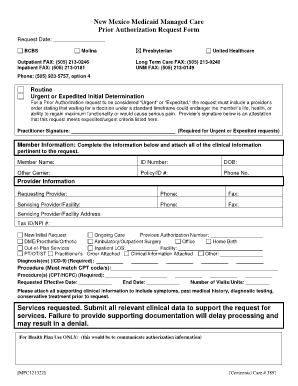
Blue cross blue shield centennial
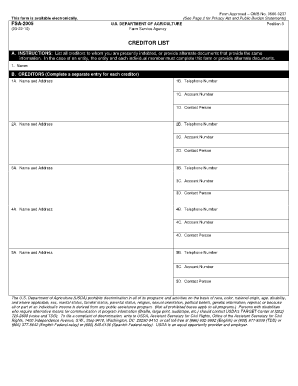
Fsa 2005
Benefit from the DocHub online library of fillable PDF forms
Searching the PDF forms doesn't have to be a tedious and time-consuming process. With the DocHub online library, it has become easier to find the fillable PDF forms and modify them in your browser. The service allows you to adjust the document to your needs using powerful editing tools.
You can use online document editing features to modify almost any type of document with ease. You just need to find the template of your choice, open it in the editor, and use the toolbar to make the necessary corrections.
Follow this guide to get your document done with DocHub:
- Find the PDF template you need.
- Click the Get Form button to open the file in the editor.
- Use the toolbar to fill out and edit the document.
- Easily add and highlight text, insert images, checkmarks, and symbols.
- Drop new fillable fields, and rearrange or delete pages from your file.
- Save changes and download your record.
DocHub empowers everyone to streamline document editing, signing, and distribution, and form completion. Create an account and benefit from our well-organized PDF Forms library and comprehensive editor.