
Get any PDF form from the DocHub library of ready-made templates - Page 1530
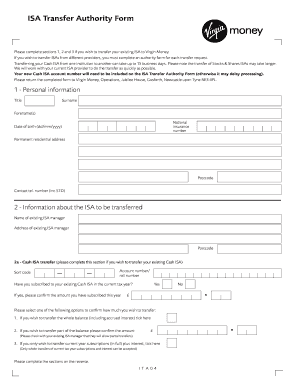
Virgin attestation form

Inz 1165 2014 form
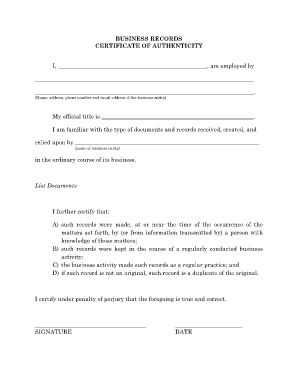
BUSINESS RECORDS CERTIFICATE OF AUTHENTICITY I, , am ... - illinois
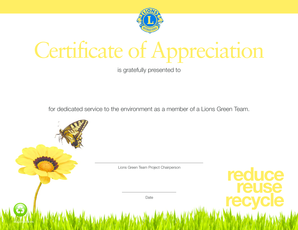
Lions club certificate of appreciation template

Sfe residency form
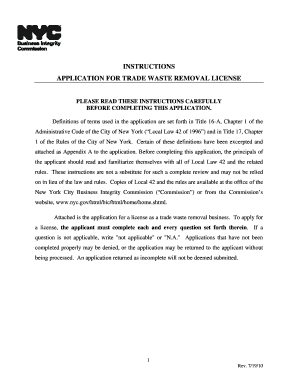
New york trade waste removal
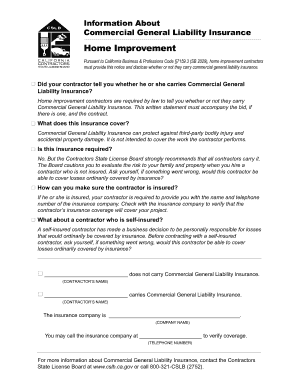
- cslb ca
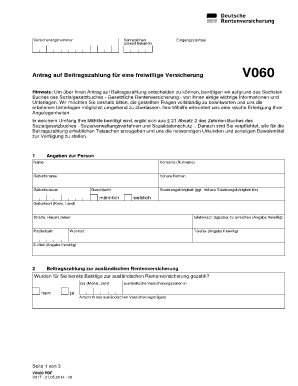
V0060
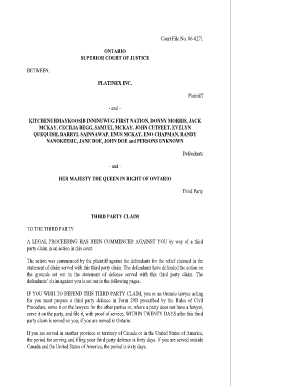
Form 18b ontario

Veterinary intake form
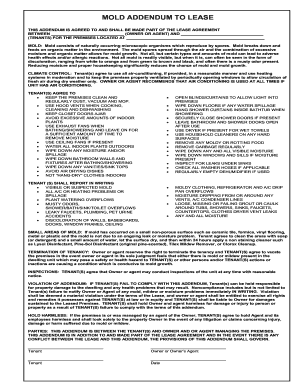
Mold addendum

Pasrr form florida
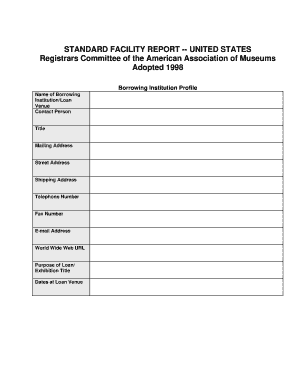
Facility report template
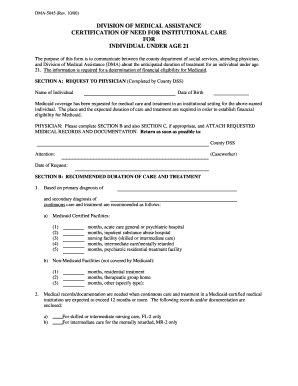
Dma 5045 information

COMPLAINT FOR RETURN OF PERSONAL PROPERTY BY TENANT - courts oregon
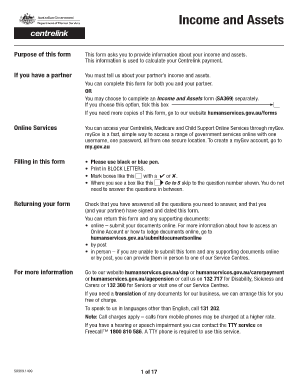
Sa369
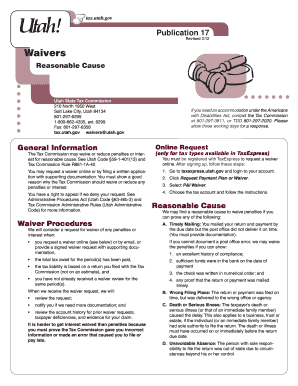
Utah state tax commission 2012 form
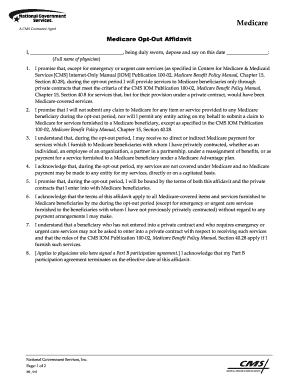
Medicare opt out form pdf

RD-109NR - City of Kansas City, Missouri
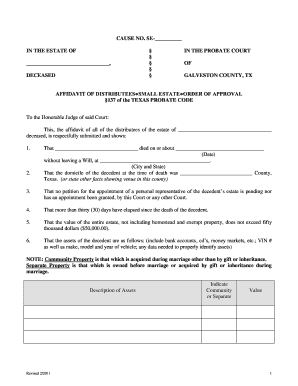
Small estate affidavit form
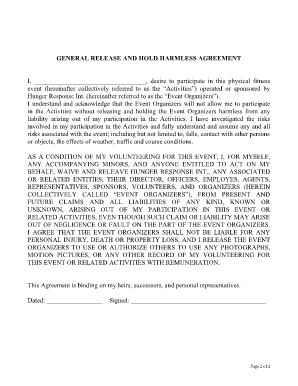
GENERAL RELEASE AND HOLD HARMLESS AGREEMENT I ...
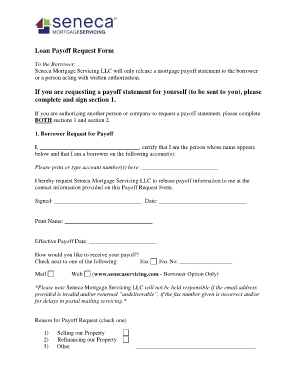
Payoff request form template
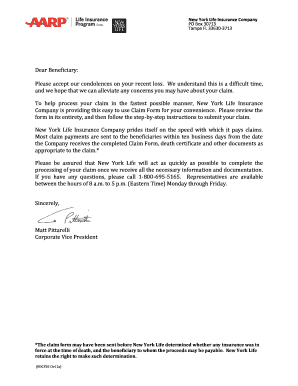
Download Now - AARP Life Insurance Program from New York Life
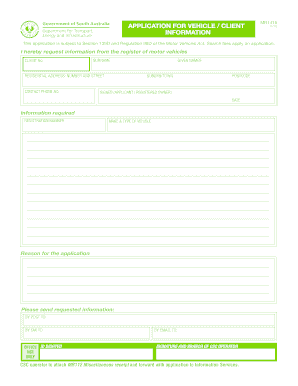
Sagovau
Colonial life insurance wellness claim
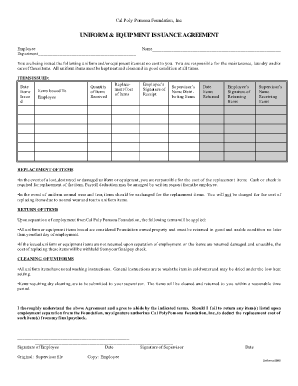
Uniform & equipment issuance agreement - Cal Poly Pomona ... - foundation csupomona
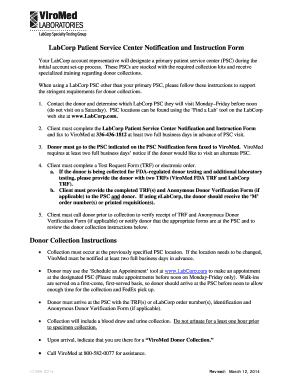
LabCorp patient service center notification and instruction form

Form ifta trip form

Dma 5009

Tenant questionnaire

Consent form 4
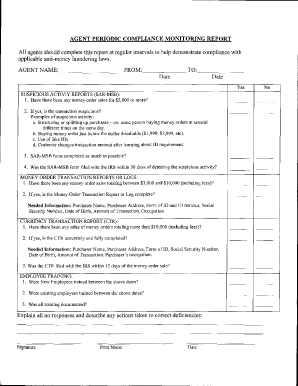
Independent review form
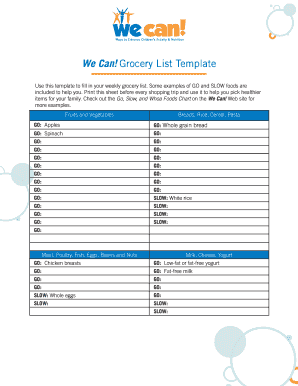
- nhlbi nih

Allstate benefits outpatient claim form
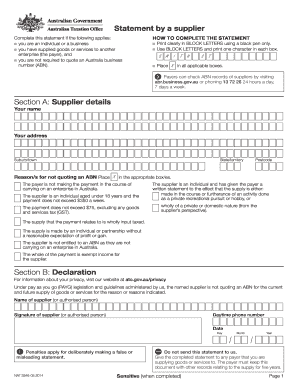
Statement by a supplier form
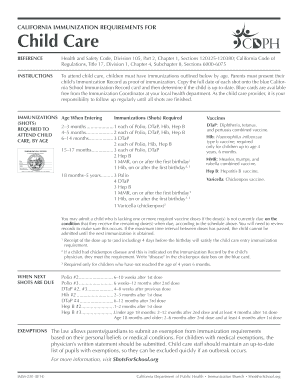
Imm 230

Minnesota Delegation of Power by Parent form - Flanders Law Firm ...
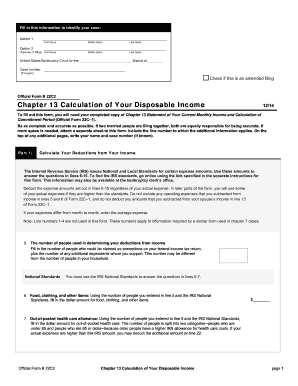
Official disposable income

Fall river district court forms

Centerpoint energy consent to encroach form
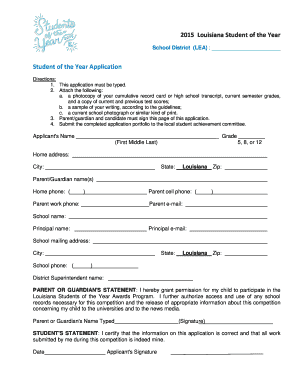
Student of the year 2021 application packet

Labour market opinion application
Affidavit to Dissolve - Louisiana Corporation. Affidavit to Dissolve - Louisiana Corporation - brac
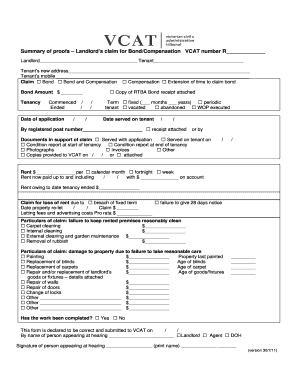
Summary of proofs
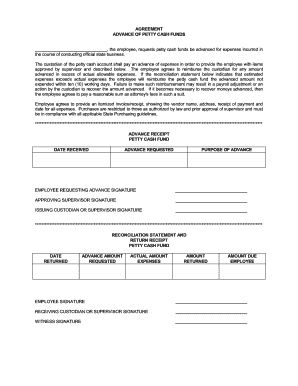
AGREEMENT ADVANCE OF PETTY CASH FUNDS , the employee ...
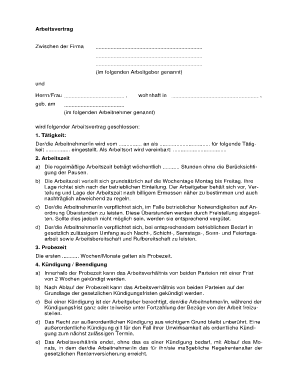
Vollzeitarbeitsvertrag
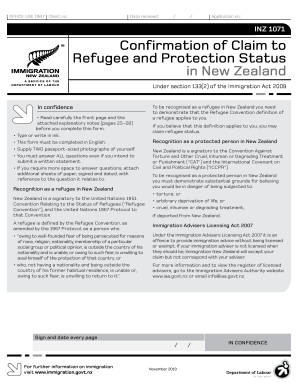
Confirmation of Claim to - immigration govt
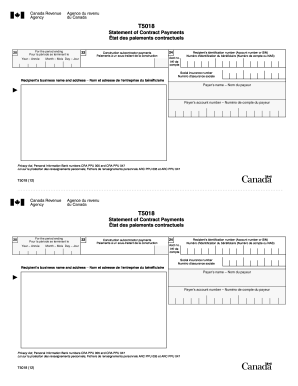
GA Rush Spirit Order Form Back
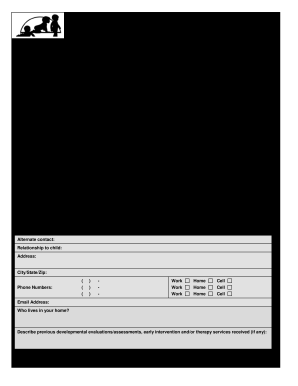
Individual family service plan
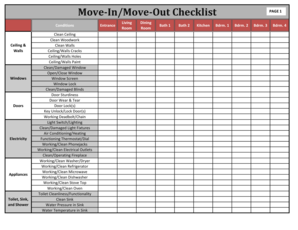
Move in checklist house

Inz 1014
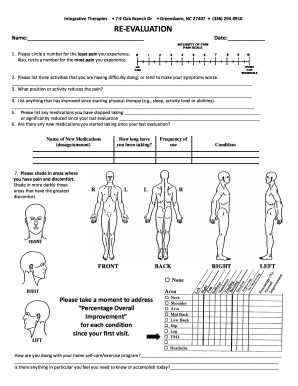
Physical therapy evaluation form

Death investigation report

Srg2199
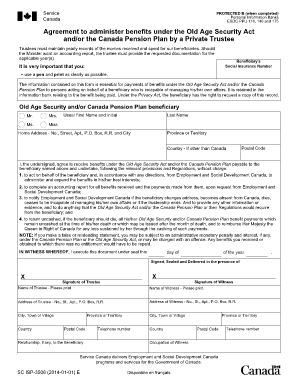
Isp3506

REPORT OF ADDICTION TREATMENT - North Dakota Department ... - dot nd
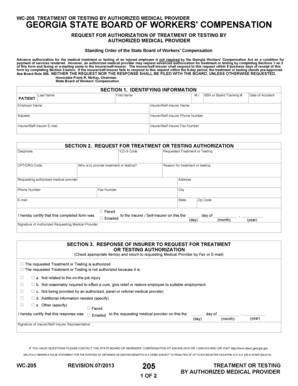
WC-205 - State Board of Workers' Compensation - sbwc georgia
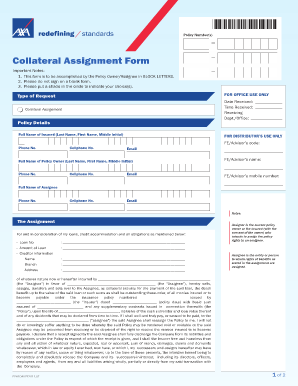
Collateral Assignment Form - AXA - axa com
English recommendation

Subpoena to appear and testify at a hearing or trial in a civil action form
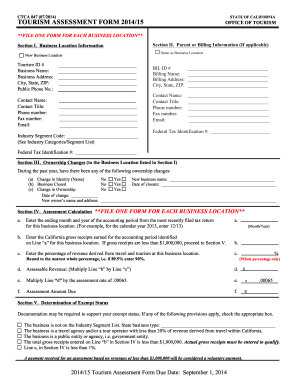
Ctca 047
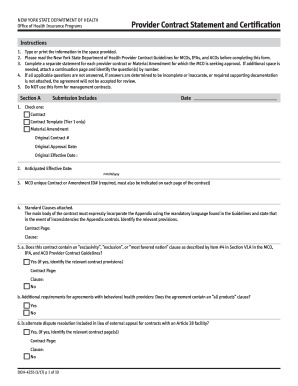
Provider contract form
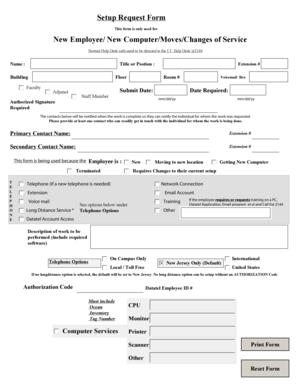
Computer request form template
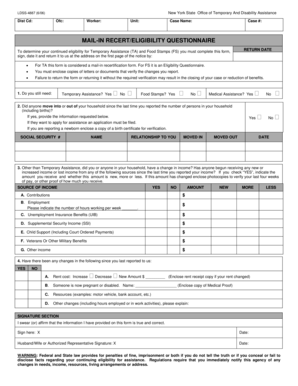
Mail in recertification eligibility questionnaire
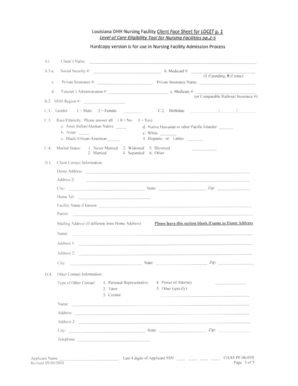
Locet form louisiana
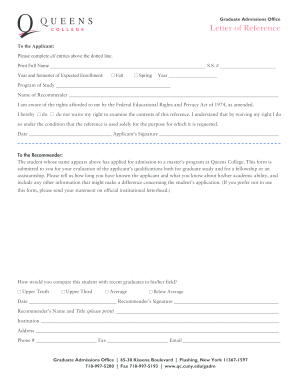
Queens college letterhead form
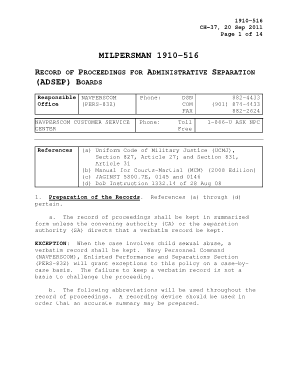
Milpersman 1910 516

Sibley memorial maternity

Modulo sepa tim pdf

Nikah nama form in english pdf download

Rental Application - The Homestead Group

Nm power of attorney mvd

Ups w2 online 2021
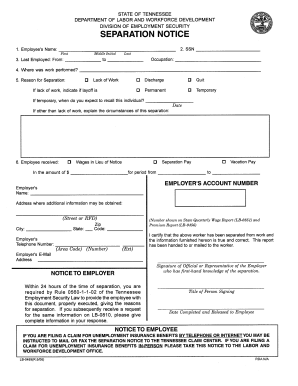
Separation notice template ga 2006 form

Christmas Parade Permission Slip - Valley Preparatory School
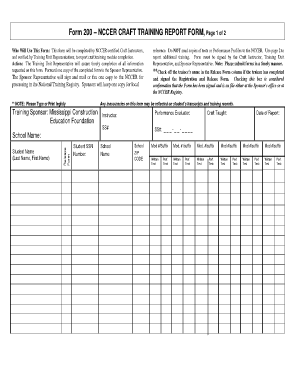
Nccer form 200
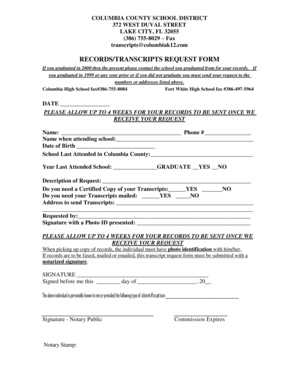
Records/transcripts request form - Columbia County School District
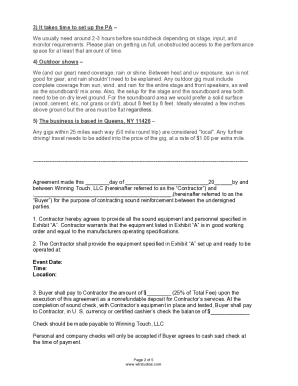
Sound system contract sample
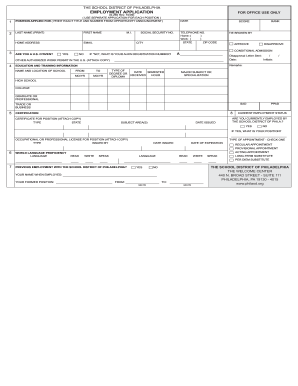
S 265 form

Alaska motion interim
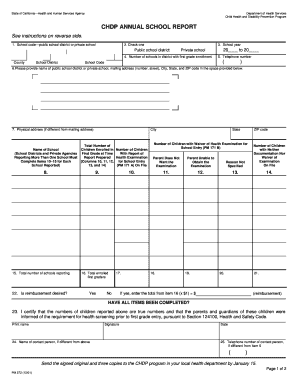
CHDP Program Letter 01-11 - California Department of Health Care ... - dhcs ca

Pasrr maryland
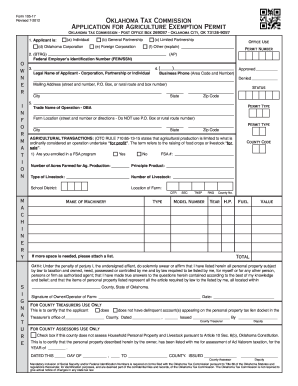
Ok tax comm ag permit form
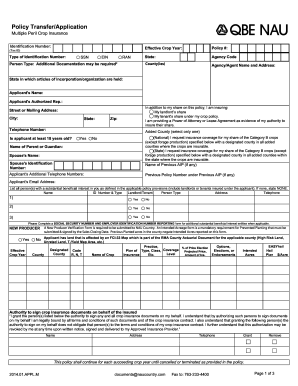
Nau online application form
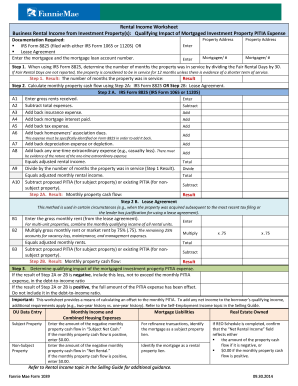
Form 1039
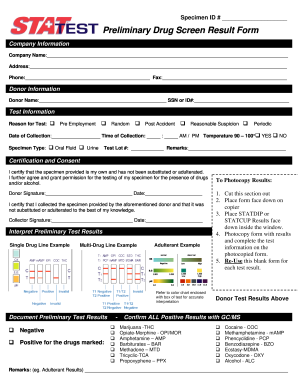
Preliminary Drug Screen Result Form - Micro Distributing, On-Site ...
Ut report format
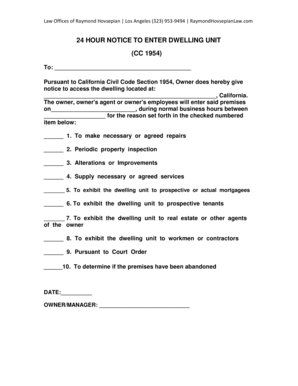
Cc1954
Pediatric New Patient Form - Tampa Family Health Centers
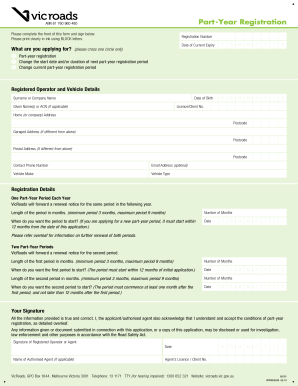
Part-Year Registration - VicRoads

Form 565 report of accountable personal property

Health Coverage & Help Paying Costs - Kynect

Nursing Addendum to Plan of Care (CCP) 1 of 7 - TMHP.com

Hospital discharge checklist template
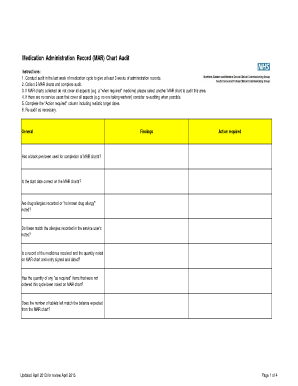
Medication cart audit checklist
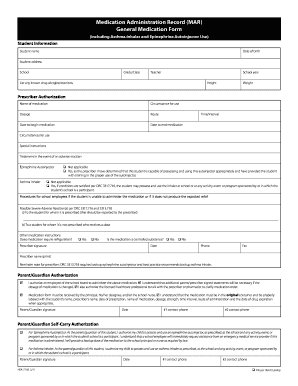
How to fill out a mar

Homeschool transcript pdf
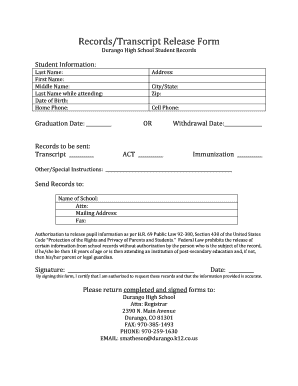
Student information release form high school
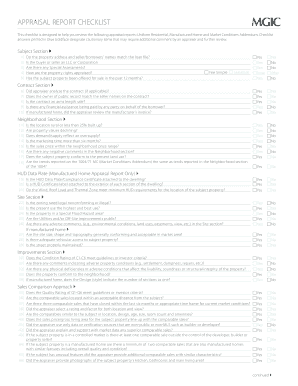
Mgic appraisal review checklist
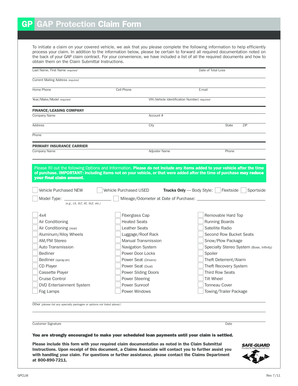
Gap protection claim form
Benefit from the DocHub online library of fillable PDF forms
Searching the PDF forms doesn't have to be a tedious and time-consuming process. With the DocHub online library, it has become easier to find the fillable PDF forms and modify them in your browser. The service allows you to adjust the document to your needs using powerful editing tools.
You can use online document editing features to modify almost any type of document with ease. You just need to find the template of your choice, open it in the editor, and use the toolbar to make the necessary corrections.
Follow this guide to get your document done with DocHub:
- Find the PDF template you need.
- Click the Get Form button to open the file in the editor.
- Use the toolbar to fill out and edit the document.
- Easily add and highlight text, insert images, checkmarks, and symbols.
- Drop new fillable fields, and rearrange or delete pages from your file.
- Save changes and download your record.
DocHub empowers everyone to streamline document editing, signing, and distribution, and form completion. Create an account and benefit from our well-organized PDF Forms library and comprehensive editor.