
Get any PDF form from the DocHub library of ready-made templates - Page 1531

Deed of trust washington state

Ps form 1767 instructions

Rule 308a appointment of attorney texas
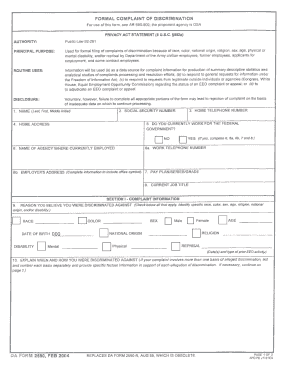
Da form 2590
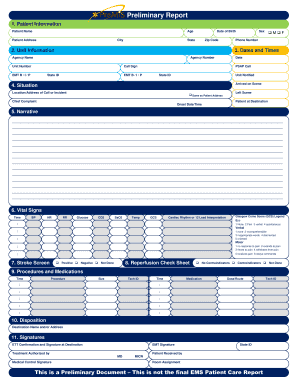
Premis preliminary report
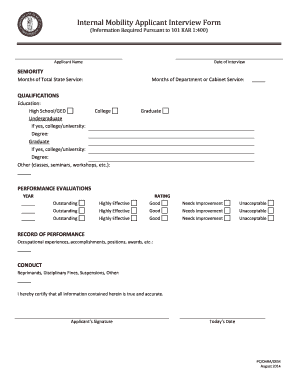
Internal mobility form
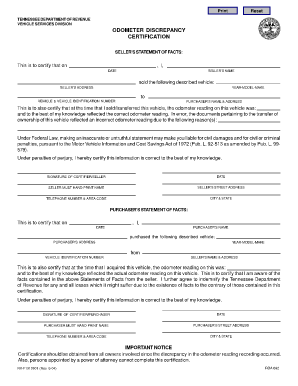
Odometer discrepancy form tn

Dl1 form
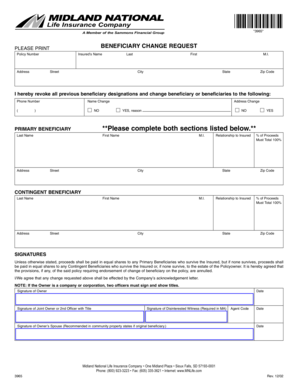
Midland national beneficiary change form

DR1 Affidavit - Muskingum County: Clerk of Courts - clerkofcourts muskingumcounty

Electrical safety certificate

Mce form
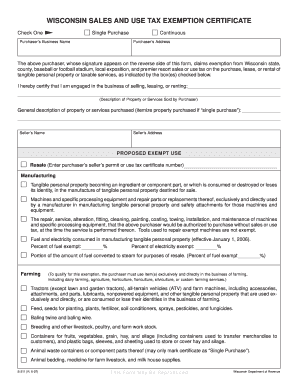
Wisconsin sales and use tax exemption form

Invoice declaration shipments amended get
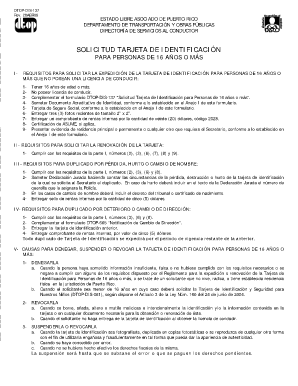
Dtop dis 137 descargar
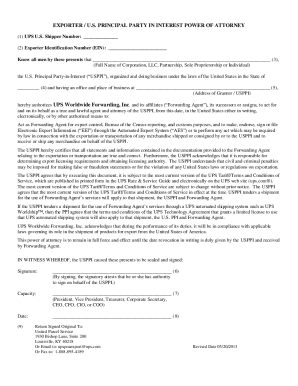
Ups poa
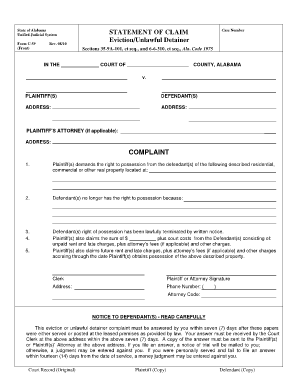
How to submit an alabama form c 59 for eviction
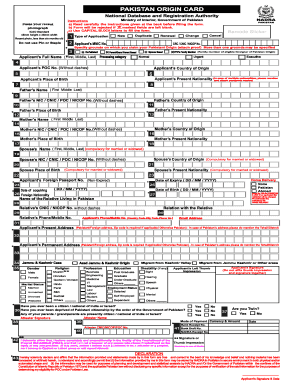
Pakistan origin card
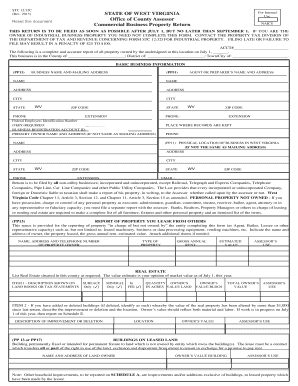
Raleigh county assessor form stc 12 32c
Appraisal framework template
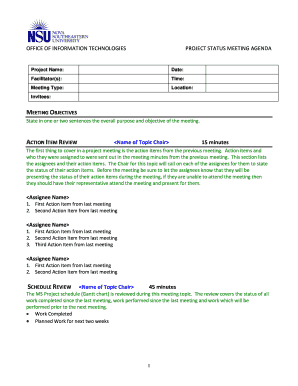
Meeting agenda
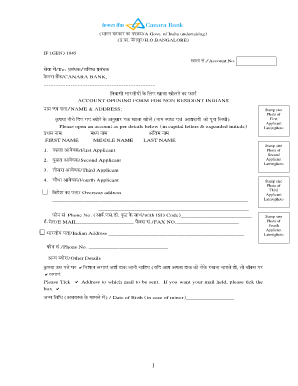
Canara bank account opening form for resident individuals part 1 pdf
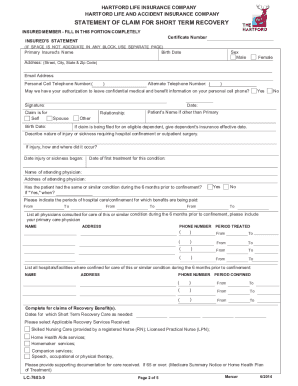
STATEMENT OF CLAIM FOR SHORT TERM RECOVERY - EBView
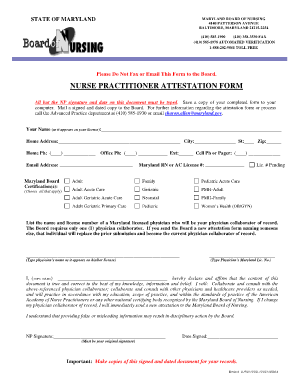
Maryland attestation form
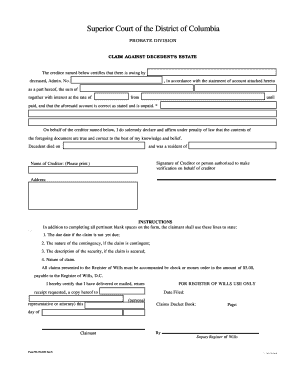
Estate claim form

Cdph 8342
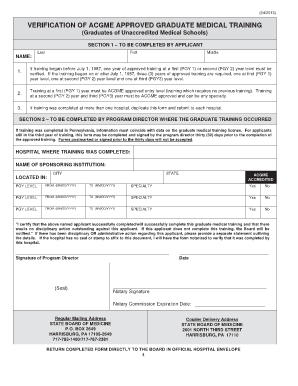
Verification of acgme approved graduate medical training form
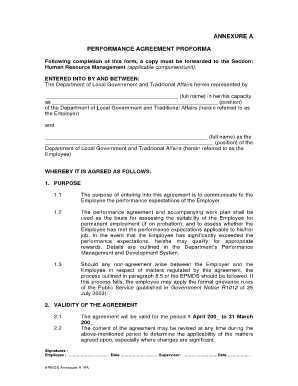
Agreement proforma

3000 240 430 form

Bill of exchange - ABN Amro
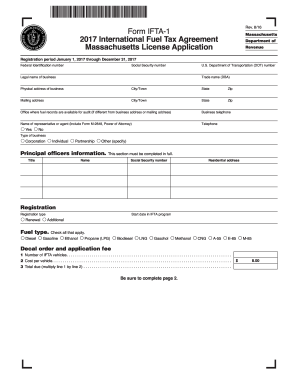
2015 ma form
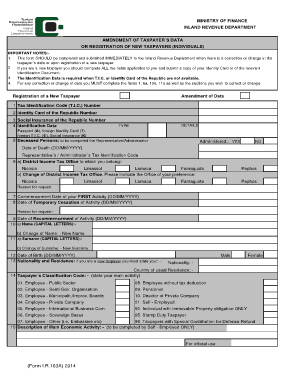
(Form I.R.163A) 2014
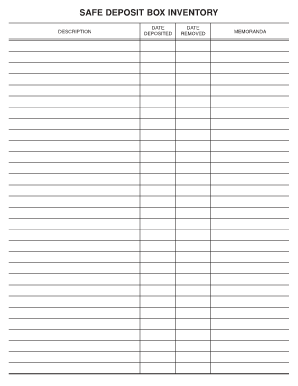
Safe deposit box inventory form

Hourly Application for Employment - Eat'n Park
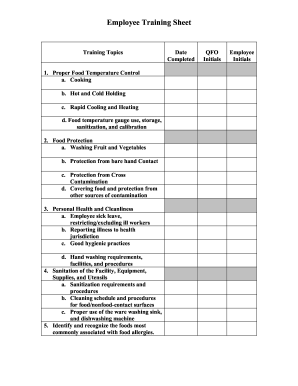
Employee training sheet
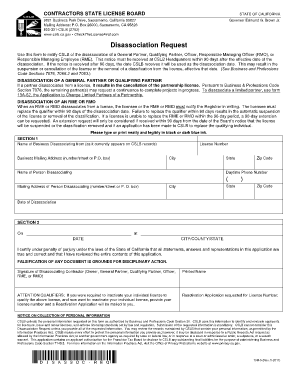
Cslb disassociation form

Duplicate title form ca
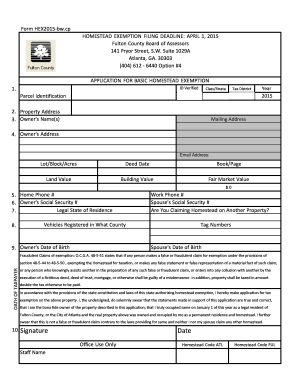
What is classstrata in homestead exemption form

Baltimore county settlement expense loan program contract addendum - diversifiedhousing

105 157 vital form

Notice of Termination - Mohave County Courts
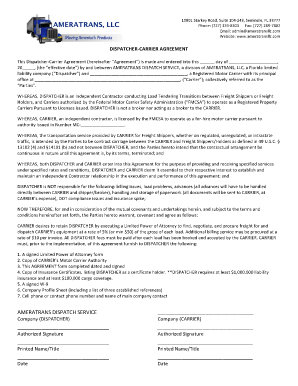
Dispatcher agreement
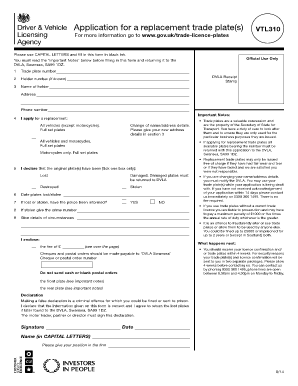
Vtl310
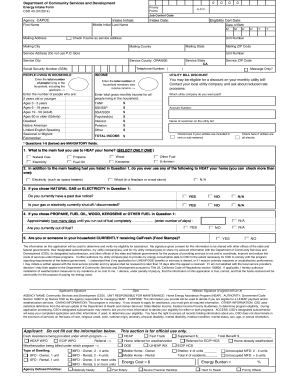
Csd 43

Personal property memorandum form
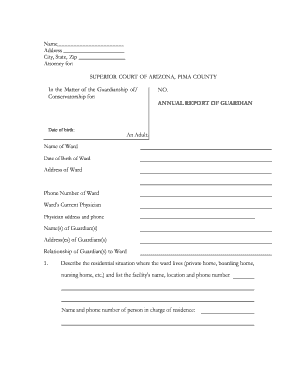
Annual Guardianship Report - Arizona Superior Court in Pima County - sc pima
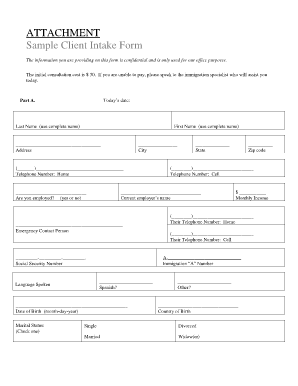
Attachment form samples
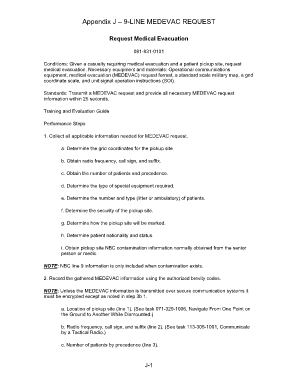
9 line medevac
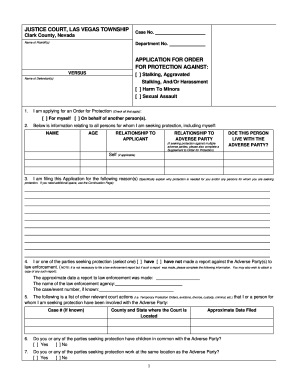
Nevada application order

Passport renewal botswana
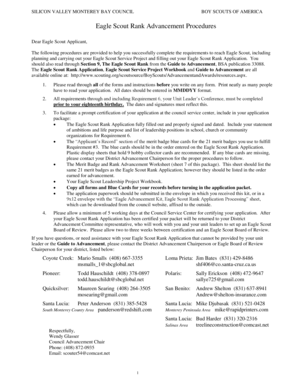
Eagle Scout Rank Advancement Procedures - Silicon Valley ...
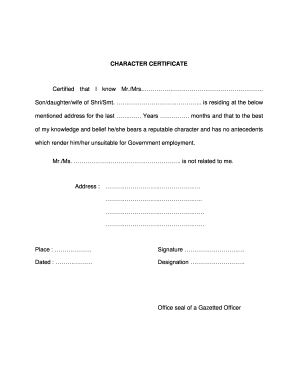
Northern railway character certificate format pdf
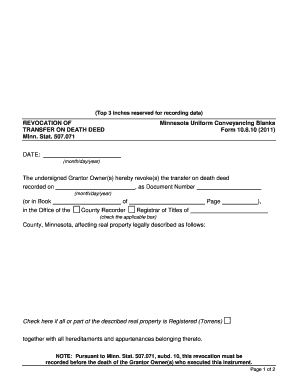
REVOCATION OF TRANSFER ON DEATH DEED Minn. Stat. 507.071

How to demit from eastern star

ST 7 - Initial Application Packet (for distro) - ABC.com

NOTE: This IWO must be regular on its face

New Patient Referral Form - Karmanos Cancer Institute - karmanos

Under armour lifetime warranty pdf

Ohio unclaimed funds claim form pdf

Reopen petition format

Certified resolution governing body
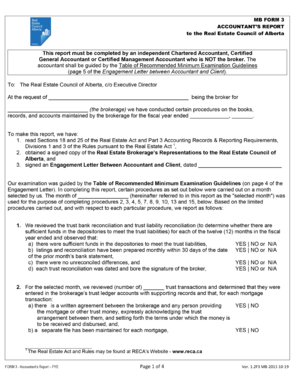
Form 3 real estate

Application for a Permit to Conduct a Class 3 Bazaar - CT.gov
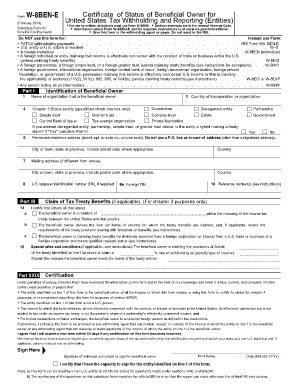
Substitute form w 8ben february 2014
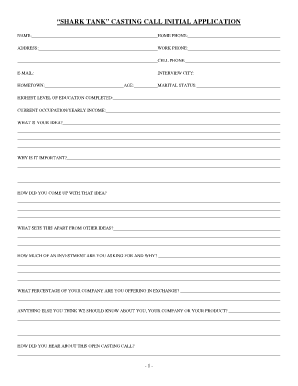
Casting call form template
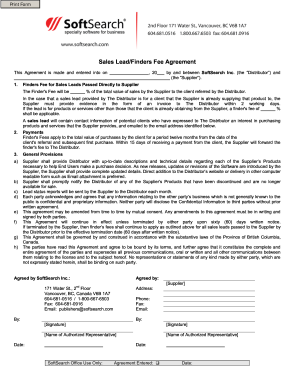
Finder fee agreement for sales leads

Weighmaster test
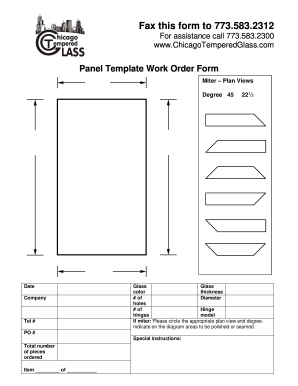
Glass template order form
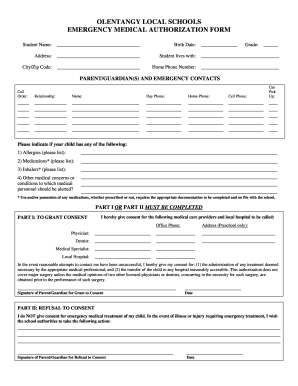
Emergency Medical Form - Olentangy Local Schools - olentangy k12 oh

Iata 880 form

Name customs eori search

Onlinebanking belizebank com
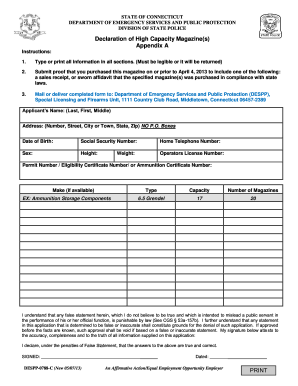
Ct declaration
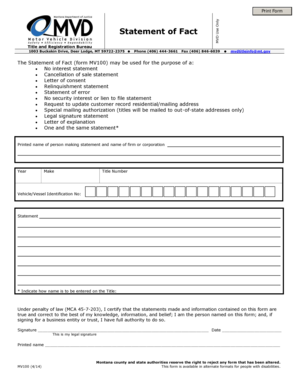
Montana statement of fact
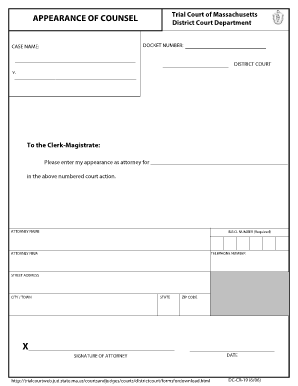
Appearance of counsel form massachusetts

Downloadable Job Application - Lincoln Community Health Center
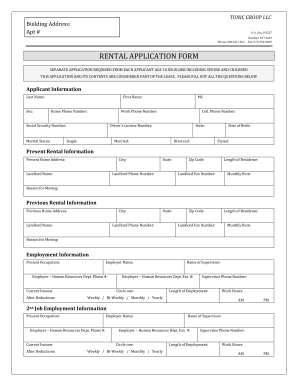
Tunic rental application
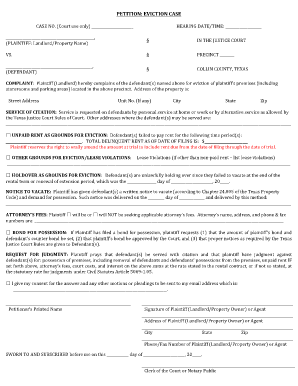
PETITION: EVICTION CASE - Collin County Government - co collin tx
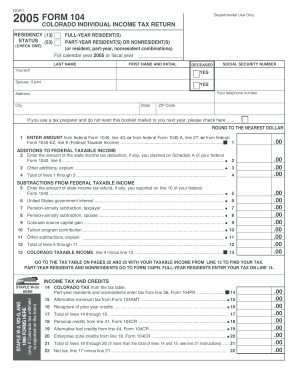
FORM 104 - Colorado.gov

Df hb

2014 HK ID 990A
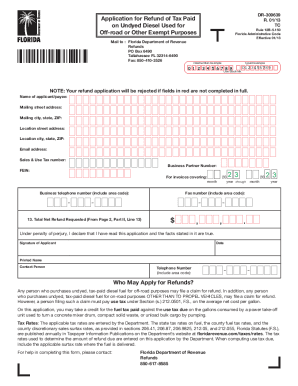
Dr 309639

Interagency biographical and financial report 2011 form

Liveunitedsemorglsp form
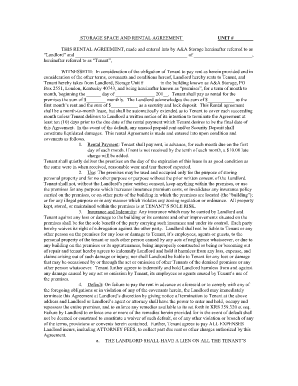
Uk a rental agreement
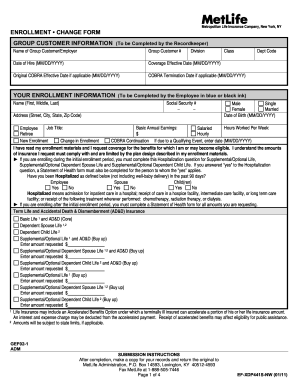
Ef xdp441s nw

Optima Behavioral Health Provider Credentialing Packet
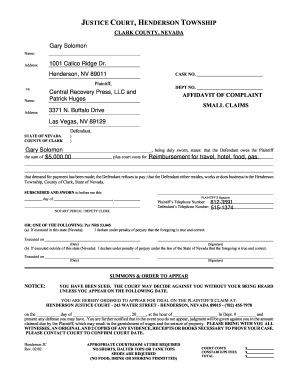
Henderson small claims court

Hk form health certificate

Highland park community college

SELLER'S PROPERTY DISCLOSURE - NEFAR.com
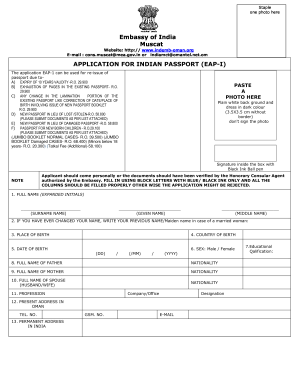
Visa format word form

PC-212 - CTProbate.gov

Notice of Intended Marriage (Resident Outside NZ) BDM58 - dia govt

Rental Contract - Chair Cover Express
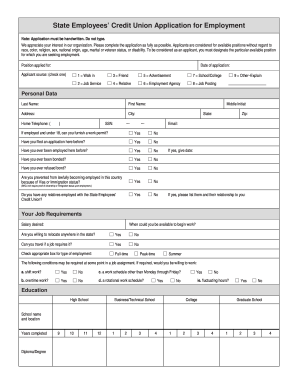
Employment application and consent form - State Employees' Credit ... - ncsecu

Yrc canada op 086 fillableform
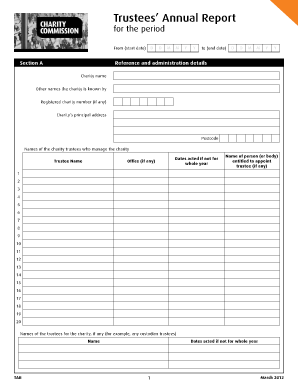
Pennine nhs trust annual report 2020

Hsbc reward points redemption form 2013

Fill out tl form
Benefit from the DocHub online library of fillable PDF forms
Searching the PDF forms doesn't have to be a tedious and time-consuming process. With the DocHub online library, it has become easier to find the fillable PDF forms and modify them in your browser. The service allows you to adjust the document to your needs using powerful editing tools.
You can use online document editing features to modify almost any type of document with ease. You just need to find the template of your choice, open it in the editor, and use the toolbar to make the necessary corrections.
Follow this guide to get your document done with DocHub:
- Find the PDF template you need.
- Click the Get Form button to open the file in the editor.
- Use the toolbar to fill out and edit the document.
- Easily add and highlight text, insert images, checkmarks, and symbols.
- Drop new fillable fields, and rearrange or delete pages from your file.
- Save changes and download your record.
DocHub empowers everyone to streamline document editing, signing, and distribution, and form completion. Create an account and benefit from our well-organized PDF Forms library and comprehensive editor.