
Get any PDF form from the DocHub library of ready-made templates - Page 1528
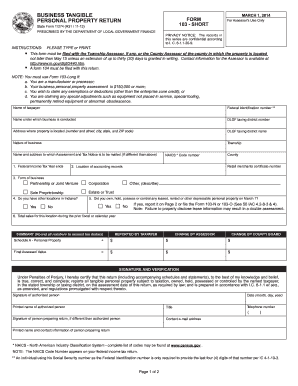
Form 103 Short - Jefferson County Government - State of Indiana
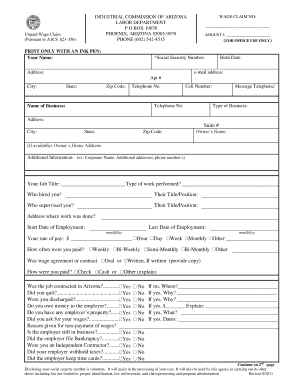
Wage Claim Form - Industrial Commission of Arizona

Attachment to Notice of Motion or Order to Show Cause

Ldss 2921 form

Affidavit of service form pa

Yavapai apache nation enrollment
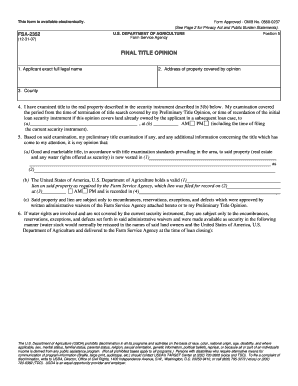
Fsa 2352
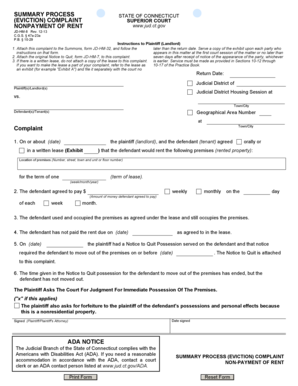
Connecticut process eviction form

Financial bank personal statement form
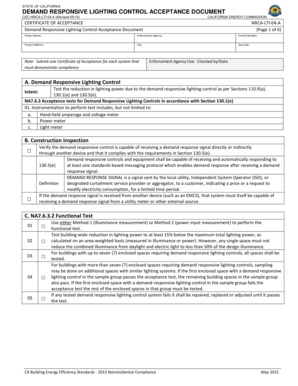
CEC-NRCA-LTI-04-A (Revised 0614) - energy ca

THIS FORM IS TO BE USED TO CHANGE THE FOLLOWING: - tdi texas

Aramex authorization letter
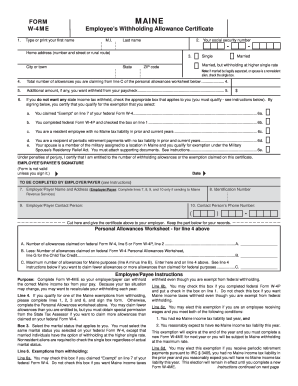
The Simple W-4 Form - eFile
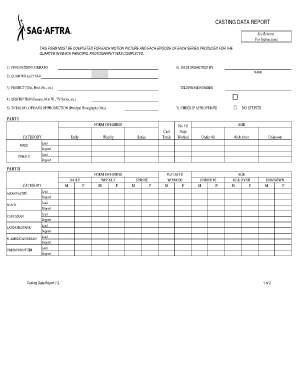
Sag casting data report
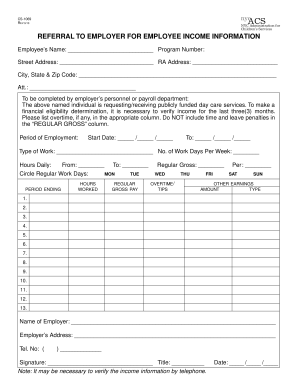
Nyc referral to employer for employee income information form rev 216 2010
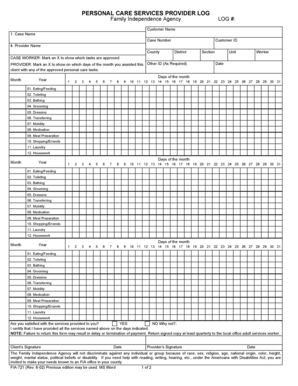
PERSONAL CARE SERVICES PROVIDER LOG - michigan
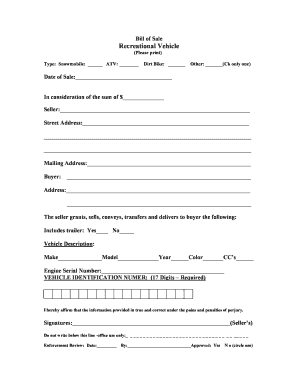
Sample Bill of Sale for OHVs and Snowmobiles - mass
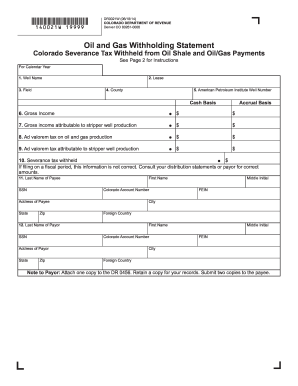
Oil and Gas Withholding Statement (DR 0021W) - colorado
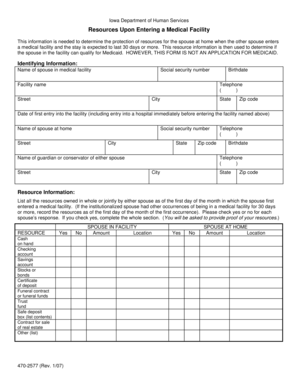
Dhs form resources upon entering a medical facility printable
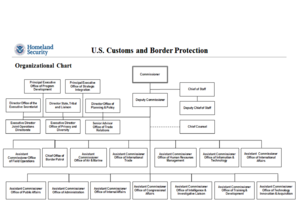
Cbp oit org chart
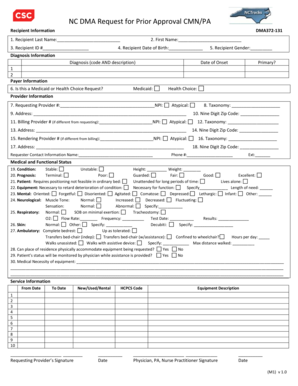
Nc dma request for prior approval cmn pa
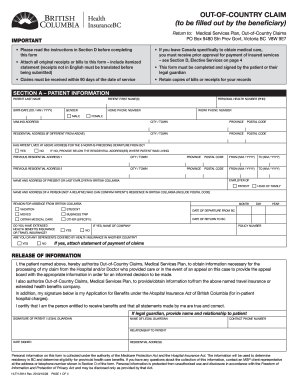
Hlth 2814
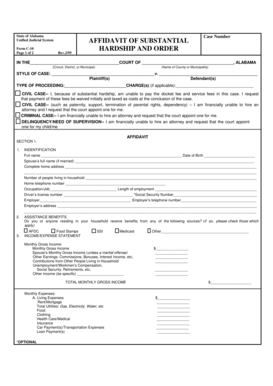
Hardship divorce alabama

Tsa precheck application form

MCHR-44 - labor mo
Gsa auto auction

50059

Sales under special conditions tn

Ksc safety user guide
Ak landlord form
Blank closing disclosure - consumerfinance
Alabama sr 2 form

Fillable tc 94 32

America lynch treasurydirect

Illinois og17

Hotel preventive maintenance checklist
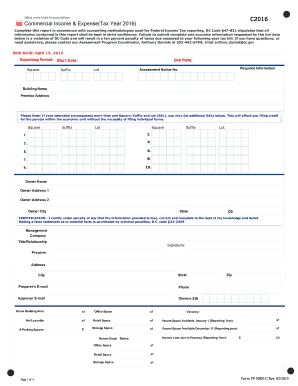
Commercial - otr cfo dc

Sos arkansas
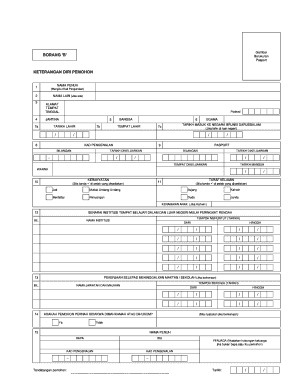
Hecas

Barthel index form printable
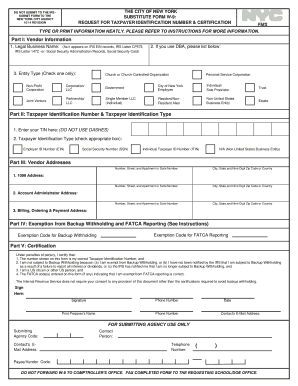
City of new york substitute form w9

WRITE IT RIGHT - California Bureau of Automotive Repair - bar ca
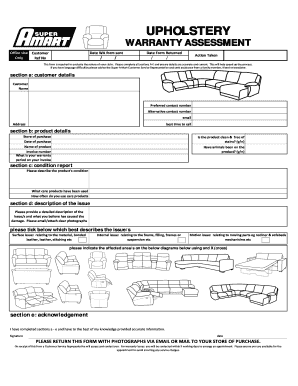
Amart warranty form

Urinalysis log sheet
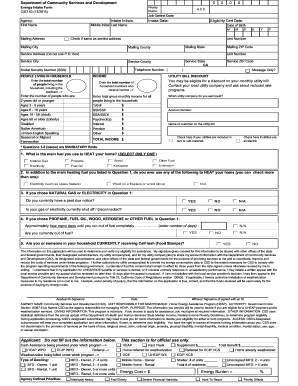
Energy Intake Form CSD 43-ENGLISH 2 - Locked - 2015 Update.xlsm - sbcounty

Child in care statement
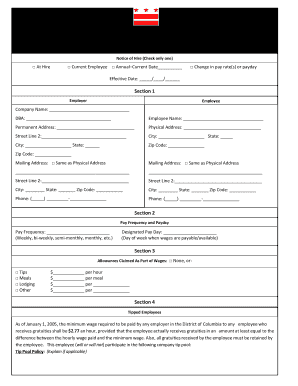
Notice of hire washington dc
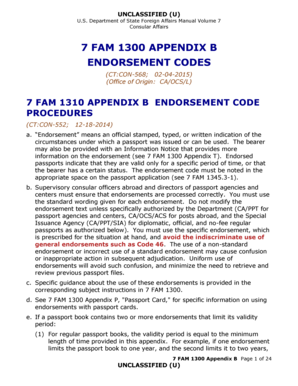
7 FAM 1300 APPENDIX B ENDORSEMENT CODES - state
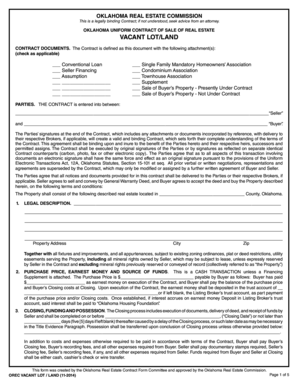
Lot land
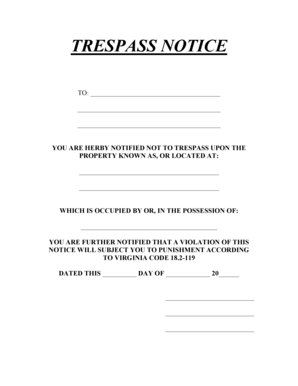
Trespass notice template
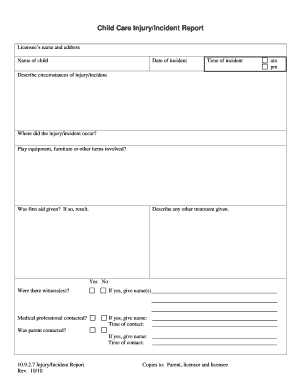
Child Care Injury/Incident Report - del wa

Modello 2100 amiu

ATTORNEY OR UNREPRESENTED PARTY - placer courts ca
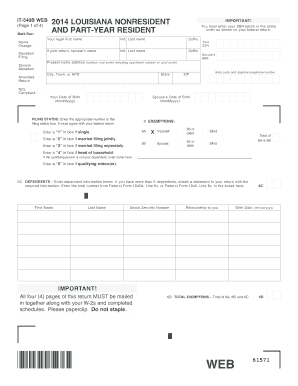
It 540b 2014 form
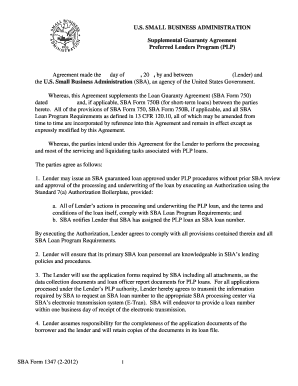
Form 1347 form
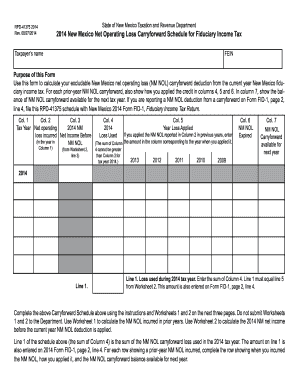
2014 New Mexico Net Operating Loss Carryforward Schedule for Fiduciary Income Tax
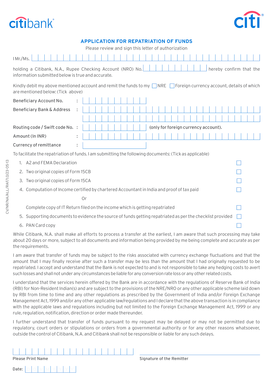
Citibank co n
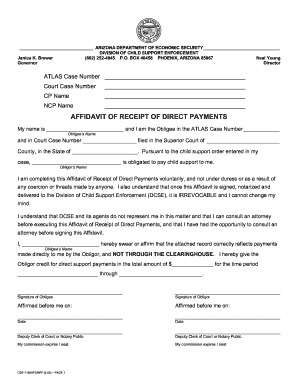
Affidavit of receipt of payment
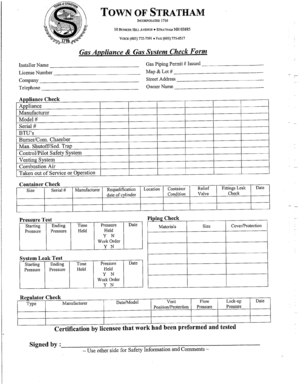
Gas check form

Silent Auction Bid Slip Silent Auction Bid Slip Silent Auction Bid Slip ...
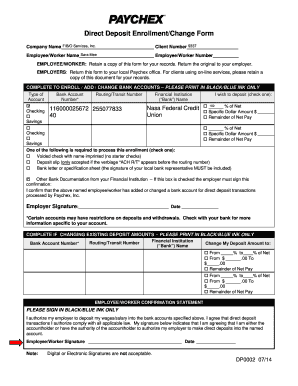
Direct Deposit Signup/Change Form
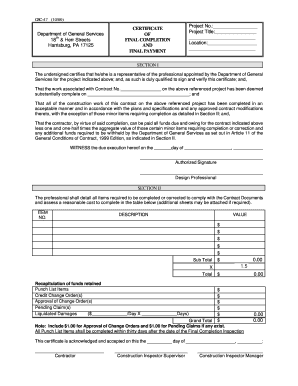
Gsc 47
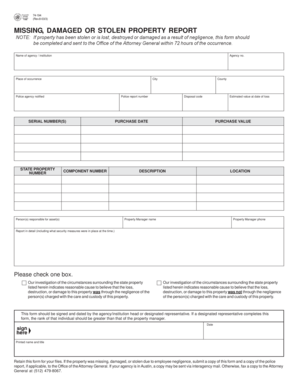
Stolen property report

- dps mn

Form 12 inventory
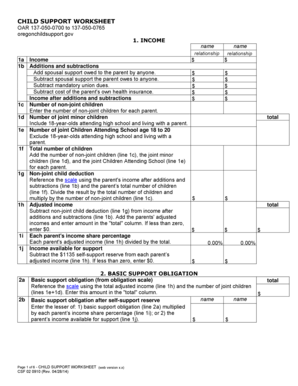
Child support worksheet csf 020910
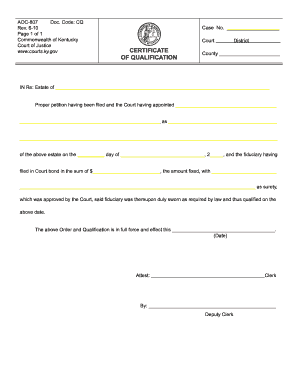
Kentucky qualification

Sample dispute letter credit bureau - Montana Department of Justice

Dr2424
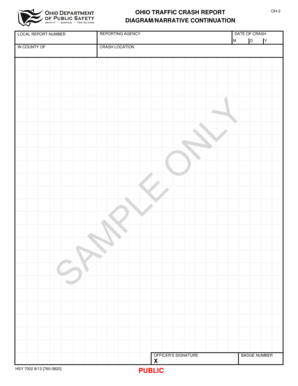
OH-2 Diagram/Narrative Continuation - publicsafety ohio

Ebt california

Affidavit of Surviving Spouse of Heirs - mass
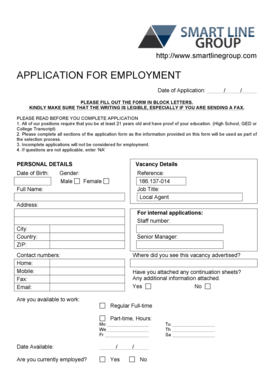
All details to be filled in block letters
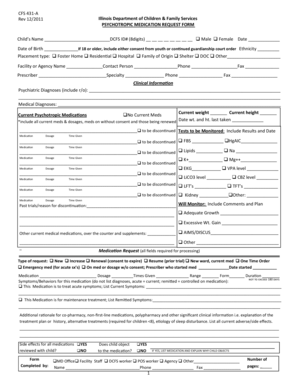
Cfs 431 dcfs
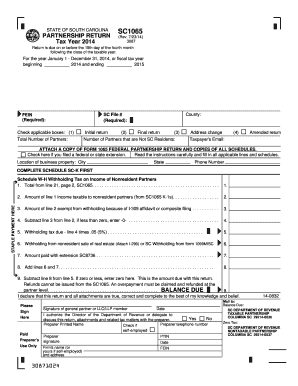
Sc1065 2014 form

2015 form ppt
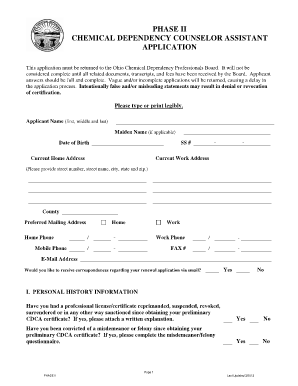
Cdca phase 2 grid

Landlord authorization form
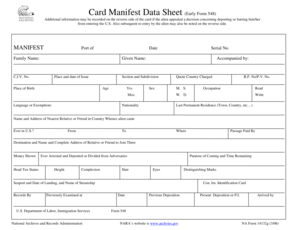
Na manifest

Equifax disassociation form
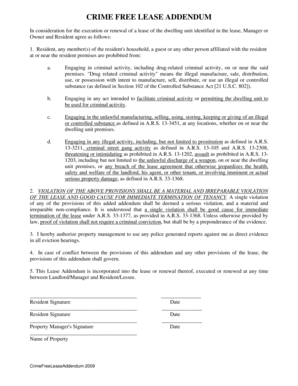
Crime lease addendum
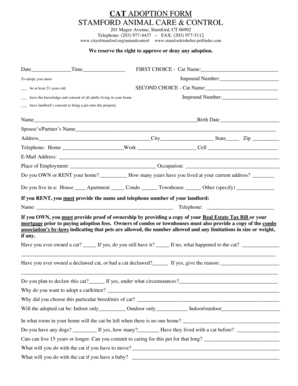
Cat adoption forms
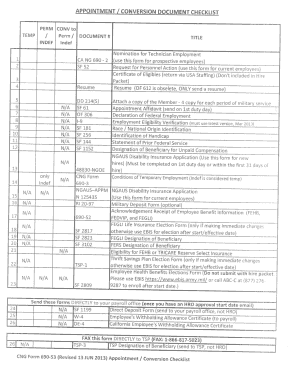
Perm/Indef Hire Packet Example - calguard ca
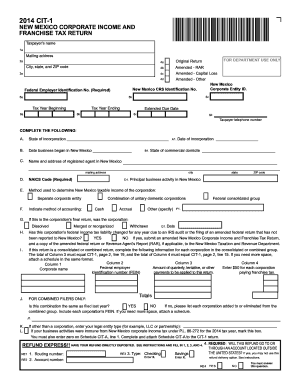
Nm cit 2014 form
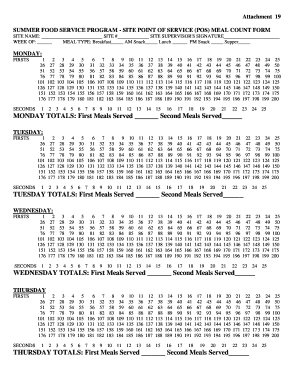
Meal Count (Daily Tick Sheet)
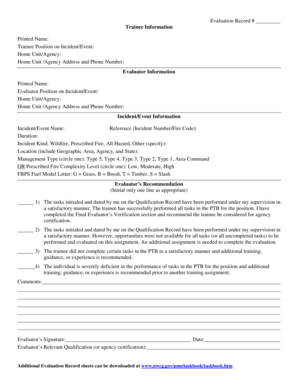
Nwcg evaluation record
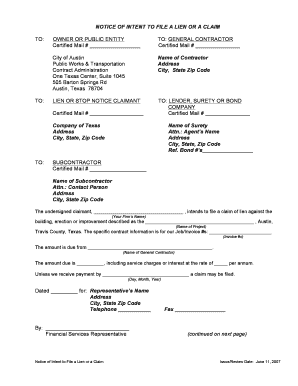
Texas printable intent to lien form
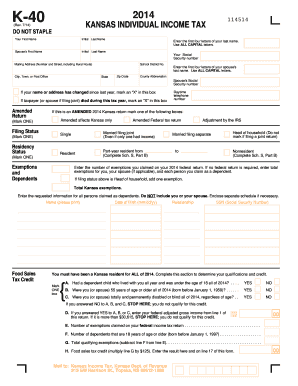
2014 k 40 form
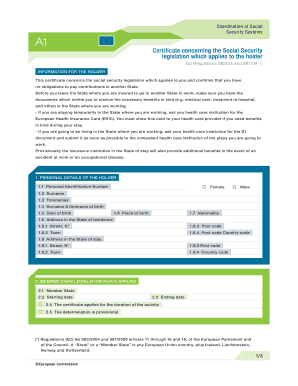
Certificate concerning the social security legislation which applies to the holder
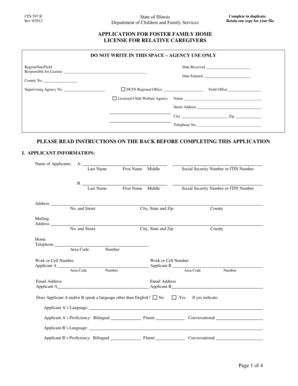
CFS 597 R - illinois
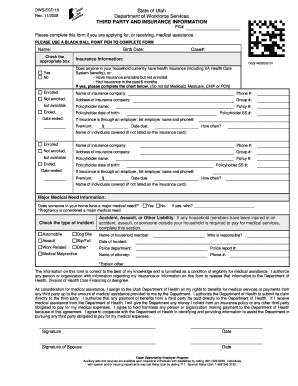
State of Utah Department of Workforce Services THIRD PARTY AND ... - jobs utah

Sco school form
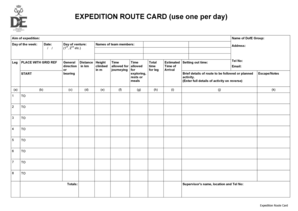
Route card template word
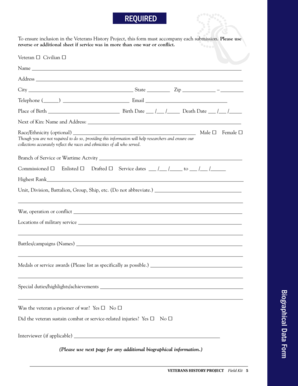
Biographical Data Form - Veterans History Project Field Kit 2013 ... - loc
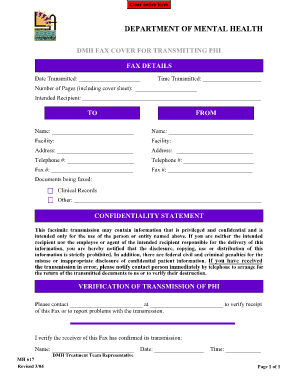
Dmh fax cover for transmitting phi lac dmh

Worksheet transcribe decedent

2015 NPA Guidelines Application 2. MCESA Letterhead - ded mo
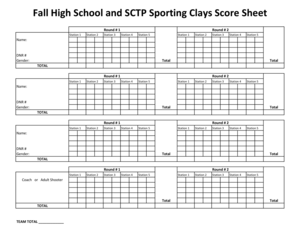
Sporting clay score sheet
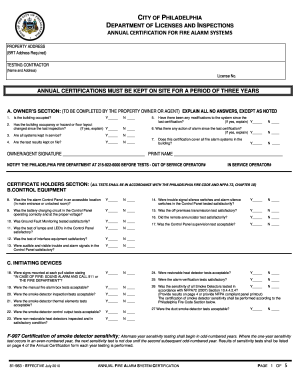
Fire alarm certification form
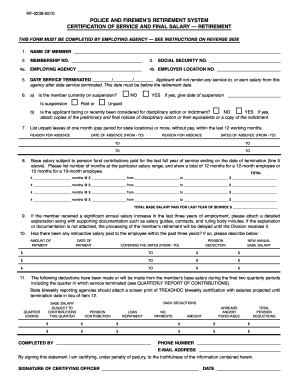
Sample of salary certification
Benefit from the DocHub online library of fillable PDF forms
Searching the PDF forms doesn't have to be a tedious and time-consuming process. With the DocHub online library, it has become easier to find the fillable PDF forms and modify them in your browser. The service allows you to adjust the document to your needs using powerful editing tools.
You can use online document editing features to modify almost any type of document with ease. You just need to find the template of your choice, open it in the editor, and use the toolbar to make the necessary corrections.
Follow this guide to get your document done with DocHub:
- Find the PDF template you need.
- Click the Get Form button to open the file in the editor.
- Use the toolbar to fill out and edit the document.
- Easily add and highlight text, insert images, checkmarks, and symbols.
- Drop new fillable fields, and rearrange or delete pages from your file.
- Save changes and download your record.
DocHub empowers everyone to streamline document editing, signing, and distribution, and form completion. Create an account and benefit from our well-organized PDF Forms library and comprehensive editor.