
Get any PDF form from the DocHub library of ready-made templates - Page 1459
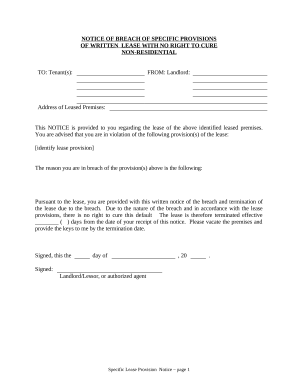
Property landlord tenant
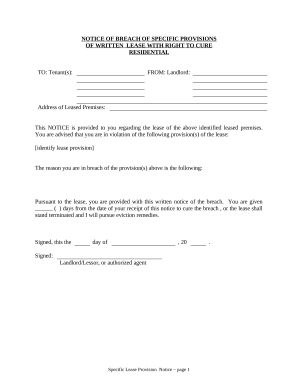
Notice of Breach of Written Lease for Violating Specific Provisions of Lease with Right to Cure for Residential Property from Landlord to Tenant - Utah
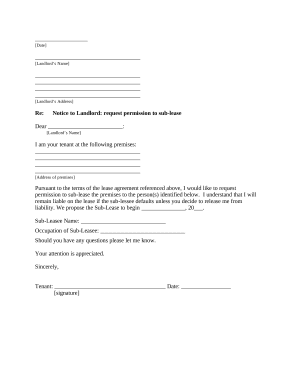
Letter from Tenant to Landlord containing Request for permission to sublease - Utah
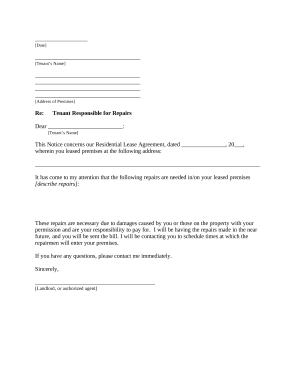
Letter from Landlord to Tenant as Notice to tenant to repair damage caused by tenant - Utah
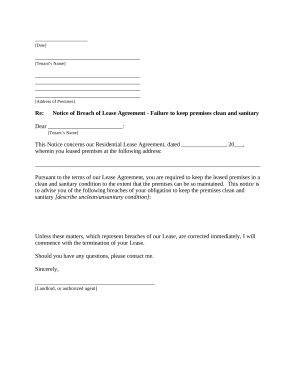
Letter from Landlord to Tenant for Failure to keep premises as clean and safe as condition of premises permits - Remedy or lease terminates - Utah

Letter from Tenant to Landlord about Fair Housing Reduction or Denial of services to Family with Children - Utah
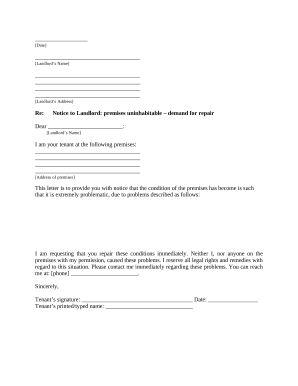
Letter from Tenant to Landlord containing Notice that premises in uninhabitable in violation of law and demand immediate repair - Utah

Cancellation of Lien by Individual - Utah
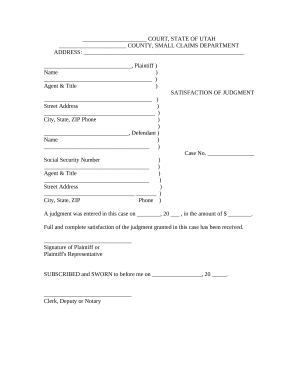
Utah judgment form

Leasing agreement
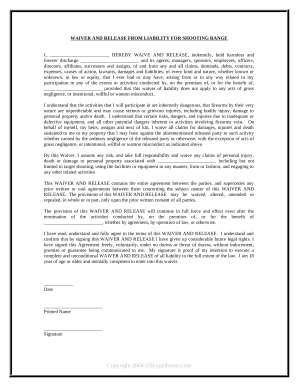
Waiver and Release From Liability For Adult for Shooting Range
Minor child

Waiver and Release From Liability For Adult for Intramural Sports
Hunting release of liability form template
Waiver and Release From Liability For Adult for Snowmobile

Waiver healthcare

Release minor child
Waiver release liability

Waiver release liability
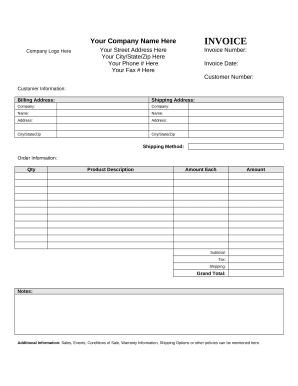
Customer invoice
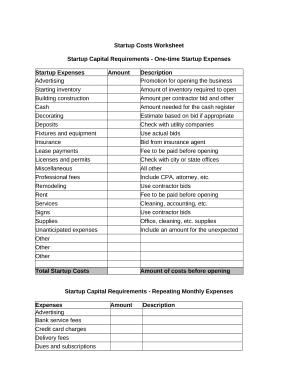
Startup costs
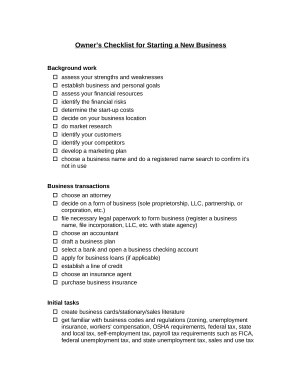
Checklist starting business
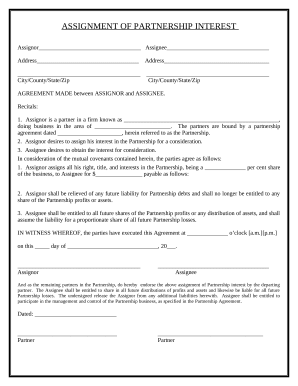
Partnership interest assignment pdf
Auctioneer
Questionnaire form sample
Advanced health care directive

Power attorney form
Lemon law
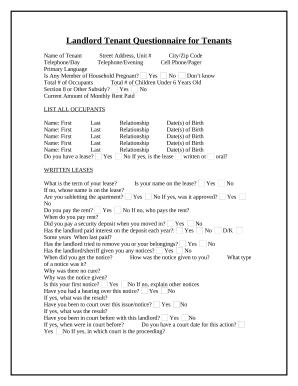
Tenant tenants

Guardianship

Elder law
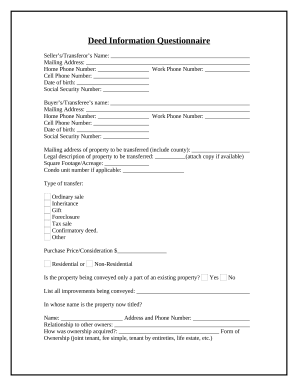
Deed transfer document
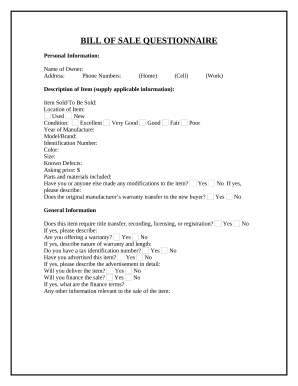
Bill sale form sample
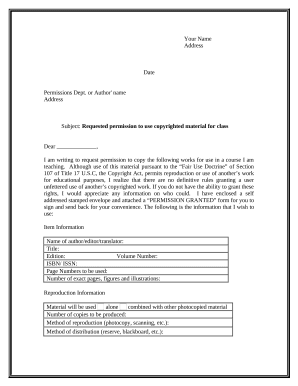
Permission use copyrighted material
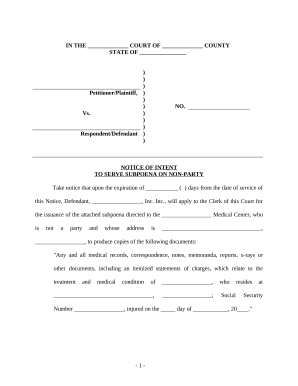
Serve subpoena

Attorney fee

Complaint accident

Automobile collision
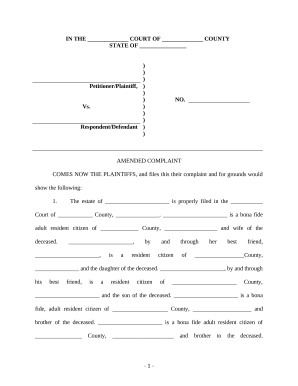
Complaint for personal injury wrongful death and survival
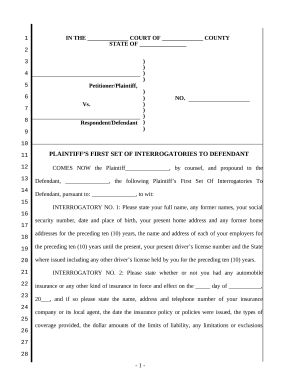
First set interrogatories
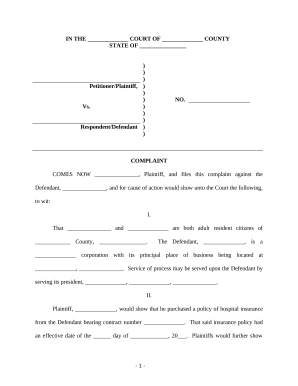
Insurer claim
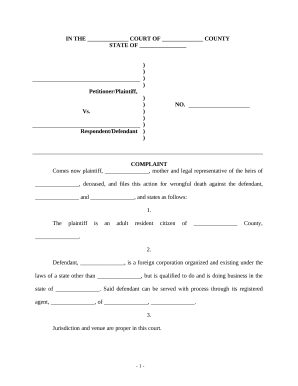
Injury automobile accident
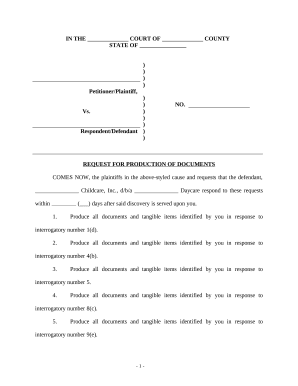
Request production documents
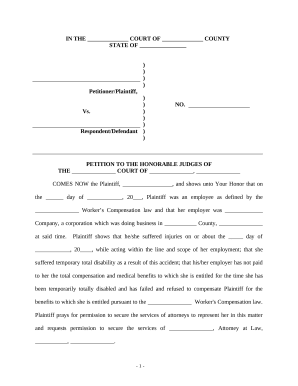
Motion order
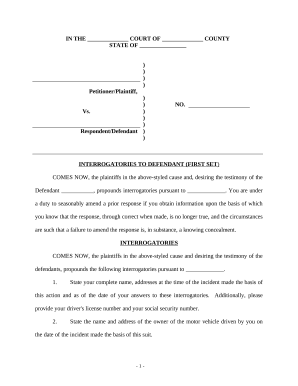
Interrogatories set
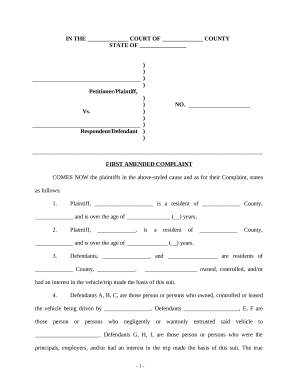
First amended
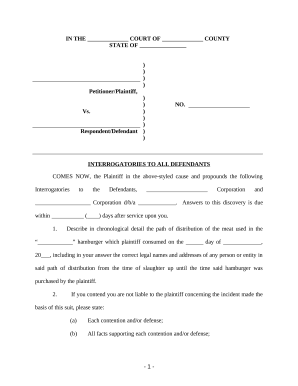
Interrogatories personal injury sample
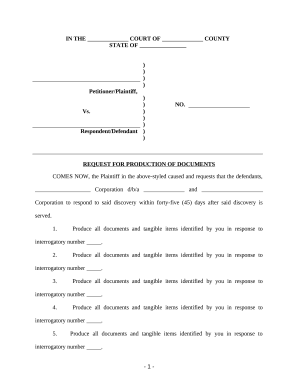
Request production documents
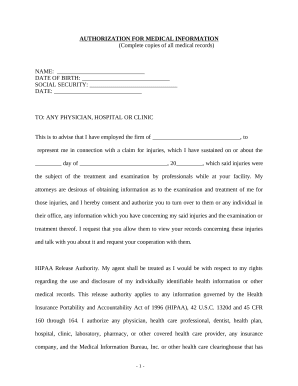
Medical information form
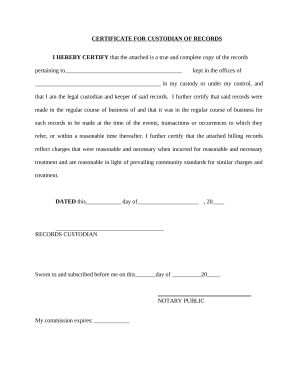
Certificate custodian records

Injury questionnaire
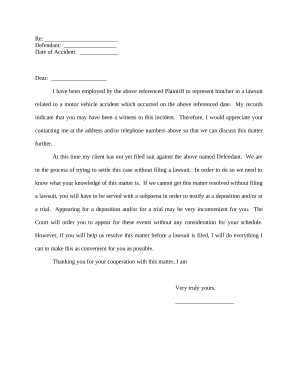
Letter witness
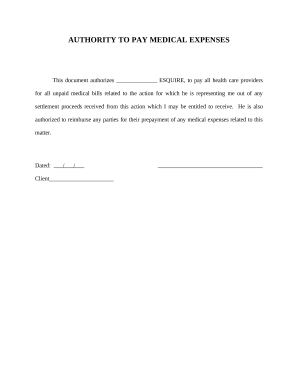
Tactile medical bill pay
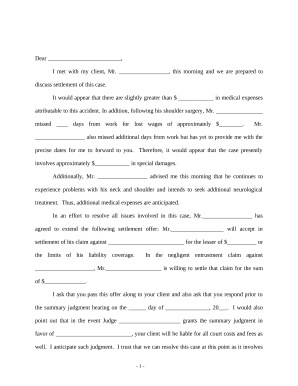
Accident claim information

Contract contingency
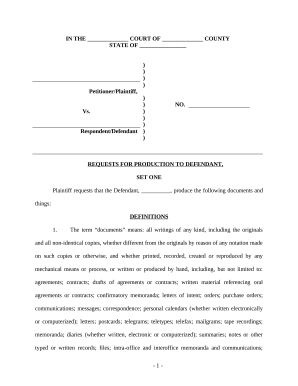
Plaintiff request production
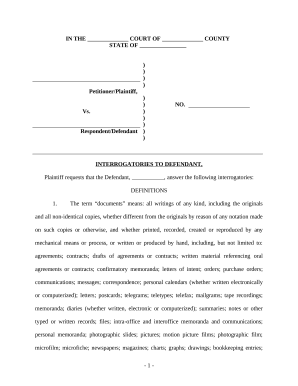
Interrogatories defendant injury

Answer amended complaint
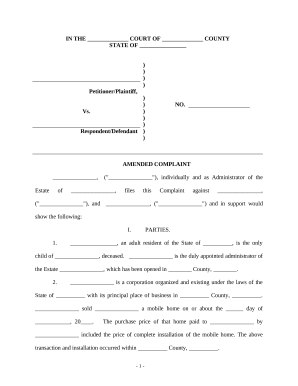
Amended complaint
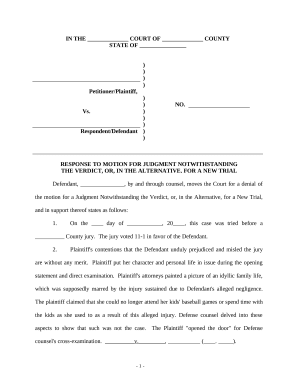
Motion judgment for
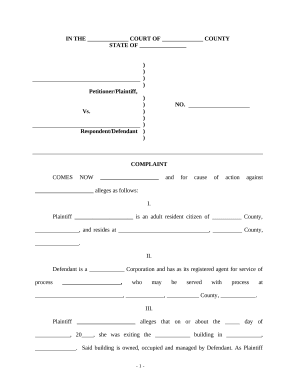
Complaint court form

Personal injury accident
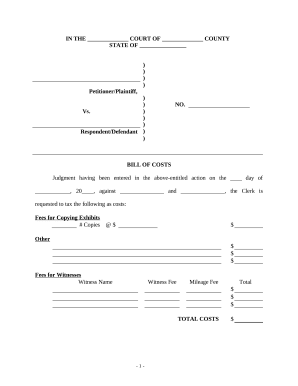
Bill personal injury
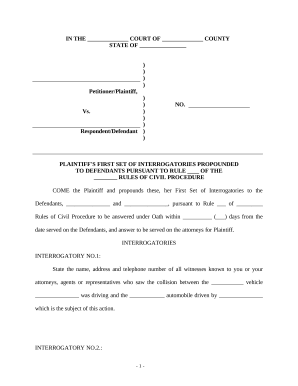
Injury auto accident
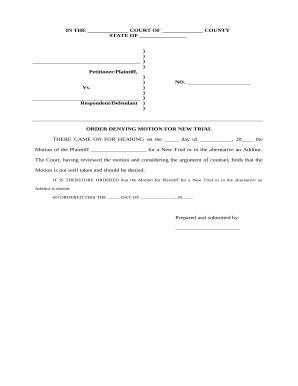
Motion new trial
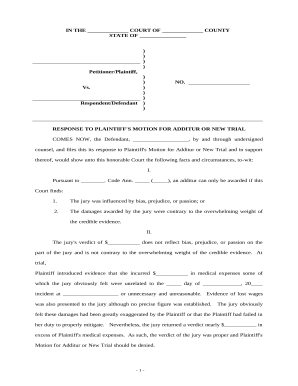
Additur
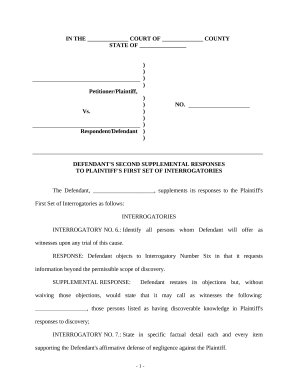
Responses plaintiff
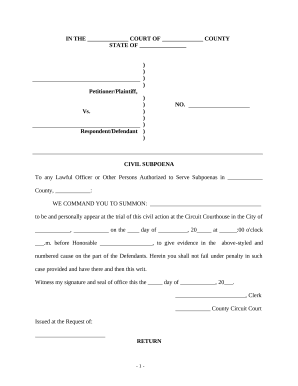
Civil subpoena
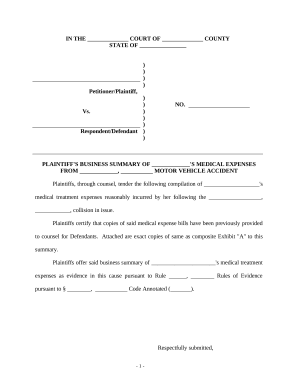
Business summary
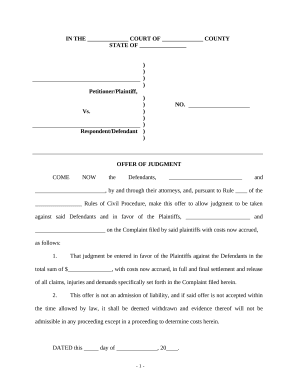
Offer injury
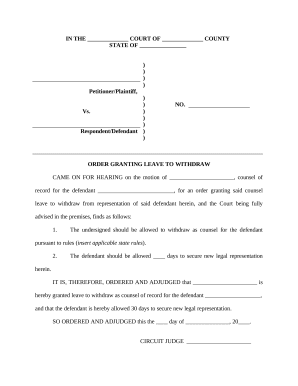
Order withdraw
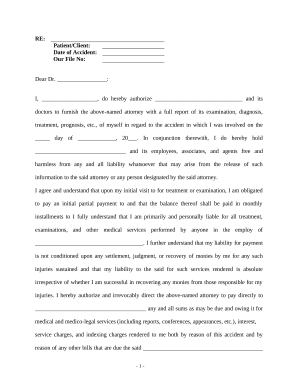
Irrevocable assignment form
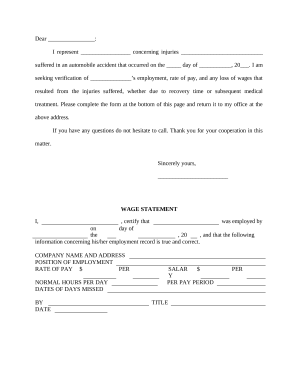
Letter regarding statement
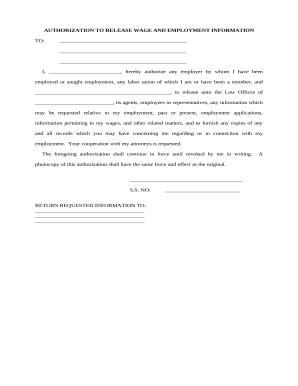
Authorization employment information

Affidavit custodian
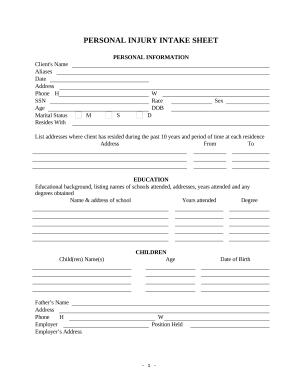
Personal injury intake form template
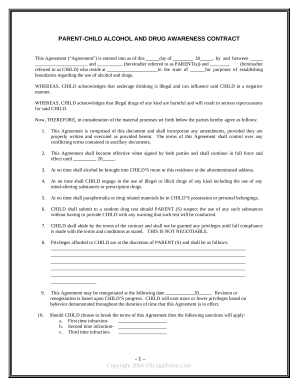
Parent - Child Contract For Alcohol And Drug Awareness
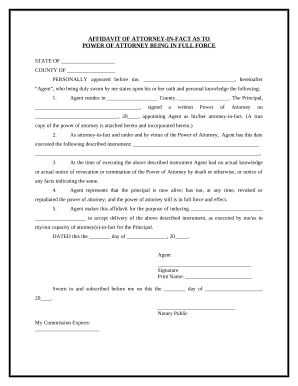
Power attorney form
Medical directive
Consulting agreement with

Wyoming release
Wyoming widow
Demand to Produce Copy of Will from Heir to Executor or Person in Possession of Will - Wyoming

Legal Last Will and Testament Form for a Single Person with Minor Children - Wyoming

Washington summons form

Washington lease
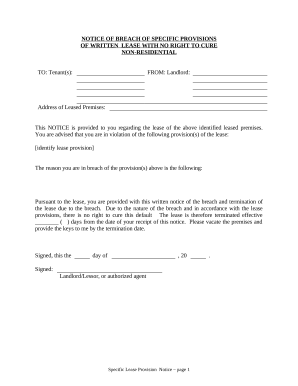
Wa lease landlord
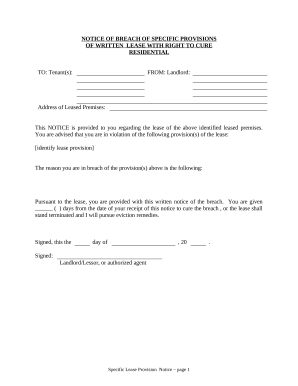
Notice of Breach of Written Lease for Violating Specific Provisions of Lease with Right to Cure for Residential Property from Landlord to Tenant - Washington
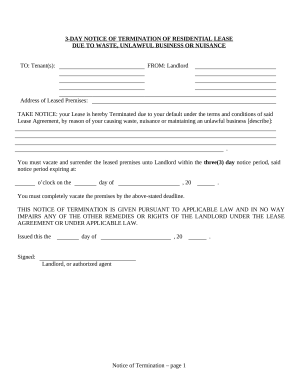
Washington 3 day notice
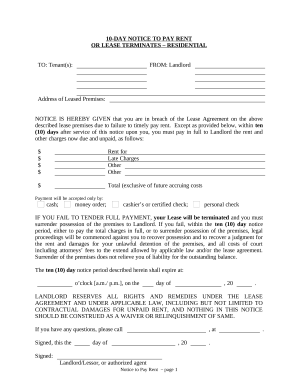
10 days notice
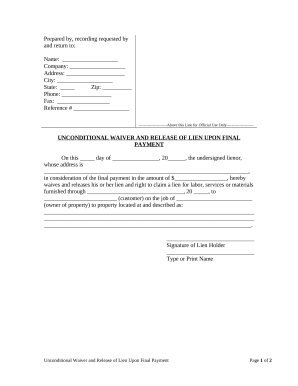
Washington release lien
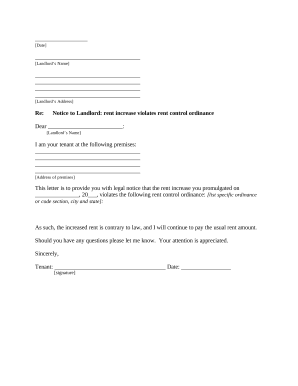
Wa tenant landlord
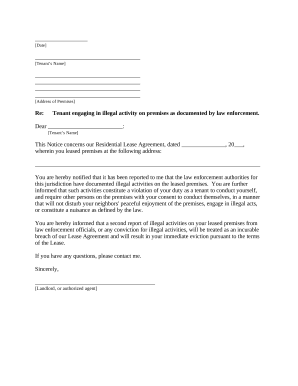
Landlord tenant law
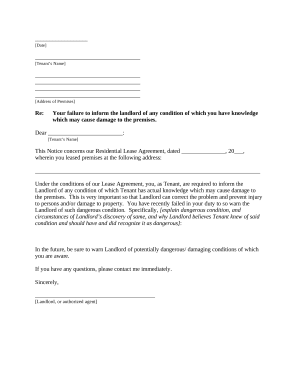
Tenant notice premises

Letter landlord tenant

Washington tenant landlord
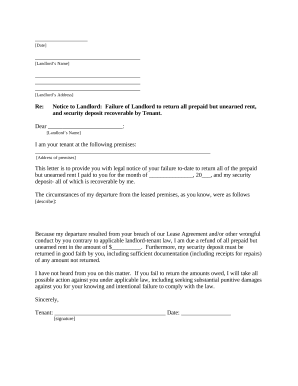
Washington tenant landlord
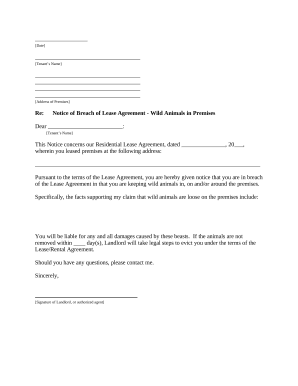
Landlord tenant notice
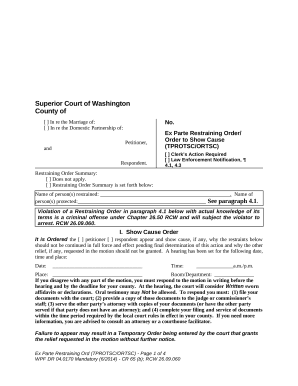
Washington restraining order
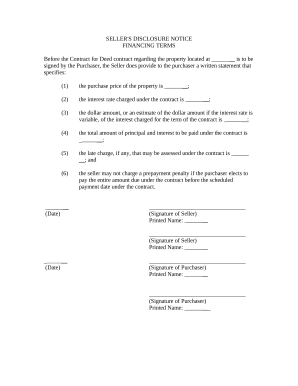
Seller disclosure form
Benefit from the DocHub online library of fillable PDF forms
Searching the PDF forms doesn't have to be a tedious and time-consuming process. With the DocHub online library, it has become easier to find the fillable PDF forms and modify them in your browser. The service allows you to adjust the document to your needs using powerful editing tools.
You can use online document editing features to modify almost any type of document with ease. You just need to find the template of your choice, open it in the editor, and use the toolbar to make the necessary corrections.
Follow this guide to get your document done with DocHub:
- Find the PDF template you need.
- Click the Get Form button to open the file in the editor.
- Use the toolbar to fill out and edit the document.
- Easily add and highlight text, insert images, checkmarks, and symbols.
- Drop new fillable fields, and rearrange or delete pages from your file.
- Save changes and download your record.
DocHub empowers everyone to streamline document editing, signing, and distribution, and form completion. Create an account and benefit from our well-organized PDF Forms library and comprehensive editor.