Questionnaire form sample 2026

Get Form
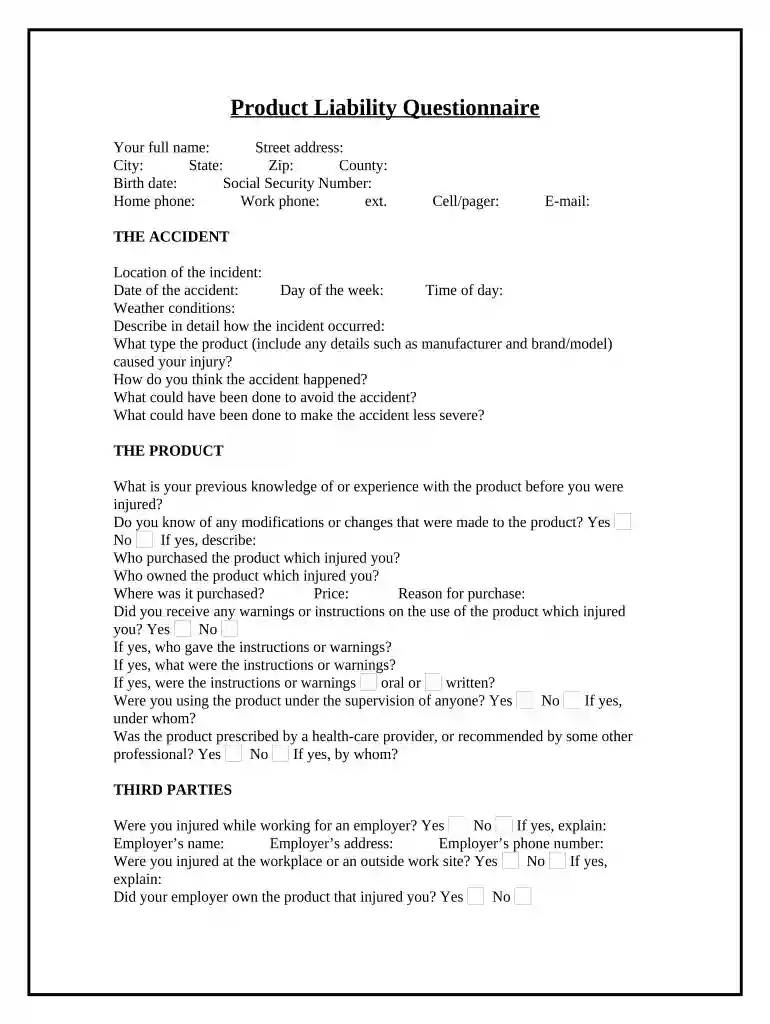
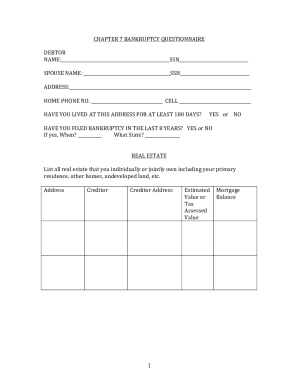
questionnaire form Preview on Page 1

Here's how it works

01. Edit your questionnaire form online
Type text, add images, blackout confidential details, add comments, highlights and more.

02. Sign it in a few clicks
Draw your signature, type it, upload its image, or use your mobile device as a signature pad.

03. Share your form with others
Send survey questionnaire form via email, link, or fax. You can also download it, export it or print it out.

How to use or fill out the Product Liability Questionnaire with our platform

Form edit decoration
9.5
Ease of Setup
DocHub User Ratings on G2
9.0
Ease of Use
DocHub User Ratings on G2
  1. Click ‘Get Form’ to open the Product Liability Questionnaire in the editor.
  2. Begin by entering your personal information in the designated fields, including your full name, address, and contact details. Ensure accuracy for effective communication.
  3. In 'THE ACCIDENT' section, provide detailed responses about the incident, including location, date, and a description of how it occurred. This information is crucial for understanding the context of your claim.
  4. Move to 'THE PRODUCT' section and answer questions regarding your experience with the product involved. Be specific about any modifications or warnings you received.
  5. Complete the 'THIRD PARTIES' section by detailing any involvement from employers or co-workers during the incident. Include their contact information if applicable.
  6. In 'RESPONSE TO ACCIDENT', indicate whether you made any statements at the scene or afterward. Attach copies of any relevant documents if available.
  7. Finally, fill out the 'INJURIES' section with comprehensive details about your medical treatment and any ongoing issues related to the accident.

Start filling out your questionnaire form today for free using our platform!

be ready to get more

Complete this form in 5 minutes or less

Get form

Got questions?

We have answers to the most popular questions from our customers. If you can't find an answer to your question, please contact us.
Contact us
Preliminary decisions in questionnaire design Decide the information required. Define the target respondents. Choose the method(s) of docHubing your target respondents. Decide on question content. Develop the question wording. Put questions into a meaningful order and format. Check the length of the questionnaire.
A Website Questionnaire Form is a form template designed to gather feedback, insights, and preferences from visitors or users of a website.
Some examples of a questionnaire are: Customer Satisfaction Questionnaire: This type of research can be used in any situation where theres an interaction between a customer and an organization. For example, you might send a customer satisfaction survey after someone eats at your restaurant.
These 5 basic questionshow, why, who, when, and whatdont get as much attention as the more popular questions you include in your survey. But they should. Take a few minutes to answer these 5 questions before you start writing your survey. Your results will thank you for it.
Many statisticians concur that a sample size of 100 is the minimum you need for meaningful results. If your population is smaller than that, you should aim to survey all of the members. The same source states that the maximum number of respondents should be 10% of your population, but it should not exceed 1000.

Security and compliance

At DocHub, your data security is our priority. We follow HIPAA, SOC2, GDPR, and other standards, so you can work on your documents with confidence.

Learn more
ccpa2
pci-dss
gdpr-compliance
hipaa
soc-compliance

People also ask

7 Steps of An Effective Questionnaire Design Step 1: Define the Research Objectives. Step 2: Define Your Audience Outline Key Questions. Step 3: Refine the Question Phrasing. Step 4: Develop the Response Format. Step 5: Put the Questionnaires into an Appropriate Sequence. Step 6: Finalize the Layout of the Questionnaire.

Related links