




01. Edit your form online
Type text, add images, blackout confidential details, add comments, highlights and more.

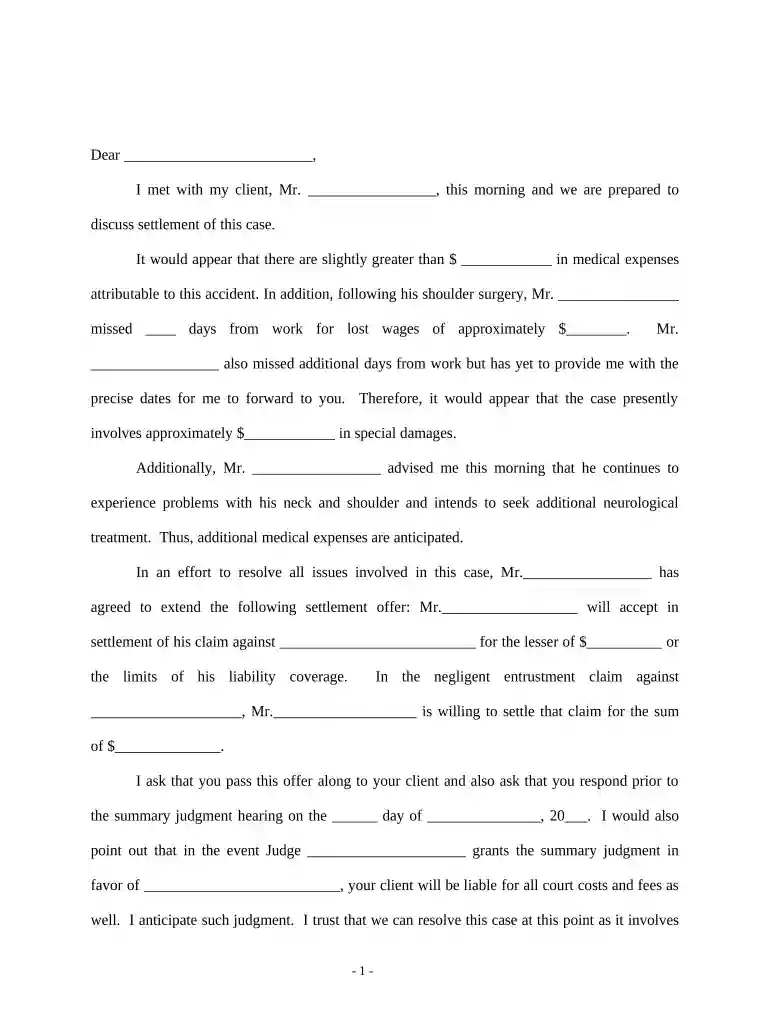
Type text, add images, blackout confidential details, add comments, highlights and more.

Draw your signature, type it, upload its image, or use your mobile device as a signature pad.

Send it via email, link, or fax. You can also download it, export it or print it out.

Start using our platform today to streamline your accident claim process for free!
At DocHub, your data security is our priority. We follow HIPAA, SOC2, GDPR, and other standards, so you can work on your documents with confidence.





Sep 24, 2025 Take a picture of their insurance card and drivers license. If they dont have an insurance card, ask for their name, phone number, insuranceRead more
Contact your insurance company within 24-48 hours of the accident Provide basic facts about the incident location, date, and parties involved Verify yourRead more
Provide expert guidance on accident recovery, legal support, insurance claims, medical resources, local assistance, and educational content.Read more


