




01. Edit your form online
Type text, add images, blackout confidential details, add comments, highlights and more.

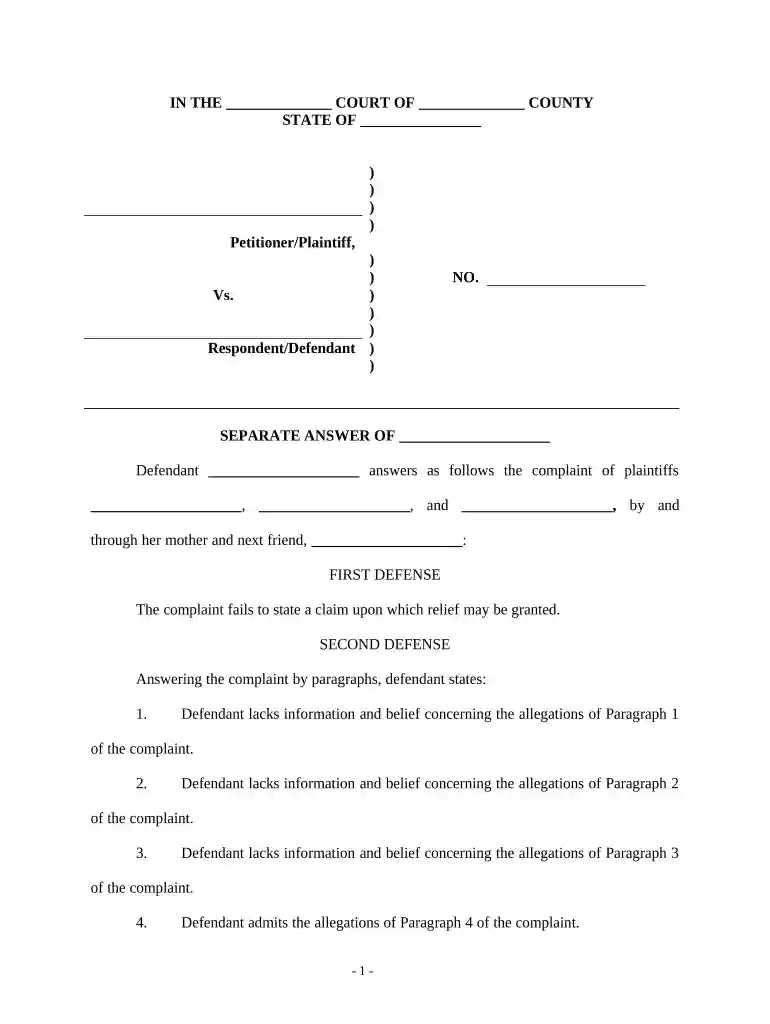
Type text, add images, blackout confidential details, add comments, highlights and more.

Draw your signature, type it, upload its image, or use your mobile device as a signature pad.

Send it via email, link, or fax. You can also download it, export it or print it out.

Start using our platform today to streamline your personal injury accident documentation process for free!
At DocHub, your data security is our priority. We follow HIPAA, SOC2, GDPR, and other standards, so you can work on your documents with confidence.




Personal injury claims can arise from harm done to the body. For example: Automobile accidents; Workplace accidents; Assault; Product defect accidents; MedicalRead more
Jul 4, 2025 The purpose of personal injury law is to provide a legal avenue for individuals to seek compensation for their injuries, pain, suffering, andRead more
Types of personal injury cases Car crashes Slips and falls Injuries at a workplace Assault or intentional harm.Read more


