




Here's how it works

01. Edit your employee authorization document in chicago online
Type text, add images, blackout confidential details, add comments, highlights and more.

02. Sign it in a few clicks
Draw your signature, type it, upload its image, or use your mobile device as a signature pad.

03. Share your form with others
Send employment authorization letter via email, link, or fax. You can also download it, export it or print it out.
How to use or fill out authorization employment information with our platform

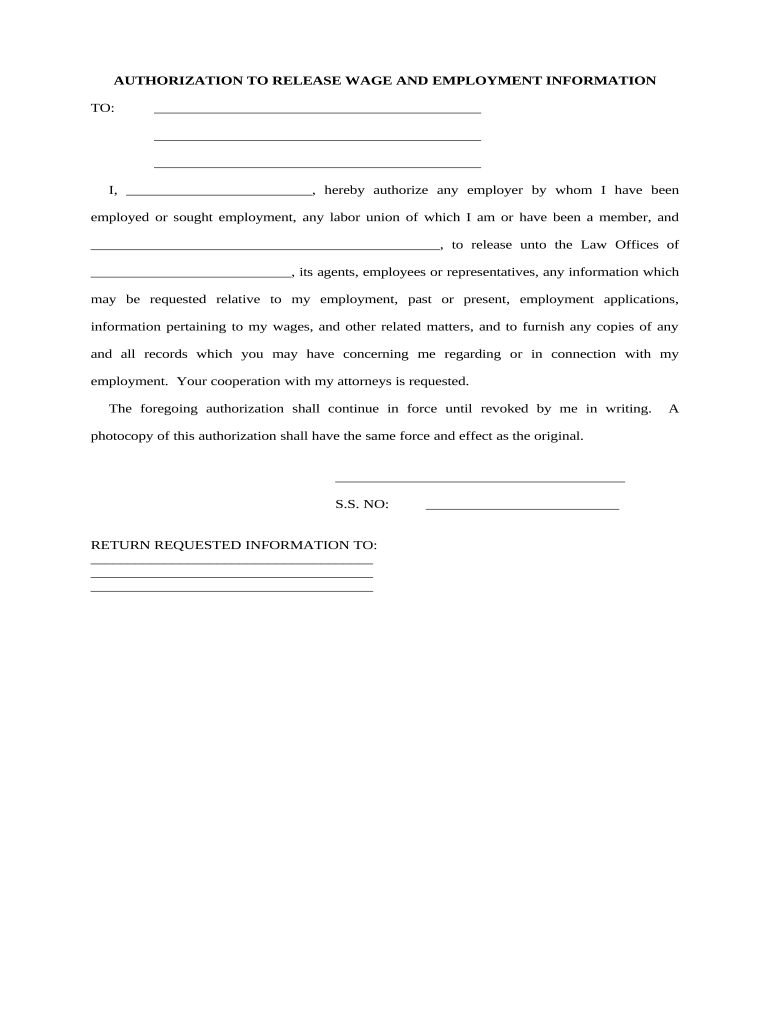
- Click ‘Get Form’ to open the authorization employment information document in the editor.
- Begin by filling in your name in the designated space, ensuring it matches your official identification for accuracy.
- In the section requesting the names of employers and labor unions, list all relevant entities from which you are authorizing the release of information. Be thorough to avoid any delays.
- Provide your Social Security Number (S.S. NO) in the specified field, as this is often required for verification purposes.
- Indicate where you would like the requested information to be sent by filling in the return address clearly and completely.
- Review all entries for accuracy before finalizing. Once satisfied, utilize our platform’s signing feature to complete your authorization.
Start using our platform today to streamline your document editing and signing process for free!
Fill out authorization employment information online
It's free
It's free
Security and compliance
At DocHub, your data security is our priority. We follow HIPAA, SOC2, GDPR, and other standards, so you can work on your documents with confidence.
Learn more


