




01. Edit your form online
Type text, add images, blackout confidential details, add comments, highlights and more.

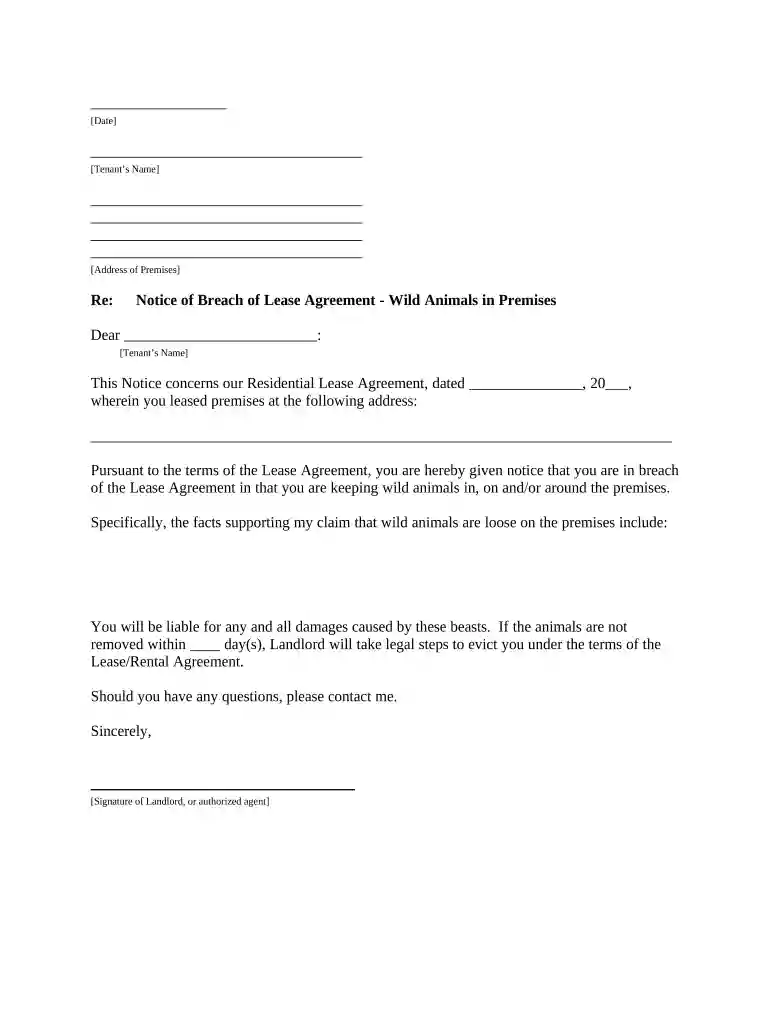
Type text, add images, blackout confidential details, add comments, highlights and more.

Draw your signature, type it, upload its image, or use your mobile device as a signature pad.

Send it via email, link, or fax. You can also download it, export it or print it out.

Start using our platform today to streamline your landlord tenant notices for free!
At DocHub, your data security is our priority. We follow HIPAA, SOC2, GDPR, and other standards, so you can work on your documents with confidence.
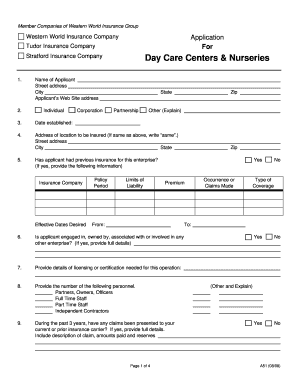

30-day notice: Give this notice if your tenant has rented for less than 1 year. 60-day notice: Give this notice if your tenant has rented for 1 year or more.Read more
A Notice to Quit is the first step a landlord must take to evict tenants from the property. A notice to quit asks the tenant to quit, leave, and vacate theRead more
B. Notice of Default and Right to Cure. Most contracts for sale require one party to give the other party notice of a materialRead more


