




01. Edit your form online
Type text, add images, blackout confidential details, add comments, highlights and more.

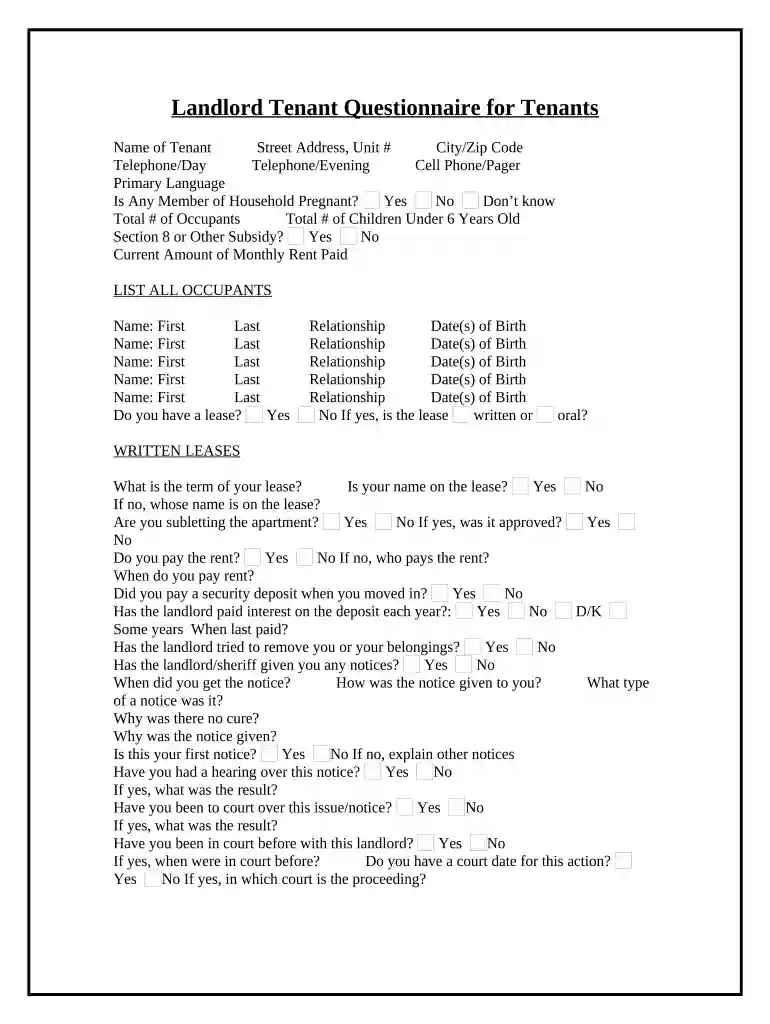
Type text, add images, blackout confidential details, add comments, highlights and more.

Draw your signature, type it, upload its image, or use your mobile device as a signature pad.

Send it via email, link, or fax. You can also download it, export it or print it out.

Start using our platform today to simplify your tenant questionnaire process for free!
At DocHub, your data security is our priority. We follow HIPAA, SOC2, GDPR, and other standards, so you can work on your documents with confidence.




Under California law, residential tenants are protected from certain rent increases and may be protected from certain types of evictions.Read more
The tenant is responsible for using general discretion in the space, to keep reasonable work hours, noise levels, and to not create an environment that will beRead more
As a tenant, you need to know about your rights and responsibilities. While each lease is different from the next, here are common rights and responsibilities.Read more


