




01. Edit your form online
Type text, add images, blackout confidential details, add comments, highlights and more.

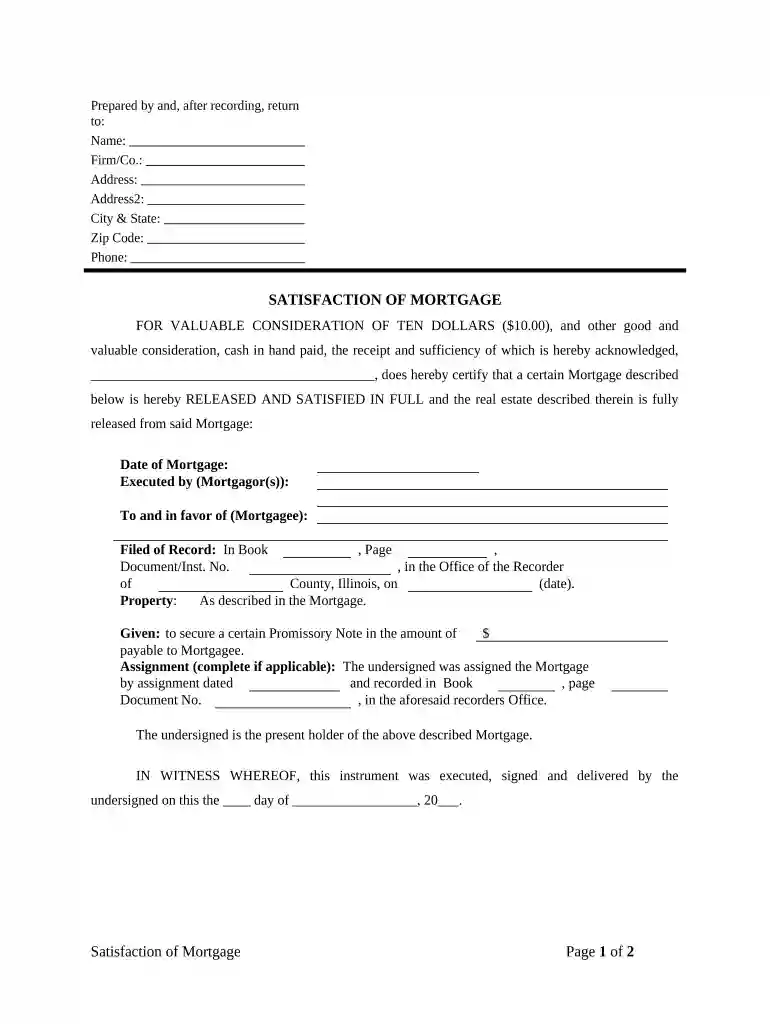
Type text, add images, blackout confidential details, add comments, highlights and more.

Draw your signature, type it, upload its image, or use your mobile device as a signature pad.

Send it via email, link, or fax. You can also download it, export it or print it out.

Start using our platform today to easily fill out your Wyoming Release form for free!
At DocHub, your data security is our priority. We follow HIPAA, SOC2, GDPR, and other standards, so you can work on your documents with confidence.





Welcome to the website for Wyoming Governor Mark Gordon, an official State of Wyoming website.
The history of coal ash releases in Wyoming are as follow: 55,000 cubic yards of fly ash spilled from a pond at the Naughton Power Plant; In January 2009Read more
by DM Fetsco 2011 Cited by 4 Early release from prison in Wyoming: An overview of parole in Wyoming and elsewhere and an examination of current and future trends.Read more


