
Get any PDF form from the DocHub library of ready-made templates - Page 1371

3415 eta
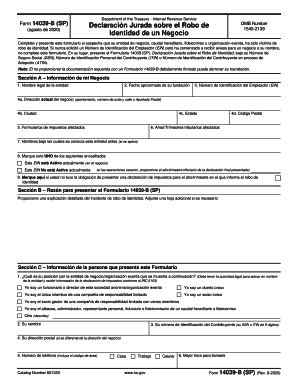
Form 14039-B (SP) (Rev. 8-2020). Business Identity Theft Affidavit (Spanish Version)
1179

Wa doh expired

Acop administrative verification form sample

Pennsylvania information psrs psers
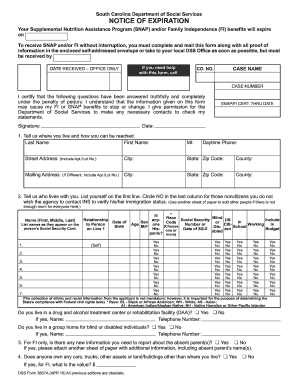
Form dss 3807a
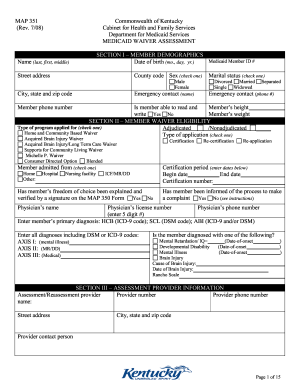
Kentucky form map medicaid waiver
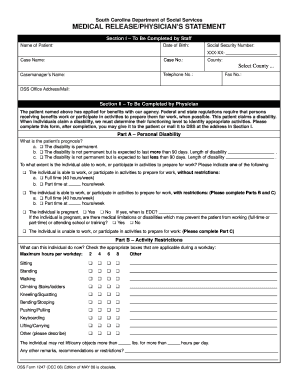
Sc dss medical
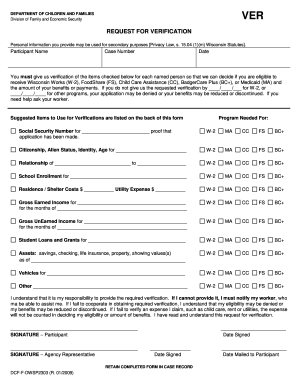
Dcf f dwsp2303
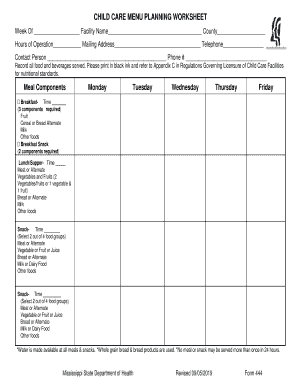
Mississippi form 444
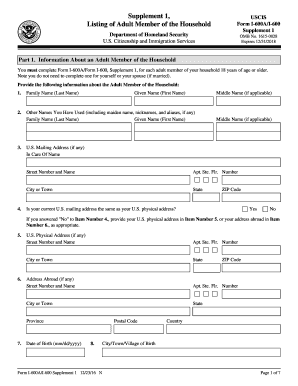
Uscis i 600a 1
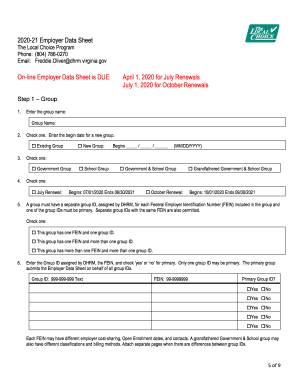
2019-20 Employer Data Sheet(Worksheet) - The Local Choice

VA Form 0927b, NATIONAL VETERANS TEE TOURNAMENT, PARTICIPANT REGISTRATION APPLICATION. 0927b, NATIONAL, VETERANS, TEE, TOURNAMENT, PARTICIPANT, REGISTRATION, APPLICATION - va

Va loan description

Va form 21p 601

Dhec1129

Va form 10 10cg
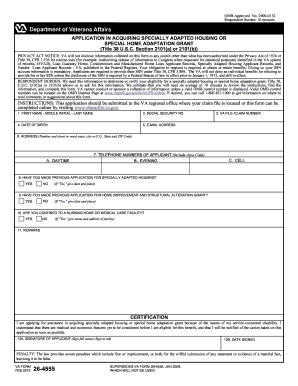
Va form 26 4555
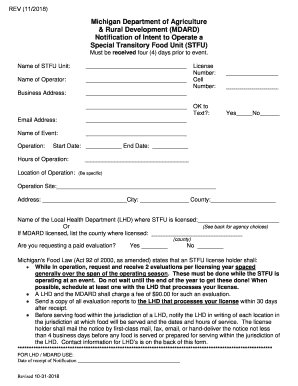
Stfu special unit
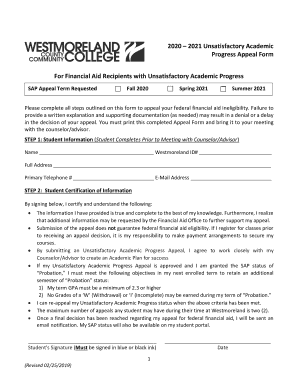
2020 2021 Unsatisfactory Academic Progress Appeal Form ...
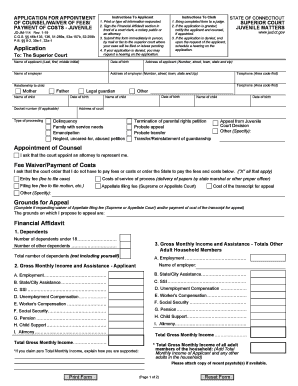
APPLICATION FOR APPOINTMENT OF COUNSEL/WAIVER OF FEES/PAYMENT OF COSTS - JUVENILE
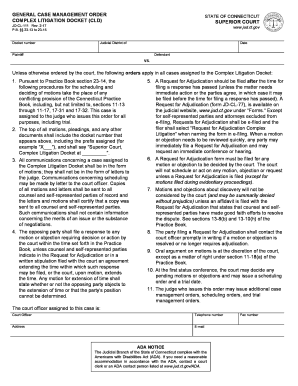
GENERAL CASE MANAGEMENT ORDER COMPLEX LITIGATION DOCKET (CLD)
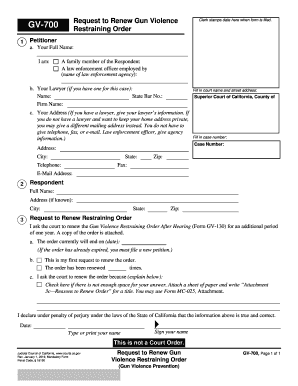
GV-700 Request to Renew Gun Violence Restraining Order. Judicial Council forms

FL-625 S Stipulation and Order (Spanish). Judicial Council forms
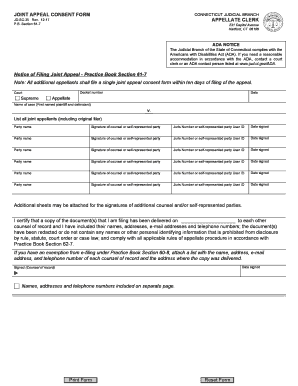
JOINT APPEAL CONSENT FORM
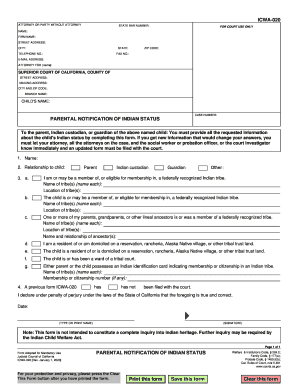
Icwa form
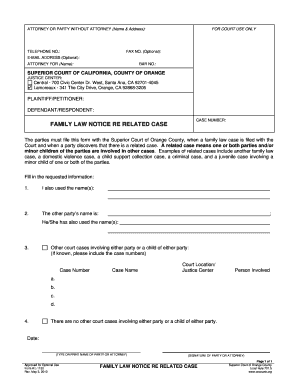
DEFAULT and JUDGMENT TO ESTABLISH A PARENTAL RELATIONSHIP
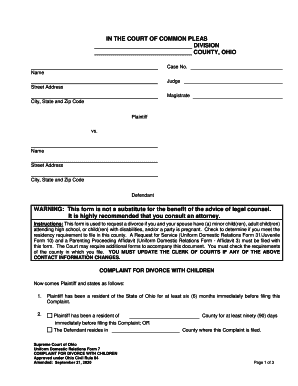
It is highly recommended that you consult an attorney
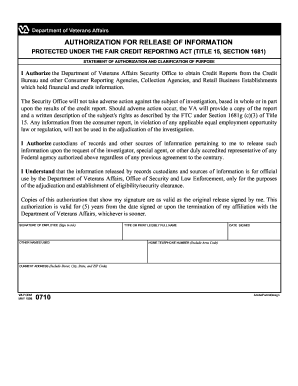
0710

Va form 29 1546

T183 form
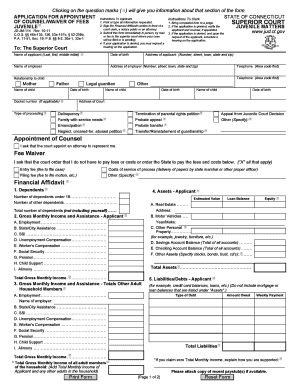
Connecticut waiver fees form

Cld jud ct

700 restraining form

Instructions restitution

Declaration aside voluntary paternity

Jv297
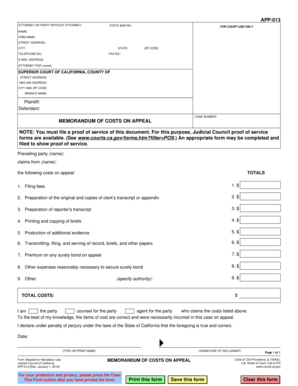
App 013
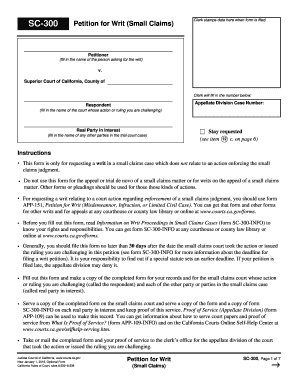
Writ small claims
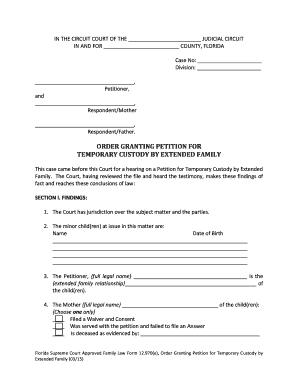
Petition for temporary custody

Order ren relief get
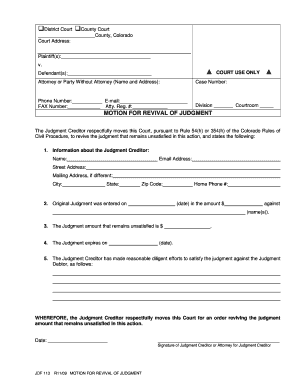
Motion revival form
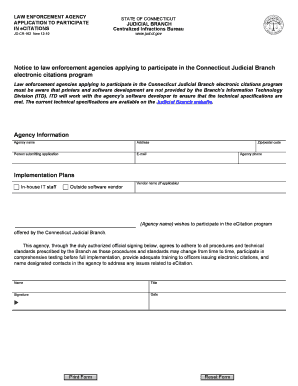
The ecitation ct
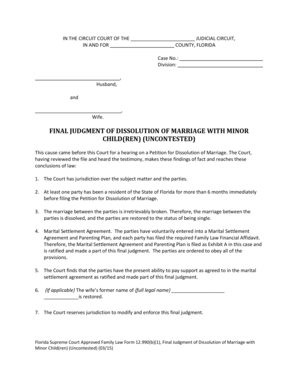
Ren mailed 1
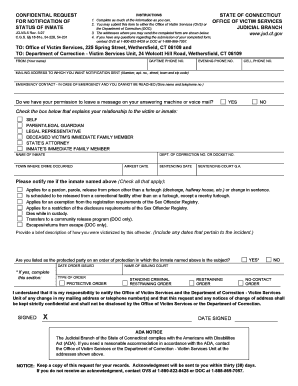
Ct request inmate

Ct advertising form online
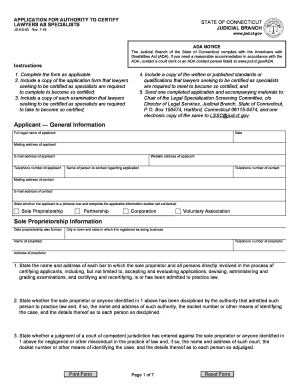
Ct authority certify
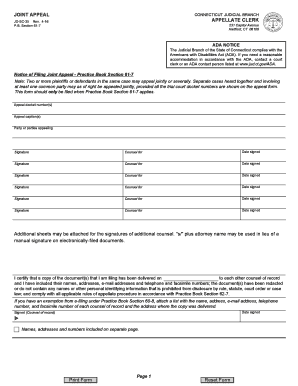
Joint jud ct form
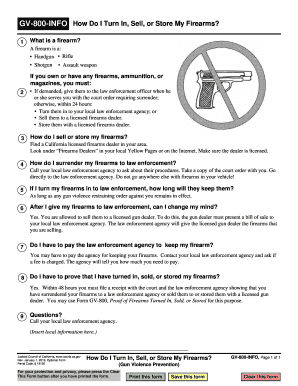
Gv how do in
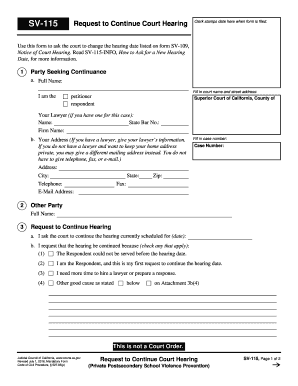
Sv115
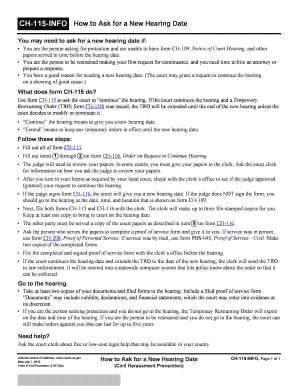
Ch 115 info
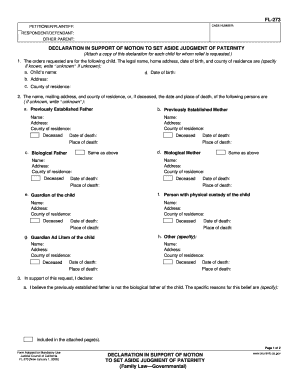
Voluntary declaration of paternity
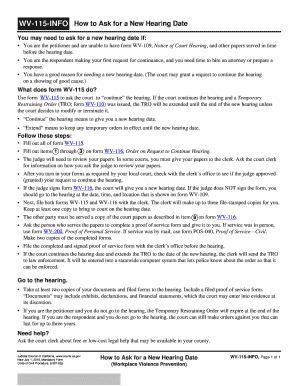
Info how for template
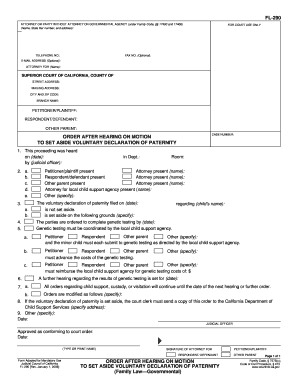
290 declaration
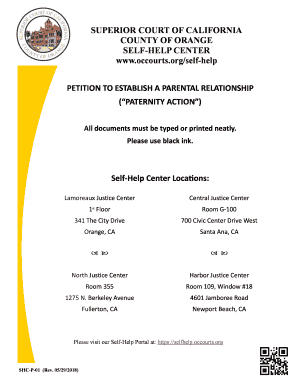
Shc petition
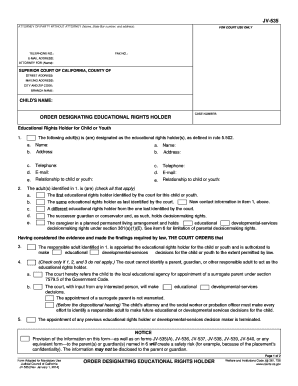
Jv 535 form
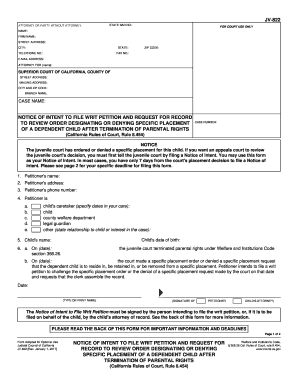
Writ petition designating

Va tranfer

Ca 100 firearms form
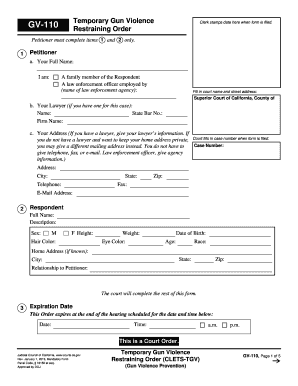
Gv 110

Gv response for template

Info how can petition

Request have gv online
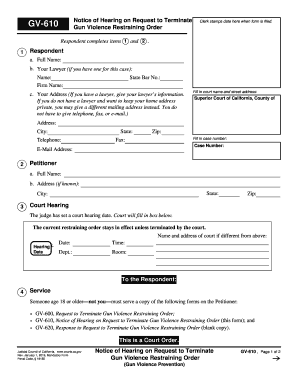
Ca gv firearms

Ohio complaint divorce
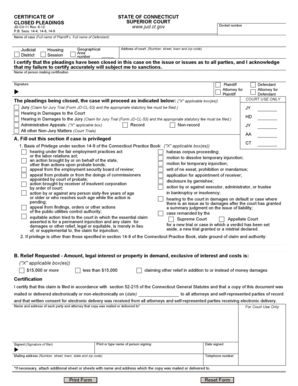
Connecticut certificate closed pleadings
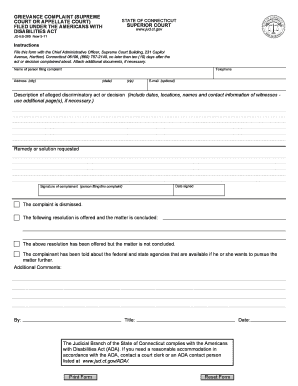
Grievance complaint filed online

California inspect adoption records

595 info california form

Foc 10d

Oregon civil summons form

Jv750

Ak civ501 information
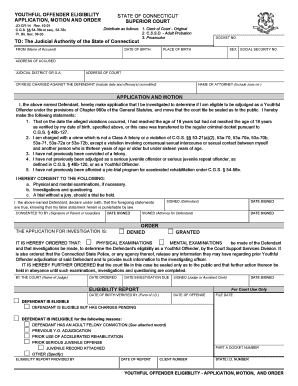
Ct youthful offender

Pto 2038

Arkansas summons

Pips form online
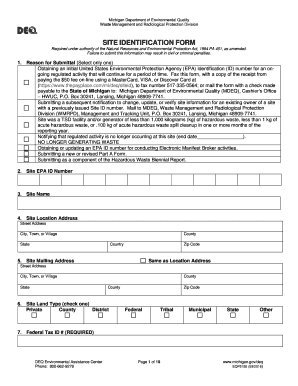
Site Identification Form - State of Michigan
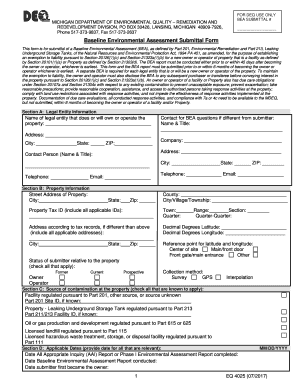
Underground Storage Tanks, of the Natural Resources and Environmental Protection Act, 1994 PA 451, as amended, for the purpose of establishing

SEC Form 10-K Details and Latest FilingsGENERAL FORM FOR REGISTRATION OF SECURITIES Pursuant to SectiGENERAL FORM FOR REGISTRATION OF SECURITIES Pursuant to SectiSEC.gov Forms List
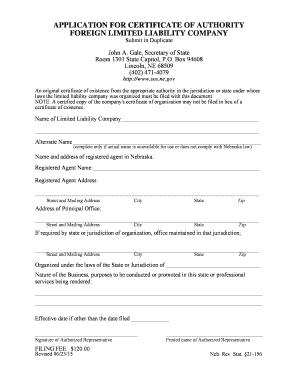
Certificate of withdrawal to transact business in the state of ...

Form request approval
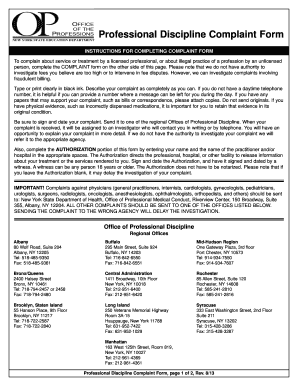
Professional discipline nysed
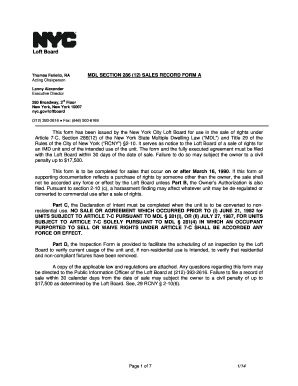
286 form
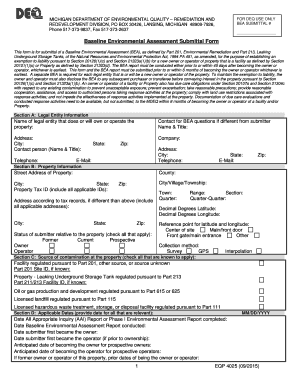
Eqp 4025 2015-2019 form

Illinois geologist

Air standard registration
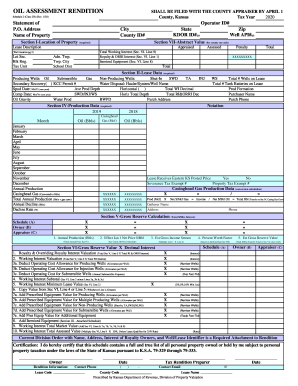
Oil Rendition - Kansas Department of Revenue
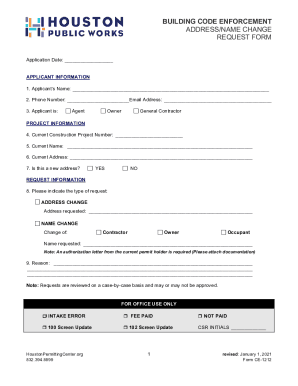
Get the building code enforcement address/name change request form
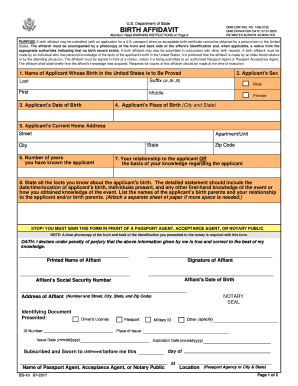
Ds 10 form

Preliminary Review - sandiego
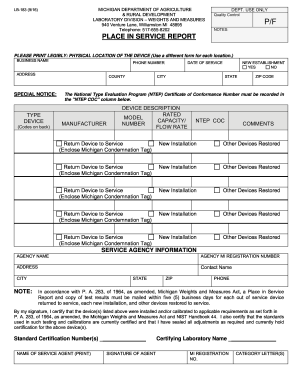
PLACED IN SERVICE REPORT rev 092216. Service Person / agency form tor palcing divices into service

Green Building Declaration Form for Existing Buildings. Green Building Declaration Form for Existing Buildings
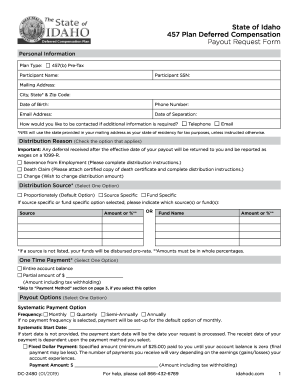
Choosing a Retirement Plan: Profit-Sharing PlanInternal ...

Ds

Purchaser sales

Va form 22 1990e
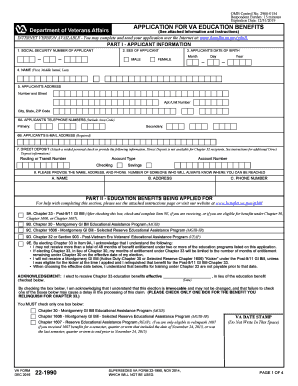
Va form 22 1990
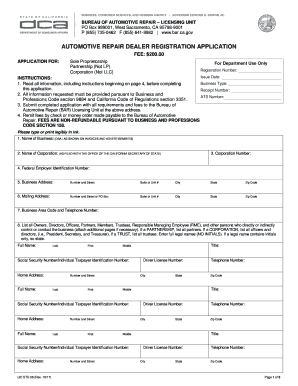
For Department Use Only APPLICATION FOR - bar ca
Benefit from the DocHub online library of fillable PDF forms
Searching the PDF forms doesn't have to be a tedious and time-consuming process. With the DocHub online library, it has become easier to find the fillable PDF forms and modify them in your browser. The service allows you to adjust the document to your needs using powerful editing tools.
You can use online document editing features to modify almost any type of document with ease. You just need to find the template of your choice, open it in the editor, and use the toolbar to make the necessary corrections.
Follow this guide to get your document done with DocHub:
- Find the PDF template you need.
- Click the Get Form button to open the file in the editor.
- Use the toolbar to fill out and edit the document.
- Easily add and highlight text, insert images, checkmarks, and symbols.
- Drop new fillable fields, and rearrange or delete pages from your file.
- Save changes and download your record.
DocHub empowers everyone to streamline document editing, signing, and distribution, and form completion. Create an account and benefit from our well-organized PDF Forms library and comprehensive editor.