




Here's how it works

01. Edit your example of completed probate form online
Type text, add images, blackout confidential details, add comments, highlights and more.

02. Sign it in a few clicks
Draw your signature, type it, upload its image, or use your mobile device as a signature pad.

03. Share your form with others
Send sample probate form via email, link, or fax. You can also download it, export it or print it out.
How to use or fill out bc probate forms with our platform

- Click ‘Get Form’ to open the bc probate form in the editor.
- Begin with Part A, where you will list all purchasers acquiring an interest in the property. Fill in the date of registration, parcel identifier (PID), and address of the property purchased.
- For each purchaser, indicate whether they are an individual or corporation. Provide their last name, given name(s), date of birth, mailing address, and country of citizenship.
- In Part B, complete the refund information table for each purchaser that qualifies for a refund. Input the percentage of ownership transferred and taxable residence value.
- Attach any necessary supporting documents as outlined in Part C, such as proof of Canadian citizenship or limited partnership agreements.
- Finally, ensure all purchasers sign in Part D to certify that the information provided is accurate before submitting your application.
Start using our platform today to easily fill out your bc probate forms online for free!
Fill out bc probate forms online
It's free
It's free
See more bc probate forms versions
We've got more versions of the bc probate forms form. Select the right bc probate forms version from the list and start editing it straight away!
Security and compliance
At DocHub, your data security is our priority. We follow HIPAA, SOC2, GDPR, and other standards, so you can work on your documents with confidence.
Learn more


Related forms
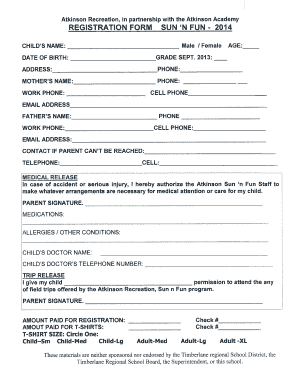
Atkinson recreation registration form
The document is a registration form for the Atkinson Recreation's Sun 'n Fun program, detailing information required for ...

Positioning for Pressure Injury Prevention
The document outlines guidelines for pressure injury prevention through effective positioning strategies. It emphasizes ...
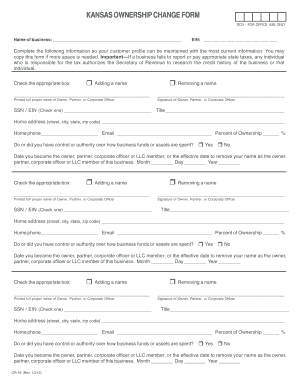
Kansas ownership change form
The document is a Kansas Ownership Change Form used to update the ownership information of a business. It requires detai ...
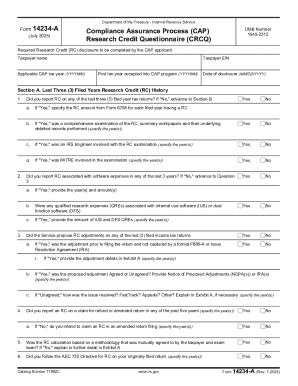
Form 14234-A (Rev 7-2025) Compliance Assurance Process (CAP) Research Credit Questionnaire (CRCQ)
Form 14234-A (Rev 7-2025) Compliance Assurance Process (CAP) Research Credit Questionnaire (CRCQ)
The document is Form 14234-A, a Research Credit Questionnaire (CRCQ) issued by the Department of the Treasury - Internal ...
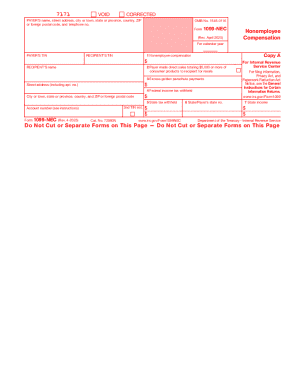
Form 1099-nec 2025
The document provides information regarding the IRS Form 1099-NEC, which is used to report nonemployee compensation. It ...
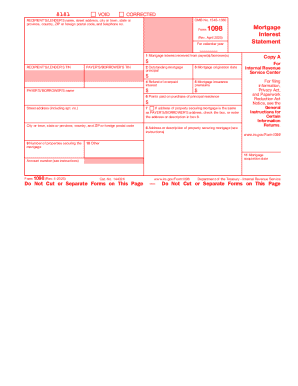
Form 1098
The document provides information regarding Form 1098, a Mortgage Interest Statement required by the IRS for reporting m ...
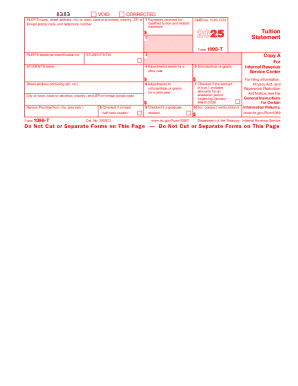
Form 1098-t
The document provides information regarding Form 1098-T, which is used for reporting qualified tuition and related expen ...
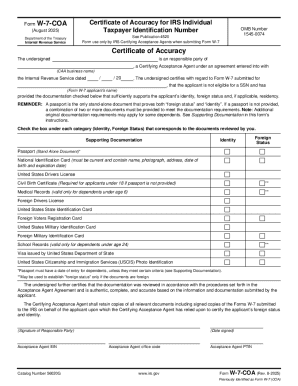
Form W-7-COA (Rev 8-2025)
The document is Form W-7-COA, a Certificate of Accuracy used by IRS Certifying Acceptance Agents (CAAs) to certify the i ...