




Here's how it works

01. Edit your authorization letter for voters certificate pdf online
Type text, add images, blackout confidential details, add comments, highlights and more.

02. Sign it in a few clicks
Draw your signature, type it, upload its image, or use your mobile device as a signature pad.

03. Share your form with others
Send authorization letter for voters certificate via email, link, or fax. You can also download it, export it or print it out.
How to use or fill out ct p 40 with our platform

- Click ‘Get Form’ to open the ct p 40 in the editor.
- Begin by entering the driver's license number at the top of the form. Ensure accuracy as this is crucial for identification.
- Fill in the patient's name, date of birth, and address. Make sure to provide a complete address including city and zip code.
- Indicate any medical conditions that pertain to the patient by checking the appropriate boxes. This section is vital for assessing their ability to operate a vehicle safely.
- In the treatment history section, specify how long you have been treating the patient and for what conditions. Include dates for treatment began and last examination.
- If applicable, provide details of any other physician involved in the patient's care, including their name, address, and specialty.
- Complete the medical professional certification section by signing and dating it. Ensure all information is accurate to avoid penalties.
Start using our platform today to easily fill out your ct p 40 form online for free!
Fill out ct p 40 online
It's free
It's free
Security and compliance
At DocHub, your data security is our priority. We follow HIPAA, SOC2, GDPR, and other standards, so you can work on your documents with confidence.
Learn more


Related forms

Indiana IT-20NP Nonprofit Unrelated Business Income Tax Booklet
The document is the Indiana Adjusted Gross Income Tax Booklet for Nonprofit Organizations for the year 2025. It provides ...
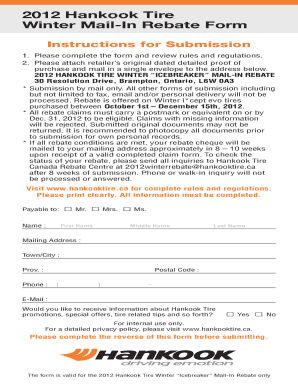
2012 Hankook Tire Winter Mail-In Rebate Form
The document is a mail-in rebate form for the 2012 Hankook Tire Winter 'Icebreaker' promotion, detailing submission inst ...

Incident Report Form
The document BP-A0205 is an Incident Report form used by the U.S. Department of Justice, Federal Bureau of Prisons, to r ...
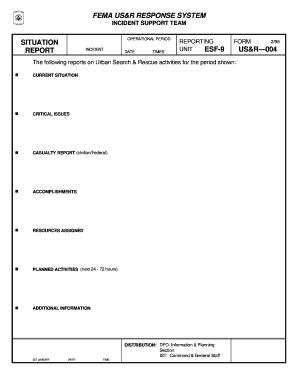
FEMA USandR Response System Report
The document is a situation report from the FEMA Urban Search & Rescue (US&R) Response System, detailing activities and ...
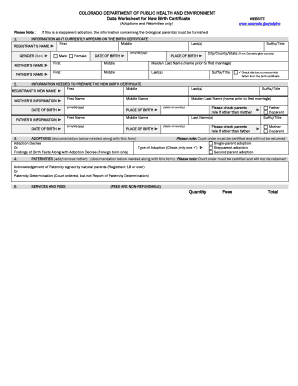
Colorado New Birth Certificate Data Worksheet
The document is a data worksheet from the Colorado Department of Public Health and Environment for preparing new birth c ...

2024 NJ-2210 Underpayment of Estimated Tax by Individuals, Estates, or Trusts 2024 NJ-2210 Underpaym
2024 NJ-2210 Underpayment of Estimated Tax by Individuals, Estates, or Trusts 2024 NJ-2210 Underpaym
The document NJ-2210 provides instructions for individuals, estates, or trusts to determine if they owe interest on unde ...
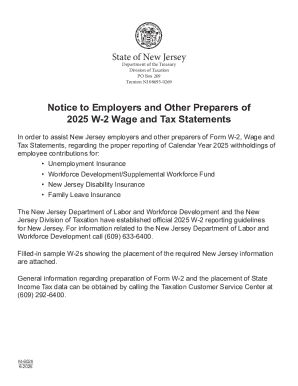
New Jersey 2025 W-2 Wage and Tax Statement
The document provides guidelines from the New Jersey Department of Treasury and Division of Taxation for employers on ho ...
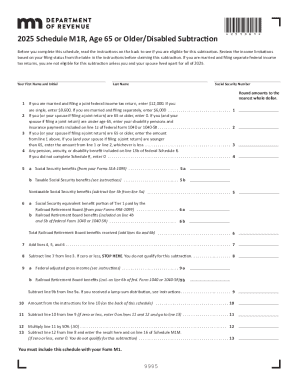
2025 M1R, Age 65 or Older Disabled Subtraction 2025 M1R, Age 65 or Older Disabled Subtraction
2025 M1R, Age 65 or Older Disabled Subtraction 2025 M1R, Age 65 or Older Disabled Subtraction
The document provides instructions for claiming a subtraction on Minnesota income tax for individuals aged 65 or older o ...