




01. Edit your form online
Type text, add images, blackout confidential details, add comments, highlights and more.

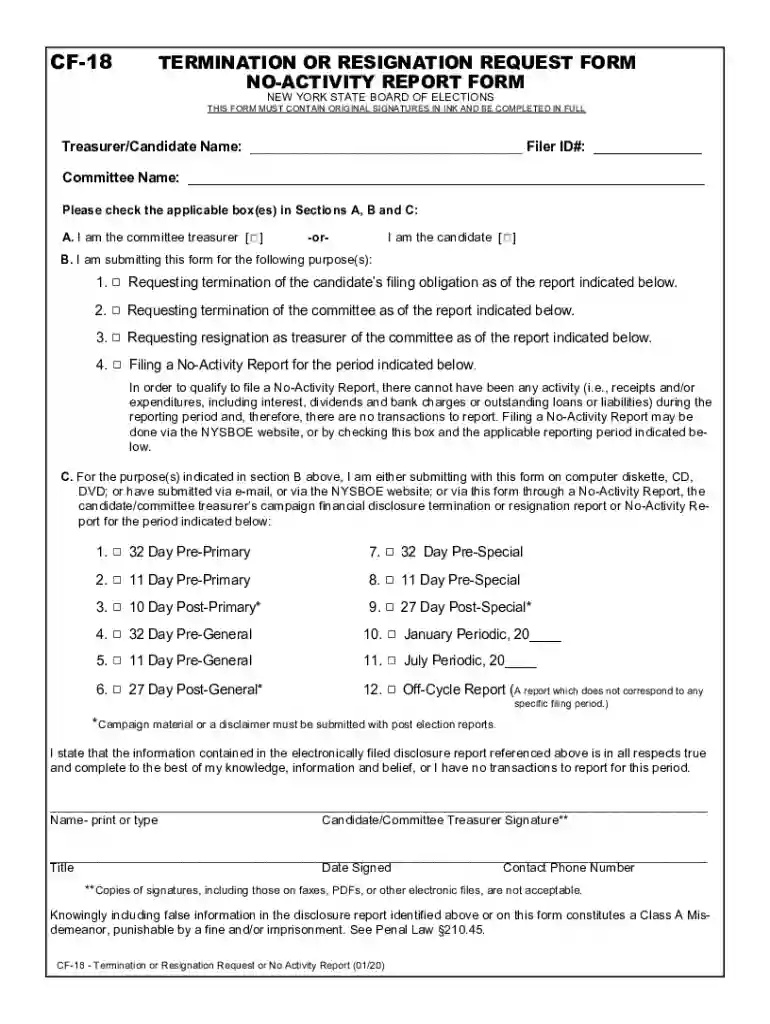
Type text, add images, blackout confidential details, add comments, highlights and more.

Draw your signature, type it, upload its image, or use your mobile device as a signature pad.

Send it via email, link, or fax. You can also download it, export it or print it out.

Start using our platform today to streamline your CF-18 No Activity Report submission!
We've got more versions of the cf 18 no activity form. Select the right cf 18 no activity version from the list and start editing it straight away!
Electronic signatures are a great alternative to traditional signing, as they save time, effort, and costs people spend on printing, scanning, and paper delivery. You can electronically sign your cf 18 no activity using a reliable and robust online document processing tool like DocHub. It complies with main eSignature regulations (ESIGN and UETA), so all documents approved there are legally binding and have the same validity as physically signed ones.
You can easily edit and complete your cf 18 no activity on any iOS device. Open an internet browser of your choice, go to the DocHub website, authorize or create a new account, add your file for editing, and make your desired alterations. Our service is mobile-friendly, so utilizing its features on your phone will be a no-brainer, even on the first try.
At DocHub, your data security is our priority. We follow HIPAA, SOC2, GDPR, and other standards, so you can work on your documents with confidence.
Feb 12, 2025 All supporting documentation must be uploaded to the FY25 Compliance Packet no later than March 28, 2025. 13-035-CF-18. Boys Girls Clubs ofRead more
Jul 20, 2021 Conduct a series of tests to ensure equipment operates properly and there are no obvious ways for unauthorized users to circumvent or defeatRead more


