




Here's how it works

01. Edit your form online
Type text, add images, blackout confidential details, add comments, highlights and more.

02. Sign it in a few clicks
Draw your signature, type it, upload its image, or use your mobile device as a signature pad.

03. Share your form with others
Send it via email, link, or fax. You can also download it, export it or print it out.
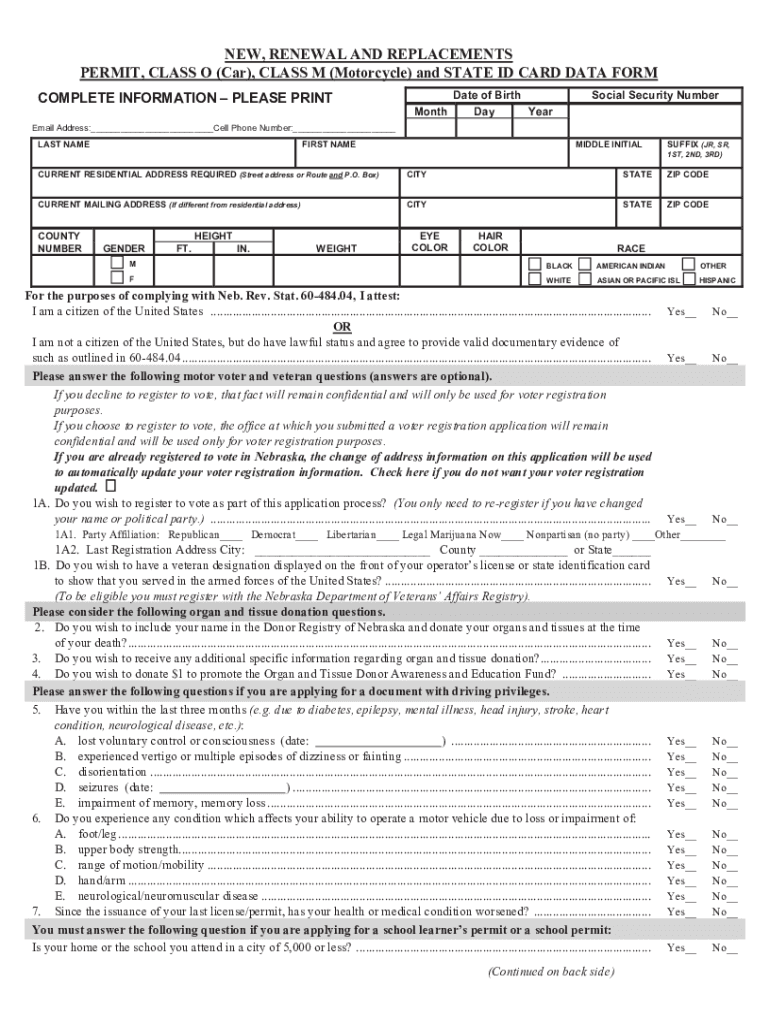
How to use or fill out NEW, RENEWAL AND REPLACEMENTS PERMIT, CLASS O (Car), CLASS ... with our platform

- Click ‘Get Form’ to open it in the editor.
- Begin by entering your personal information. Fill in your last name, first name, middle initial, and suffix if applicable.
- Provide your current residential address, including street address, city, state, and zip code. If your mailing address differs from your residential address, complete that section as well.
- Next, input your date of birth and social security number. Ensure accuracy for verification purposes.
- Fill in physical characteristics such as height, weight, eye color, hair color, and race. This information is essential for identification.
- Respond to the citizenship question by selecting the appropriate option and providing any necessary documentation if you are not a citizen.
- Complete optional sections regarding voter registration and veteran status if applicable. Your choices here will remain confidential.
- Finally, review all entered information for accuracy before signing the application digitally within the editor.
Start filling out your permit application today for free using our platform!
Fill out NEW, RENEWAL AND REPLACEMENTS PERMIT, CLASS O (Car), CLASS ... online
It's free
It's free
See more NEW, RENEWAL AND REPLACEMENTS PERMIT, CLASS O (Car), CLASS ... versions
We've got more versions of the NEW, RENEWAL AND REPLACEMENTS PERMIT, CLASS O (Car), CLASS ... form. Select the right NEW, RENEWAL AND REPLACEMENTS PERMIT, CLASS O (Car), CLASS ... version from the list and start editing it straight away!
Security and compliance
At DocHub, your data security is our priority. We follow HIPAA, SOC2, GDPR, and other standards, so you can work on your documents with confidence.
Learn more


Related forms

I 94 form sample

Abc data sheets pdf
Foodborne Illness Report
Background Screening Request Form and Privacy Policy Agreement

L 17 - LohnausweisLohnbescheinigung Formular forms2web electronic forms
Agency disclosure form michigan
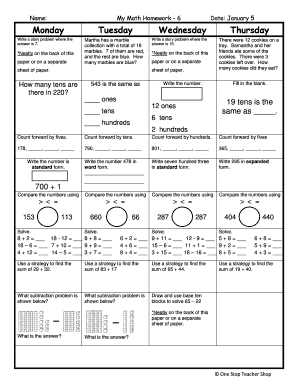
My math pdf
The document is a math homework assignment for a sixth-grade student, covering various mathematical concepts such as sto ...
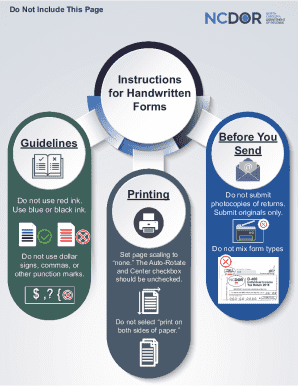
Other punction marks
The document provides detailed instructions for completing and submitting the North Carolina Individual Income Tax Retur ...