




Here's how it works

01. Edit your msp application online
Type text, add images, blackout confidential details, add comments, highlights and more.

02. Sign it in a few clicks
Draw your signature, type it, upload its image, or use your mobile device as a signature pad.

03. Share your form with others
Send msp application form via email, link, or fax. You can also download it, export it or print it out.
How to use or fill out application msp british columbia with our platform

- Click ‘Get Form’ to open the application for Group Enrolment in the editor.
- Begin by filling out the Applicant Information section. Enter your legal last name, first name, and second name in capital letters. Provide your birthdate, gender, and daytime telephone number.
- Next, input your residential address along with the city, province, and postal code. If your mailing address differs from your residential address, complete that section as well.
- Proceed to the Residence and Citizenship/Immigration Information section. Indicate your status in Canada by selecting the appropriate option and attaching photocopies of relevant documents.
- Fill out the Spouse and Child Information section if applicable. Ensure you provide legal names and necessary details for each family member.
- Finally, review all information for accuracy before signing the Authorization section at the end of the form.
Start using our platform today to easily complete your application for MSP British Columbia!
Fill out application msp british columbia online
It's free
It's free
See more application msp british columbia versions
We've got more versions of the application msp british columbia form. Select the right application msp british columbia version from the list and start editing it straight away!
Security and compliance
At DocHub, your data security is our priority. We follow HIPAA, SOC2, GDPR, and other standards, so you can work on your documents with confidence.
Learn more


Related forms
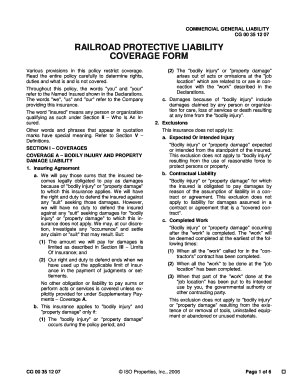
Railroad protective liability coverage
The document outlines the Railroad Protective Liability Coverage Form (CG 00 35 12 07), detailing the insurance coverage ...

CITY OF FAIRFIELD HOME OCCUPATION PERMIT APPLICATION
The document is a Home Occupation Permit Application for the City of Fairfield, outlining the requirements and regulatio ...
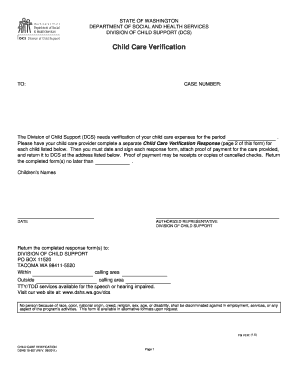
Dshs verification letter
The document is a Child Care Verification form from the Washington State Department of Social and Health Services, Divis ...

Business Tax Registration Form - City of San Jose
The document is a Business Tax Registration Form for the City of San José, requiring information about the business owne ...
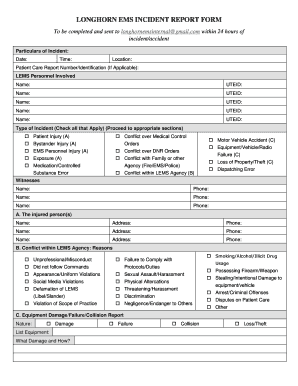
Longhorn ems
The document is a Longhorn EMS Incident Report Form that must be completed and submitted within 24 hours of an incident ...
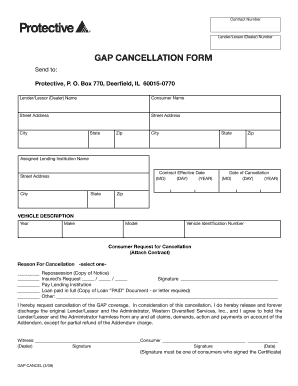
GAP CANCELLATION FORM - Protective Asset Protection
The document is a GAP Cancellation Form that allows consumers to request the cancellation of Guaranteed Asset Protection ...
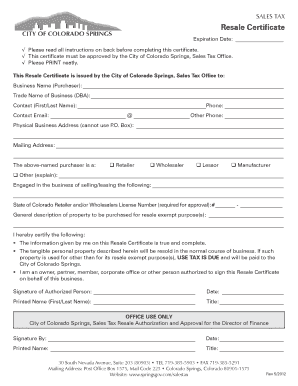
Colorado resale certificate
The document outlines the process for obtaining a Resale Certificate from the City of Colorado Springs, allowing busines ...
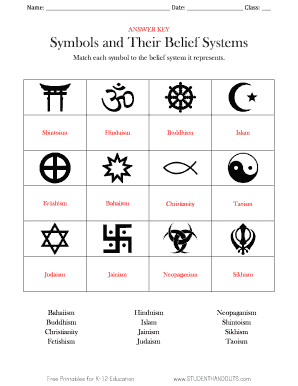
Fetishism symbol
The document is an answer key for a matching exercise that connects various symbols to their corresponding belief system ...