
Retail special Order Forms
Save time and effort with our extensive library of case-specific Retail special Order Forms. Choose from a variety of pre-made templates or customize your own.

Create a new Retail special Order Form

Hcd 480 4
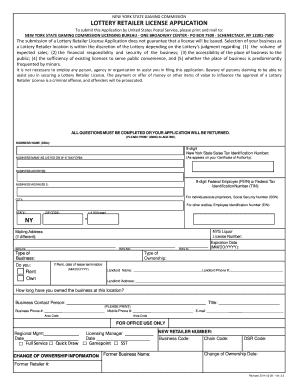
Ny retailer application
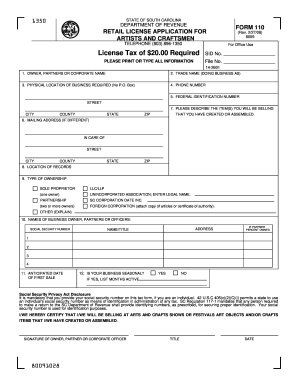
Retail license sc

Nys authority special event
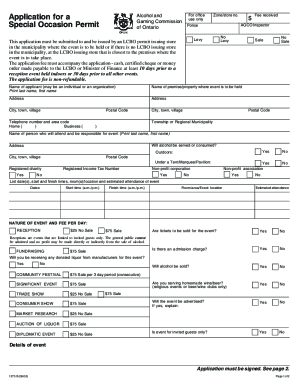
Special occasion permit ontario

Form 1522
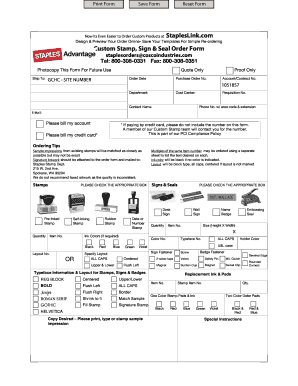
Staples advantage custom stamp order form

Schedule prices wholesalers form template

Special occasion license
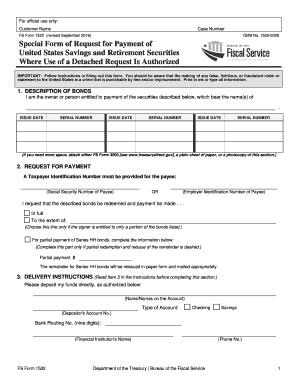
Fs form 1522
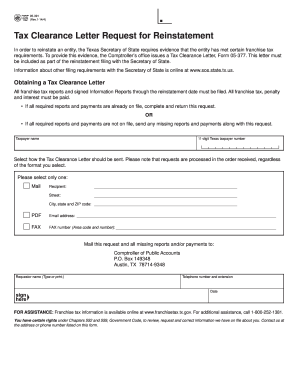
Tx letter 2014 form

Paycor new hire forms
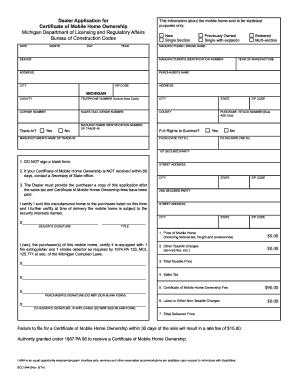
Retailer Application for Certificate of ... - State of Michigan - mi
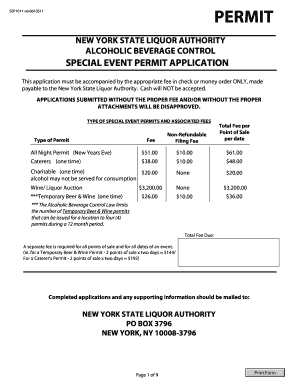
Special Event Permit Application (Form: 1011) - New York State ...

Limited Special Occasion Permit Application - NC.gov

Nc abc special one time permit application

Retail permit wa
DocHub refund policy
Holiday Dinner ORDER FORM - winndixie.com

Nc permit application form
SPECIAL NEEDS REG - bakercountyfl

Michigan stfu intent to operate

Per Drink Excise Tax Form - Town of Braselton, Georgia
Special event denver sales tax
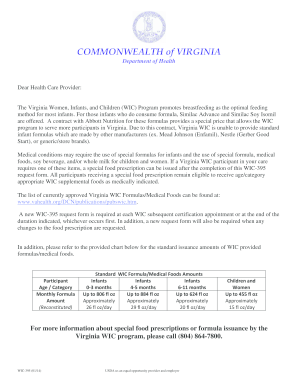
Virginia wic special formula form 2014
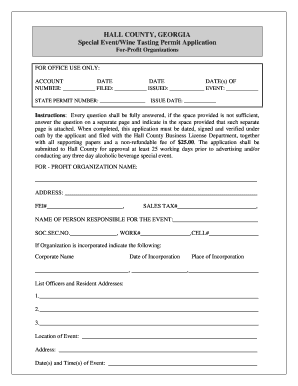
Special events alcohol permits hall county georgia form

Retail food plan review questionnaire
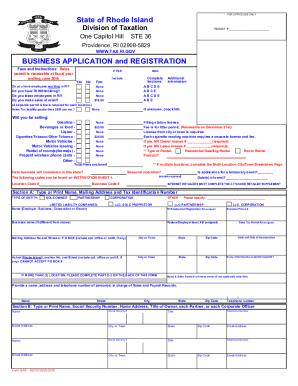
Ri form bar business
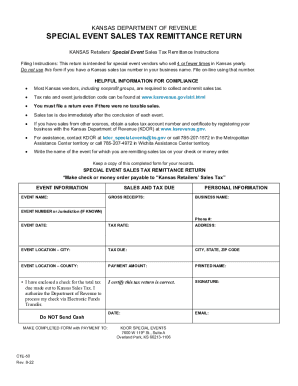
KANSAS DEPARTMENT OF REVENUE SPECIAL EVENT SALES TAX REMITTANCE RETURN

2023 Over-the-Counter (OTC) Benefit Catalog - Keystone First VIP
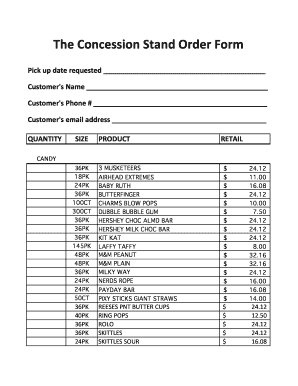
Concession stand order form
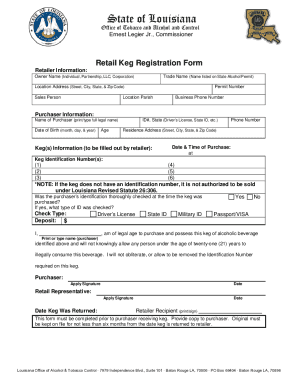
Retail Keg Registration Form
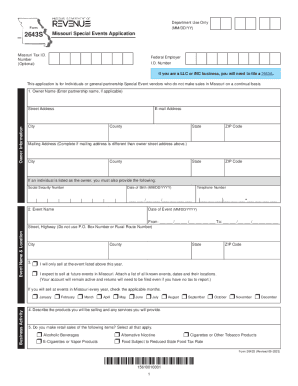
2643S - Missouri Special Events Application
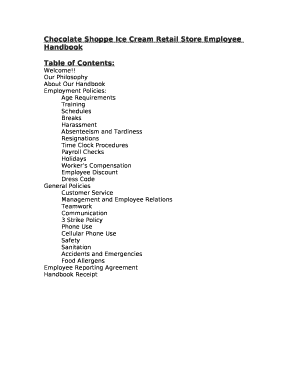
Ice cream shop employee handbook
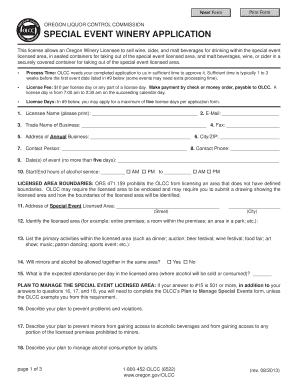
SPECIAL EVENT WINERY APPLICATION - Oregon

Special Event Permit Application - City of Pensacola
-
1
- 2
Increase your productivity with Retail special Order Forms
Document management consumes to half of your business hours. With DocHub, you can reclaim your time and enhance your team's productivity. Access Retail special Order Forms collection and explore all document templates relevant to your everyday workflows.
Easily use Retail special Order Forms:
- Open Retail special Order Forms and use Preview to find the relevant form.
- Click Get Form to begin working on it.
- Wait for your form to upload in our online editor and start editing it.
- Add new fillable fields, symbols, and images, modify pages order, and many more.
- Complete your form or prepare it for other contributors.
- Download or share the form by link, email attachment, or invite.
Accelerate your everyday file management with our Retail special Order Forms. Get your free DocHub account right now to explore all forms.
Video Guide on Retail special Order Forms management

Commonly Asked Questions about Retail special Order Forms
What is a special order document?
A special order is a specific request or instruction given by someone in charge. It can be a written or spoken command that needs to be followed.
What is the best program to create a fillable form?
docHub is the quick, secure, and reliable way to fill out PDF files, create new forms, and manage documents online on the go or in the office. You can also add an e-signature to a form from any device.
What is a retail order form?
A retail customer order form is a customer order form that retail shops use to obtain information about customer orders that customers have placed.
What is the best platform to create forms?
The best online form builder of 2024 in full: Jotform. Create great-looking forms without coding knowledge. Formstack. The great-looking form builder. Feathery. Best online form builder for privacy. Typeform. The well-designed form builder. WuFoo. Online forms for rich data collection. Microsoft Forms. Zoho Forms. Cognito Forms.
How do I create a custom order form?
Steps to Create an Order Form Decide what to sell. Choose a form builder tool. Customize the template with proper fields. Add photos of the products. Customize the order form with branding. Set up a payment method. Set up a success message. Share the order form.
Does Google have an order form template?
Navigate to Google Forms and choose from a blank form or one of the provided templates. There is an order form template available, but it doesnt include any payment questions.
What is the best program to make an order form?
Google Forms is a popular tool that allows users to create order forms quickly and easily using pre-made templates or by designing their own forms. PDFs with fillable forms are also an option for creating order forms, which can be filled out and submitted electronically.
Related Templates

2022-10 CalOptima Health-Referral Request Transportation Services And Physician Certification Statem
2022-10 CalOptima Health-Referral Request Transportation Services And Physician Certification Statem
The document outlines the process for submitting a Referral Request for Non-Emergency Medical Transportation (NEMT) serv ...

ISP-1150
The document provides detailed information and instructions for applying for Canada Pension Plan (CPP) disability benefi ...

CEC-NRCA-MCH-12-A (Revised 01 19)
The document is a Certificate of Acceptance from the California Energy Commission for Fault Detection and Diagnostics (F ...

Calstrs permissive membership
The document outlines the process for employees excluded from mandatory membership in the California State Teachers’ Ret ...

Australian Immunisation Register
The document outlines the procedures for notifying the Australian Immunisation Register (AIR) of medical exemptions to v ...

MEASURE O SENIOR CITIZEN EXEMPTION CLAIM
Measure O is a parcel tax for the Rodeo-Hercules Fire Protection District, established to fund two fire stations. For th ...

Itd3337
The document is an application form for obtaining a Certificate of Title from the Idaho Transportation Department. It in ...
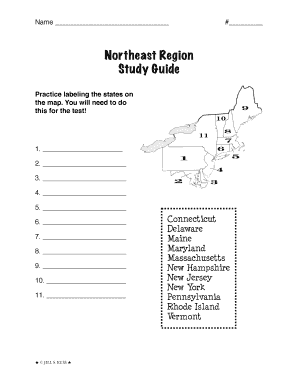
Northeast region study guide
The document is a study guide for the Northeast Region of the United States, focusing on labeling states, their abbrevia ...