
Employment Forms - Page 2

Create a new Employment Form
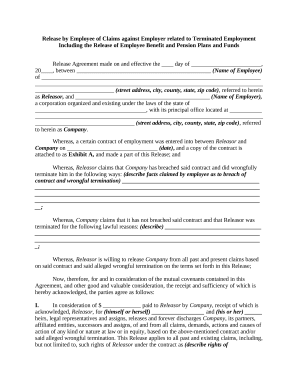
Employee against

Nanny contract form

Farm contract form

Lance agreement contract
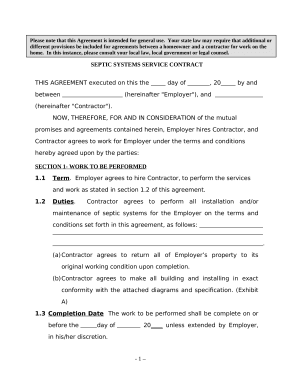
Self-Employed Septic System Services Contract
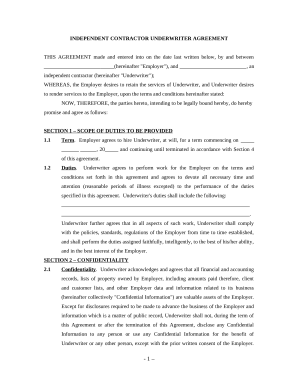
Underwriter agreement
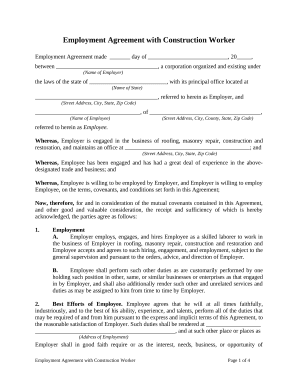
Employment agreement worker
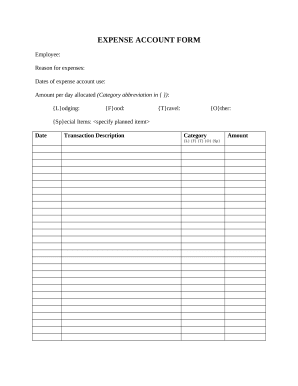
Expense form

Sample written editorial for an educational program
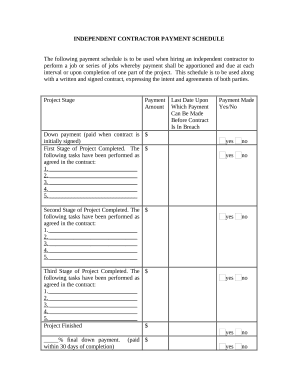
Independent contractor form
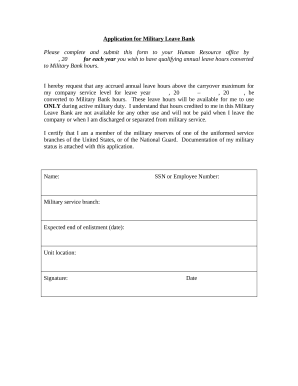
Military leave
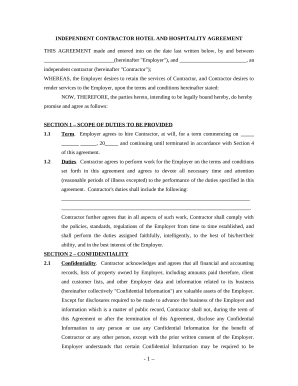
Hotel agreement

Wedding planner contract
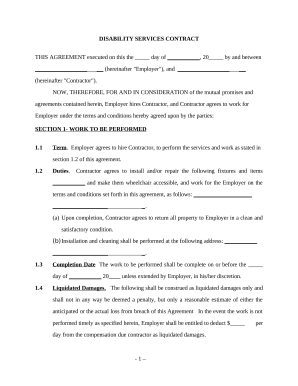
Disability self employed

Installation contract template

Hauling contract agreement philippines
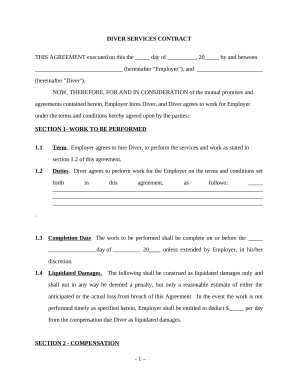
Diver Services Contract - Self-Employed

Self employed title
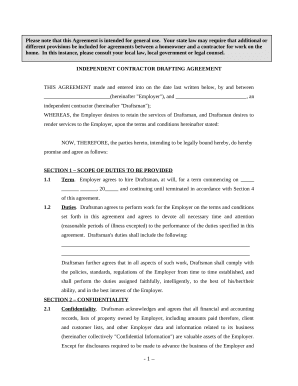
Drafting agreement contract
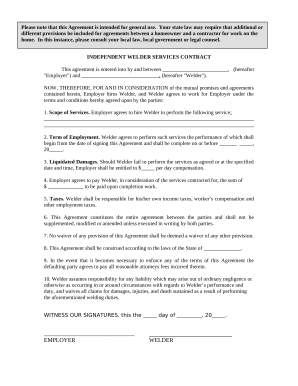
Welder form

Employee contract employment

Plumbing contract
Snow plow contract
Supplier contract

Laundry services contract
Consulting agreement with
Authorization employment information
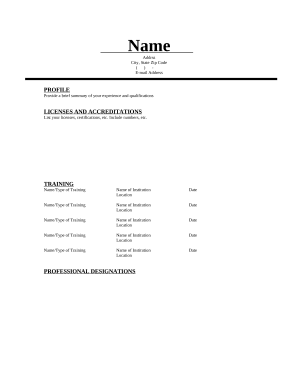
Auctioneer

Employment Hiring Process Package - Arkansas

Employment or Job Termination Package - District of Columbia
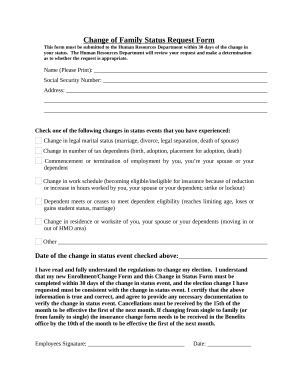
Change family form
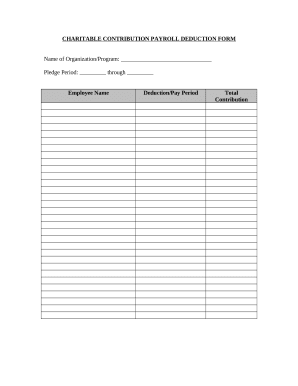
Payroll deduction form

Employment reference
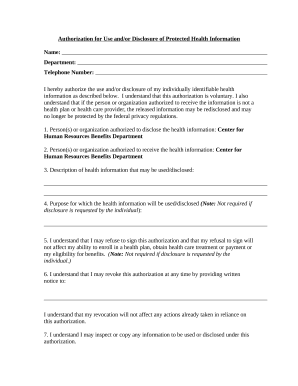
Authorization health form

Interview evaluation form
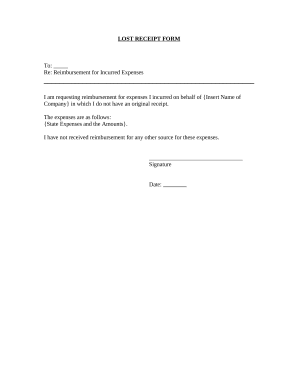
Receipt form
Boost your work productivity with Employment Forms
Record managing takes up to half of your office hours. With DocHub, it is easy to reclaim your time and effort and improve your team's productivity. Access Employment Forms collection and discover all document templates related to your daily workflows.
Effortlessly use Employment Forms:
- Open Employment Forms and apply Preview to obtain the suitable form.
- Click on Get Form to start working on it.
- Wait for your form to open in the online editor and begin modifying it.
- Add new fillable fields, icons, and pictures, change pages, etc.
- Complete your template or prepare it for other contributors.
- Download or deliver the form by link, email attachment, or invite.
Boost your daily document managing with the Employment Forms. Get your free DocHub profile today to explore all templates.
Commonly Asked Questions about Employment Forms
What two forms is an employee required to complete when they begin a new job?
New employees need to fill out a Form I-9 to verify employment eligibility as well as a W-4 for income tax. In states with an income tax, its necessary to fill out a second W-4.
How to create an employee form?
A good employee information form should be comprehensive yet straightforward. It should include: Personal Information: Full name, address, contact details, marital status, and spouses details. Job Information: Title, department, supervisor, work location, start date, and salary.
Is I-9 the same as W-2?
Form I-9 is a document used to verify a W-2 employees identity and confirm their legal authorization to work in the US. Under the federal Immigration Reform and Control Act of 1986, employers cannot legally hire a W-2 employee in the US without using Form I-9.
What is an I-9 and W-4?
Form I-9, Employment Eligibility Verification PDF. Form W-4, Employees Withholding Certificate. Form W-4P, Withholding Certificate for Pension or Annuity Payments. Form W-9, Request for Taxpayer Identification Number and Certification.
What is w4 and w9?
W-9 forms. The difference between Form W-4 and Form W-9 is that Form W-4 is for employees and Form W-9 is for vendors, independent contractors, freelancers and other individuals who receive non-employee compensation from a company.
What is an I-9 form used for?
Use Form I-9 to verify the identity and employment authorization of individuals hired for employment in the United States. All U.S. employers must properly complete Form I-9 for every individual they hire for employment in the United States. This includes citizens and noncitizens.
What is I-9 and w4?
Youd love to let them hit the ground running, but, first, you must complete some critical paperwork. Be certain you understand the difference between two mandatory forms: the I-9 for work authorization and the W-4 to establish tax withholding. Theyre very different forms that serve very different functions.
What is an I-9 form for employment?
Use Form I-9 to verify the identity and employment authorization of individuals hired for employment in the United States.
Related Templates
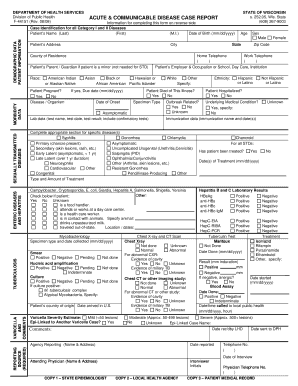
Dph 4151 form
The document is a form from the Wisconsin Department of Health Services for reporting acute and communicable diseases. I ...

Bureau of Long Term
The document is a consumer guide for parents of children receiving CLTS Waiver services in Wisconsin, focusing on incide ...

FastBreak Lacrosse Medical History Form
The document is a Sports Medicine Information Sheet for the 2020 Cavalier Lacrosse Camps and Clinics, outlining required ...

State of new jersey motor vehicle commission - NJ
The document is a comprehensive guide for carriers in New Jersey regarding the International Registration Plan (IRP), wh ...

Driver Education School License Application
The document outlines the application process for obtaining a Driver Education School License from the Maine Bureau of M ...
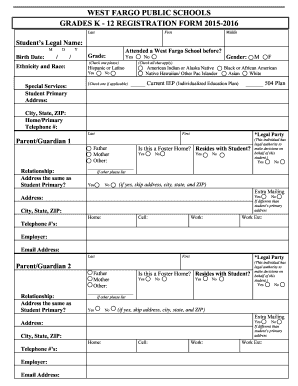
WEST FARGO PUBLIC SCHOOLS GRADES K - 12 REGISTRATION bb
The document is a registration form for West Fargo Public Schools for the 2015-2016 academic year, designed for students ...

XML - US Government Publishing Office
The document is an application form (DR-602G) for taxpayers in Florida to request an extension of time to file their gov ...
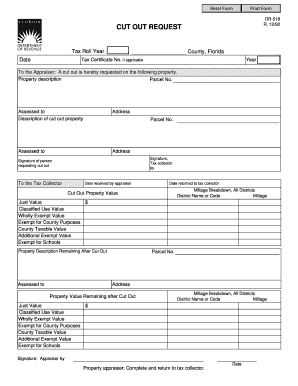
Tax Roll Year County Florida Date - formupack
The document is a form used in Florida for requesting a 'cut out' of property from the tax roll. It includes sections fo ...