




Here's how it works

01. Edit your walmart termination letter online
Type text, add images, blackout confidential details, add comments, highlights and more.

02. Sign it in a few clicks
Draw your signature, type it, upload its image, or use your mobile device as a signature pad.

03. Share your form with others
Send employee termination letter sample pdf via email, link, or fax. You can also download it, export it or print it out.
How to use or fill out Employment or Job Termination Package - District of Columbia

- Click ‘Get Form’ to open the Employment Termination Package in our editor.
- Begin with the 'Summary of Rights and Obligations under COBRA' form. Fill in the necessary details regarding the employee's rights under COBRA, ensuring accuracy for compliance.
- Next, complete the 'Termination Letter (General)'. Clearly state the termination decision and include any relevant information about wages, accrued vacation, and severance pay.
- Utilize the 'Checklist for Termination Action' to ensure all procedural steps are followed. This checklist will guide you through legal considerations and necessary notifications.
- Fill out the 'Employment Termination Agreement', specifying the termination date and any considerations provided to the employee.
- Complete the 'Consent to Release of Employment Information and Release' form, allowing for a smooth transition of employment records while protecting your organization from liability.
- Finally, conduct an 'Exit Interview' using this form to gather feedback from the departing employee about their experience within your company.
Start using our platform today to efficiently complete your Employment or Job Termination Package for free!
Fill out Employment or Job Termination Package - District of Columbia online
It's free
Security and compliance
At DocHub, your data security is our priority. We follow HIPAA, SOC2, GDPR, and other standards, so you can work on your documents with confidence.
Learn more


Related forms

STAFF REFERENCE FORM - KE Camps
The document is a staff reference form for KECamps, requesting evaluations of an applicant for a summer staff position. ...
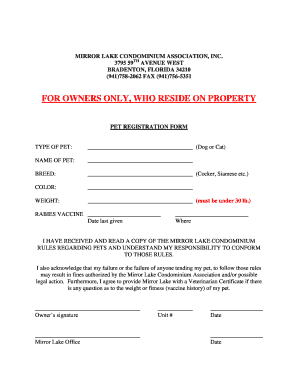
Pet registration form template
The document is a Pet Registration Form for owners residing at Mirror Lake Condominium Association in Bradenton, Florida ...
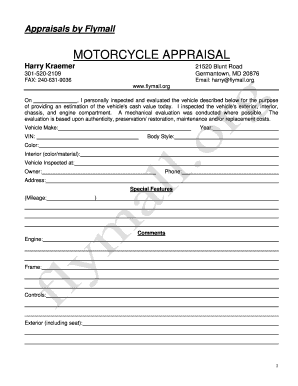
Motorcycle appraisal form
The document is an appraisal report for a motorcycle conducted by Harry Kraemer, a certified appraiser with extensive ex ...
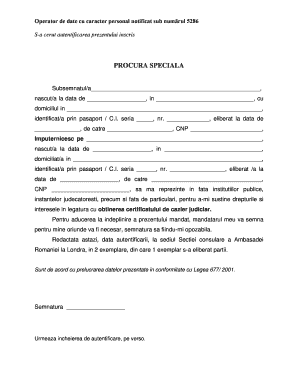
Imputernicire pentru certificat de nastere
The document is a special power of attorney authorizing an individual to represent the signatory in public institutions ...
Car bRental Agreementb - CarRentersis - carrenters
This document is a car rental agreement between the driver (lessee) and the owner (lessor) facilitated by Carrenters.is. ...
Dhs 948
The document is an authorization form from the State of Hawaii's Department of Human Services, allowing the Benefit, Emp ...

North carolina assumed
The document is a Certificate of Assumed Name for Corporations in Caldwell County, North Carolina. It outlines the proce ...
English file advanced tests pdf
The document is an end-of-course test for an advanced English class, covering grammar, vocabulary, pronunciation, readin ...