Type text, add images, blackout confidential details, add comments, highlights and more.

02. Sign it in a few clicks
Draw your signature, type it, upload its image, or use your mobile device as a signature pad.

03. Share your form with others
Send interview review form via email, link, or fax. You can also download it, export it or print it out.

How to use or fill out interview evaluation form with our platform
Ease of Setup
DocHub User Ratings on G2
Ease of Use
DocHub User Ratings on G2
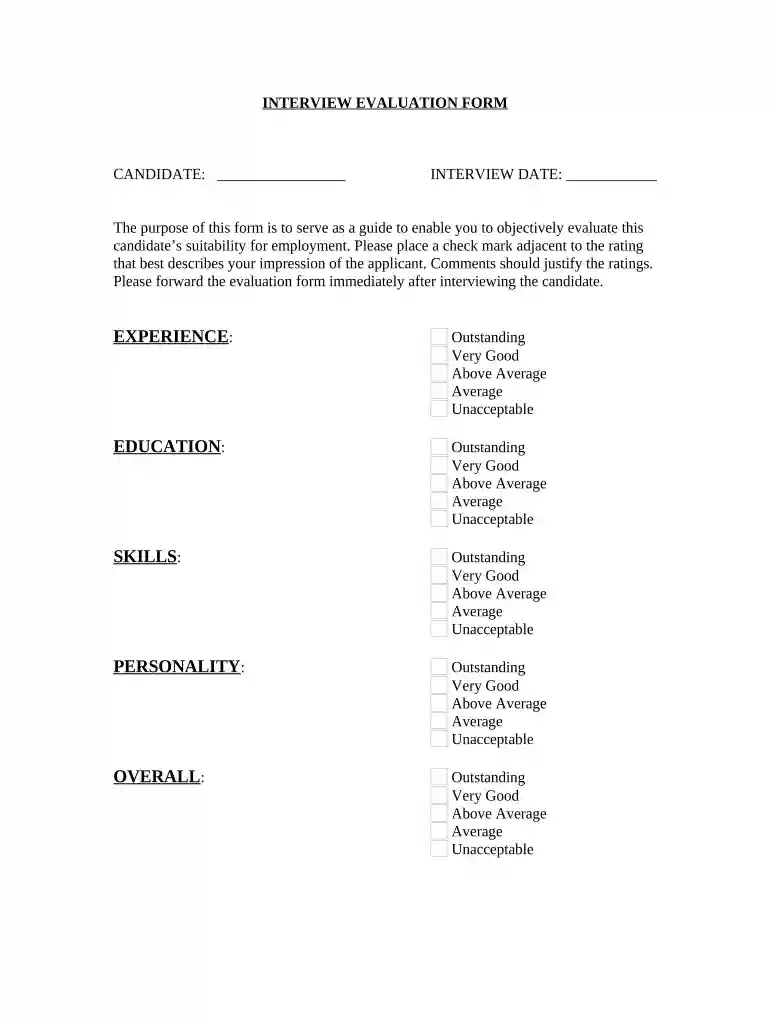
Click ‘Get Form’ to open the interview evaluation form in the editor.
Begin by entering the candidate's name and the interview date at the top of the form. This information is crucial for tracking evaluations.
In the 'Experience' section, review the candidate’s background and select a rating from Outstanding to Unacceptable. Use check marks for clarity.
Proceed to the 'Education' section, where you will evaluate their educational qualifications similarly. Again, provide a check mark next to your chosen rating.
Next, assess the candidate's 'Skills'. Choose a rating that reflects their abilities relevant to the position.
Evaluate their 'Personality' in the same manner, ensuring your selection aligns with your impressions during the interview.
For an overall assessment, select a rating that encapsulates your overall impression of the candidate.
In the 'Major Strengths' and 'Primary Areas of Concern' sections, provide detailed comments justifying your ratings. This feedback is essential for decision-making.
Finally, indicate your recommendation by selecting either 'HIRE' or 'REJECT', and fill in your name as the interviewer along with today's date before submitting.
Start using our platform today to streamline your interview evaluations for free!
Fill out interview evaluation form online It's free
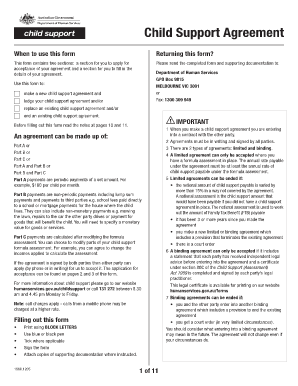
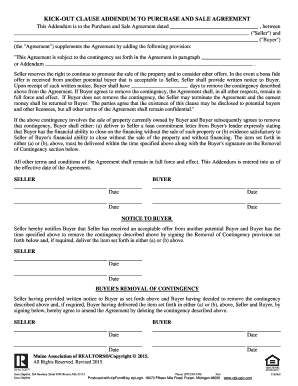
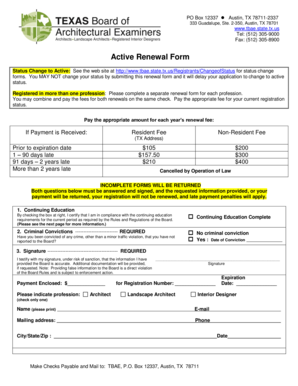
Interview evaluation form pdfSample interview evaluation formInterview Evaluation Form WordInterview evaluation form ExcelInterview evaluation Form word free downloadFree interview evaluation formSimple interview evaluation Form WordInterview assessment form filled Sample
Security and compliance
At DocHub, your data security is our priority. We follow HIPAA, SOC2, GDPR, and other standards, so you can work on your documents with confidence.
By signing this form, you confirm that: Page 2. 2. - You understand the purpose of this interview and how your responses may be used. - You are aware thatRead more
Each interviewer must complete an assessment for each candidate interviewed. 1 Less than Candidate either shows weak or irrelevant qualifications or isRead more
The interviewer should complete interview evaluation forms to assess each candidates overall qualifications for the position. The interviewer should assign aRead more
Cookie consent notice
This site uses cookies to enhance site navigation and personalize your experience.
By using this site you agree to our use of cookies as described in our Privacy Notice.
You can modify your selections by visiting our Cookie and Advertising Notice.