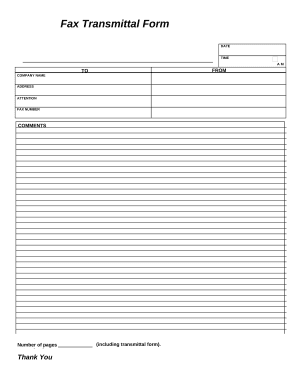
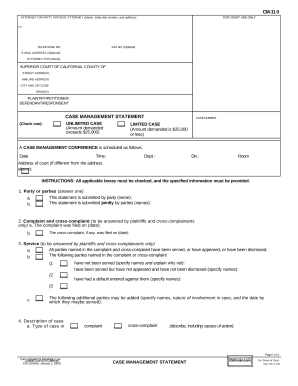
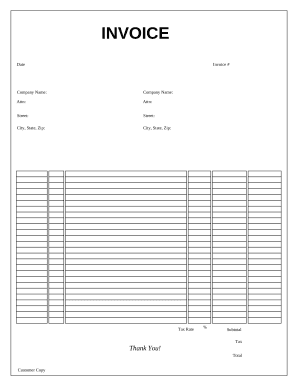
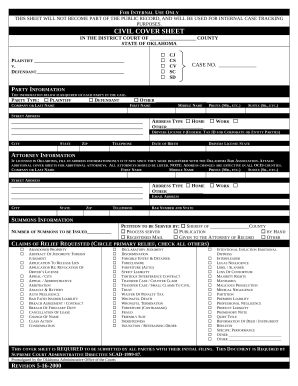
Handle Legal Document Templates effortlessly online

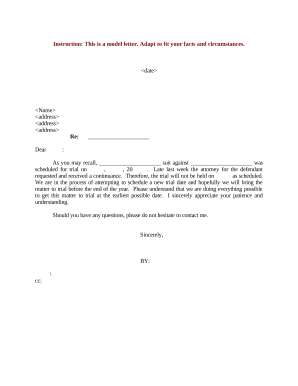
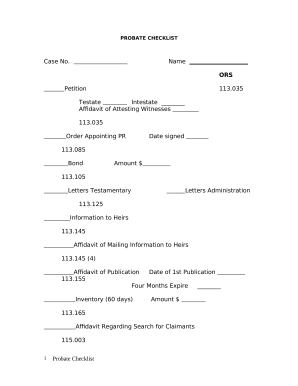
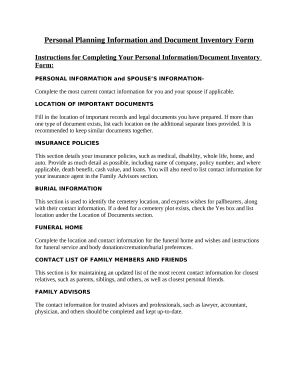
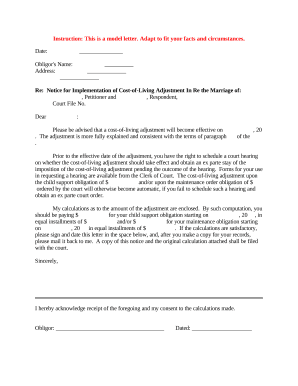
Document administration can stress you when you can’t locate all of the forms you require. Fortunately, with DocHub's vast form collection, you can discover all you need and quickly manage it without the need of changing among programs. Get our Legal Document Templates and start working with them.

The best way to manage our Legal Document Templates using these simple steps:

  1. Examine Legal Document Templates and choose the form you require.
  2. Preview the template and click Get Form.
  3. Wait for it to upload in the online editor.
  4. Adjust your form: include new information and pictures, and fillable fields or blackout some parts if required.
  5. Fill out your form, preserve adjustments, and prepare it for sending.
  6. When all set, download your form or share it with other contributors.

Try out DocHub and browse our Legal Document Templates category easily. Get a free account right now!


Video Guide on Legal Document Templates management

video background

Commonly Asked Questions about Legal Document Templates

There are no legal differences between typed and handwritten agreements when it comes to enforceability.
Can I Create My Own Contract? The short answer is yes. Lawyers are crucial in drafting contracts because they understand legal matters better. They can provide valuable guidance on complex legal issues, ensure compliance with applicable laws, and protect against possible pitfalls.
Drafting Legal Documents: How to Keep It Simple Plan Out the Document Before You Begin. Write with Clear and Concise Language. Ensure the Correct Use of Grammar. Be as Accurate as Possible. Make Information Accessible. Ensure All Necessary Information Is Included. Always Use an Active Voice. Pay Attention to Imperatives.
While those documents are usually 8.5 x 11 inches, legal documents are 8.5 x 14 inches. If youll be printing on that size paper, start your document formatting by choosing the right size for your document. Go to Layout and choose the Size option.
Important points to include in a legal document. Party details. List the names, numbers, addresses (email or physical), and any other relevant information of all parties involved. Background information. Motion. Roles and responsibilities. BdocHubes or contingencies. Dates and signatures.
Can anyone write a contract? If youre worried about whether you have the right qualifications or experience to write a contract, you can relax there are no requirements dictating who can or cannot write a contract. After all, a contract is simply a written agreement between two or more parties.
Why You Need a Business Contract Lawyer. If youre asking whether you need a lawyer to draft a contract, legally, the answer is no. Anyone can draft a contract on their own and as long as the elements above are included and both parties are legally competent and consent to the agreement, it is generally lawful.
Finding a Legal Template through Word In the search bar, type in legal and click search. One of the templates that that may be the most useful is the Legal pleading paper.