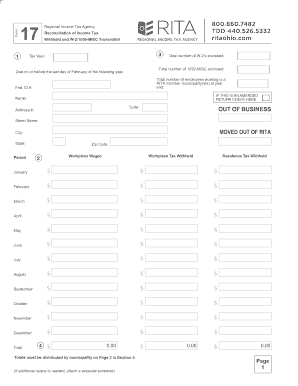
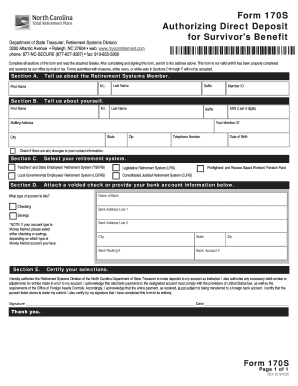
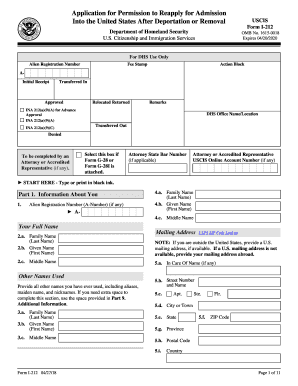
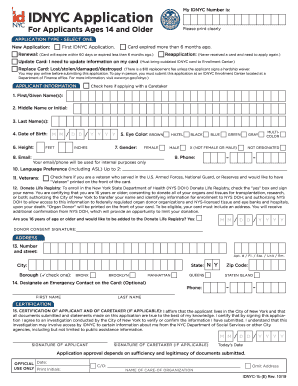
Independent contractor form 2026

Get Form
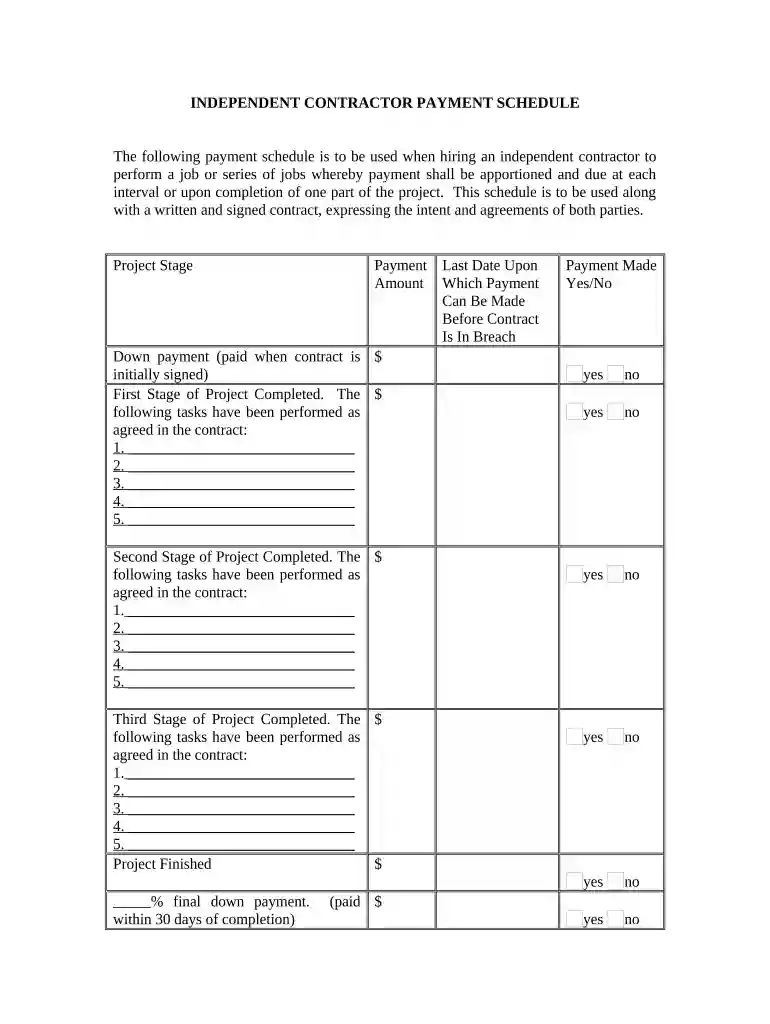
independent contractor form Preview on Page 1

Here's how it works

01. Edit your form online
Type text, add images, blackout confidential details, add comments, highlights and more.

02. Sign it in a few clicks
Draw your signature, type it, upload its image, or use your mobile device as a signature pad.

03. Share your form with others
Send it via email, link, or fax. You can also download it, export it or print it out.

How to use or fill out independent contractor form with our platform

Form edit decoration
9.5
Ease of Setup
DocHub User Ratings on G2
9.0
Ease of Use
DocHub User Ratings on G2
  1. Click ‘Get Form’ to open the independent contractor payment schedule in the editor.
  2. Begin by entering the down payment amount in the designated field, which is due when the contract is initially signed.
  3. For each project stage, list the tasks that have been completed as per your agreement. Fill in the payment amount for each stage accordingly.
  4. Ensure you complete all sections for each stage of the project, including any additional tasks that may be required.
  5. At the end of the form, indicate whether payment has been made for each stage by selecting 'Yes' or 'No'.
  6. Finally, review all entries for accuracy and completeness before saving or sharing your document.

Start using our platform today to streamline your independent contractor forms for free!

be ready to get more

Complete this form in 5 minutes or less

Get form

Got questions?

We have answers to the most popular questions from our customers. If you can't find an answer to your question, please contact us.
Contact us
If you paid someone who is not your employee, such as a subcontractor, attorney or accountant $600 or more for services provided during the year, a Form 1099-NEC needs to be completed, and a copy of Form 1099-NEC must be provided to the independent contractor by Jan. 31 of the year following payment.
You are required to file a federal Nonemployee Compensation (Form 1099-NEC) or a Miscellaneous Information (Form 1099-MISC) for the services performed by the independent contractor. You pay the independent contractor $600 or more, or enter into a contract for $600 or more.
The difference between 1099 vs W-9 is a straightforward one: the contractor fills out the W-9 form to provide information to the business they work for, and that business later reports the contractors yearly earnings on the 1099 form.
The main differences between W-9 and 1099 tax forms are that a W-9 is filled out by the supplier or independent contractor to provide their tax and payment information to the payer, whereas 1099 forms are provided by the payer to document the supplier or contractors gross earnings and any backup withholding after

Security and compliance

At DocHub, your data security is our priority. We follow HIPAA, SOC2, GDPR, and other standards, so you can work on your documents with confidence.
Learn more
ccpa2
pci-dss
gdpr-compliance
hipaa
soc-compliance