




01. Edit your dob welding license renewal online
Type text, add images, blackout confidential details, add comments, highlights and more.

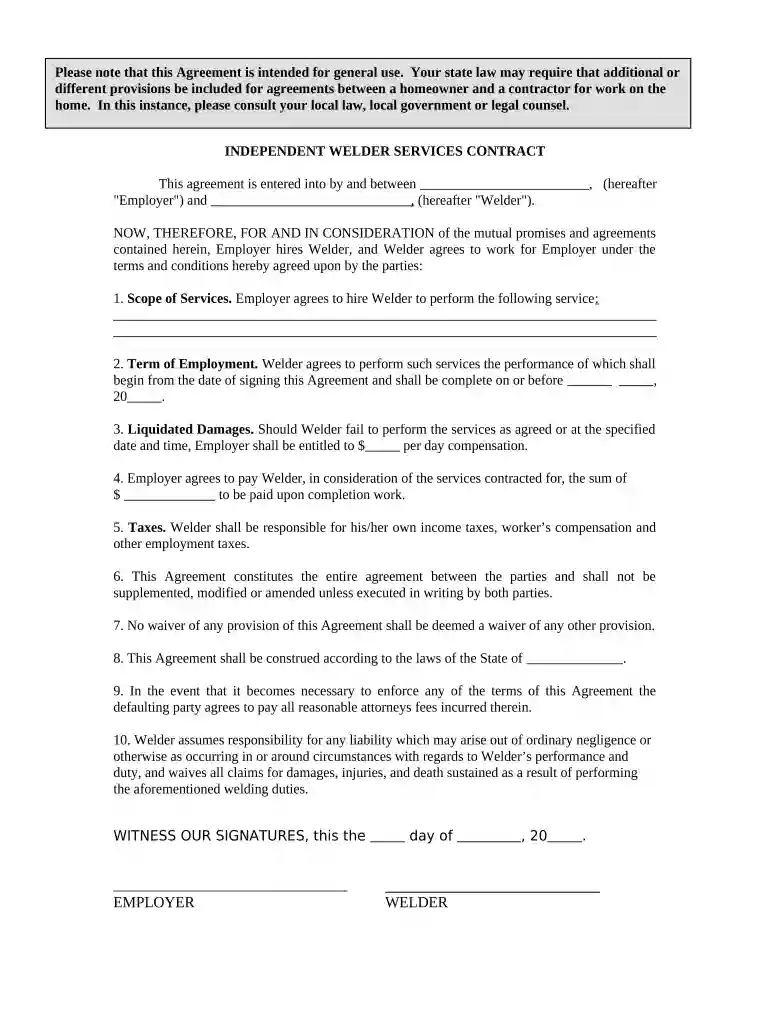
Type text, add images, blackout confidential details, add comments, highlights and more.

Draw your signature, type it, upload its image, or use your mobile device as a signature pad.

Send dob welder license via email, link, or fax. You can also download it, export it or print it out.

Start using our platform today to easily fill out your welder form online for free!
At DocHub, your data security is our priority. We follow HIPAA, SOC2, GDPR, and other standards, so you can work on your documents with confidence.


Features. This is a high-quality hobby arc welder, delivering up to 140 Amps welding current. It will hold electrodes sizes from 1/16 to 3/3 in diameter.Read more
Jan 1, 2023 RENEWAL REQUIREMENTS. A 60-day administrative extension period is allowed. During this time your certification will be considered expired.Read more


