
Day flyer Canada Forms
Browse through a comprehensive list of Day flyer Canada Forms and choose the one you require. Download or complete your documents online, manage them, and gather approvals all in one place.

Create a new Day flyer Canada Form
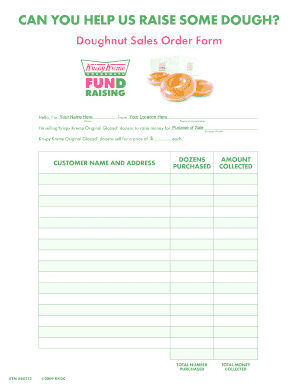
Krispy kreme fundraiser form
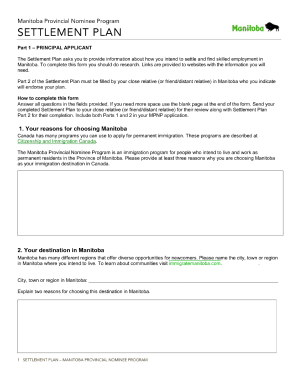
Manitoba settlement plan sample answers
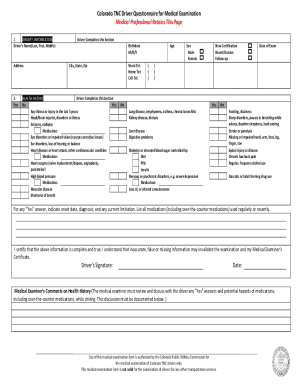
Driver questionnaire examination
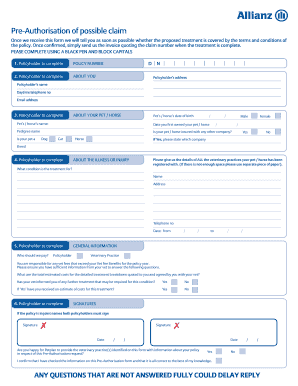
Petplan pre authorisation
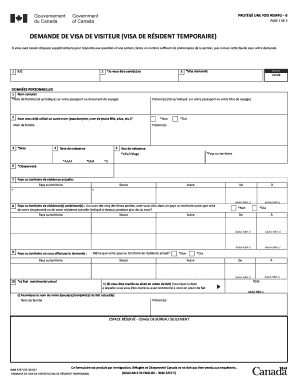
2019-2021 Form Canada IMM 5257 F Fill Online, Printable ...
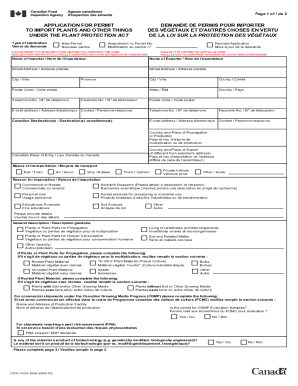
Application import plants other things
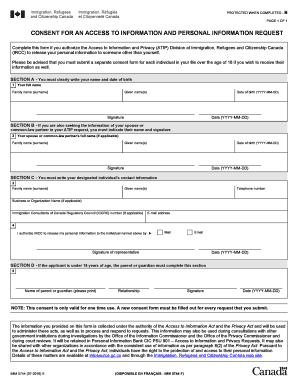
Canada consent form 2016-2019
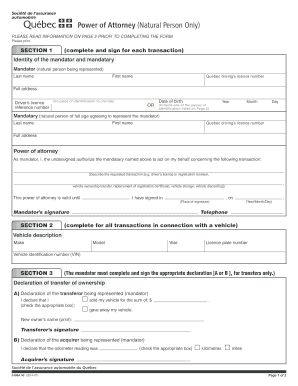
Transfer of vehicle ownership forms saaq
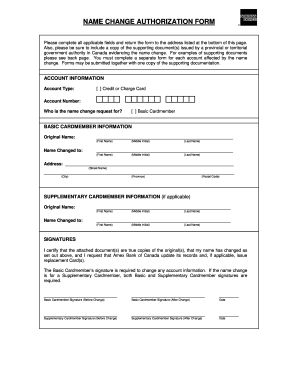
American express name change

Disability tax credit certificate 6729
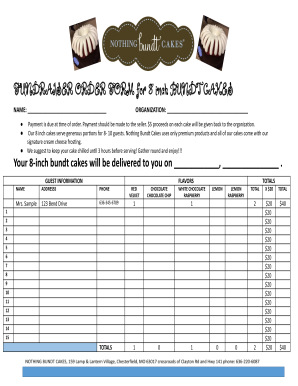
Nothing bundt cakes fundraiser flyer
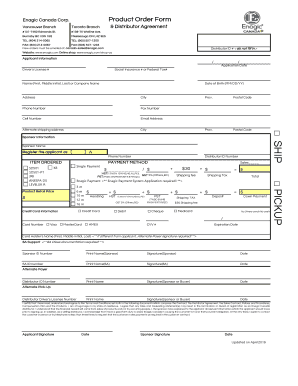
Enagic canada

Learn about representatives - Canada.ca
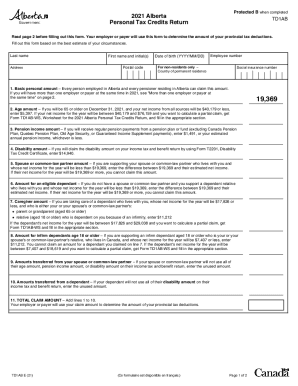
Alberta tax forms 2021
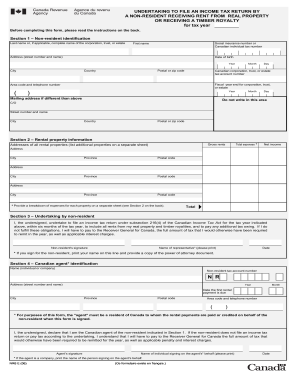
How to send form nr6 to cra

Pptc040 2012 form
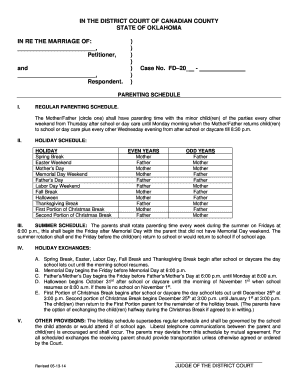
Canadian County Parenting Schedule rev 05-13-14

Png maritime college
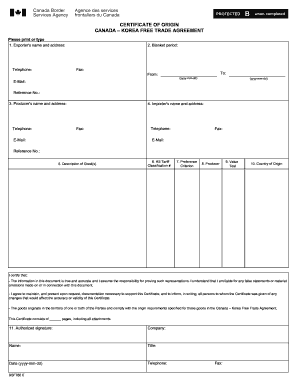
FREE TRADE AGREEMENT BETWEEN CANADA AND KOREA - cbsa-asfc gc
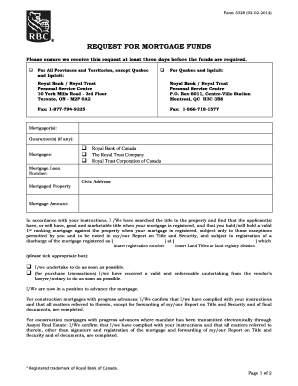
REQUEST FOR MORTGAGE FUNDS - RBC Royal Bank

Princess auto app
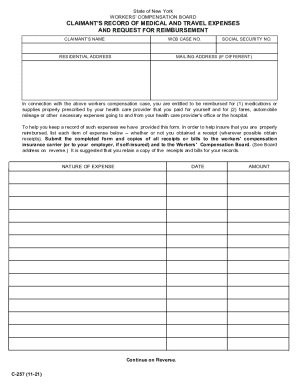
Claimants reimbursement form

Western diversification program
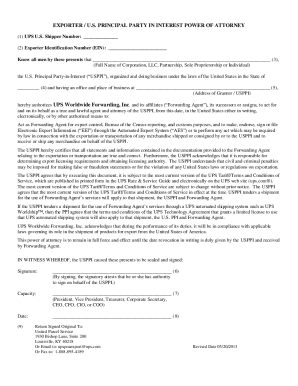
Ups poa
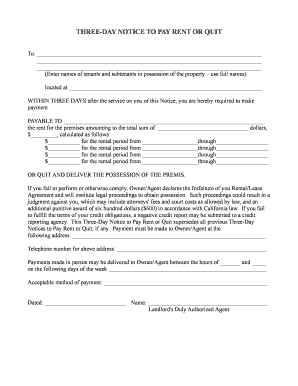
B3b day bnoticebpdf
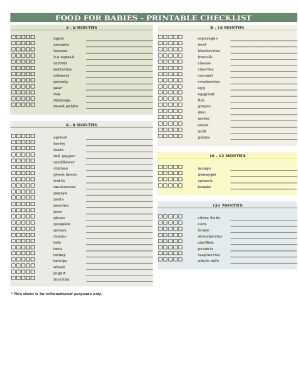
Babies templates editable form
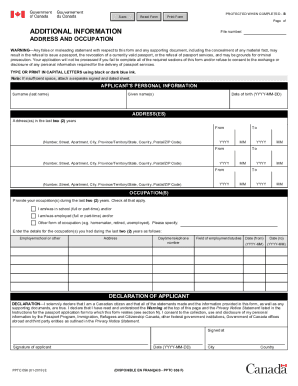
Pptc 056
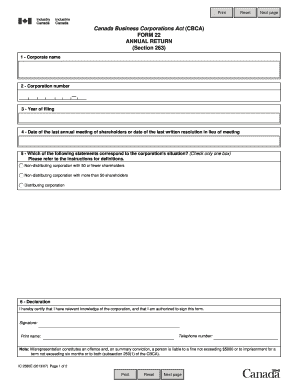
Form 22 annual return canada
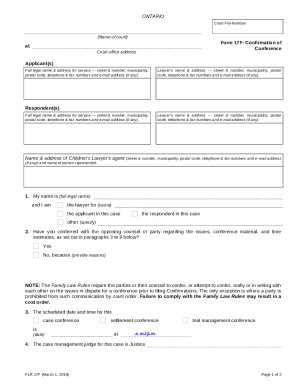
Form 17F: Confirmation of Conference - Ontario Court Services ...
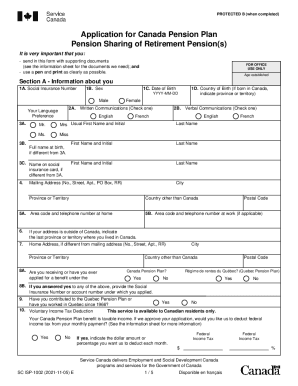
Application for Canada Pension Plan Pension Sharing of Retirement Pension(s)
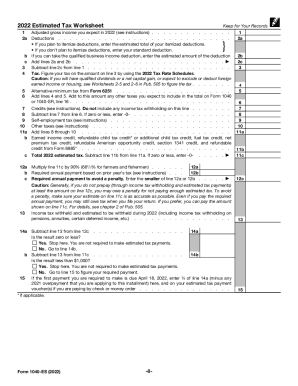
2022 Form 1040-ES
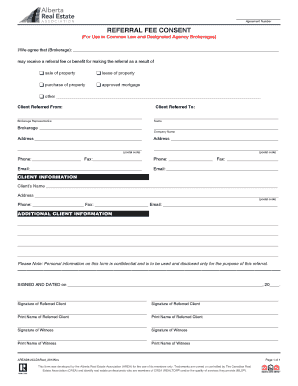
REFERRAL FEE CONSENT - Alberta Real Estate Association

To print the Donation Form - Canadian Cancer Society

Direct Deposit Enrolment Change Request - Alberta Health Services
Sc ifta online
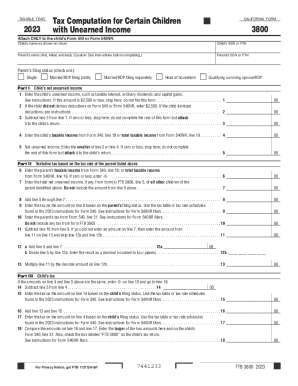
2023 Form 3800 Tax Computation for Certain Children with Unearned Income
Manage Day flyer Canada Forms quickly online
Document managing can stress you when you can’t locate all the documents you require. Fortunately, with DocHub's considerable form library, you can get all you need and swiftly deal with it without the need of changing among apps. Get our Day flyer Canada Forms and begin working with them.
How to use our Day flyer Canada Forms using these easy steps:
- Check Day flyer Canada Forms and choose the form you require.
- Review the template and click Get Form.
- Wait for it to open in the online editor.
- Modify your document: add new information and images, and fillable fields or blackout certain parts if required.
- Prepare your document, conserve alterations, and prepare it for sending.
- When ready, download your form or share it with your contributors.
Try out DocHub and browse our Day flyer Canada Forms category without trouble. Get your free profile today!
Video Guide on Day flyer Canada Forms management

Commonly Asked Questions about Day flyer Canada Forms
What application do I need to make a flyer?
Canva caters for every flyer type, with a huge range of templates ready to be customized.
How to make a flyer PDF?
Start Acrobat. From the Tools menu, select Prepare Form. Select Create New to make your flyer from scratch. You can also choose Single File to import an existing digital template, like the one above, or choose Scanner to scan a paper flyer to use as a base.
Is there a flyer template on word?
Open Microsoft Word and click on the New tab on the left of the welcome screen (if you already have a blank document open, then click on File and select New). In the search bar, type Flyers and press Enter to see the list of flyer templates available on Word.
Does Google have a flyer template?
Google Docs provides templates that include pre-set designs and layouts for flyers. These templates offer guidance on where to place text, images, and other elements for a balanced and professional look. How to make a Flyer on Google Docs - GeeksforGeeks GeeksforGeeks how-to-make-a-flyer-o GeeksforGeeks how-to-make-a-flyer-o
What is the easiest program to create a flyer?
If youre in a hurry, here are the best software makers on the market ing to different needs. Piktochart: Best overall tool for designing flyers. Canva: Best for making flyers quickly. docHub Express: Best for beginners. Venngage: Best for students and teachers. DesignCAP: Best for solo users. The Best Flyer Design Software for 2023 - Piktochart Piktochart blog best-flyer-design-softwar Piktochart blog best-flyer-design-softwar
What is the best free website to create flyers?
Some of the best free flyer maker software are Visme, docHub Spark, Canva, Stencil, Crello, MyCreativeShop and Piktochart. Free Flyer Maker - Generate Online Flyers in Minutes - Visme Visme flyer-maker Visme flyer-maker
How do I make a digital flyer for free?
Design all types of custom flyers using editable templates in docHub Express. Start by selecting an eye-catching template, then drag and drop graphics, fonts, images, and more to your flyer design. In minutes, youll be able to share your cause with others through a thoughtfully designed flyer for any event and theme.
Is there a free app to make flyers?
Canva is a free flyer maker app that offers a wide range of design templates for flyers. The available templates are stylish and include designs resembling a page from a fashion magazine or professionally created flyers that look like corporate advertisements. Furthermore, you can also edit these templates themselves. 5 Best Free Flyer Maker Apps with Thousands of Templates - CyberLink CyberLink blog app-video-editing CyberLink blog app-video-editing
Related Templates

PDF Checking And Savings Account Application - Digital Federal - dcu
The document is a Checking and Savings Account Application for Digital Federal Credit Union (DCU), outlining the process ...
Know Your Rights - Tenant's rights - House and Apartment
The document 'Your Rights as a Tenant in Washington State' provides comprehensive information about the rights and respo ...

New jersey large member enrollmentchange request form ohi
The document is a New Jersey Large Employer Member Enrollment/Change Request Form for Oxford Health Plans. It outlines t ...
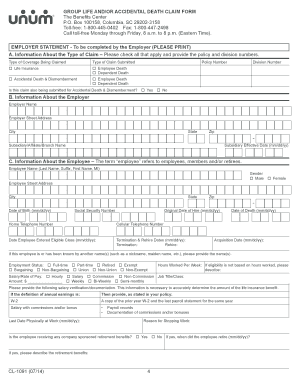
5 dot (CXC CONTRACT 8 5 x 11)
The document is a Group Life and/or Accidental Death Claim Form provided by Unum Group for beneficiaries to claim life i ...

Name (Print): - njcu
The document outlines the terms and conditions for the NJCU Unemployment Tuition Waiver for Spring 2016. It specifies el ...
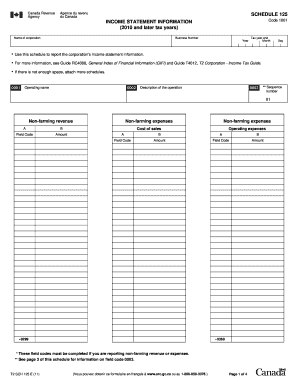
Sch125 fillable 2011 form
The document provides a detailed schedule (Schedule 125) for corporations to report their income statement information f ...
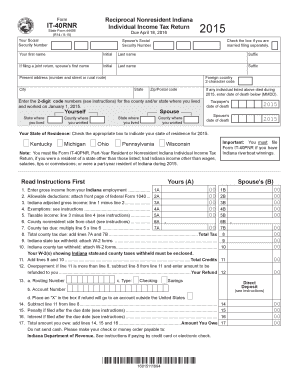
Reciprocal Nonresident Indiana Individual Income Tax Return Yours (A)
The document is the IT-40RNR form, a Reciprocal Nonresident Indiana Individual Income Tax Return for the year 2015, whic ...
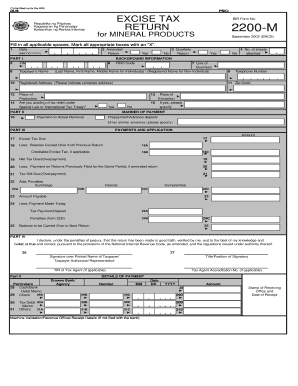
Bir form 2200m
The document is a BIR Form No. 2200-M for the declaration and payment of excise tax on mineral products in the Philippin ...