




01. Edit your driver questionnaire form online
Type text, add images, blackout confidential details, add comments, highlights and more.

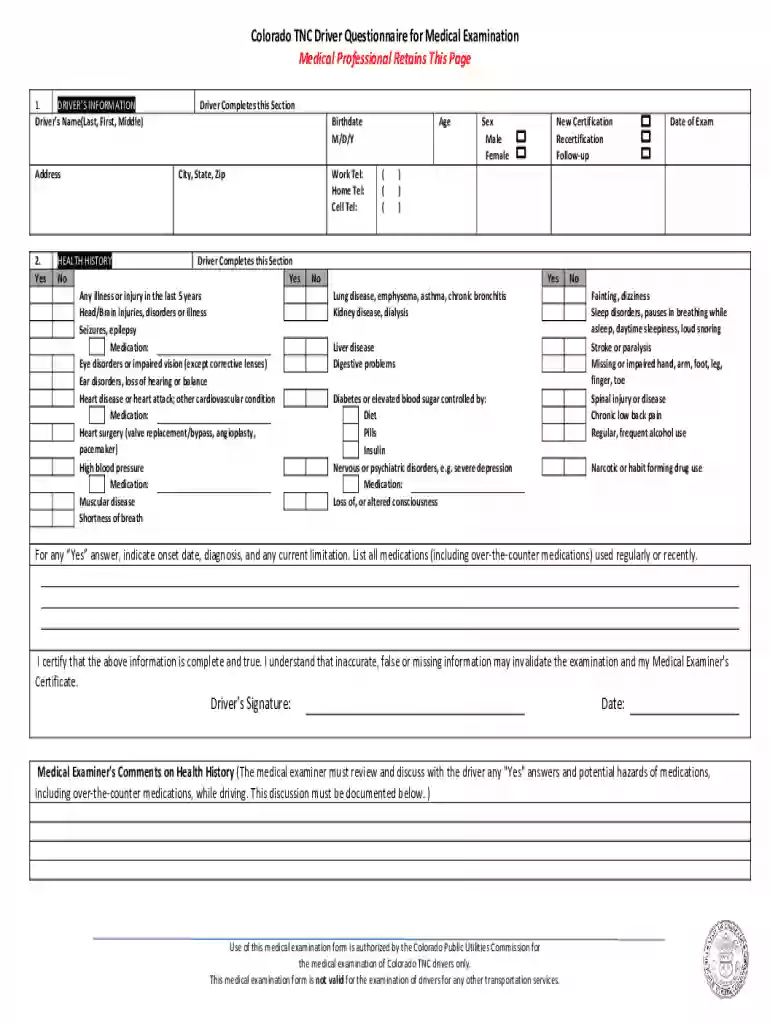
Type text, add images, blackout confidential details, add comments, highlights and more.

Draw your signature, type it, upload its image, or use your mobile device as a signature pad.

Send it via email, link, or fax. You can also download it, export it or print it out.

Start using our platform today for free to streamline your document editing and completion process!
We've got more versions of the driver questionnaire form form. Select the right driver questionnaire form version from the list and start editing it straight away!
At DocHub, your data security is our priority. We follow HIPAA, SOC2, GDPR, and other standards, so you can work on your documents with confidence.
Drivers often take short cuts through residential neighborhoods, placing children in danger. What is the speed limit on residential streets? A. 10 mph. B. 15Read more
The Class E Knowledge Exam consists of 50 multiple-choice questions about Florida traffic laws, safe driving practices and identifying traffic controls.Read more
A total of 169 drivers operating 150 CAS-equipped trucks from seven trucking companies across the country participated in a 1-year field operational test, whichRead more


