
Emails Booking Templates
Begin working Emails Booking Templates right away with platform versatile editing tools. Fill out and sign your templates, send or publish them to preserve time.

Create a new Emails Booking Template
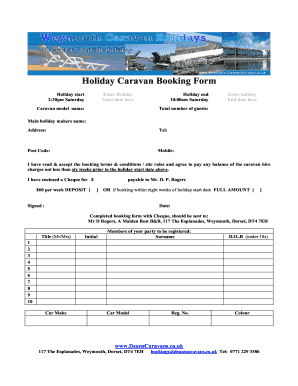
Caravan booking form template
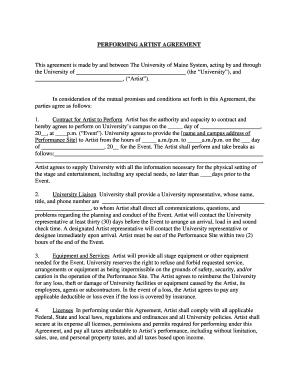
Artist booking agreement template

Stall booking form template
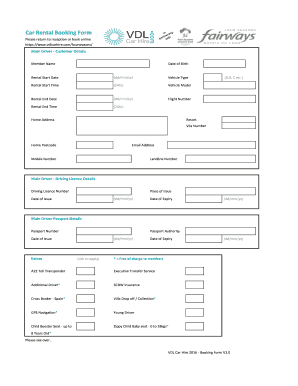
Car hire form

Room form
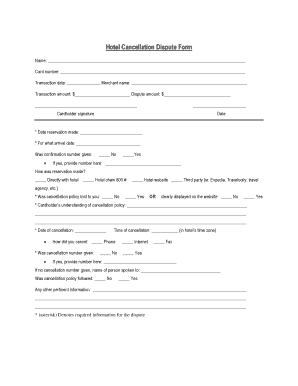
Cancellation form in hotel

Ncl transfer form
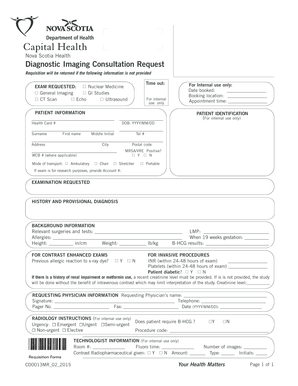
Nova scotiax ray requisition
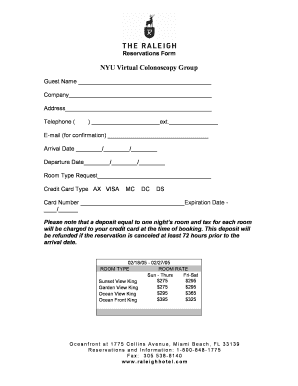
Reservation form

Car service form
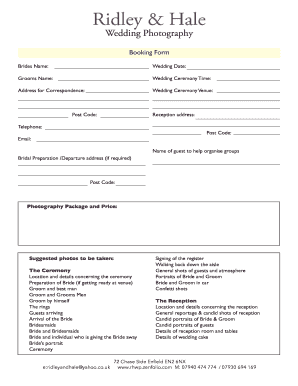
Wedding photography booking form
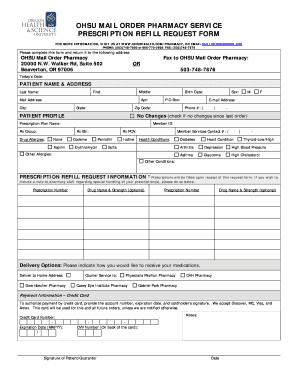
Ohsu mail order pharmacy

Reservation slip
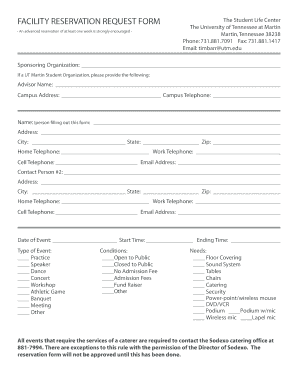
Reservation application form

Band Booking Agreement - Bandzoogle
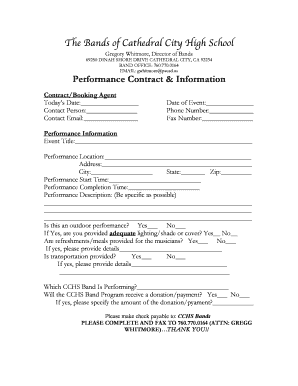
Performance Booking Contract - cchsbands
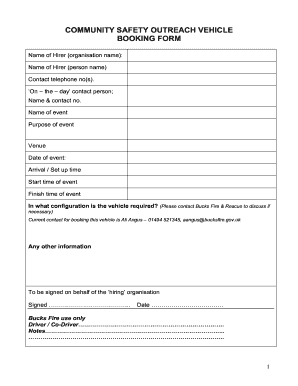
Ex Vehicle booking form 3 - youthfocusorguk - youthfocus org
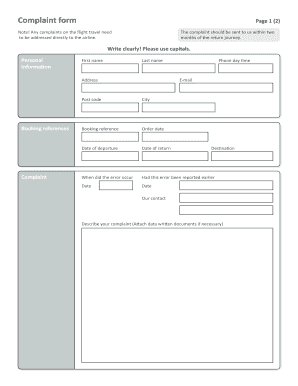
Gotogate complaint form
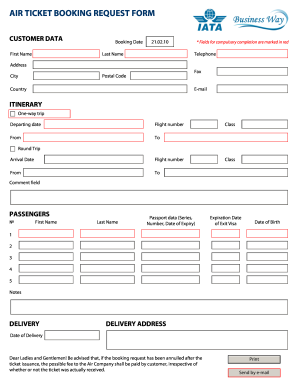
Air ticket booking request
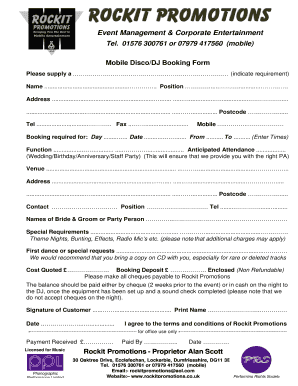
Mobile Disco booking form - Wedding Entertainment in Gretna Green - gretna-weddings
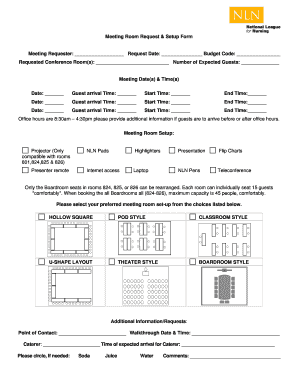
Meeting Room Request & Setup Form
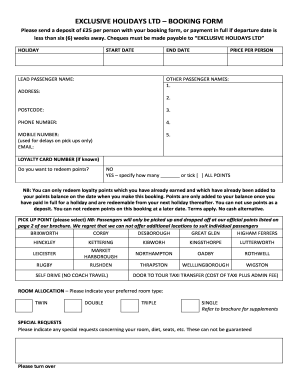
EXCLUSIVE HOLIDAYS LTD BOOKING FORM
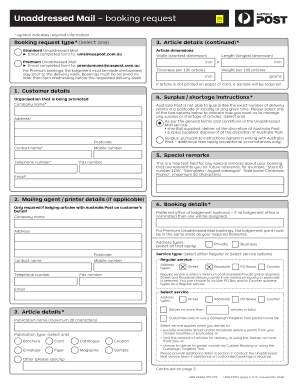
Unaddressed mail booking request
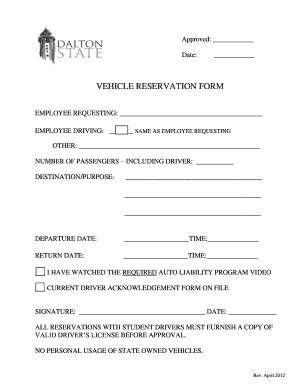
Vehicle reservation form

Holiday express conference booking form template
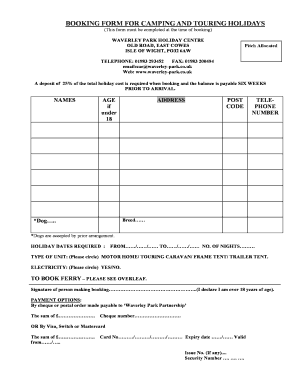
Download touring and camping booking form - Waverley Park

Reservation form in merriot hotel

Reservation agreement letter sample
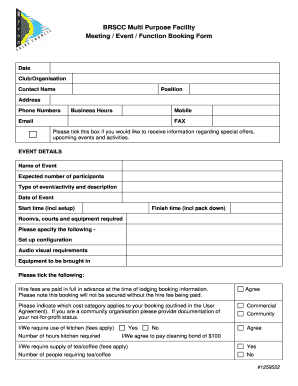
BRSCC MPF Meeting Function Event Booking Form.DOC - byron nsw gov
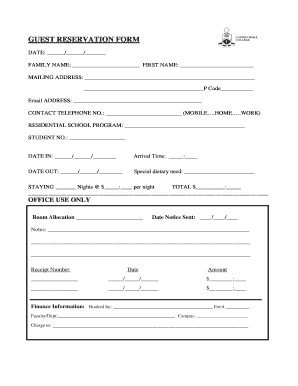
Guest reservations
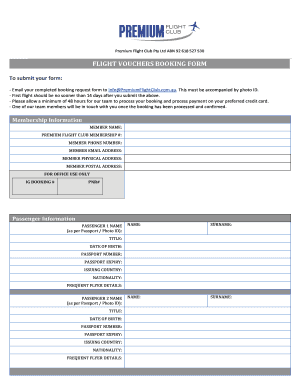
Flight vouchers booking form sample
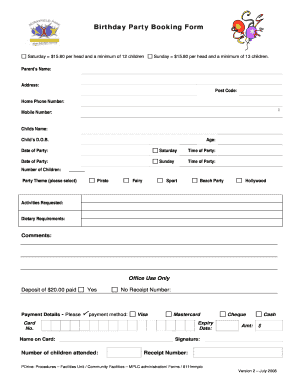
Birthday party booking form template
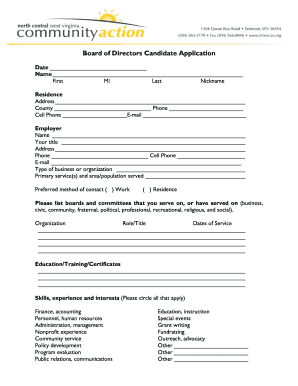
Board of Directors Candidate Application - North Central WV - ncwvcaa

Cruise booking form
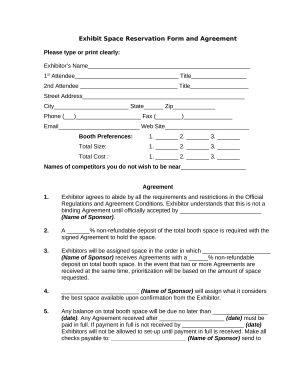
Reservation form
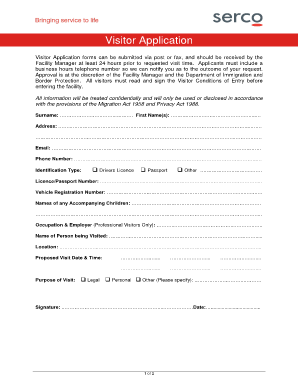
Villawood detention centre visitor booking form
-
1
- 2
Transform your form management with Emails Booking Templates
Your workflows always benefit when you can easily discover all the forms and files you may need at your fingertips. DocHub gives a a huge collection of templates to relieve your everyday pains. Get hold of Emails Booking Templates category and quickly browse for your document.
Start working with Emails Booking Templates in a few clicks:
- Access Emails Booking Templates and get the document you require.
- Click Get Form to open it in our online editor.
- Begin adjusting your document: add more fillable fields, highlight sentences, or blackout sensitive details.
- The app saves your changes automatically, and after you are all set, you can download or share your form with other contributors.
Enjoy easy file managing with DocHub. Check out our Emails Booking Templates collection and look for your form today!
Video Guide on Emails Booking Templates management

Commonly Asked Questions about Emails Booking Templates
What is an example of confirm email?
Dear [customers name], Thank you for placing an order with [your company name]. We are pleased to confirm the receipt of your order # [order number], dated [order date]. Your order is now being processed and we will ensure its prompt dispatch.
How to write a confirmation email sample?
Here is how to write a confirmation email in 10 steps: Specify the recipients. Add the email addresses of the recipient or recipients in the email address bar. Write a subject line. Craft a greeting. State the purpose of the email. List the details. Request additional information. Ask questions. Express gratitude. How To Write a Confirmation Email (With Examples) - Indeed Indeed career-development how-to- Indeed career-development how-to-
How to write a reservation email?
Here are the details of your reservation: Booking Reference Number: [Reference Number] Date: [Date] Time: [Time] Meeting Point: [Location] Number of Guests: [Number] Special Instructions: [Any Additional Information] How to Write Booking Confirmation Emails + Templates - Resova Resova blog booking-confirmation-e Resova blog booking-confirmation-e
How do you express confirmation in email?
9 steps to send a brilliant confirmation message email Add the right recipients. Write an appealing subject line. Address the recipient or customer by their first name. Communicate the purpose briefly. List out all key details. Ask questions or request more information. Show appreciation. Add your customer support details.
How do you write a confirmation email?
How to write a confirmation email Start with a clear and specific subject line. Personalize the greeting. Confirm the action taken by the recipient. Provide the necessary details about the action. Include a call to action (CTA) guiding the next steps. Offer a way to contact for further assistance.
How to write an email for appointments?
How to write an appointment email Clear subject line: You have to tell the recipient exactly what the email is about before they open it. Polite salutation: The email should start with a polite greeting that addresses the recipient respectfully. Purpose of the appointment: Why you wish to schedule this meeting. How to Write Appointment Emails With 10 Samples From Experts Nerdy Joe blog appointment-email Nerdy Joe blog appointment-email
What is the format for hotel emails?
Pre-arrival email template: Dear (*insert guest name*), We are excited for your upcoming stay at (*insert hotel name*). As a reminder, check-in time is at (*insert time*) and check-out is at (*insert time*). 5 Hotel Emails You Should Be Automating + Free Templates Preno HQ blog 5-hotel-emails-you-shoul Preno HQ blog 5-hotel-emails-you-shoul
How do you politely confirm an email?
Use this simplest template for the reply: Thank you for your email. I acknowledge receipt of this email. Thank you or This is to confirm that I have received your email. Thank you for docHubing out Follow this Template Library space for more!
Related Templates
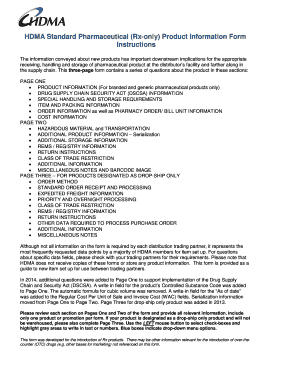
Hdma form
The HDMA Standard Pharmaceutical Product Information Form is a comprehensive three-page document designed for the introd ...

Yaesu dr 2x promotion
The document outlines the DR-1X Installation and Upgrade Program by Yaesu, aimed at promoting their DR-1X/System Fusion ...
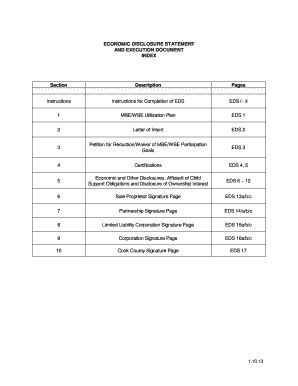
How to eds statement
The document is an Economic Disclosure Statement (EDS) and Execution Document required for bidders and proposers seeking ...

Fbisd student 101 online
The document outlines the application process for the FBISD Junior Student Leadership Program for 2015-2016, inviting 10 ...
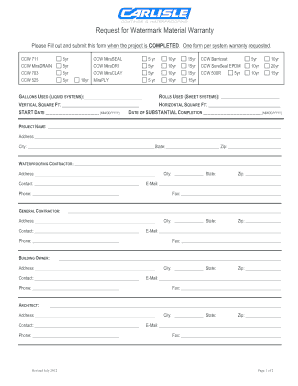
2012 Carlisle Request for Watermark Material Warranty Form
The document is a warranty request form for various waterproofing materials used in construction projects. It requires d ...
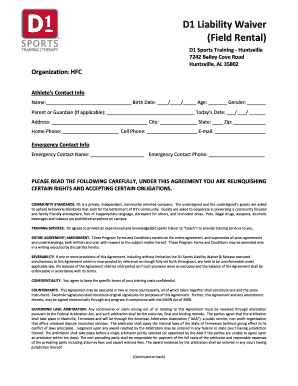
D1 Liability Waiver
The document is a liability waiver for participants at D1 Sports Training in Huntsville, Alabama. It outlines the respon ...
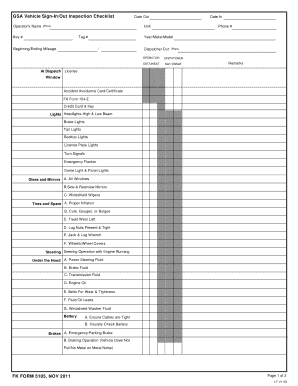
Vehicle sign in printable
The document is a GSA Vehicle Sign-In/Out Inspection Checklist used for assessing the condition of vehicles before and a ...
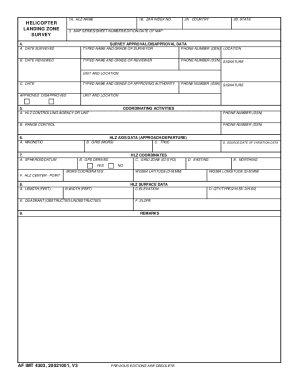
Af imt 4303 form
The document is a web-optimized form for a Helicopter Landing Zone (HLZ) survey, providing fields for essential data suc ...