
Software Balance Sheet Templates
Collaborate and adjust Software Balance Sheet Templates in real-time. Sign up for a free DocHub and manage your business documents with accuracy, stay ahead your competition, and safeguard your records.

Create a new Software Balance Sheet Template
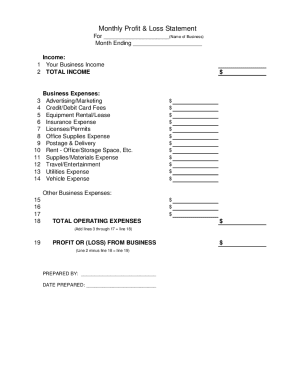
Profit and loss statement template
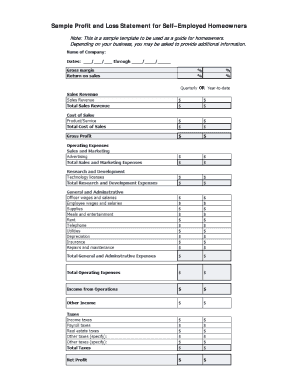
Fillable profit and loss statement for self employed
Iso forms and endorsements
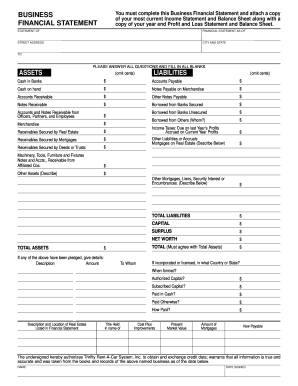
Business financial statement template
Printable ledger sheets pdf

Cash count sheet
Online ledger

Fsa 2038

Profit and loss statement for self employed hairdresser
New york statement of net worth fillable pdf

Financial statement farmers and ranchers
Lenovo inventory control sheet
Vanguard personal financial inventory
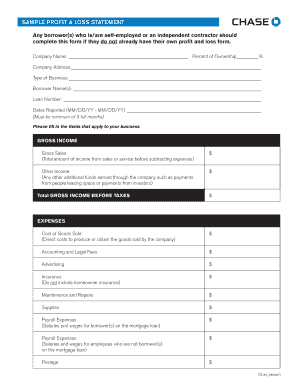
Sample Profit and Loss Statement PDF - Chase
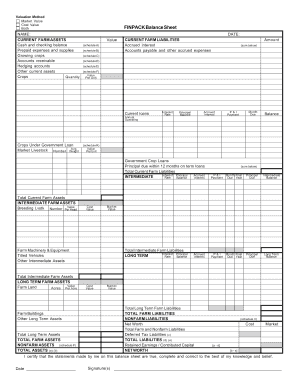
Finpack balance sheet
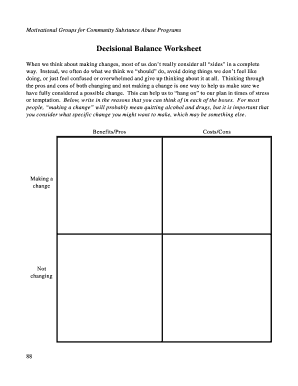
Decisional balance worksheet
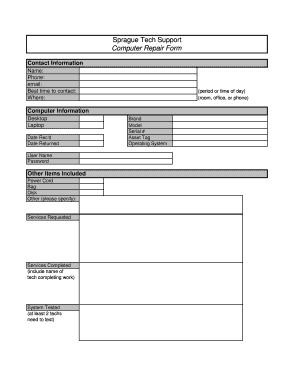
Computer repair form pdf
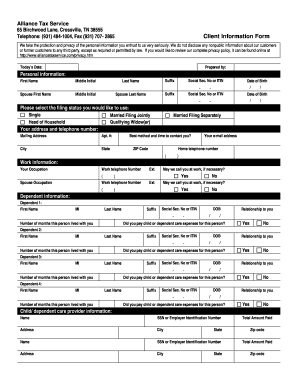
Client sign in accountant sheet pdf
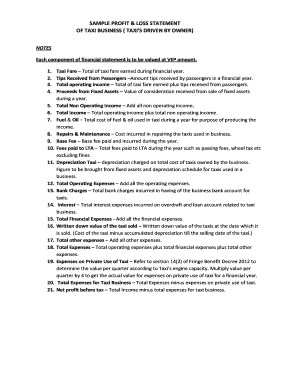
Profit and loss statement for uber driver
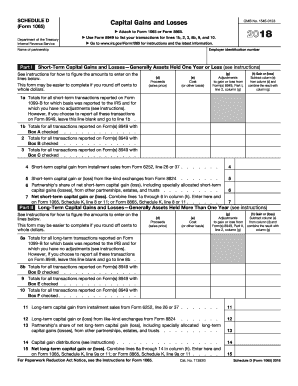
2012 irs 1065

Pesticide record keeping template
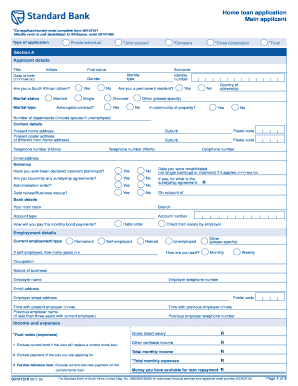
Standard bank forms download
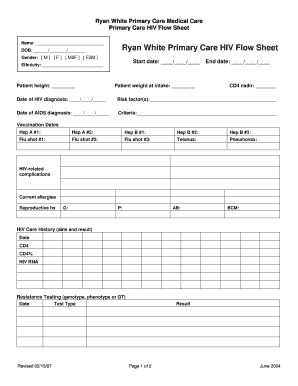
Veterinary treatment flow sheet

Kyc form
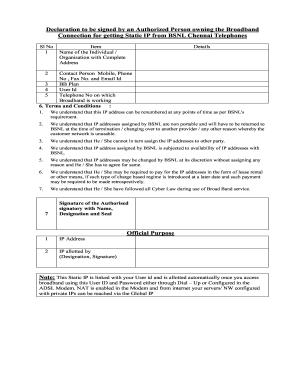
Bsnl static ip application form

2013 Financial Disclosure Form - Office of The New Mexico ...

Sworn financial statement colorado
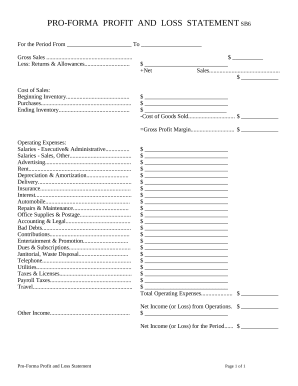
Profit and Loss Statement
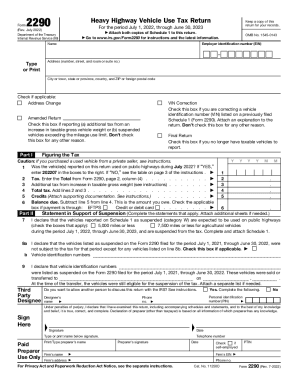
Form 2290 (Rev. July 2022). Heavy Highway Vehicle Use Tax Return
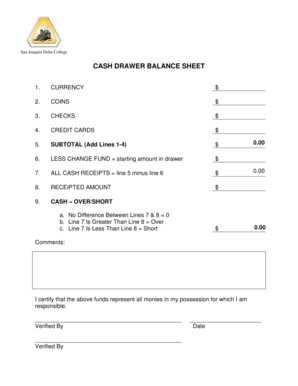
Cash drawer balance sheet
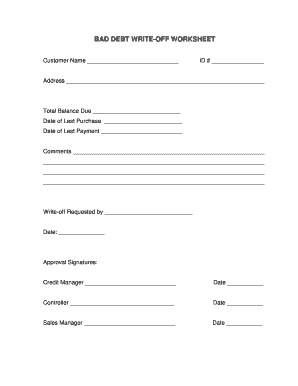
Debt write off worksheet
Get and manage Software Balance Sheet Templates online
Speed up your form operations with our Software Balance Sheet Templates library with ready-made templates that suit your requirements. Get the document, modify it, complete it, and share it with your contributors without breaking a sweat. Start working more efficiently with the documents.
The best way to manage our Software Balance Sheet Templates:
- Open our Software Balance Sheet Templates and search for the form you require.
- Preview your document to ensure it’s what you want, and click on Get Form to start working on it.
- Modify, include new text, or point out important information with DocHub features.
- Fill out your form and save the adjustments.
- Download or share your document with other people.
Examine all of the opportunities for your online document management with the Software Balance Sheet Templates. Get a totally free DocHub profile right now!
Video Guide on Software Balance Sheet Templates management

Commonly Asked Questions about Software Balance Sheet Templates
Is there a balance sheet template in Excel?
The Balance Sheet Template for Excel is a pre-designed spreadsheet that allows users to enter their companys financial information, including assets, liabilities, and equity. This template is useful for businesses of all sizes, as it can be customized to fit each companys specific needs.
Does QuickBooks have a balance sheet template?
The QuickBooks Online balance sheet template makes it easy The difference between assets and liabilities is displayed at the bottom as the equity or net worth of the business. Simply choose Reports Balance Sheet in QuickBooks Online and the pre-installed template is populated with your data in seconds.
Which QuickBooks sidebar option allows access to the Balance Sheet and income statement?
Reports is the QuickBooks sidebar option that provides access to the income statement and balance
Can I run a Balance Sheet by location in QuickBooks Online?
Filter by location Go to Reports (Take me there). Find and open Balance Sheet. From the Display columns by ▼ dropdown, select Locations. Select Run report.
Can QuickBooks pull a balance sheet?
QuickBooks does the math for you and can rapidly turn out accurate balance sheets so you dont have to spend all that time crunching numbers.
How to run a monthly Balance Sheet in QuickBooks Online?
Start with a Balance Sheet Standard report. On the Display tab, change the From and To dates to include the months you want to report on. Choose Month for the Display columns by field. Click OK to run the report.
Which software is used for balance sheet?
QuickBooks organizes your accounting data so you can easily run up-to-date balance sheet reports whenever you need them. Print the reports you need, or save them as a PDF to send to your accountant. Save time and track your finances in one placelet QuickBooks accounting software do the hard work for you.
How do you generate a Balance Sheet to see accounts receivable in QuickBooks?
Go to Business overview, and select Reports (Take me there). Locate and open the Balance Sheet report. Select the amount listed for the Accounts Receivable (A/R) or Accounts Payable (A/P) account to open Transaction Report for that account.
Related Templates
ILLINOIS MONTH-TO-MONTH RENTAL AGREEMENT
The document is an Illinois Month-to-Month Lease Agreement outlining the terms and conditions between a landlord and ten ...
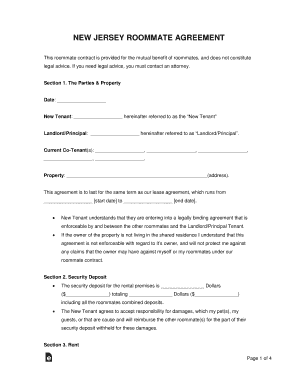
Free New Jersey Roommate Agreement Form - PDFWordeForms
The New Jersey Roommate Agreement outlines the terms and responsibilities of roommates sharing a rental property. It inc ...

New mexico three day notice non payment
The document is a formal three-day notice of non-payment of rent issued to residents, indicating their failure to comply ...

Contract change order
The document is a Change Order form used in construction contracts, detailing modifications to the original contract inc ...
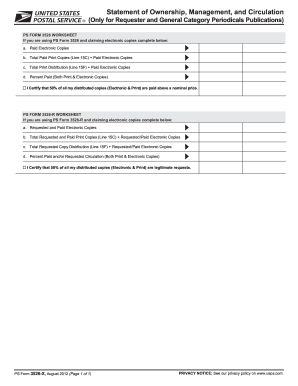
Disclosure non
The document outlines the requirements for completing PS Form 3526 and PS Form 3526-R, which pertain to the ownership, m ...

Usps form 3533
The document is an application form for customers to request refunds for fees, products, or to withdraw from customer ac ...
Mailing form
The document is a presentation from a USPS customer webinar held in January 2016, focusing on the Certificate of Mailing ...
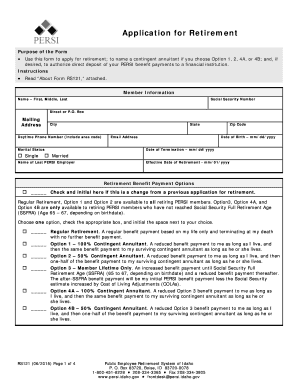
Application for Retirement (RS121) - PERSI - Idaho
The document is an application form for retirement from the Public Employee Retirement System of Idaho (PERSI). It outli ...