
One note Balance Sheet Templates
Obtain the best up-to-date One note Balance Sheet Templates with DocHub online collection. Personalize and collaborate on your financial statements with your team in real-time without losing important details.

Create a new One note Balance Sheet Template

Personal financial statement template
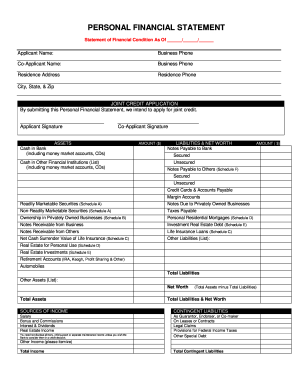
Personal financial statement

Debtor credit e

Cash count sheet

Cornell notes template google docs
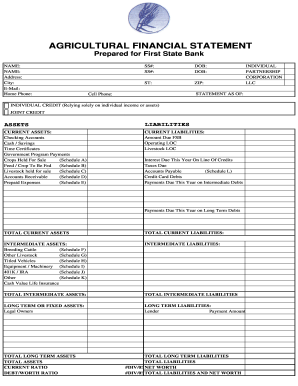
Agriculture financial statement excel

Profit and loss statement for self employed hairdresser

Hvac air balance report template excel

Business debt schedule template
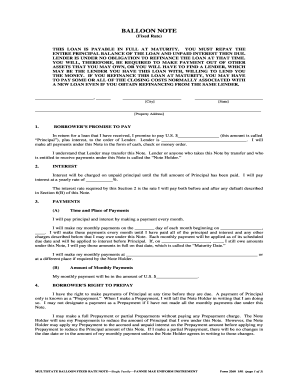
Balloon mortgage note
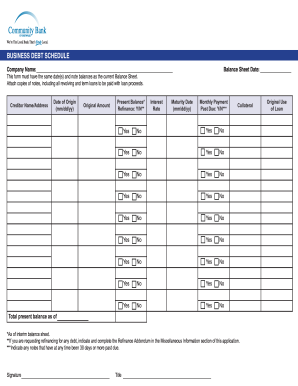
Debt schedule template excel

Progress notes template

Personal balance sheet pdf
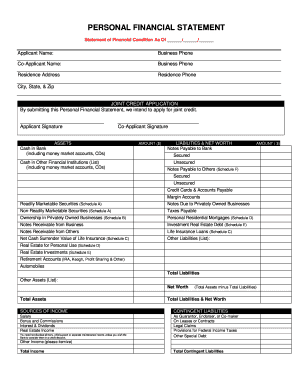
Sba form 413 fillable

F financial statement

Citibank personal financial summary form
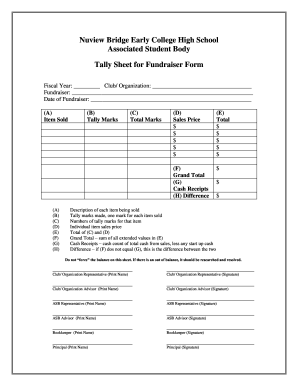
Tally sheet template
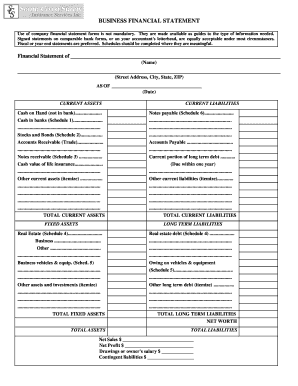
Business financial statement form

Financial statement of judgment debtor massachusetts form
Draw Sheet for 32 Entries
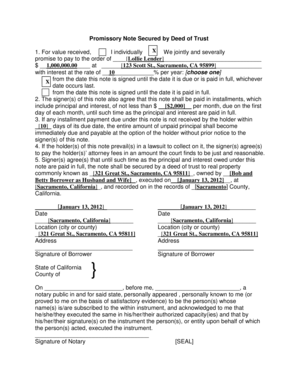
Promissory note secured by deed of trust california form
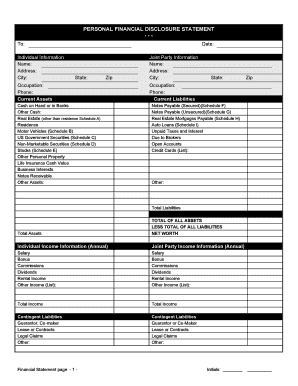
Financial statement form personal
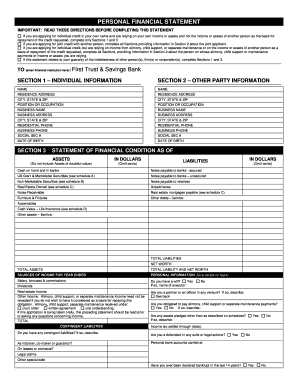
Personal financial statement - First Trust & Savings Bank
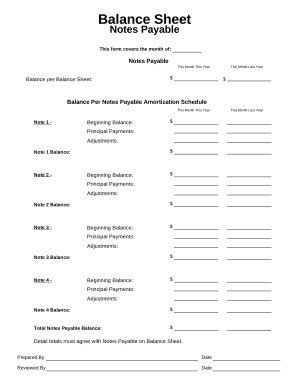
Balance sheet form
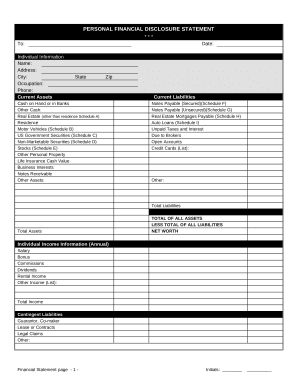
Financial form
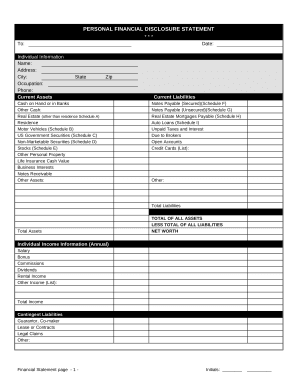
Financial statement form

Family Financial Statement
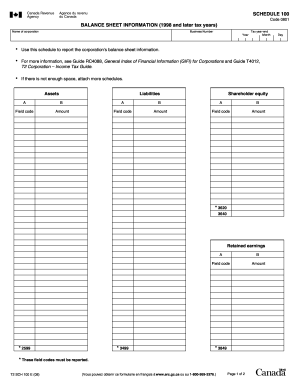
Balance sheet information schedule 100 2020
Instructions for form 1065
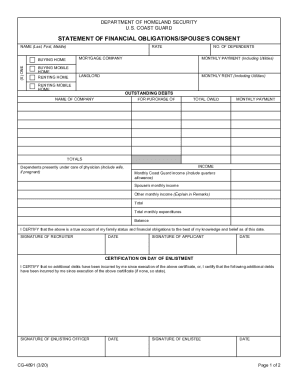
Statement of financial form
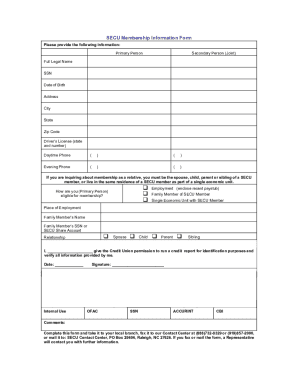
Secu bank statement template

Personal Financial Statement - Emprise Bank
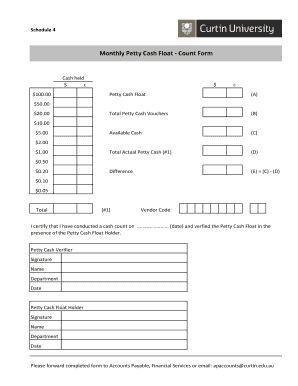
Cash float template

CODE REVISER USE ONLY PROPOSED RULE MAKING - dshs wa
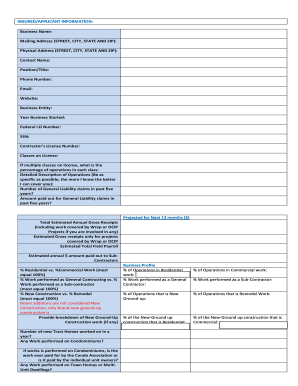
GL LEAD SHEET
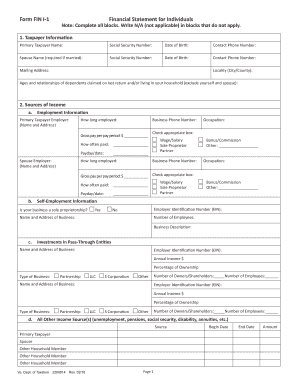
Form FIN-1 - Financial Statement for Individuals Form FIN-1 - Financial Statement for Individuals
-
1
- 2
Transform your template operations with One note Balance Sheet Templates
Your workflows always benefit when you can get all the forms and documents you require on hand. DocHub delivers a a huge collection of documents to relieve your day-to-day pains. Get hold of One note Balance Sheet Templates category and easily discover your form.
Begin working with One note Balance Sheet Templates in a few clicks:
- Browse One note Balance Sheet Templates and locate the form you require.
- Click on Get Form to open it in the editor.
- Begin adjusting your form: add fillable fields, highlight sentences, or blackout sensitive facts.
- The application saves your adjustments automatically, and after you are all set, you are able to download or distribute your form with other contributors.
Enjoy seamless form management with DocHub. Check out our One note Balance Sheet Templates online library and locate your form today!
Video Guide on One note Balance Sheet Templates management

Commonly Asked Questions about One note Balance Sheet Templates
Are there templates for OneNote?
OneNote comes with several built-in templates, including decorative page backgrounds and to-do lists. You can create your own template or customize an existing one.
Can you use OneNote to budget?
Organize project information: OneNote is a great tool for organizing project information such as project goals, timelines, budgets, and team members. You can create a dedicated notebook for your project and use sections and pages to organize information.
Does OneNote have a digital planner?
OneNote offers various templates for different purposes (e.g., meeting notes, project planning, to-do lists). Utilize these templates to streamline your note-taking process. Even better, download a planner thats already set up to do this! We recommend this one.
Does Planner integrate with OneNote?
Planner integrates with Teams, OneNote, Outlook, your mobile phone, etc. You can easily export your plan to Excel as well as copy or leave a plan.
Does Microsoft have a digital planner?
Digital Planner - Creative Agenda Organizer - Free download and on Windows | Microsoft Store.
Does OneNote have a planner template?
OneNote comes with several built-in page templates, including decorative page backgrounds, planners, and To Do lists. If youd like, you can also create your own page template or customize an existing one.
Can you make a digital planner in OneNote?
How to Use OneNote as a Digital Planner Notebook Structure: Users can create multiple notebooks, sections, and pages, providing a hierarchical structure to organize notes. Multimedia Support: Users can add various types of content, including text, images, audio, video, drawings, links, files, and more.
Can you journal with OneNote?
All your ideas in one place OneNotes pages, sections, and notebooks offer near-endless versatility. Unlike an actual journal, your OneNote notebook will grow with enough room for a lifetimes worth of writing. Fortunately, OneNote makes it easy to begin journaling.
Related Templates
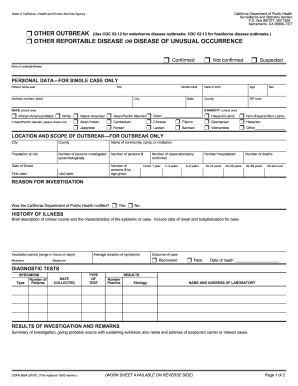
8554 reportable form
The document is a reporting form from the California Department of Public Health for documenting outbreaks of diseases, ...
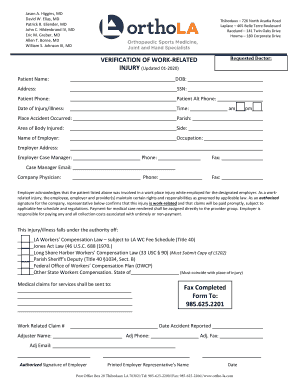
PDF Work-Related Injury
The document is a verification form for work-related injuries, detailing the necessary information about the patient, em ...
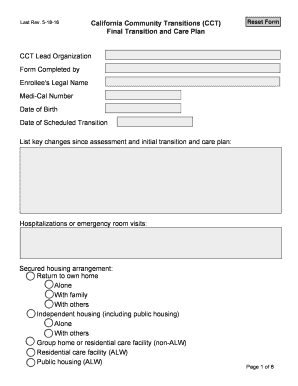
CCT Final Transition and Care Plan - dhcs ca
The document outlines the California Community Transitions (CCT) Final Transition and Care Plan, detailing the necessary ...
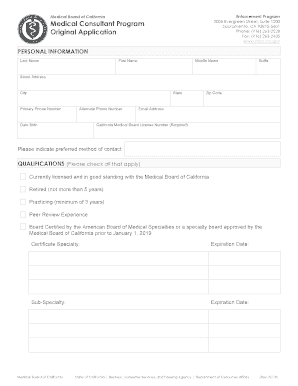
Medical Consultant Program Original Application Medical Consultant Program Original Application
Medical Consultant Program Original Application Medical Consultant Program Original Application
The document is an application form for the Medical Consultant Program by the Medical Board of California. It collects p ...
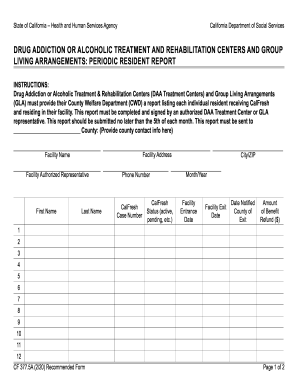
Substance Abuse Counselor - Human Services Edu
The document outlines the reporting requirements for Drug Addiction or Alcoholic Treatment and Rehabilitation Centers (D ...
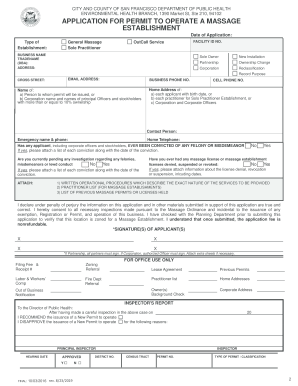
Sole Practitioner Establishment Permit Application
The document outlines the application process for obtaining a Sole Practitioner Establishment Permit to operate a massag ...
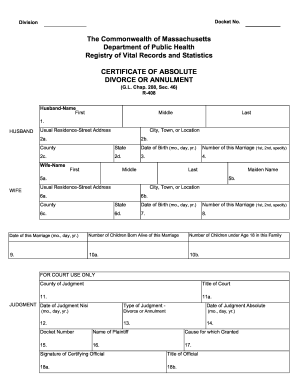
Massachusetts divorce form
The document is a Certificate of Absolute Divorce or Annulment issued by the Commonwealth of Massachusetts Department of ...

Sra maryland gov
The document provides a Service Retirement Estimate Request form for eligible members of the Maryland State Retirement a ...