
Home closing Balance Sheet Templates
Browse Home closing Balance Sheet Templates and create a tailored financial statement. Edit, complete, eSign, and send your balance sheets without holdups.

Create a new Home closing Balance Sheet Template
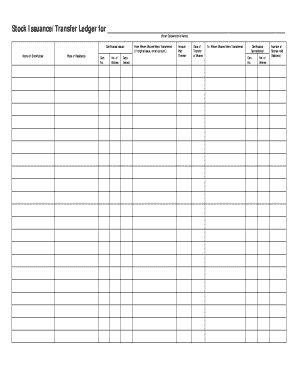
Stock ledger template
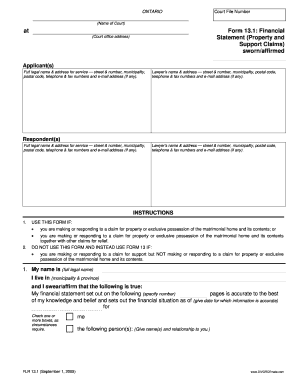
13 1 financial statement

Cash count sheet

Stock ledger
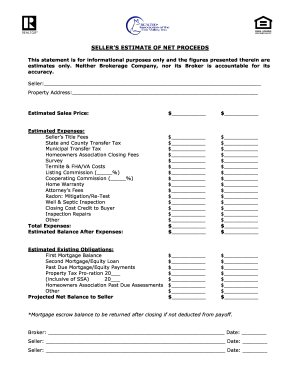
Sellers net sheet fillable
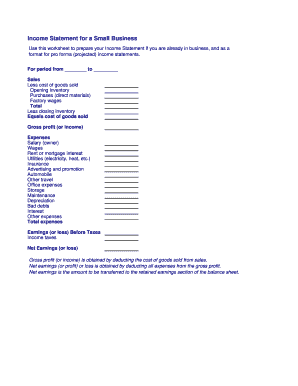
Business income statement
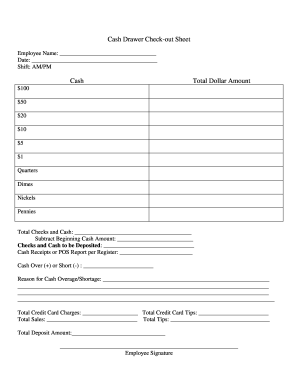
Cash drawer reconciliation template
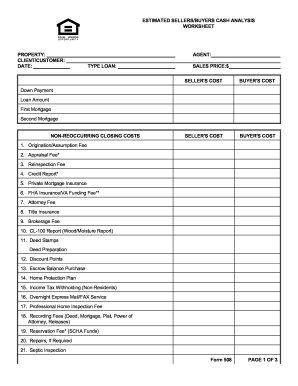
Sellers net sheet fillable
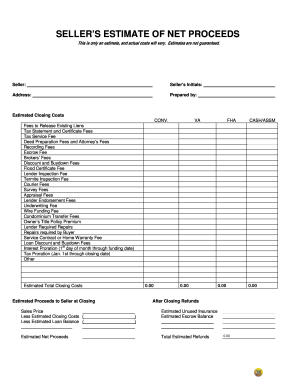
Seller net proceeds sheet
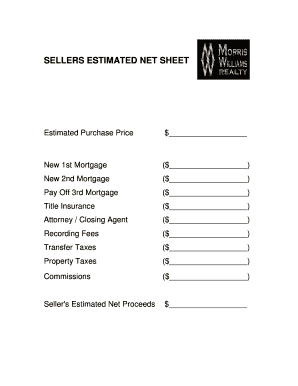
Real estate net sheet printable
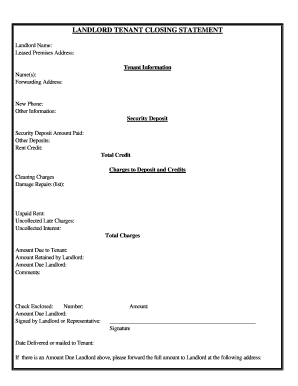
Arizona Landlord Tenant Closing Statement to Reconcile Security Deposit
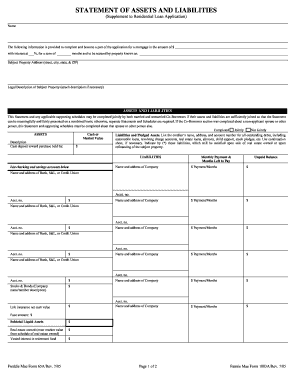
Form assets liabilities blank

Closing statement form

Convertible note agreement
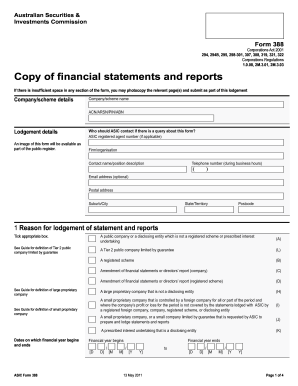
Form 388 - Australian Securities and Investments Commission - asic gov
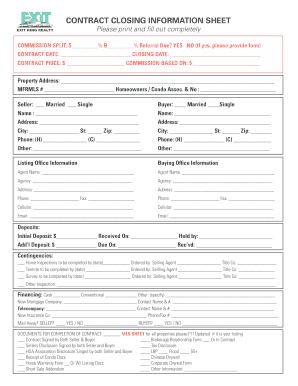
Closing information sheet

Real estate lien note
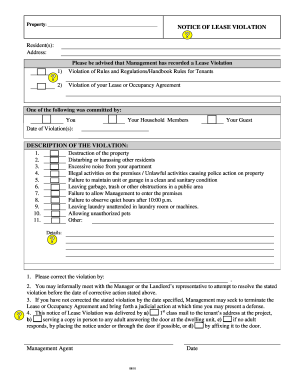
Apartment violation template
BLANK T Account Form
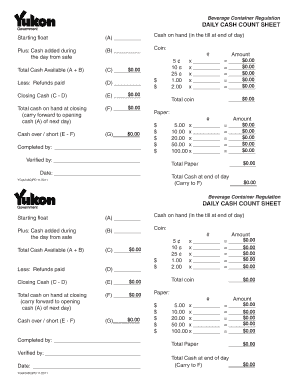
Cash count sheet template
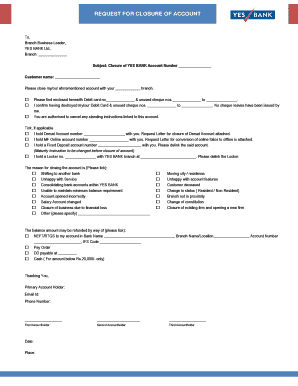
Yes bank account closure form online
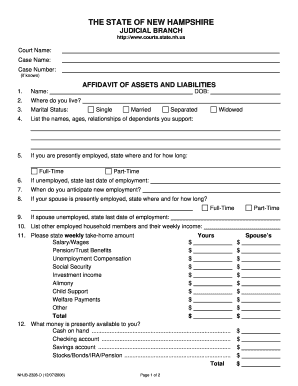
Nhjb 2328 d

Money count sheet

DISBURSEMENT AUTHORIZATION FORM ESCROW BROKER ...
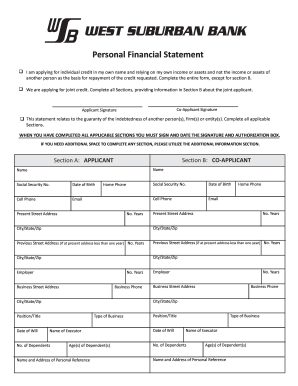
West bank personal financial statement

Bank statement for university
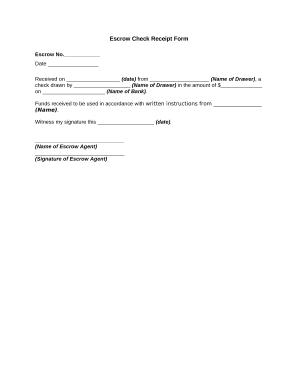
Escrow form
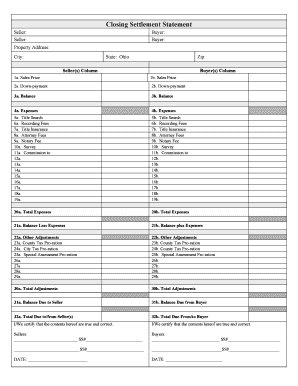
Closing statement form
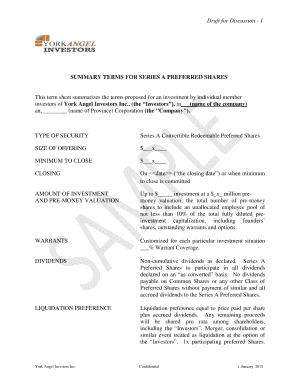
Term sheet template for angel investment
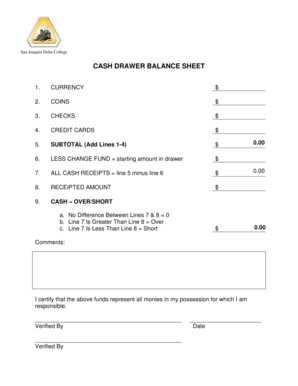
Cash drawer balance sheet
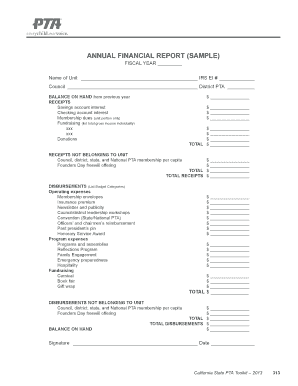
Pta financial sample
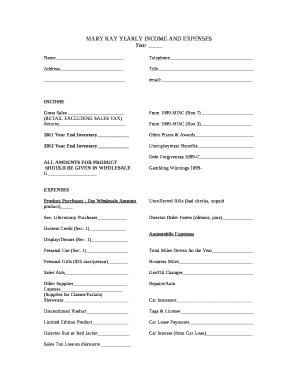
Mary kay inventory spreadsheet
Improve your productiveness with Home closing Balance Sheet Templates
Record management occupies to half of your business hours. With DocHub, it is possible to reclaim your office time and increase your team's efficiency. Get Home closing Balance Sheet Templates collection and check out all document templates related to your day-to-day workflows.
Easily use Home closing Balance Sheet Templates:
- Open Home closing Balance Sheet Templates and utilize Preview to get the appropriate form.
- Click on Get Form to begin working on it.
- Wait for your form to upload in the online editor and begin modifying it.
- Add new fillable fields, symbols, and pictures, adjust pages order, etc.
- Fill out your template or prepare it for other contributors.
- Download or share the form by link, email attachment, or invite.
Boost your day-to-day file management using our Home closing Balance Sheet Templates. Get your free DocHub account today to discover all templates.
Video Guide on Home closing Balance Sheet Templates management

Commonly Asked Questions about Home closing Balance Sheet Templates
How to show a mortgage on a balance sheet?
Some items will fit on both sides of the balance sheet. For example, you own your home, so list the value as an asset ($200,000). However, you still have mortgage debt, so list the amount you still owe as a liability ($105,000). Land Loans: How to Do a Balance Sheet | AgSouth Farm Credit AgSouth Farm Credit news blog land-loans-h AgSouth Farm Credit news blog land-loans-h
How to show loan in balance sheet?
Bank Loan is shown in the Equity and Liabilities side of Balance Sheet under the head Non-current liabilities and sub-head Long-term borrowings.
How do I report a mortgage on my balance sheet?
Mortgage Payable on Balance Sheet As Accounting Coach reports, a small business reports the mortgage as a line item called mortgage payable in the liabilities section of its balance sheet and reduces this amount as it pays down the balance. Liabilities are debts a business owes to other parties.
How to create a real estate balance sheet?
Follow these steps: Step 1: Pick the balance sheet date. Step 2: List all of your assets. Step 3: Add up all of your assets. Step 4: Determine current liabilities. Step 5: Calculate long-term liabilities. Step 6: Add up liabilities. Step 7: Calculate owners equity. Step 8: Add up liabilities and owners equity. How To Create a Balance Sheet: A Step-by-Step Guide - Ramp Ramp blog how-to-make-a-balance-sheet Ramp blog how-to-make-a-balance-sheet
Is there a balance sheet template in Excel?
The Balance Sheet Template for Excel is a pre-designed spreadsheet that allows users to enter their companys financial information, including assets, liabilities, and equity. This template is useful for businesses of all sizes, as it can be customized to fit each companys specific needs. How to Create a Comprehensive Balance Sheet Template for Excel Altametrics topics how-to-create-a-compre Altametrics topics how-to-create-a-compre
How to create a household balance sheet?
Steps to Preparing a Simple Balance Sheet: Add the value of all assets. List total under assets. Add the total obligations owed. List total under liabilities. Subtract the liabilities from the total assets to determine net worth. List the amount under personal equity. Personal Balance Sheet | Overview, Types Examples - Lesson Study.com learn lesson personal-balance-sheet Study.com learn lesson personal-balance-sheet
Where does a mortgage come in a balance sheet?
A mortgage loan is classified as a non-current liability in the balance sheet. Non-current liabilities are debt or obligation in which payment is expected to made in a period of more than 1 year from the date of the reporting period.
How is a mortgage recorded in accounting?
Recognition and Measurement: Mortgage loans are initially recorded at the principal amount disbursed to the borrower. Over time, these loans are measured using the effective interest method, considering interest income accruals, amortization, and any impairment losses.
Related Templates
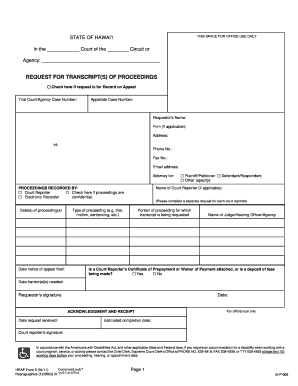
Hi ia p 009 form
The document is a request form for transcripts of court proceedings in the State of Hawai#i, intended for use in appeals ...

California denial petition
The document is a court form (JV-826) from the California Court of Appeal, indicating the denial of a petition due to re ...
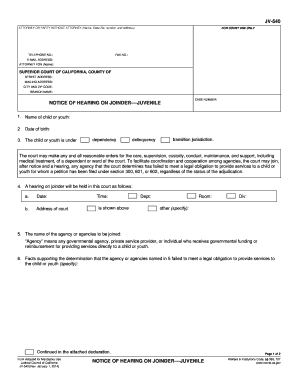
Ca jv 540 get
The document JV-540 is a legal notice for a hearing on joinder in juvenile court, addressing the care and services provi ...
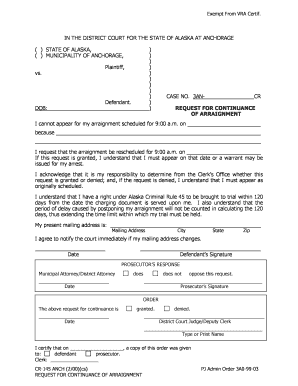
IN THE DISTRICT COURT FOR THE STATE OF ALASKA AT ANCHORAGE
The document is a formal request for a continuance of an arraignment in the District Court for the State of Alaska at An ...
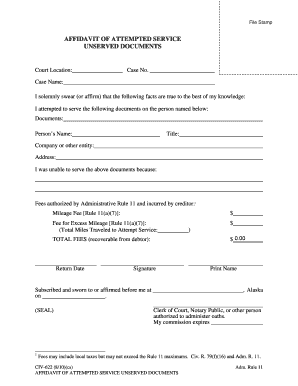
Civ 622 service form
The document is an Affidavit of Attempted Service for unserved legal documents, detailing the attempt to serve specific ...

Civil filing form
The document is a General Civil Case Filing Information Form for non-domestic cases in a Superior State Court. It includ ...

Inmate from Portland dies at Maine State Prison - Portland
The document is a recommended decision from the United States District Court for the District of Maine regarding a civil ...

STATE OF VERMONT PROBATE COURT DISTRICT OF , SS DOCKET NO
The document is a petition form for appointing a guardian for a minor in the State of Maine, detailing required informat ...