
Electronic of purchase Order Forms
Ensure your company's productivity with Electronic of purchase Order Forms templates. Choose order templates, modify and share them with your customers in a few clicks.

Create a new Electronic of purchase Order Form
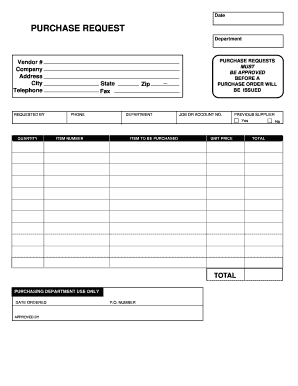
Purchase request form
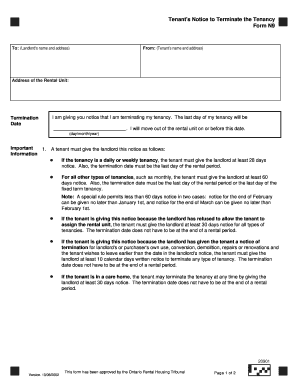
N9 form by email
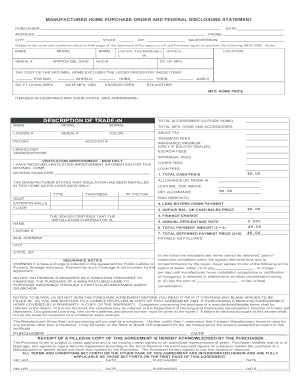
Manufactured home purchase order

Embroidery purchase order form
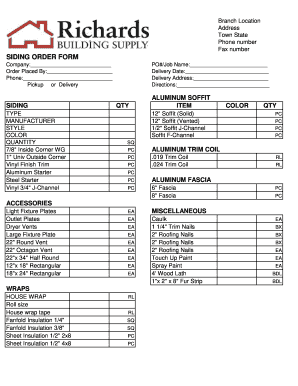
Siding order form
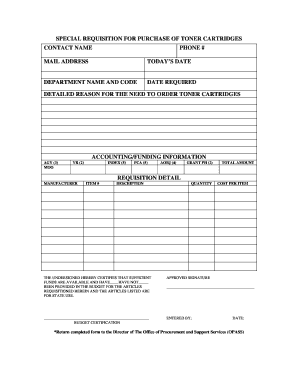
Parts requisition form
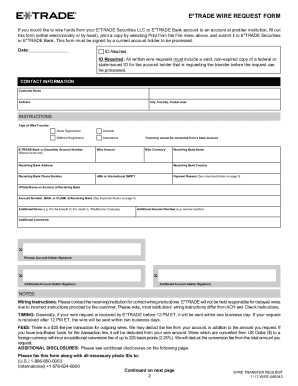
COMPLETE YOUR E*TRADE WIRE REQUEST FORM IN FOUR EASY
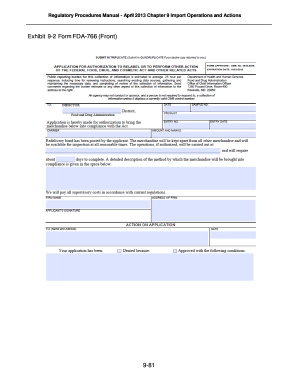
Form fda 766
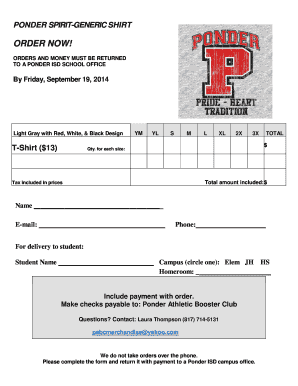
Tshirt order forms templates
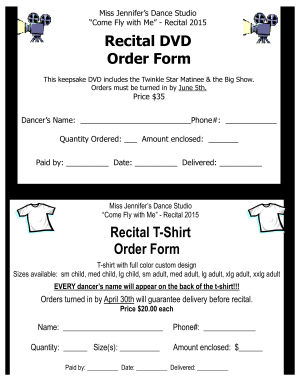
Dvd order form
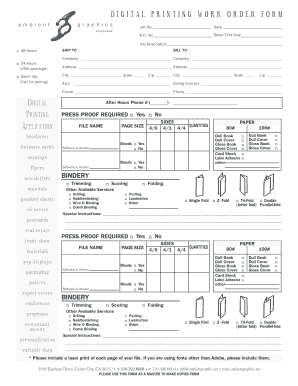
DIGITAL PRINTING WORK ORDER FORM
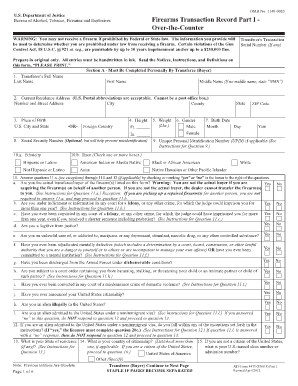
Washington state 4473 form
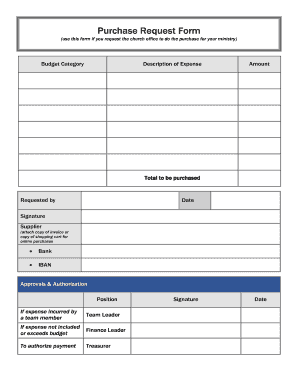
Purchase Request Form (use this form if you request the church office to do the purchase for your ministry) Budget Category Description of Expense Amount - ibcberlin
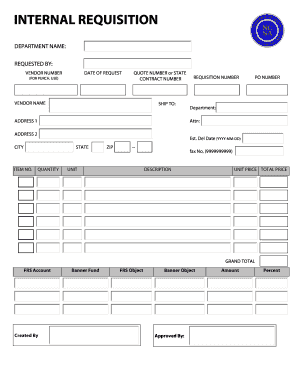
Internal requisition form
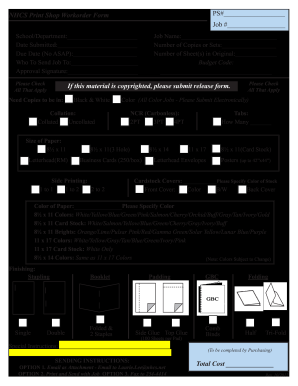
Print order form
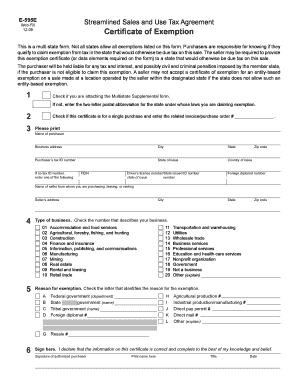
E 595e
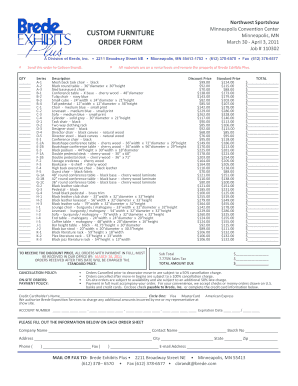
Furniture order form
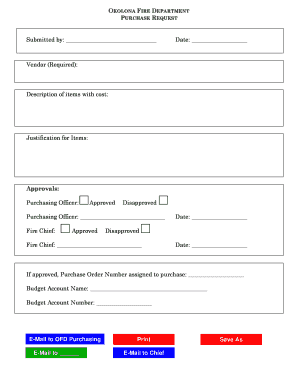
Purchase request form
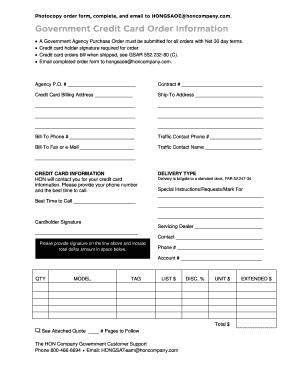
Government purchase order

Pay order form
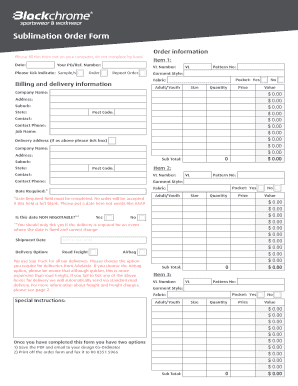
Sublimation order forms
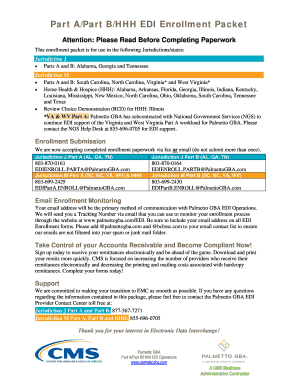
Edi enrollment agreement

Seed purchase order
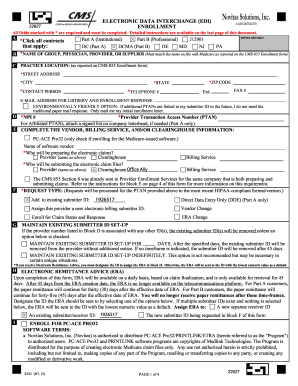
Electronic Data Interchange (EDI) Enrollment (8292 form) - Office Ally
850 v4010 - Insight
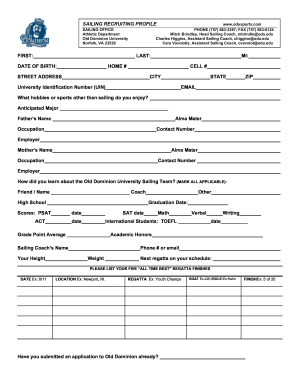
Job order form
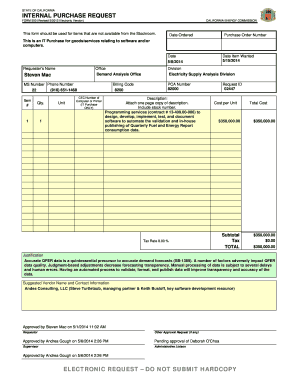
INTERNAL PURCHASE REQUEST
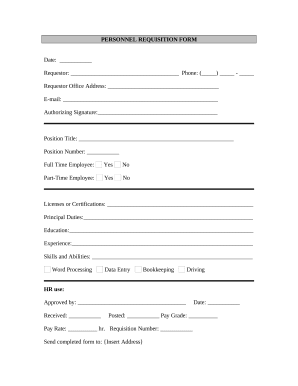
Requisition form
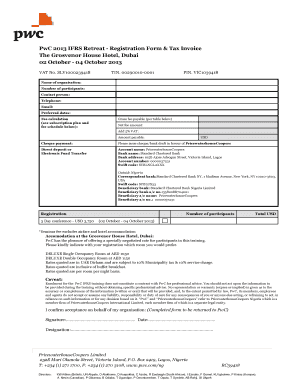
Pwc invoice
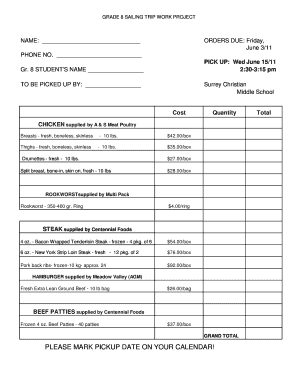
Meat order form template
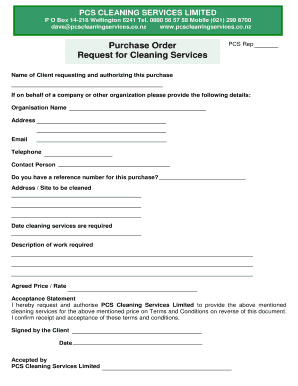
Purchase Order and Request for Cleaning Services
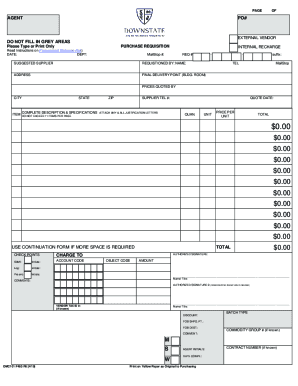
Dhsu-purchase-requisition-form

Subway group order form
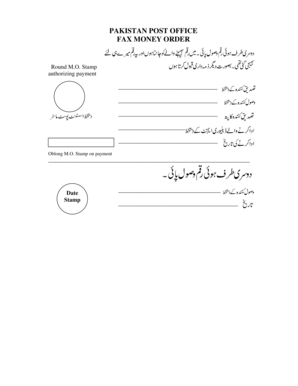
Can i fax a money order

Reporting Agent Authorization Instructions This form must

EPO-001 EMERGENCY PROTECTIVE ORDER (CLETSEPO)
Get and manage Electronic of purchase Order Forms online
Speed up your document management using our Electronic of purchase Order Forms library with ready-made form templates that meet your requirements. Access the document, alter it, fill it, and share it with your contributors without breaking a sweat. Start working more efficiently with the forms.
The best way to manage our Electronic of purchase Order Forms:
- Open our Electronic of purchase Order Forms and search for the form you want.
- Preview your document to ensure it’s what you want, and click Get Form to start working on it.
- Edit, include new text, or point out important information with DocHub features.
- Fill out your form and save the changes.
- Download or share your form template with other recipients.
Discover all the opportunities for your online document management with the Electronic of purchase Order Forms. Get your free free DocHub account right now!
Video Guide on Electronic of purchase Order Forms management

Commonly Asked Questions about Electronic of purchase Order Forms
How do I make an electronic purchase order?
A digital purchase order (PO) is an electronic document that a buyer creates and sends to a supplier to request goods or services. It typically includes information such as the item or service requested, quantity, price, delivery date, and payment terms.
How does a digital purchase order work?
An electronic purchase order is similar to a traditional purchase order, except that the data isnt recorded on paper. The electronic requisition system creates a digital purchase order that outlines the line items in the order, the price and quantity, delivery instructions, and terms and conditions.
How do you make a digital PO?
How To Create A Digital Purchase Order? Setup up a purchasing policy. Setup the approval workflow for purchasing and finance approval. Select the appropriate PO template. Create a purchase order request. Send the purchase order request for approval. Dispatch purchase order to the supplier. Track the purchase order.
What is digital PO?
A digital purchase order (DPO) is an electronic document that outlines the terms and conditions of a transaction between a buyer and a seller. They are typically generated in an electronic purchase order system or from a purchase requisition.
What does a digital purchase mean?
Digital purchases are purchases for digital goods completed directly from within the app. Typically, these purchases are for additional content or premiums.
How to make How to make a purchase order form?
Heres a breakdown of the typical purchase order form format: Header. Buyer and seller details, addresses, contacts, and a unique PO number. Date and delivery. Issue date and expected delivery date. Itemized list. Payment terms. Shipping/billing. Signatures. Logo and branding. A quick guide to a purchase order form | docHub docHub.com acrobat business hub qui docHub.com acrobat business hub qui
What is a digital purchase order?
For automatic PO creation from PR, follow the steps: Material Master purchasing view tick automatic PO check box. MM01. Vendor Master purchasing view tick automatic PO check box. XK01. Maintain Source list for Vendor Material. ( Maintain Purchase Info Record. ( Create a Purchase Requisition. ( Use T.
Related Templates
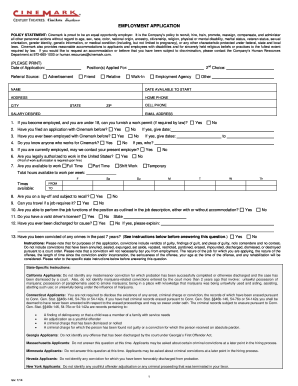
Cinemark Jobs - Fill Online, Printable, Fillable, BlankDocHub
The document is an employment application for Cinemark, outlining the company's equal opportunity employment policy and ...
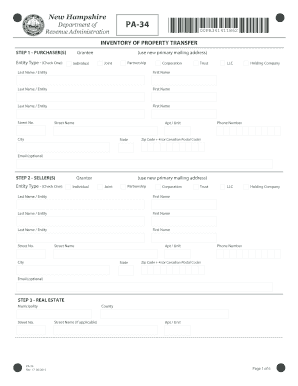
Pa-34-v1-0
The document is the PA-34 form from the New Hampshire Department of Revenue Administration, which is used for reporting ...

Mass orgsmassachusetts-department-ofMassachusetts Department of Children and Families (DCF)
Mass orgsmassachusetts-department-ofMassachusetts Department of Children and Families (DCF)
The document outlines the Medication Administration Record for Group Homes for Children, detailing the voluntary use of ...
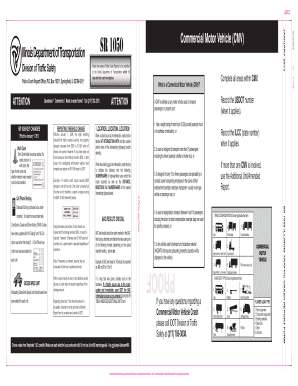
Illinois crash report template
The document outlines the changes to the Illinois Traffic Crash Report procedures effective January 1, 2013, including u ...
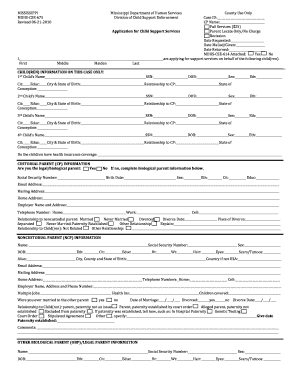
Application for Child Support Services - Mississippi Department of - mdhs state ms
The document is an application form for child support services provided by the Mississippi Department of Human Services, ...

- irs
The document provides guidelines for organizations seeking 501(c)(3) tax-exempt status under the Internal Revenue Code. ...

EXECUTIVE OFFICER'S DECLARATION -
The document is an Executive Officer's Declaration for the Bureau of Workers' Compensation in Pennsylvania, requiring ex ...
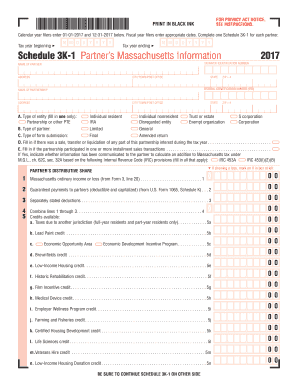
Middle School Lesson 5: Why? What happened? - EPIK
The document is a Schedule 3K-1 form for Massachusetts tax reporting, specifically for the tax year 2017. It is used to ...


