
Google document Balance Sheet Templates
Modify and fill Google document Balance Sheet Templates and securely share them online. Organize your funds and liabilities, complete, sign, and save finished forms all in one location.

Create a new Google document Balance Sheet Template

Personal financial statement template
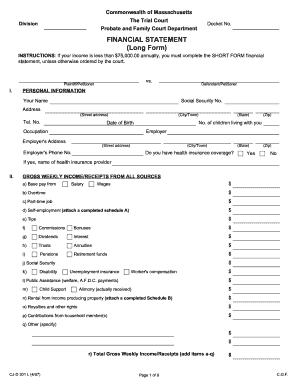
Financial statement long form

Sba form 413
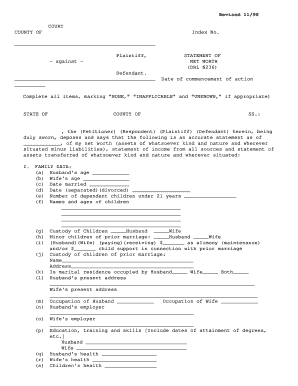
Net worth statement
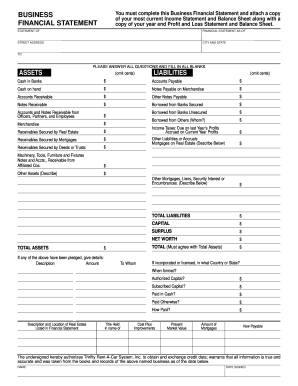
Business financial statement template
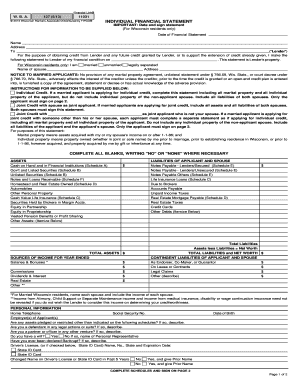
Individual financial statement
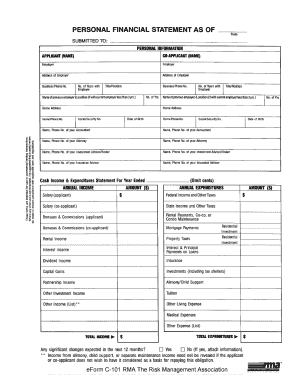
Rma personal financial statement pdf
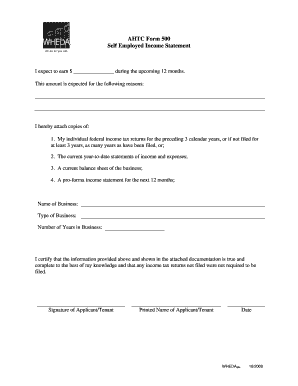
Employed income statement
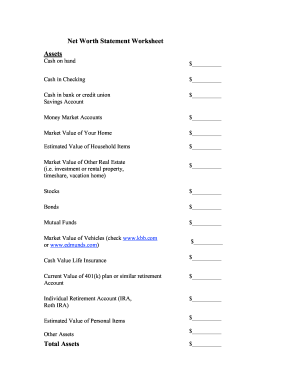
Net worth statement
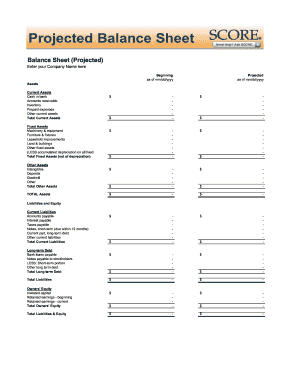
Balance sheet fill in the blank
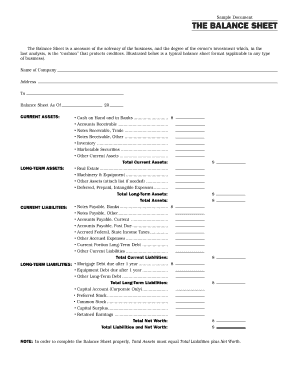
Interim ytd balance sheet pdf

Personal balance sheet pdf
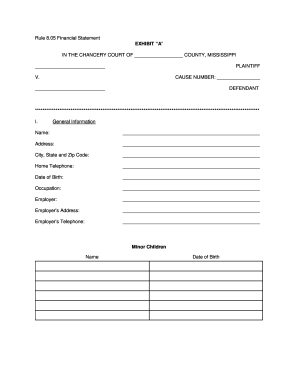
RULE 8.05 FINANCIAL DISCLOSURE - 2nd Chancery Court - 2ndchancerycourtdistrictms
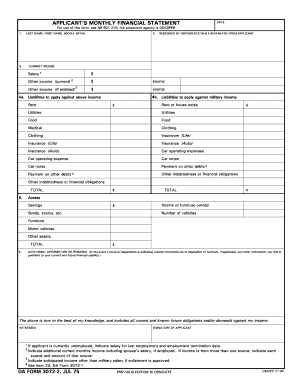
Monthly financial statements
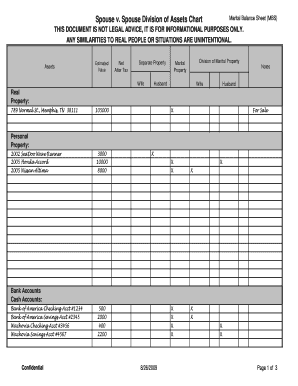
Marital balance sheet
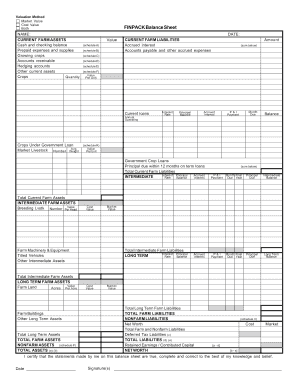
Finpack balance sheet
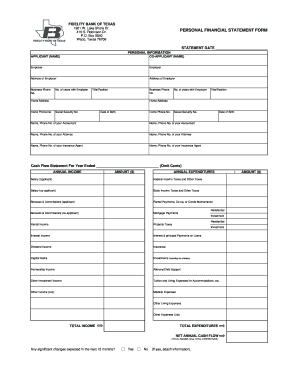
Personal financial statement form
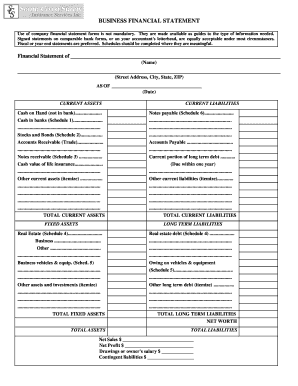
Business financial statement form
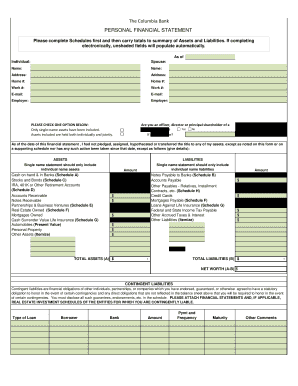
Columbia bank personal financial statement form
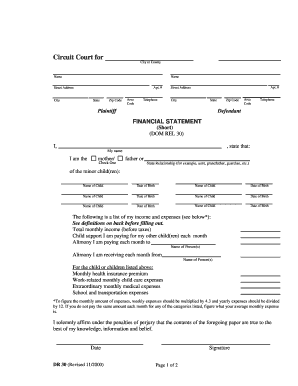
Financial statement short dr 30 form
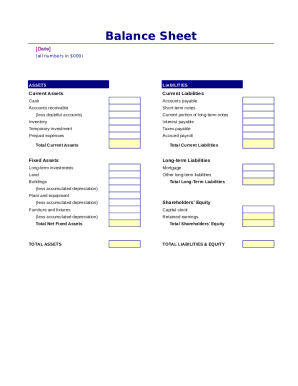
Simple balance sheet

Money count sheet

Fillable personal financial statement form
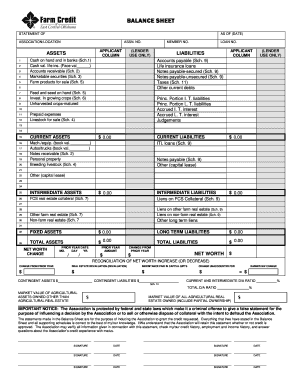
Download Financial Statement Form - Farm Credit

Sworn financial statement colorado
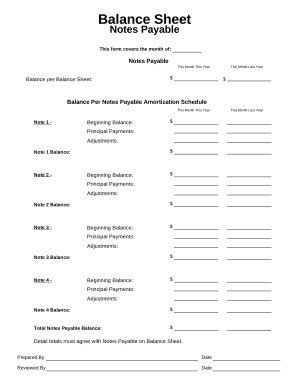
Balance sheet form

Balance Sheet
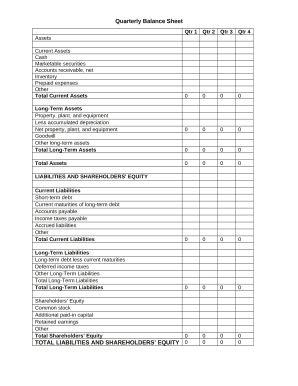
Quarterly Balance Sheet
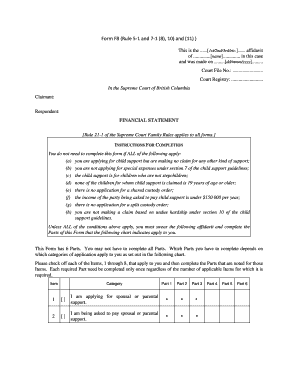
Form f8 financial statement fillable pdf

Family Financial Statement
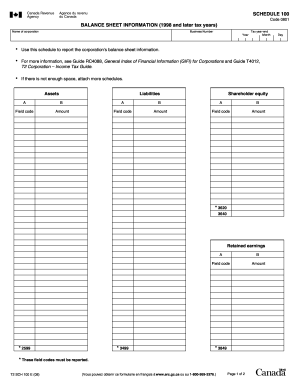
Balance sheet information schedule 100 2020

Sba form 413
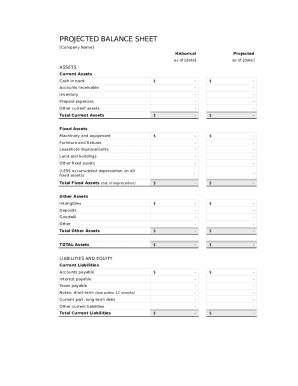
Balance sheet template fillable
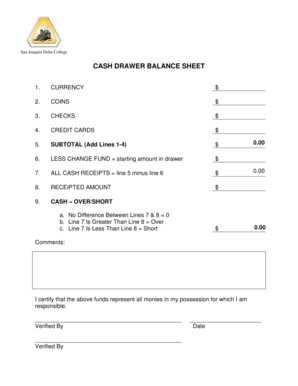
Cash drawer balance sheet

CODE REVISER USE ONLY PROPOSED RULE MAKING - dshs wa
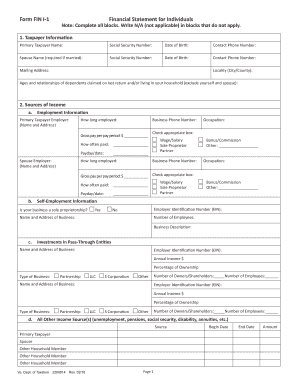
Form FIN-1 - Financial Statement for Individuals Form FIN-1 - Financial Statement for Individuals
Get and handle Google document Balance Sheet Templates online
Speed up your file management with the Google document Balance Sheet Templates online library with ready-made document templates that suit your requirements. Access your document template, edit it, fill it, and share it with your contributors without breaking a sweat. Start working more effectively together with your forms.
The best way to manage our Google document Balance Sheet Templates:
- Open our Google document Balance Sheet Templates and find the form you want.
- Preview your form to ensure it’s what you want, and click on Get Form to begin working on it.
- Modify, add new text, or highlight important information with DocHub features.
- Fill out your form and preserve the changes.
- Download or share your form with other recipients.
Discover all of the possibilities for your online file administration with our Google document Balance Sheet Templates. Get a totally free DocHub account today!
Video Guide on Google document Balance Sheet Templates management

Commonly Asked Questions about Google document Balance Sheet Templates
Are there templates for Google Sheets?
On your computer, go to Google Docs, Sheets, Slides, or Forms. At the top right , click Template Gallery. Click the template you want to use. A copy of the template opens.
How to make a simple balance sheet on Google Sheets?
Creating a balance sheet on a spreadsheet involves: Setting up three main sections: Assets, Liabilities, and Shareholders Equity. Under each section, list the respective items and their values. Ensure that the equation Assets = Liabilities + Shareholders Equity holds true.
How do you make a balance sheet for beginners?
How to make a balance sheet Invest in accounting software. Create a heading. Use the basic accounting equation to separate each section. Include all of your assets. Create a section for liabilities. Create a section for owners equity. Add total liabilities to total owners equity.
Does Google have a balance sheet?
In terms of liquidity and solvency, Google has a higher debt-to-equity ratio than its peers, but it is able to cover its current liabilities using its current assets at 4.8:1. Overall, this comparison shows that Googles balance sheet appears within the industry standards.
Does Google Docs have a balance sheet?
Navigate to the Google Docs balance sheet template of your choice. Click Use This Template, and then enter your Google account credentials if you arent already logged in.
Does Google Docs have a ledger template?
A general ledger template in Google Sheets is a digital tool for tracking financial transactions. It records all business transactions, including dates, descriptions, and amounts, ensuring that financial data is accurately maintained for decision-making and reporting.
How do you make a small balance sheet?
How to make a balance sheet in 8 steps Step 1: Pick the balance sheet date. Step 2: List all of your assets. Step 3: Add up all of your assets. Step 4: Determine current liabilities. Step 5: Calculate long-term liabilities. Step 6: Add up liabilities. Step 7: Calculate owners equity.
How do I make a plain sheet in Google Sheets?
0:08 1:36 Dots. This is where all of your Google Apps live of which sheets is simply one weve got YouTubeMoreDots. This is where all of your Google Apps live of which sheets is simply one weve got YouTube Gmail calendar. The drive docs. And check it out sheets.
Related Templates
Fl hull search
The document is a certification form for the hull identification number of a vessel in Florida, requiring owners to veri ...

Nm form mvd11026 app
The document outlines the requirements and instructions for completing the New Mexico Apportioned Registration Applicati ...
Vehicle maintenance request
The document is a Vehicle Maintenance Request Form for the Saxonburg Volunteer Fire Company Ambulance, detailing section ...

Pa vehicle registration
The document is an application form for obtaining or transferring an Emergency Vehicle registration plate in Pennsylvani ...

Real id service
The document outlines the implementation of the REAL ID Act by the DC DMV, which began issuing compliant driver licenses ...

Turno fotomulta
This document provides an explanation of the procedures for a photo ticket hearing conducted by the Department of Motor ...

Full license pdf
The document outlines the requirements for obtaining a Full License with Conditions in the District of Columbia. It spec ...
Limited Purpose Credential Step by Step Process - dmv - The - dmv dc
The document outlines the process for obtaining a Limited Purpose Driver License and Limited Purpose Identification Card ...