
Daily sales Balance Sheet Templates
Modify Daily sales Balance Sheet Templates and comply with local laws. Easily edit, complete, eSign, and distribute your balance sheets with other contributors.

Create a new Daily sales Balance Sheet Template
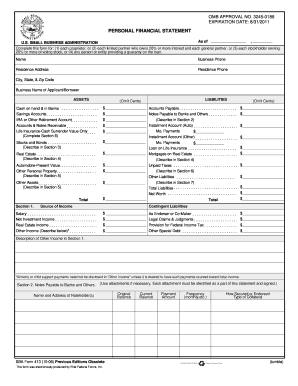
Personal financial statement template 2008 form
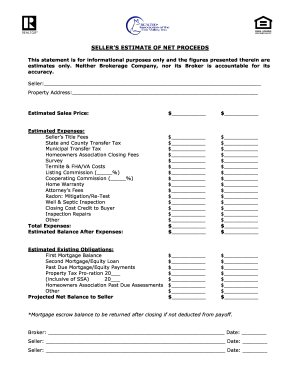
Sellers net sheet fillable
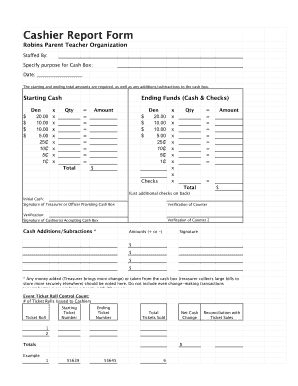
End of day cash register report template
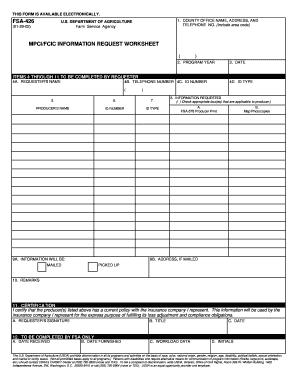
Fsa 426
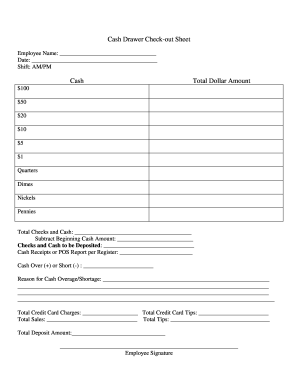
Cash drawer reconciliation template
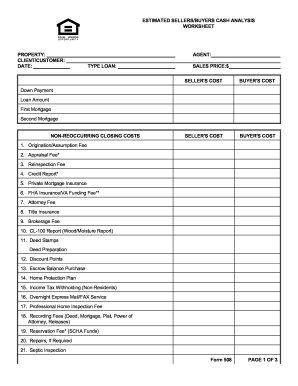
Sellers net sheet fillable
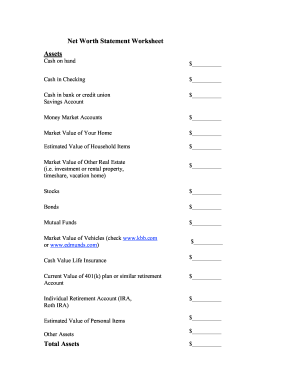
Net worth statement
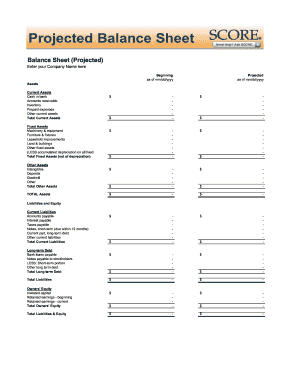
Balance sheet fill in the blank
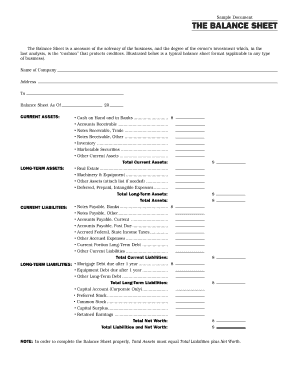
Interim ytd balance sheet pdf
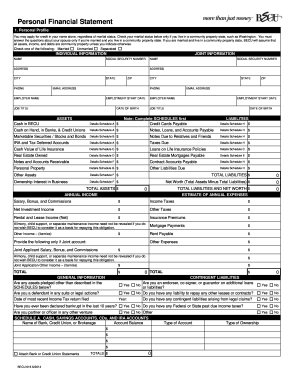
Becu financial statement
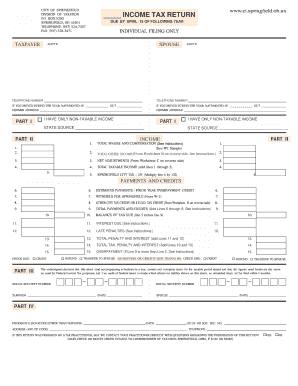
City of springfield income tax
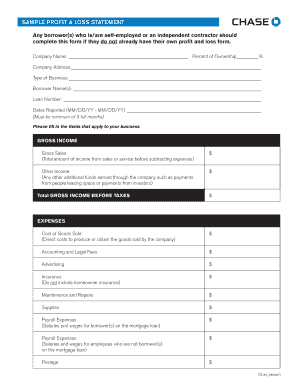
Sample Profit and Loss Statement PDF - Chase
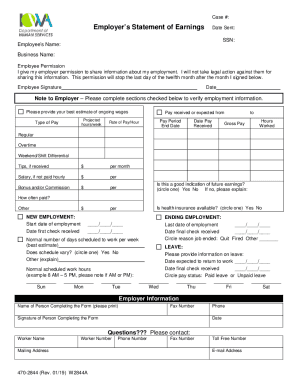
Employer statement of earnings
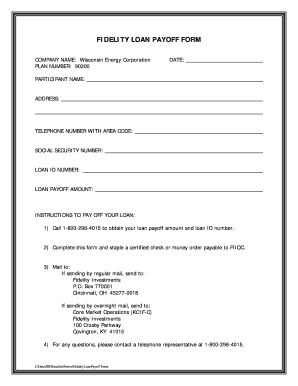
Vehicle payoff letter template
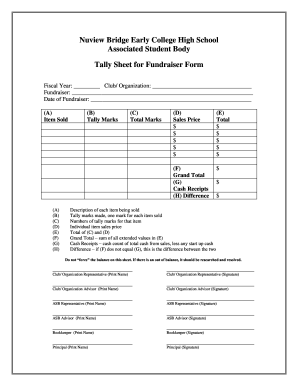
Tally sheet template
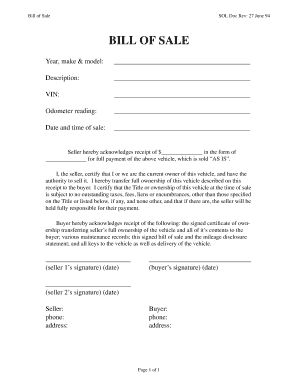
Bill of sale receipt
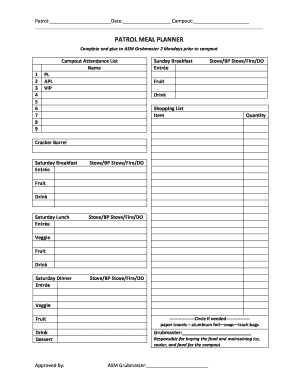
Meal plan template pdf
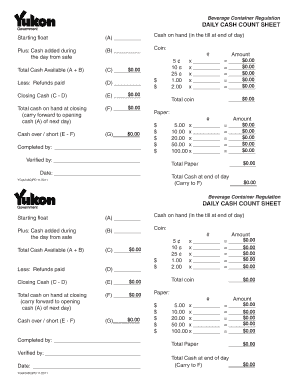
Cash count sheet template
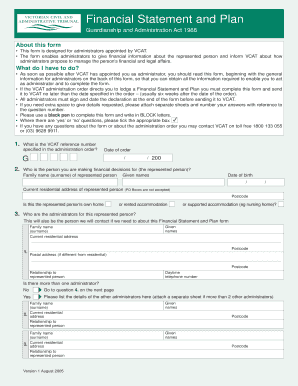
Vcat financial statement and plan
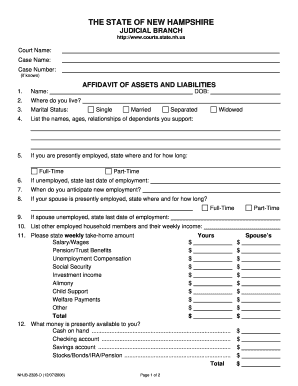
Nhjb 2328 d

Pardot grading worksheet
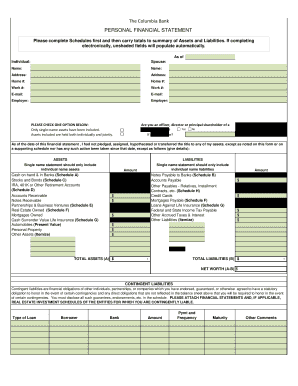
Columbia bank personal financial statement form
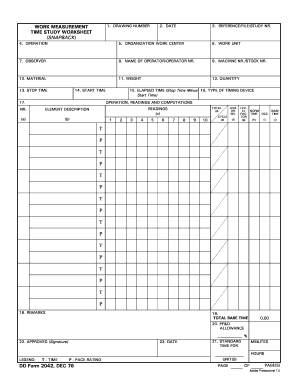
Time study worksheet
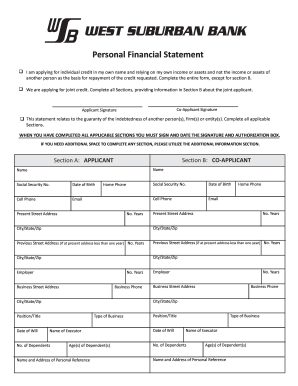
West bank personal financial statement
Financial projections
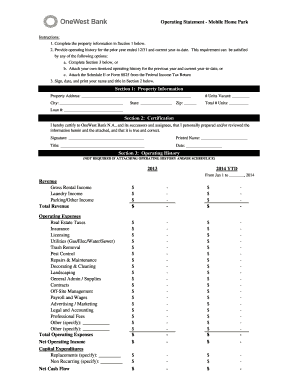
Project operating statement
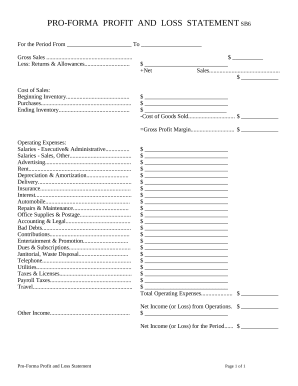
Profit and Loss Statement
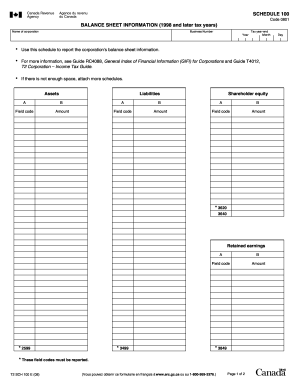
Balance sheet information schedule 100 2020
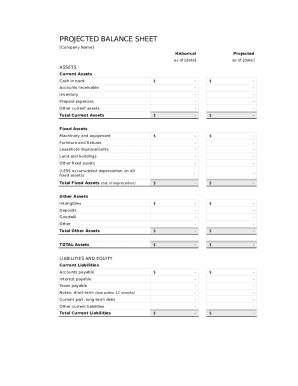
Balance sheet template fillable
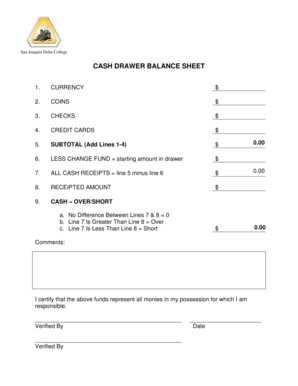
Cash drawer balance sheet
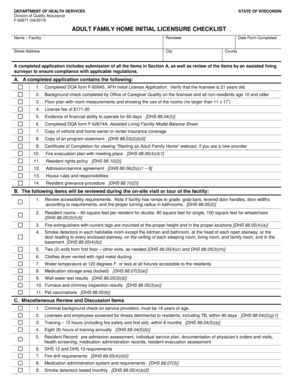
Fillable f62674a
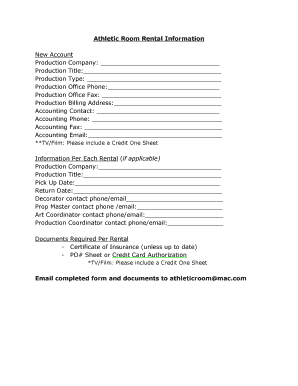
Credit one sheet
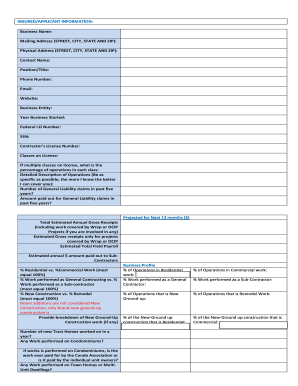
GL LEAD SHEET
Get and manage Daily sales Balance Sheet Templates online
Boost your form administration with our Daily sales Balance Sheet Templates collection with ready-made form templates that suit your needs. Access your document, edit it, fill it, and share it with your contributors without breaking a sweat. Begin working more efficiently together with your documents.
The best way to manage our Daily sales Balance Sheet Templates:
- Open our Daily sales Balance Sheet Templates and find the form you require.
- Preview your form to ensure it’s what you want, and click on Get Form to begin working on it.
- Edit, include new text, or point out important information with DocHub features.
- Prepare your form and preserve the modifications.
- Download or share your document template with other people.
Explore all of the possibilities for your online document administration using our Daily sales Balance Sheet Templates. Get your free free DocHub profile today!
Video Guide on Daily sales Balance Sheet Templates management

Commonly Asked Questions about Daily sales Balance Sheet Templates
How do I create a daily task sheet in Excel?
How to create a simple to-do list in Excel Step 1: open Excel and add column headers. Open a new Excel spreadsheet and enter new column headers. Step 2: fill in task details. Step 3: apply a filter to your list. Step 4: sort your tasks using the filter. Step 5: done!
How to track sales daily?
How to track data in a daily sales tracker? Set goals and expectations. The first step to recording any activity is to have a vision for the future. Decide what you are going to track and be consistent. The next step would be to make a list of the activities that lead to a sale. Deciding how to track to maintain accuracy.
How to create a sales tracker?
Tips on How to Track Sales Effectively Visualize Your Sales Process with a Sales Pipeline. Utilize Lead Scoring and Nurturing. Define Key Performance Indicators (KPIs) Implement a Sales Tracking System (e.g., CRM) Capture and Review Sales Data Regularly.
How do I create a daily sales report in Excel?
Sales Rep Daily Report Template for Excel Use the Inventory tab to create a list of products with unit costs. On the main Sales Report tab, select your products from the dropdown menu in the item number column. Enter the number of units sold and tax rate, and the template computes the total sales amount.
How do I create a daily sheet in Excel?
How To Make A Work Schedule in Excel (+ Free Template) Open Excel and start a blank spreadsheet. Enter your title along the top of the page and label the columns by weekdays. In row A, enter work time in increments of 30 minutes. Optional: Color code rows and save the schedule as a template.
How do I create a daily routine chart in Excel?
0:47 12:22 You can use any available Excel version as well. In our first example. We will discuss a basic dailyMoreYou can use any available Excel version as well. In our first example. We will discuss a basic daily schedule. In the merged cell of cell B2 to E2.
How to make a simple balance sheet in Excel?
Tips for creating a balance sheet in Excel Use a template. Use the Borders button to create guiding lines in your balance sheet. Use Excels tools to manage your data. Create a trial balance sheet to initially display information and add in an error check sheet.
How do you maintain a daily sales sheet?
How to Create a Sales Report Format? Establish the Goal of Your Sales Report. You might need to make a report on your sales teams performance or present daily sales reports to the top management. Time Frame. You would want to know how many calls your sales reports made daily. Collect Data. Edit and Present the Report.
How do I create a daily balance sheet in Excel?
Step-by-Step Guide to Creating a Daily Balance Sheet in Excel Start with a Basic Template: Begin by opening a new Excel spreadsheet. Label Your Columns: Your balance sheet should include columns for assets, liabilities, and equity. Input Daily Transactions: Regularly input the daily transactions under each category.
What is a daily sales tracker format?
A daily sales report template is a tool for monitoring sales data for a salesperson, sales department, or small business. The report may show data for one day or month, allowing you to track daily, monthly, and annual sales performance.
Related Templates

Substance disorder parity form
The document is the final report of the Mental Health and Substance Use Disorder Parity Task Force, established by Presi ...

Puerto rico 481
The document is the 2012 Individual Income Tax Return Form (Formulario 481) for Puerto Rico, detailing the necessary inf ...

2013 8815 form
Form 8815 is used to calculate the exclusion of interest from U.S. Series EE and I Savings Bonds issued after 1989 for t ...

2013 4136 form
Form 4136 is a document from the IRS that allows taxpayers to claim credits for federal taxes paid on various fuels, inc ...
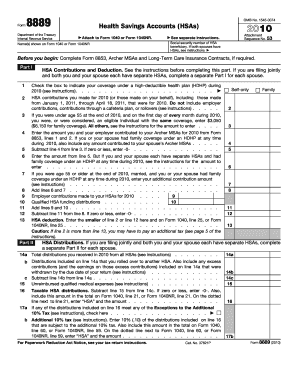
8889 form 2010
The document is Form 8889, used for reporting Health Savings Accounts (HSAs) contributions and distributions for the tax ...
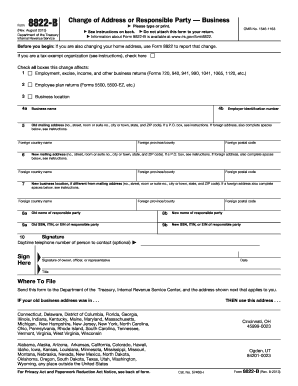
2012 form 8822
Form 8822-B is used by businesses to notify the IRS of changes to their mailing address, business location, or responsib ...
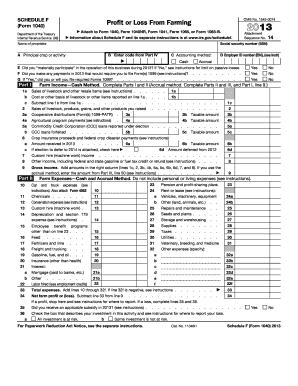
2014 form f
Schedule F (Form 1040) is a tax form used by farmers to report profit or loss from farming activities for the year 2013. ...
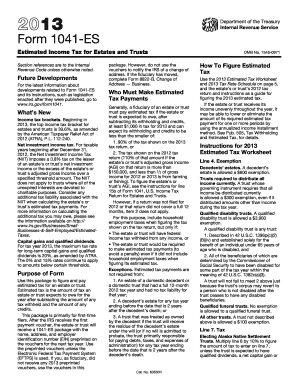
2013 Form 1041-ES - Internal Revenue Service
The document consists of multiple U.S. Income Tax Return forms (Form 1041) for the estate of Basilio Lopez Martin, cover ...