
Bookkeeping Balance Sheet Templates
Get all the right tools when managing Bookkeeping Balance Sheet Templates and improve your productivity. Adjust and handle your balance sheets online with a free DocHub account.

Create a new Bookkeeping Balance Sheet Template
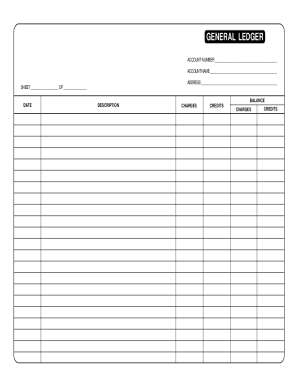
Ledger
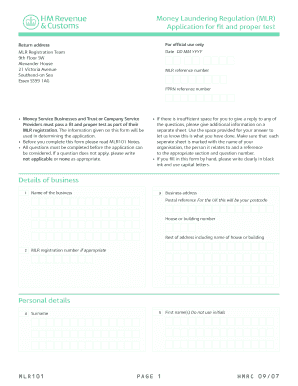
Mlr101

Ma statement short

Stock ledger
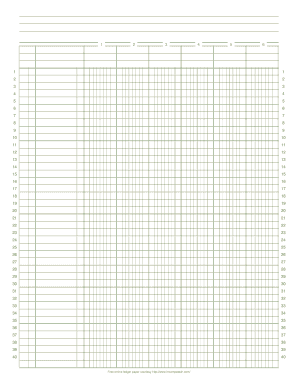
Online ledger

Profit and loss statement for self employed hairdresser
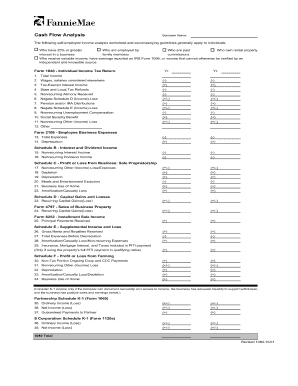
Form 1084
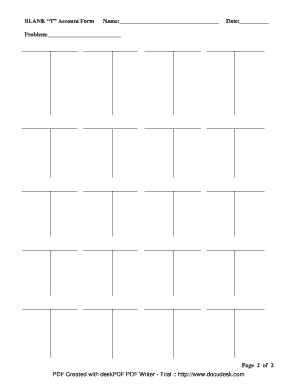
T account form
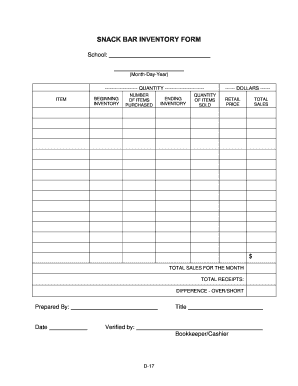
Concession stand inventory template

Check register printable
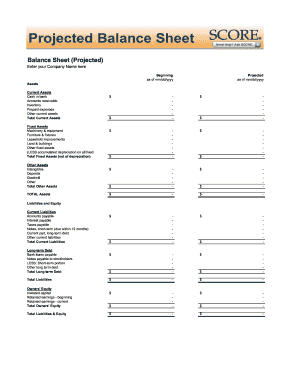
Balance sheet fill in the blank
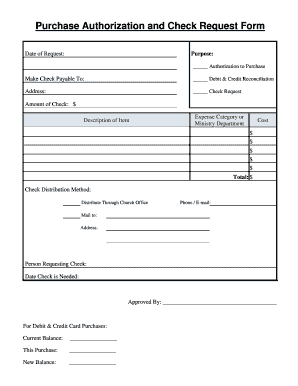
Church accounting forms
Sample answer to divorce complaint with counterclaim texas
Petty cash template
Physical form for adults
Cash voucher format in excel
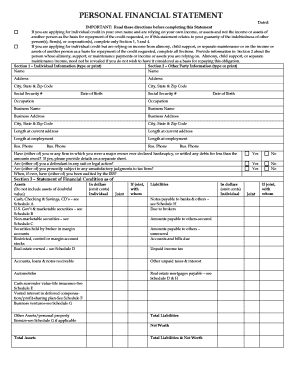
Personal financial statement form
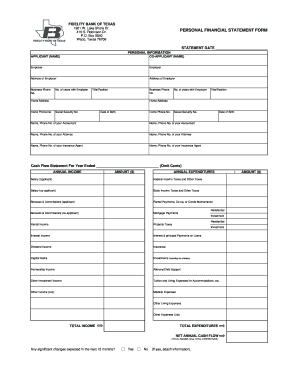
Personal financial statement form
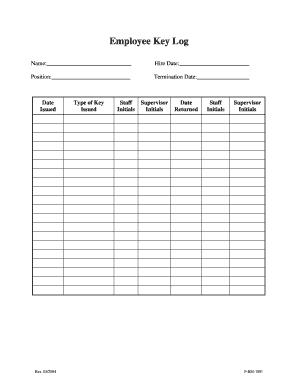
Key log
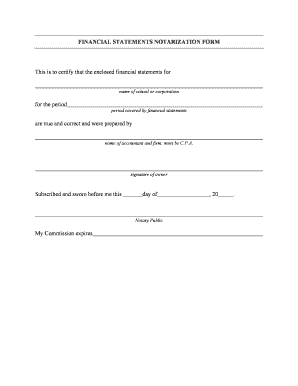
Notarized financial statement
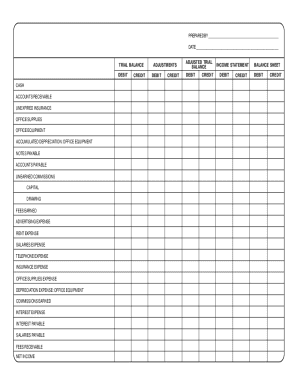
Debit credit form
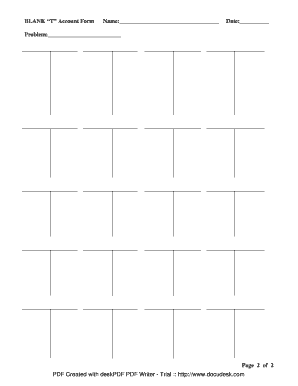
BLANK T Account Form
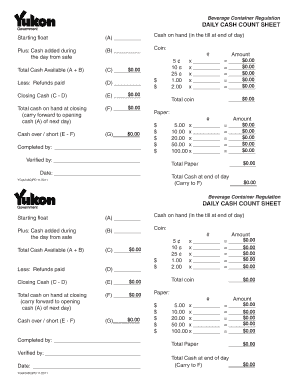
Cash count sheet template

Dma 5118
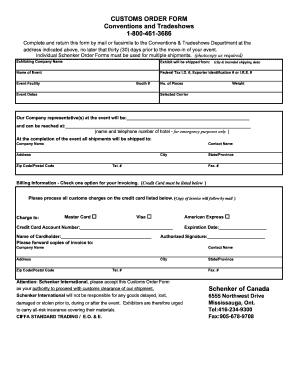
Canadian commercial invoice template
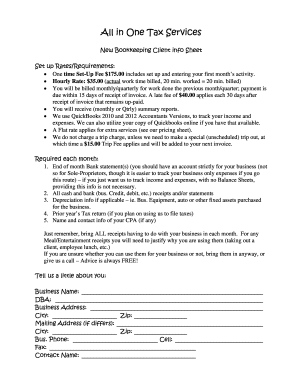
New Bookkeeping Client info Sheet

General ledger spreadsheet
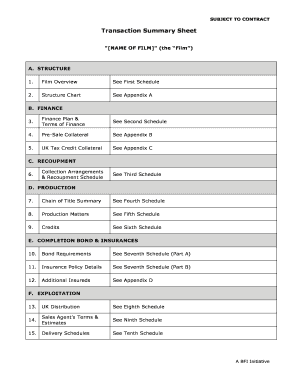
Transaction Summary Sheet

Snapedi form
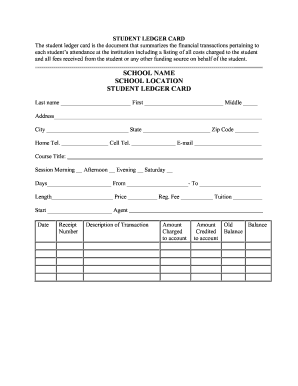
Student ledger template
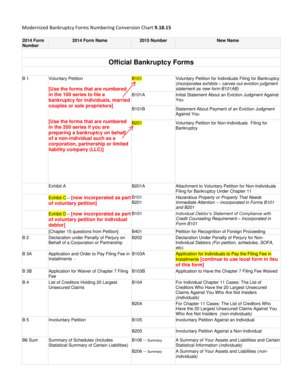
Official form 101
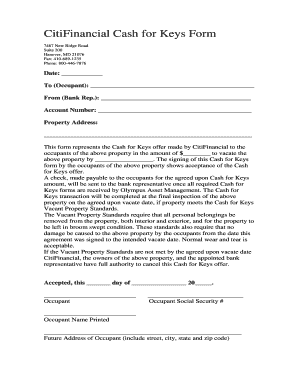
Cash for keys agreement form pdf
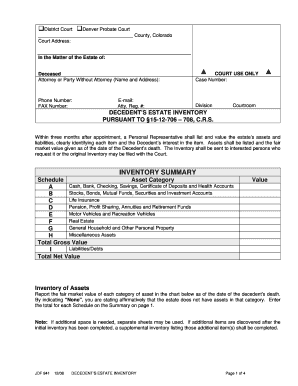
Probate accounting template excel

Application for a general explosives permit Individual
Enhance your productivity with Bookkeeping Balance Sheet Templates
Document administration consumes to half of your office hours. With DocHub, it is simple to reclaim your time and effort and improve your team's efficiency. Access Bookkeeping Balance Sheet Templates online library and investigate all document templates related to your daily workflows.
Easily use Bookkeeping Balance Sheet Templates:
- Open Bookkeeping Balance Sheet Templates and employ Preview to get the appropriate form.
- Click Get Form to start working on it.
- Wait for your form to open in our online editor and begin editing it.
- Add new fillable fields, icons, and pictures, change pages, etc.
- Complete your form or set it for other contributors.
- Download or share the form by link, email attachment, or invite.
Speed up your daily document administration with the Bookkeeping Balance Sheet Templates. Get your free DocHub profile right now to discover all templates.
Video Guide on Bookkeeping Balance Sheet Templates management

Commonly Asked Questions about Bookkeeping Balance Sheet Templates
Does QuickBooks create a balance sheet?
QuickBooks does the math for you and can rapidly turn out accurate balance sheets so you dont have to spend all that time crunching numbers.
How do I create a monthly balance sheet in QuickBooks?
Start with a Balance Sheet Standard report. On the Display tab, change the From and To dates to include the months you want to report on. Choose Month for the Display columns by field. Click OK to run the report.
Is there a balance sheet template in Excel?
The Balance Sheet Template for Excel is a pre-designed spreadsheet that allows users to enter their companys financial information, including assets, liabilities, and equity. This template is useful for businesses of all sizes, as it can be customized to fit each companys specific needs.
Does QuickBooks have a balance sheet template?
The QuickBooks Online balance sheet template makes it easy The difference between assets and liabilities is displayed at the bottom as the equity or net worth of the business. Simply choose Reports Balance Sheet in QuickBooks Online and the pre-installed template is populated with your data in seconds.
How do I customize my balance sheet in QuickBooks desktop?
Go to the Reports menu, then select Company Financial Profit Loss Standard. Select Customize Report. Go to the Display tab: Set the From and To date fields to the years you want to display on the report.
What is the format of balance sheet in bookkeeping?
The balance sheet follows the fundamental accounting equation: assets equal liabilities plus equity. This equation ensures that the Statement of Financial Position remains in balance. If one element changes, it must be accompanied by an equal change in another element to maintain the equation.
What is a bookkeepers balance sheet?
A balance sheet is a document that captures your companys financial position at a fixed point in time, such as the end of a calendar year. It presents your business assets, liabilities, and equity, arranged ing to the accounting formula: Assets = Liabilities + Owners (or Stockholders) Equity.
Does QuickBooks have a balance sheet by class?
Learn what transactions create unclassified, unbalanced, or other incorrect amounts on Balance Sheet by Class report in QuickBooks Desktop. Balance Sheet by Class lets you see your balance sheet by fund, location, or other classes that you set up.
Related Templates
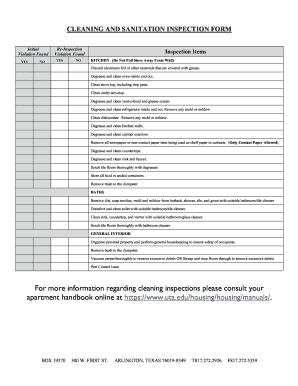
School cleaning checklist pdf
The document is a Cleaning and Sanitation Inspection Form outlining the required cleaning tasks for kitchens, bathrooms, ...
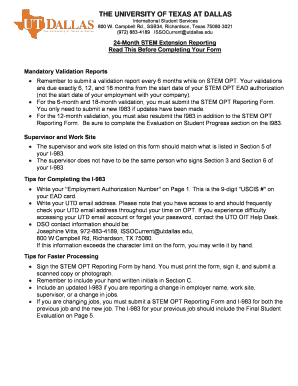
Opt reporting stem form
The document provides guidelines for international students at The University of Texas at Dallas regarding the 24-month ...
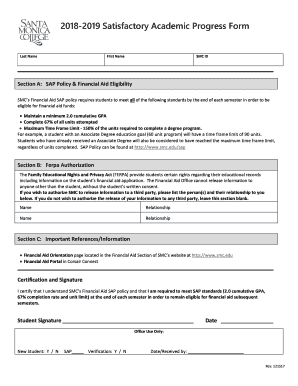
Academic progress form
The document is the 2018-2019 Satisfactory Academic Progress (SAP) Form for students at SMC, outlining the requirements ...
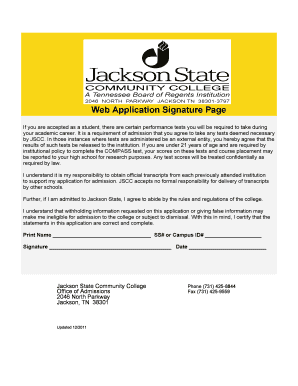
Jscc web
The document is a signature page for prospective students of Jackson State Community College (JSCC), outlining the requi ...
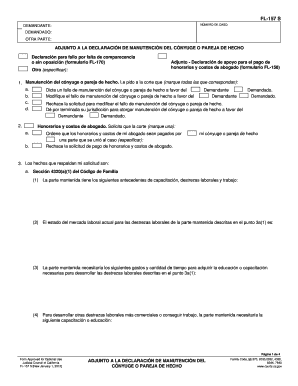
Fl157 s
The document FL-157 S is a legal form used in California for requesting spousal or domestic partner support. It outlines ...
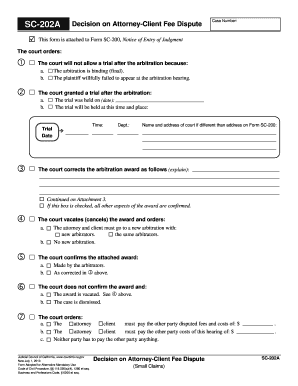
Attorney fee dispute small claims
The document is a court form (SC-202A) related to the decision on an attorney-client fee dispute. It outlines the court' ...

CIV-663 Information for Parties re SCRA Appointmnet (8 11)
This document provides information for parties seeking a default judgment in a lawsuit against an opposing party who is ...

Alaska cn360 fill
The document is a legal request submitted to the Superior Court of Alaska regarding the review of a termination order re ...