
Get any PDF form from the DocHub library of ready-made templates - Page 311

Claimant Authorized Representative (R-2) - Ohio BWC
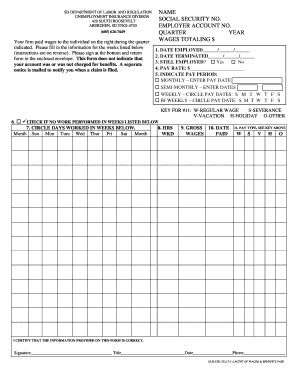
Form 222 - South Dakota Department of Labor and Regulation - dlr sd

SAMPLE - Active Employee Certificate of Agreement - TN
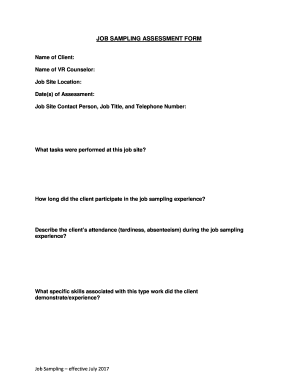
Title 32: Rehabilitation and Disabilities Part 22: Office of
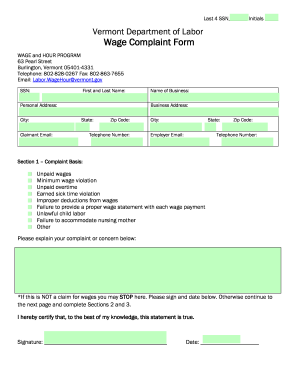
Online Wage Claim Form - Vermont Department of Labor

Retiree coverage election form (form A) 2020
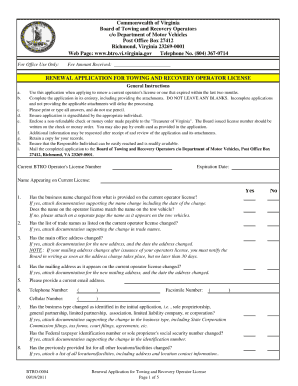
Btro

2019 SC 4057
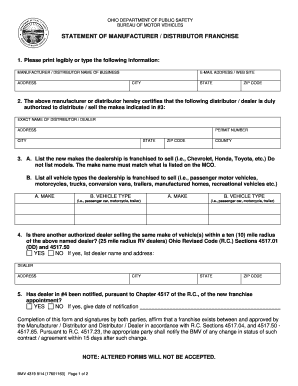
Statement of manufacturer distributor franchise - Ohio Department - publicsafety ohio
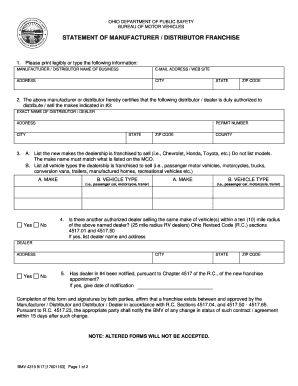
STATEMENT OF MANUFACTURER DISTRIBUTOR FRANCHISE
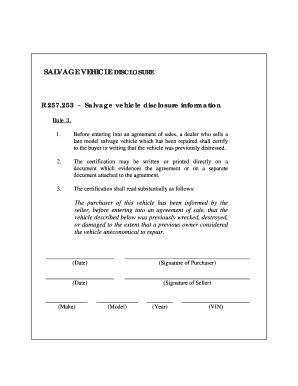
Salvage disclosure
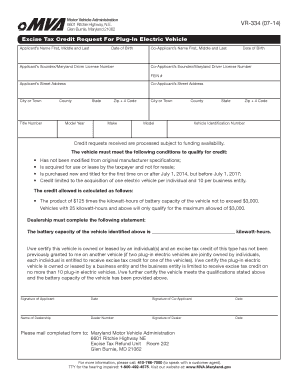
VR-334 (07-14) - mva maryland
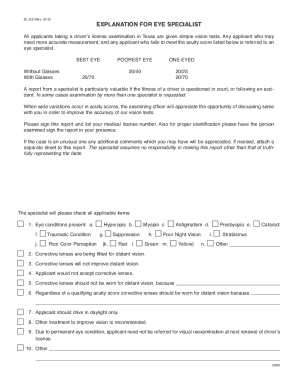
Texas Department of Public Safety 5805 N Lamar Blvd Austin
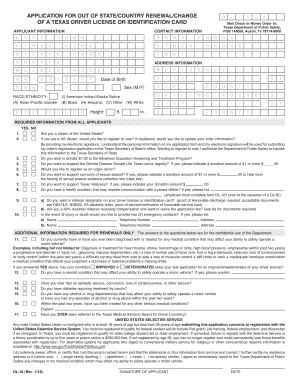
Out of State Packet - Texas Department of Public Safety - txdps state tx

Where is the certificate number on pre licensing course located

Pre licensing course certificate number
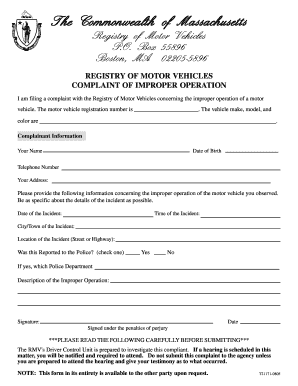
Complaint of Improper Operation form - cityofboston
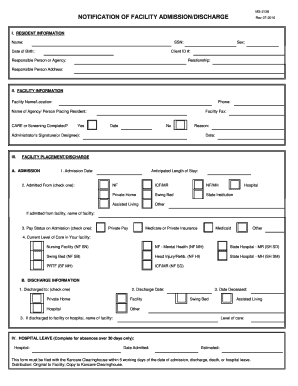
MS-2126 NOTIFICATION OF FACILITY ADMISSION DISCHARGE
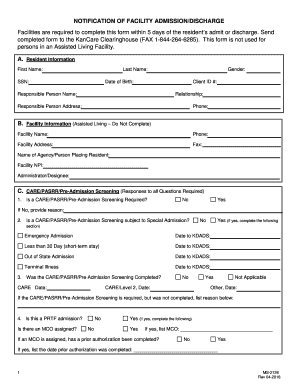
2126 form

Forms - IDPH - Illinois
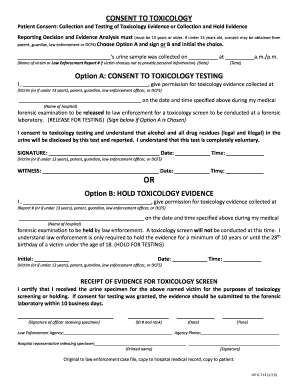
Consent to Toxicology Form

Ryan White Part B Client Services Manual - Iowa Department

Licensing and Certification - IDPHProtecting health

Application for licensure packet - Respiratory Care Board of California - rcb ca
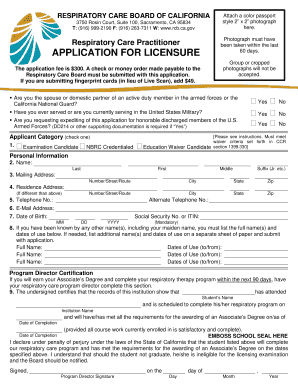
Application for Licensure Application for Licensure

I, , hereby authorize the Riverside County Office of
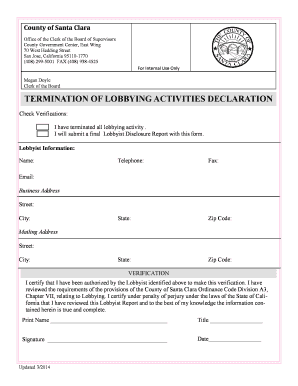
Clerk of the Board - the County of Santa Clara
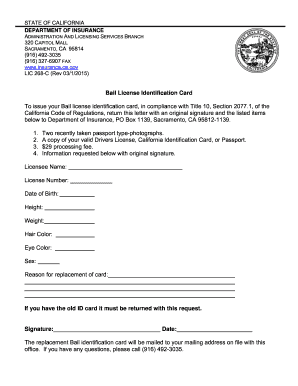
LIC 268-C - California Department of Insurance - State of California

1380 Howard St
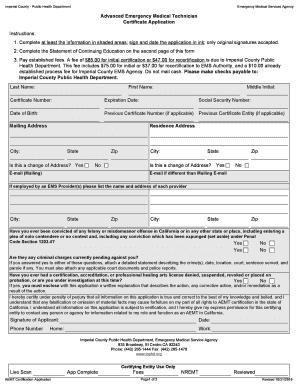
Complete at least the information in shaded areas; sign and date the application in ink; only origin
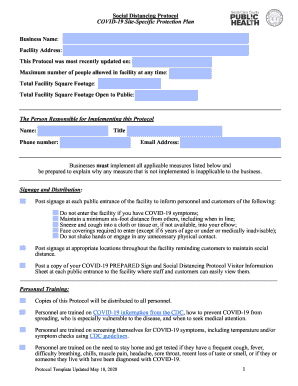
2020 CA Social Distancing Protocol - Santa Clara County
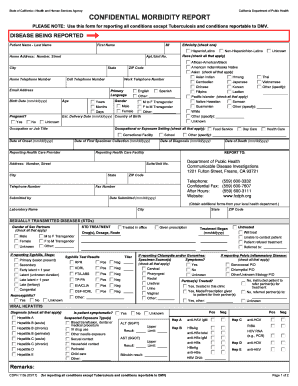
Communicable Disease Investigations
Officeemail:compliance
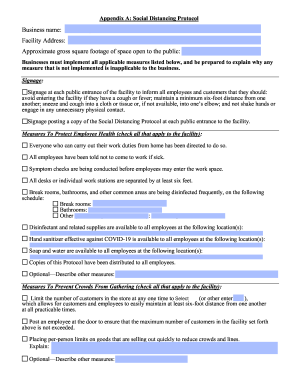
Business name: Facility Address: Approximate gross square
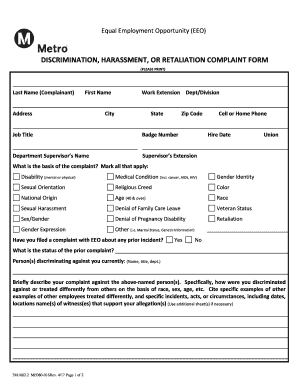
DISCRIMINATION, HARASSMENT, OR RETALIATION COMPLAINT FORM
Oregon Vaccines for Children:
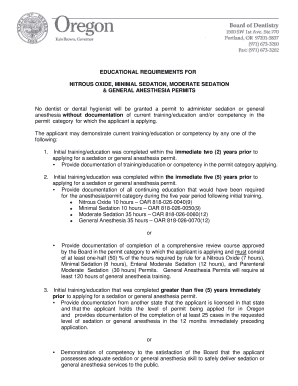
NITROUS OXIDE, MINIMAL SEDATION, MODERATE SEDATION

Moderate Sedation Permit Application - State of Oregon

Fill Online, Printable, Fillable, Blank - Get the free nc
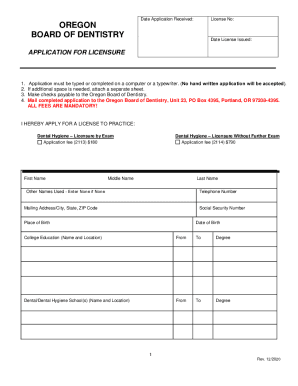
Initial Dental Hygienist Licensure Application - Ohio State

Toll free 888-320-7377 fax 503-598-0561 - oregon
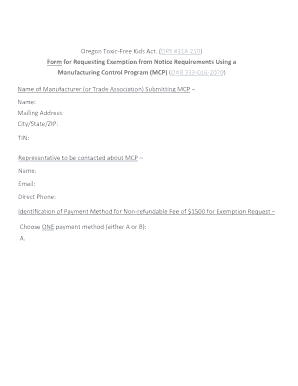
Portland's Healthy Connected Neighborhood Strategy: Making
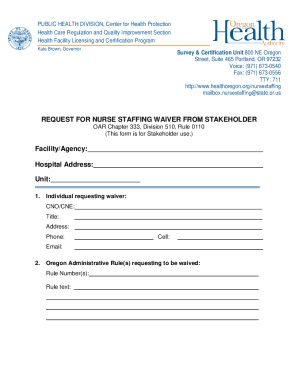
Nurse Staffing Waiver Request Form - State of Oregon
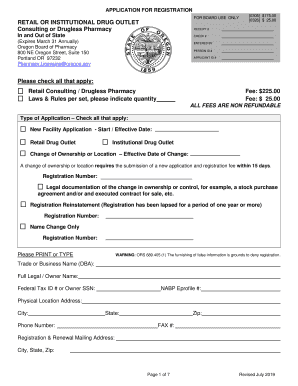
(Expires March 31 Annually)

DENTURIST TEMPORARY LICENSE APPLICATION

A checklist format has been
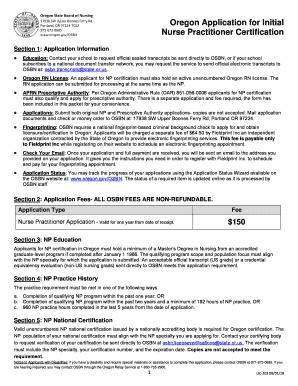
Oregon State Board of Nursing RN LPN Licensure Information
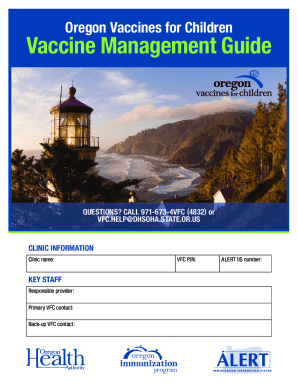
Oregon's Vaccines for Children Program (VFC) - State of Oregon
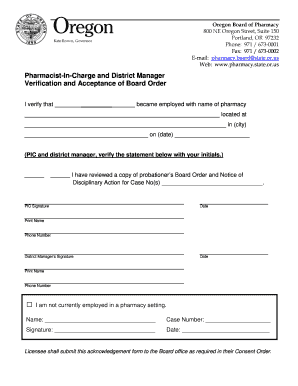
Pharmacist-In-Charge and District Manager Verification and

Fillable Online ncleg KYSA Player Reg Forms 2012LDST

Application for employment - Regional Emergency Dispatch

New Mexico Advance Directive Form Download the New Mexico Advance Directive Form as a printable PDF
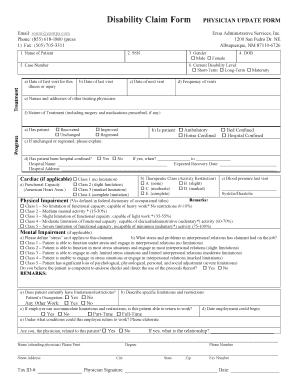
PHYSICIAN UPDATE FORM
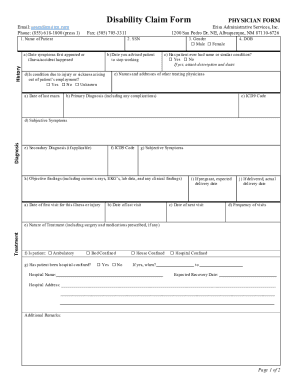
Disability premiums are paid 100% by the employee on a post-tax basis
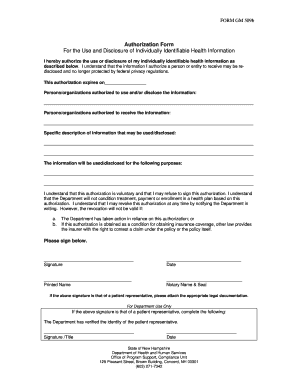
Form gm 509b nh
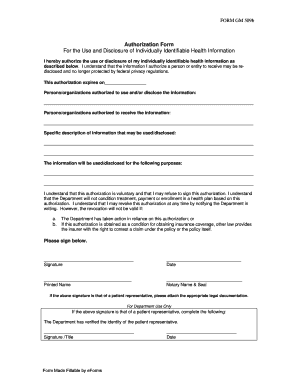
Form Gm 509b - Fill Online, Printable, Fillable, BlankDocHub
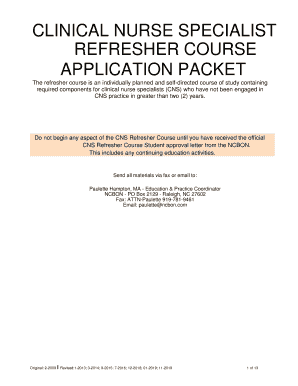
CNS Ref Course App 11182019
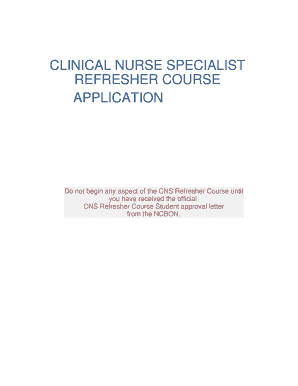
The refresher course is an individually planned and self-directed course of
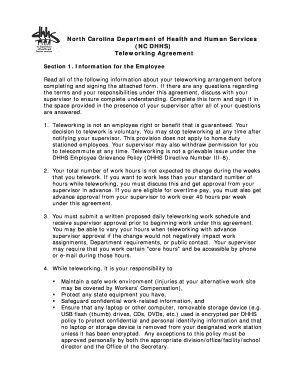
Nc dhhs telework form
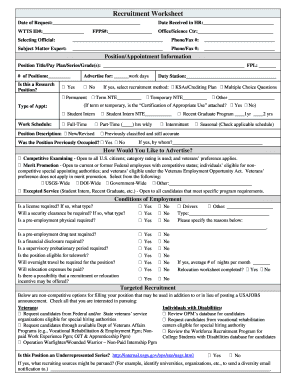
Recruitment Worksheet - USGS - usgs

Vva ez

Hmda form
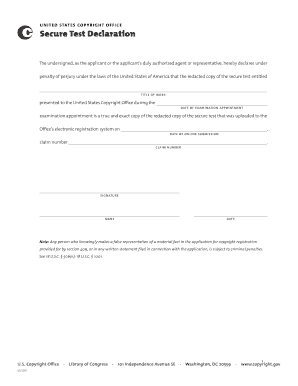
U N I T E D STAT E S CO P Y R I G H T O F F I C E
Pub taxation self employment form

VVA Member EZ Renewal Form - vva

Calling the Shots: Immunization Finance Policies and Practices
Tlcharger gpo admin fees accounting for gpo fees, The Value of
SF-1 Printing and Binding Requisition Instructions - GPO
VVA Member EZ Renewal Form - Vietnam Veterans of America - vva

Aphis number 7001a form
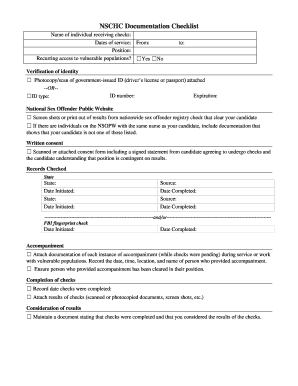
NSCHC - Documentation Checklist (PDF) - nationalservice
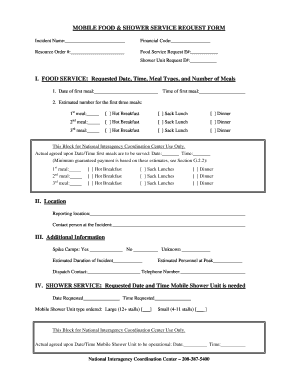
Mobile Food and Shower Service Request Form - National Interagency - nifc
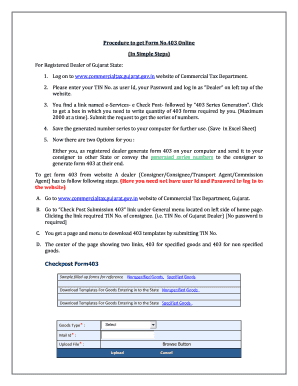
Form 403

Bd passport psd file download

Pakistan form declaration
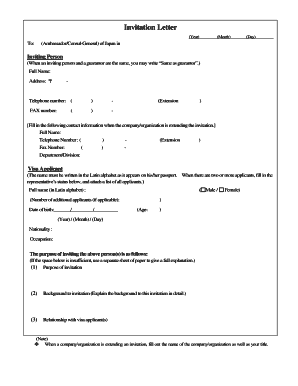
Letter of invitation to usa

And 2011-2012 - Wichita State University
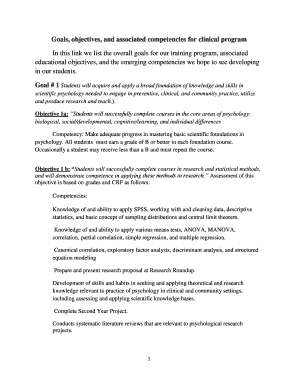
Goals, objectives, and associated competencies for clinical program
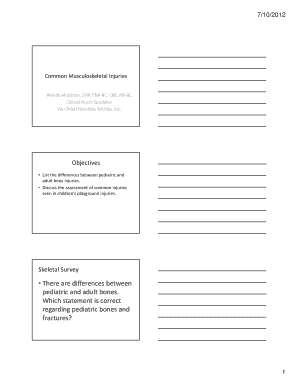
Fractures
Plaque behavior characteristics and regrowth of plaque in diseased arteries tissue during post-cryop
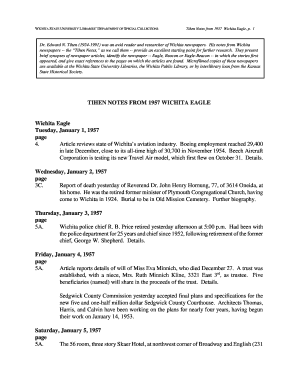
Microfilmed copies of these newspapers
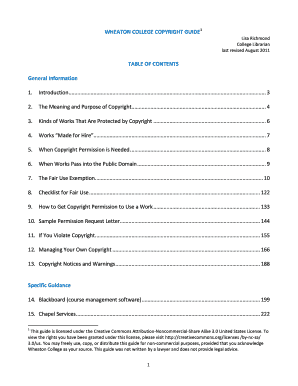
Wheaton College Copyright Guide - wheaton
Electric transmission line routing using a decision landscape based methodology Electrical Engineeri

New Employee Guide PC Health FSA Claim Form
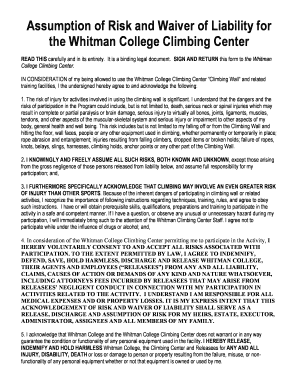
Assumption of Risk and Waiver of Liability for the Whitman College - whitman
CAPACITY OF A MODULO-SUM SIMPLE RELAY NETWORK Electrical and Computer Engineering Masters December 2
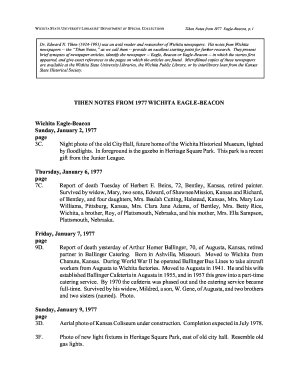
Appeared, and give exact references to the pages on which the articles are found

SOP 50 10 5 (E) (current version)
Tom stoppard: a playwright on the fence - Wichita State University - soar wichita
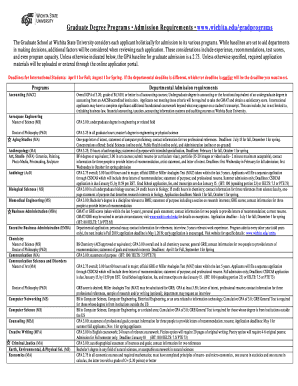
Graduate Degree Programs Admission Requirements www
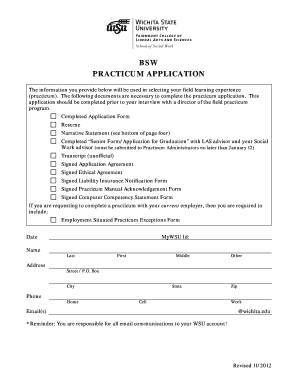
BSW PRACTICUM APPLICATION - Wichita State University
AN EMPIRICAL TOOL LIFE EQUATION FOR DIAMOND INTERLOCKED TOOL BASED ON DELAMINATION Industrial and Ma
Division Landscape
By Susan E Dickerson Accepted In Partial Completion - Western
CS 736 DATA COMMUNICATIONS NETWORK
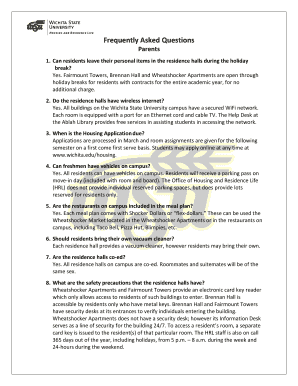
Can residents leave their personal items in the residence halls during the holiday
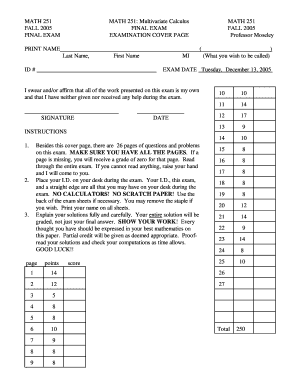
Past Common and Final ExamsDepartment of Mathematical
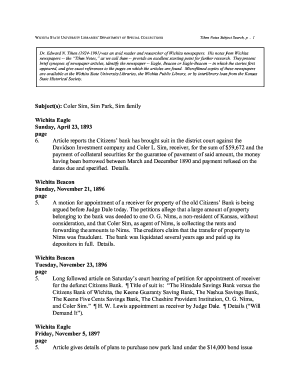
Tihen Notes Subject Search, p
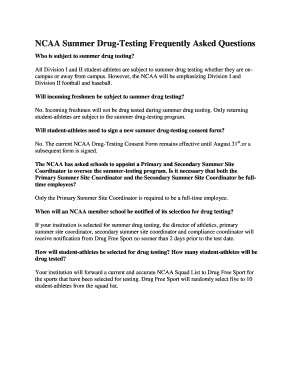
NCAA Summer Drug-Testing Frequently Asked Questions
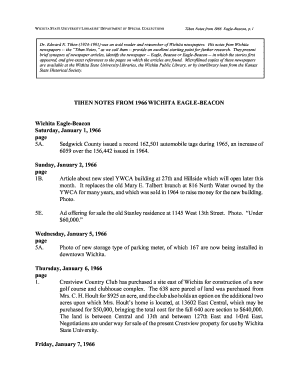
Are available at the Wichita State University Libraries, the Wichita Public Library, or by interlibr
Benefit from the DocHub online library of fillable PDF forms
Searching the PDF forms doesn't have to be a tedious and time-consuming process. With the DocHub online library, it has become easier to find the fillable PDF forms and modify them in your browser. The service allows you to adjust the document to your needs using powerful editing tools.
You can use online document editing features to modify almost any type of document with ease. You just need to find the template of your choice, open it in the editor, and use the toolbar to make the necessary corrections.
Follow this guide to get your document done with DocHub:
- Find the PDF template you need.
- Click the Get Form button to open the file in the editor.
- Use the toolbar to fill out and edit the document.
- Easily add and highlight text, insert images, checkmarks, and symbols.
- Drop new fillable fields, and rearrange or delete pages from your file.
- Save changes and download your record.
DocHub empowers everyone to streamline document editing, signing, and distribution, and form completion. Create an account and benefit from our well-organized PDF Forms library and comprehensive editor.